Google Cloud AI Platform no longer exists under that name. It became Vertex AI in 2021, and in 2026 Vertex AI’s services moved under a new umbrella called the Gemini Enterprise Agent Platform. If you are looking for AI Platform, that is where it went.
You can watch the rename happen in Google’s own redirects. The old documentation URL cloud.google.com/ai-platform/docs/technical-overview now lands on docs.cloud.google.com/gemini-enterprise-agent-platform/machine-learning, and cloud.google.com/developers/vertex-ai lands on the Agent Platform product page. Google’s Vertex AI documentation carries the banner “Vertex AI’s services are now part of Gemini Enterprise Agent Platform” and states that the Vertex AI documentation is no longer being updated.
This matters because almost nothing was switched off. Model building, tuning, Workbench and the rest were rebranded, not retired, while a specific list of older features does have real shutdown dates. This page separates the two.
Below: the naming timeline and what to use today, what the platform actually does, the features and limits that are real, the dated deprecations that will break code, and how pricing works.
What is Google Cloud AI Platform?
Google Cloud AI Platform was Google’s managed service for training, deploying, and serving machine learning models. It grew out of Cloud ML Engine and gave teams managed training jobs and hosted prediction endpoints on Google’s infrastructure, so they did not have to run their own GPU clusters or serving stack.
Google announced Vertex AI at Google I/O on 18 May 2021, unifying the legacy AI Platform with its separate AutoML products under one API and one console. AI Platform stopped being the name you were meant to use from that point.
A correction worth making, because the claim is repeated widely: TensorFlow Serving is not a Google Cloud product or a pre-trained model API. It is an open source serving system for TensorFlow models that you can run anywhere. Google Cloud’s managed serving is a separate, paid endpoint service.
The naming timeline, and what to use now
Three names describe the same lineage. Documentation, tutorials and job adverts still use all three, which is the main reason this is confusing.
| Name | Period | What happened |
|---|---|---|
| Cloud ML Engine / AI Platform | to 2021 | Managed training and prediction. Folded into Vertex AI. |
| Vertex AI | 2021 to 2026 | Unified the legacy AI Platform with AutoML under one API. Announced 18 May 2021. |
| Gemini Enterprise Agent Platform | 2026 onward | Vertex AI’s services moved here. Google states the Vertex AI docs are no longer updated. |
The practical rule: if a tutorial tells you to enable the AI Platform API or install google-cloud-aiplatform and use vertexai.generative_models, it is describing a stage that has moved on. Check the Agent Platform documentation for the current equivalent before you follow it.
Deprecations with real dates
These are the changes that actually break things, taken from Google’s published deprecation notices. Everything else in the rename is cosmetic.
| Item | Deprecated | Shut down / unavailable |
|---|---|---|
Vertex AI SDK generative AI module (vertexai.generative_models and related) | 2026 | After 24 June 2026. Google directs users to the Google Gen AI SDK. |
| Vertex AI Extensions | 2026 | After 26 November 2026. |
| Vertex Explainable AI | 16 March 2026 | 16 March 2027. Google points to open source SHAP and LIME. |
| Feature Store (Legacy) and Optimized online serving | 17 February 2026 | 17 February 2027. Replaced by Feature Store V2, Bigtable online serving and Vector Search. |
| AutoML Text | 15 September 2024 | 15 June 2025. Replaced by Gemini prompts and tuning. |
| AutoML Video | 31 July 2024 | 31 July 2025. Replaced by video tuning for Gemini. |
| Workbench managed and user-managed notebooks | 16 January 2024 | Support ended 14 April 2025; deletion and conversion 30 March 2026. Use Workbench instances. |
If you maintain production code, the 24 June 2026 SDK date is the one to diary. Imports of the old generative modules stop working rather than degrading quietly.
Components of the Google Cloud AI Platform
- Training. Managed jobs that run your own machine learning code on Google hardware, including GPUs and TPUs, without you managing the cluster.
- Model registry. A versioned home for trained models so a deployment refers to a specific version rather than a file someone copied.
- Online and batch prediction. Hosted endpoints for low latency requests, and batch jobs for scoring large datasets on a schedule.
- Pipelines. Orchestration for the repeatable path from data to trained model to deployed endpoint, which is what separates a production system from a notebook.
- Feature store. Shared storage for engineered features so training and serving read the same definitions, avoiding training and serving skew.
- Workbench. Managed notebooks for development, now Agent Platform Workbench.
Google Cloud AI Platform Workflow
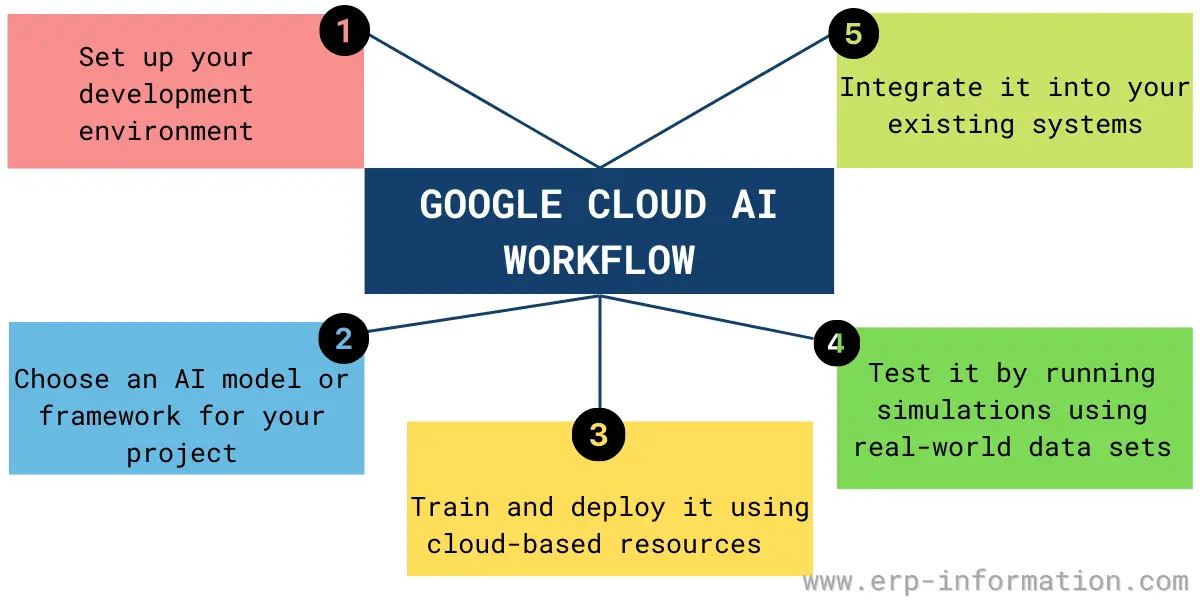
Set up your development environment
The first step in a Google Cloud AI workflow is to set up your development environment.
This typically involves installing and configuring the tools you need to create and manage your cloud-based projects, including the Google Cloud SDK and related tools like the Google Compute Engine Developer Tool.
Choose an AI model or framework for your project
Once you have set up your development environment, the next step is to choose an AI model or framework for your project.
In practice this now means TensorFlow, PyTorch, JAX, or scikit-learn for custom models, or starting from a Gemini or open-weights model and tuning it. Caffe2 is not a live choice: it was merged into PyTorch in 2018.
Train and deploy it using cloud-based resources
After choosing an AI model or framework, the next step is to train and deploy it using cloud-based resources like servers and storage.
Training data usually lands in Cloud Storage or BigQuery first. Distributed training is handled by the framework and the managed training service rather than by MapReduce, which is a batch processing model and not how models are trained here.
Test it by running experiments or simulations
Once the model is deployed, evaluate it against held-out data rather than the data it trained on, and compare it with whatever process it is replacing.
That can help you identify any issues with the model’s performance or accuracy and determine which parameters produce the best results for specific use cases or scenarios.
Integrate it into your existing systems
After testing and refining your AI model based on real-world data inputs, you will need to integrate it into your existing systems to leverage its predictive capabilities within your organization.
Depending on the needs of your business, this may involve building custom integrations with existing software platforms, developing APIs for external access, or even embedding the model directly into products or services used by customers or end users.
Google Cloud AI Platform Features
The capabilities that actually belong to this platform, as opposed to Google Cloud in general, are these:
- Managed training on CPUs, GPUs and TPUs, including distributed training
- Hosted online endpoints and batch prediction
- AutoML style training, where you supply labelled data and the service selects and tunes the model
- Access to foundation models, including the Gemini family, with tuning and grounding
- Pipelines, experiment tracking and a model registry for reproducibility
- A feature store shared between training and serving
- Vector Search for embedding based retrieval
- Pre-trained APIs for common tasks such as speech, translation, vision and natural language
Two items commonly listed as AI Platform features are not part of it. App Engine is a general application hosting product, and Chronicle is a security operations product. Neither is an AI Platform capability.
Price
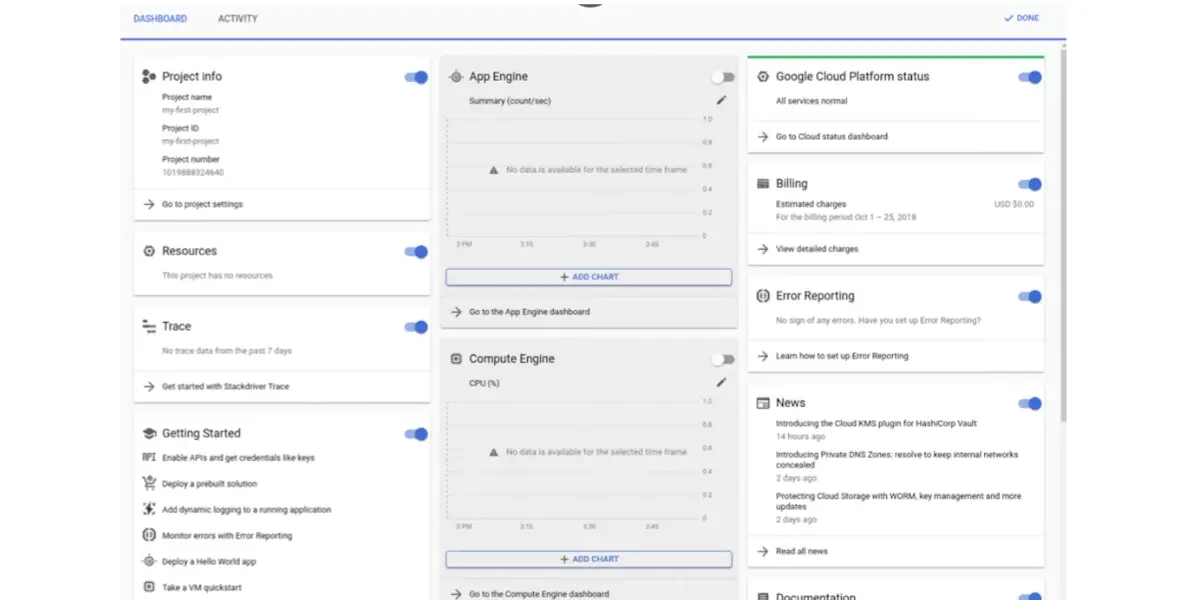
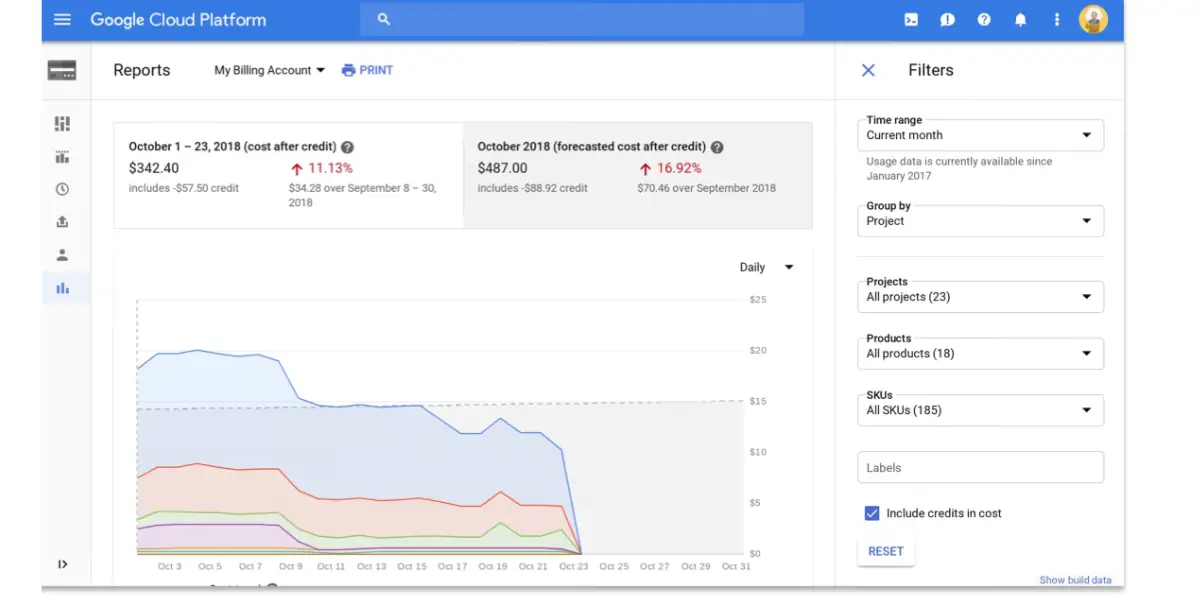
There is no single price for the platform, which is the main thing to understand before budgeting. You are billed per service: training by machine type and duration, online prediction by node hours for as long as an endpoint is up, foundation model use by tokens, and storage separately.
The cost that surprises teams is online prediction. A deployed endpoint bills while it exists, not only while it serves traffic, so an idle test endpoint left running is a recurring charge. Batch prediction avoids that when latency does not matter.
Google runs a free trial with credits and an always free tier for some products, but the amounts and validity periods change. Check Google’s current pricing and free tier pages for figures rather than trusting any third party number, including this one.
Other details
| Detail | What Google provides |
|---|---|
| Client libraries | Python, Java, Node.js, Go, and a REST API. Python is the practical default for training code. |
| Frameworks | TensorFlow, PyTorch, JAX, scikit-learn, XGBoost, plus custom containers for anything else. |
| Accelerators | CPUs, GPUs and Google’s own TPUs, subject to per-region quota. |
| Data sources | Cloud Storage and BigQuery are the usual inputs. |
The tools you will actually meet
One clarification first, because the ordering is often reported backwards: Vertex AI was not a tool inside AI Platform. Vertex AI replaced AI Platform and absorbed it, and Vertex AI in turn now sits under the Gemini Enterprise Agent Platform.
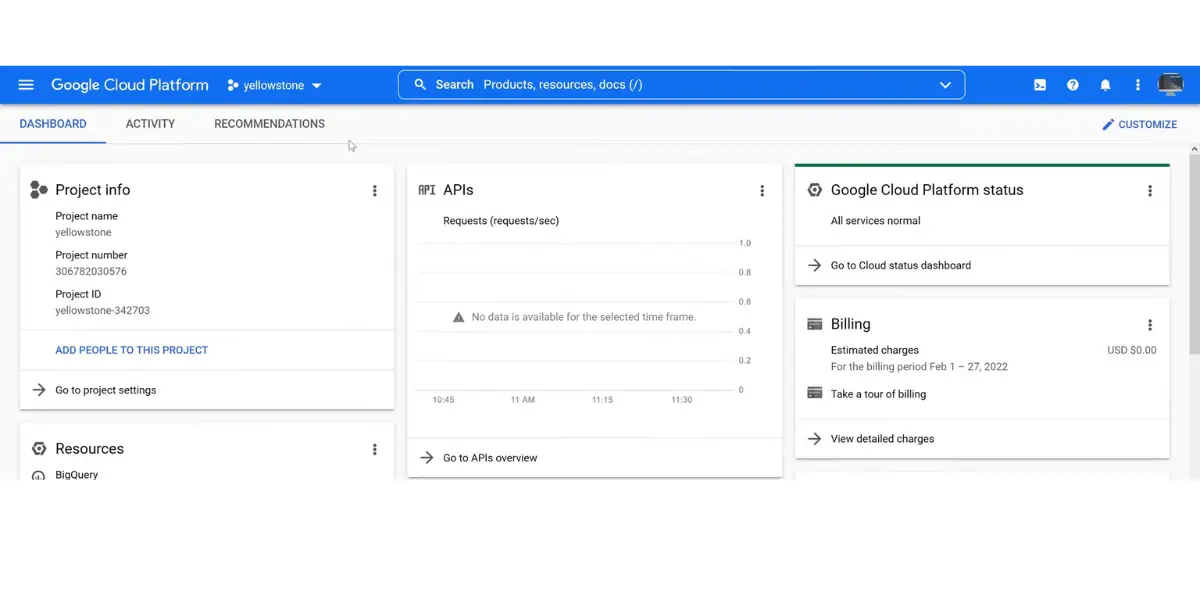
Vertex AI
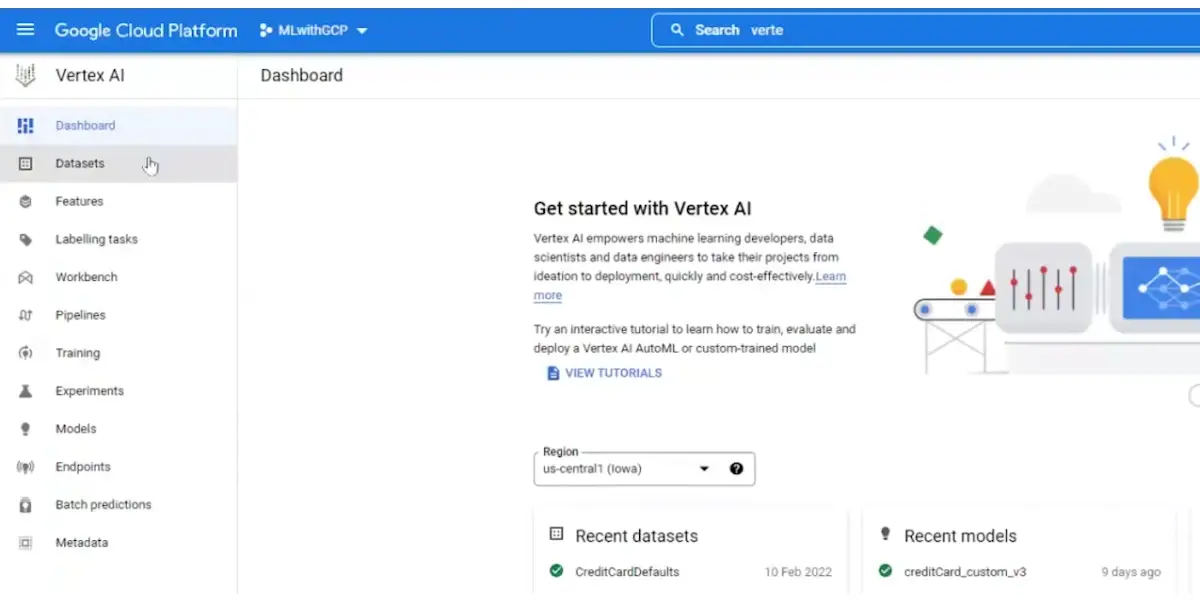
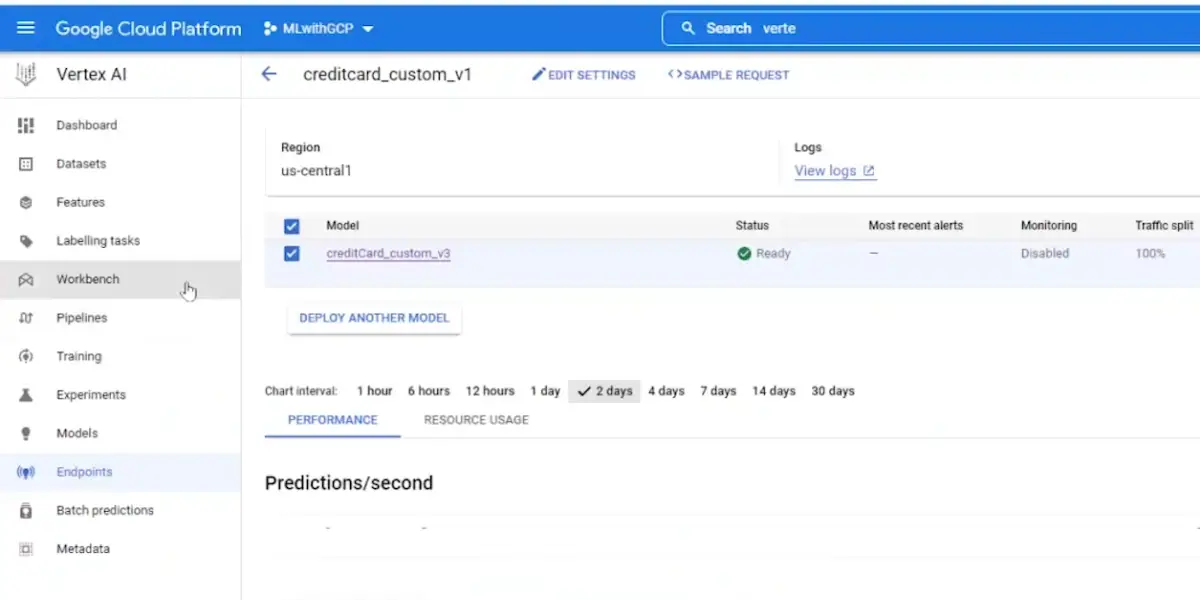
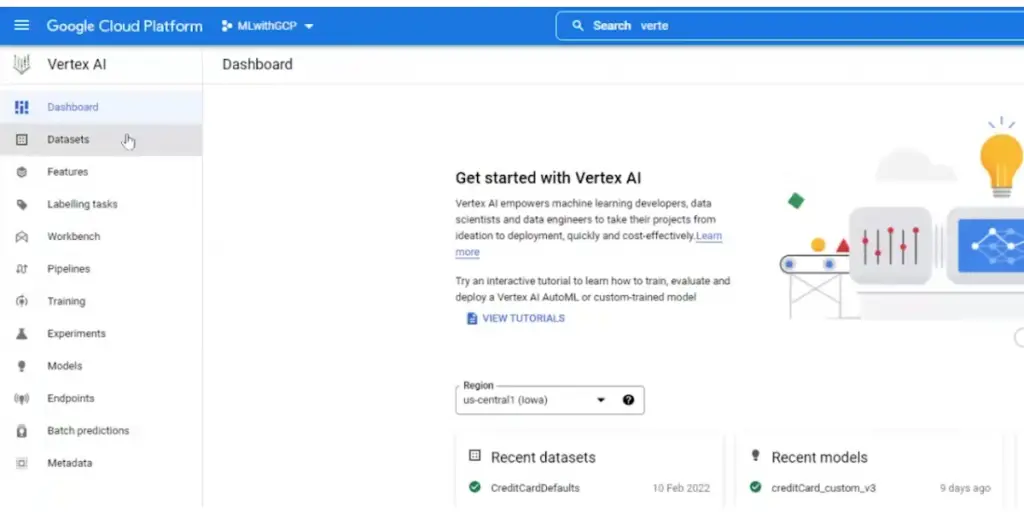
Vertex AI is the layer most current tutorials describe: one console and one API covering datasets, training, the model registry, endpoints and pipelines.
Its services now appear under the Agent Platform name, and Vertex AI Workbench is now Agent Platform Workbench. The underlying service is the same one.
Google Cloud Console
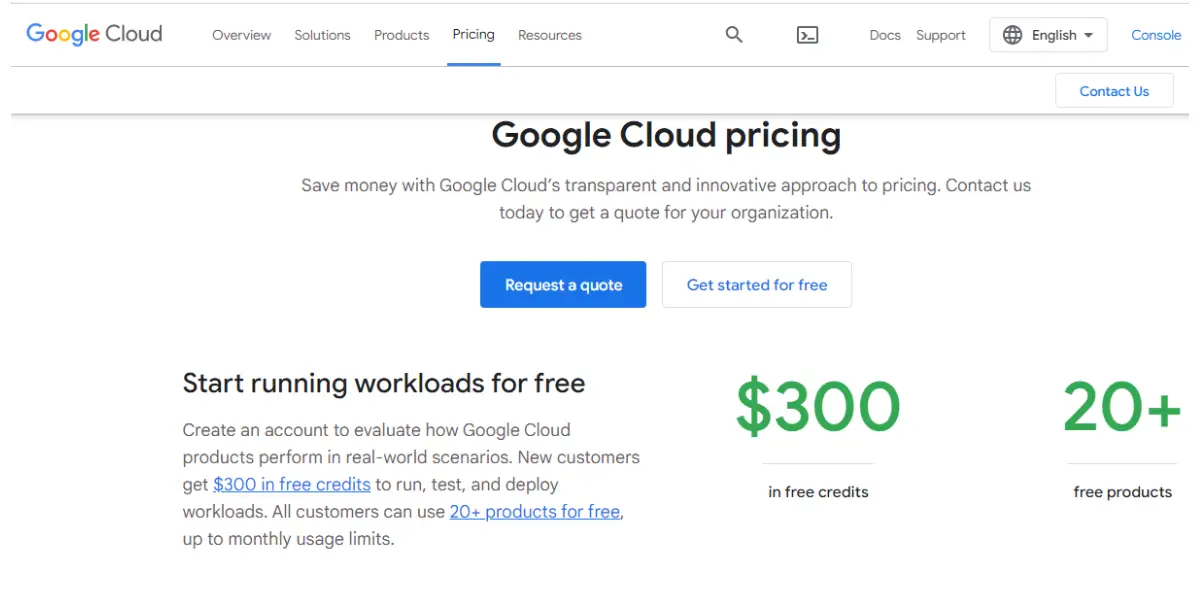
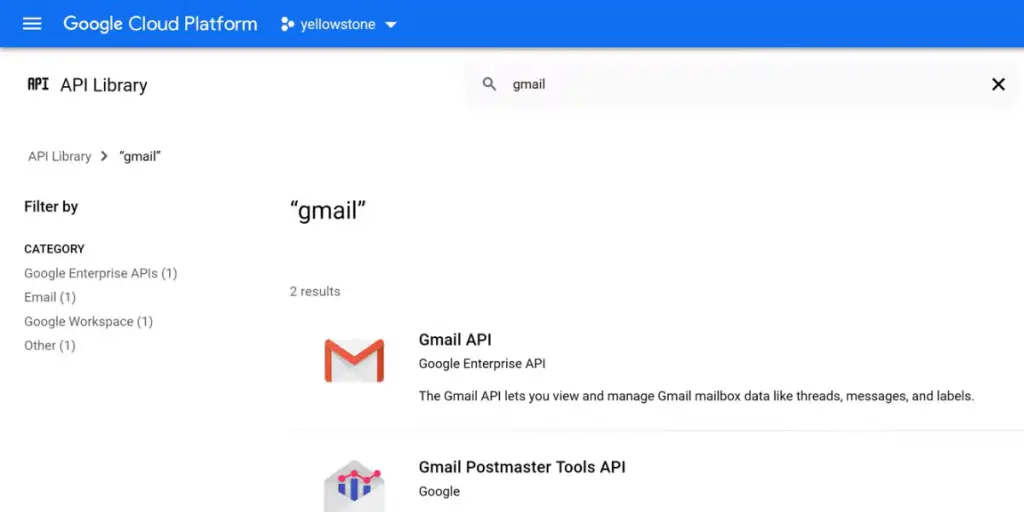
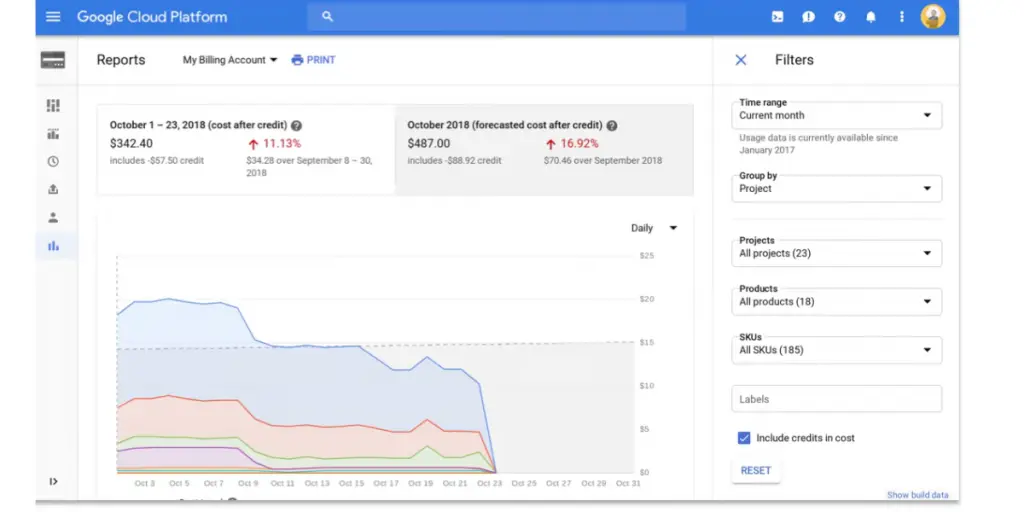
Google Cloud console is a comprehensive platform for managing, monitoring, and deploying AI models at scale. It provides built-in tools for data ingestion, analysis, machine learning, and deployment, so businesses can quickly build AI workflows tailored to their specific needs.
Google API Client Library
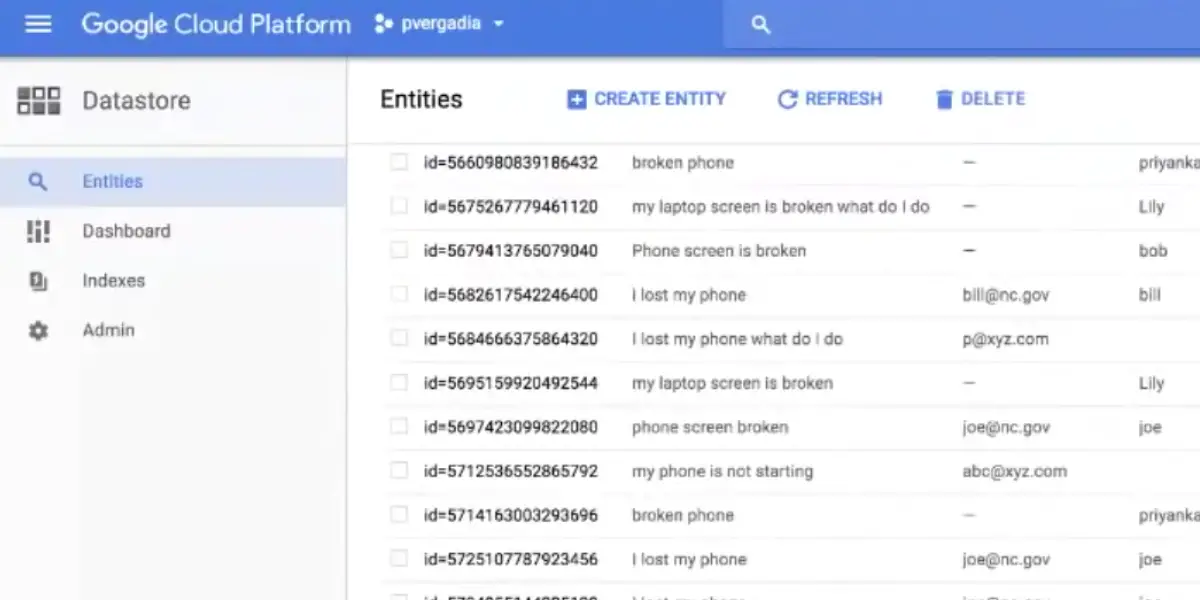
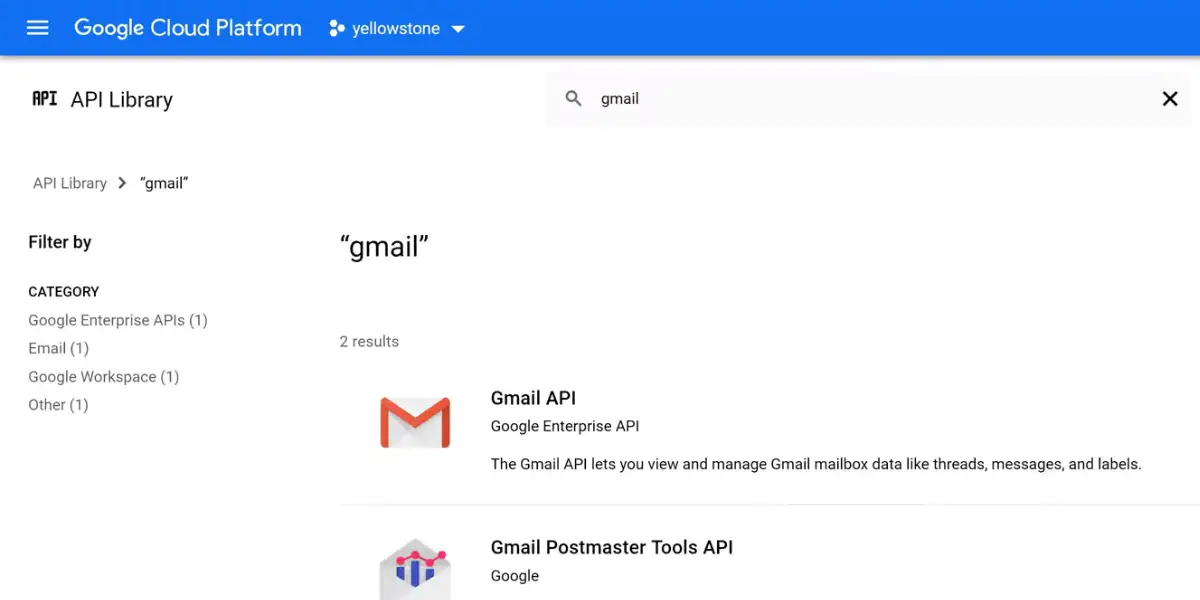
The Google API Client Library makes it easy to integrate third-party AI tools and services with the Google Cloud platform.
It provides convenient APIs for managing data, models, and prediction tasks, and it can be used to integrate cloud AI workflows with existing internal systems.
AutoML
One of the key benefits of Google’s cloud AI platform is its powerful autoML tools. These tools automate many of the complex tasks involved in building and training AI models, making it much easier for developers to create and deploy sophisticated AI systems.
Cloud Natural Language
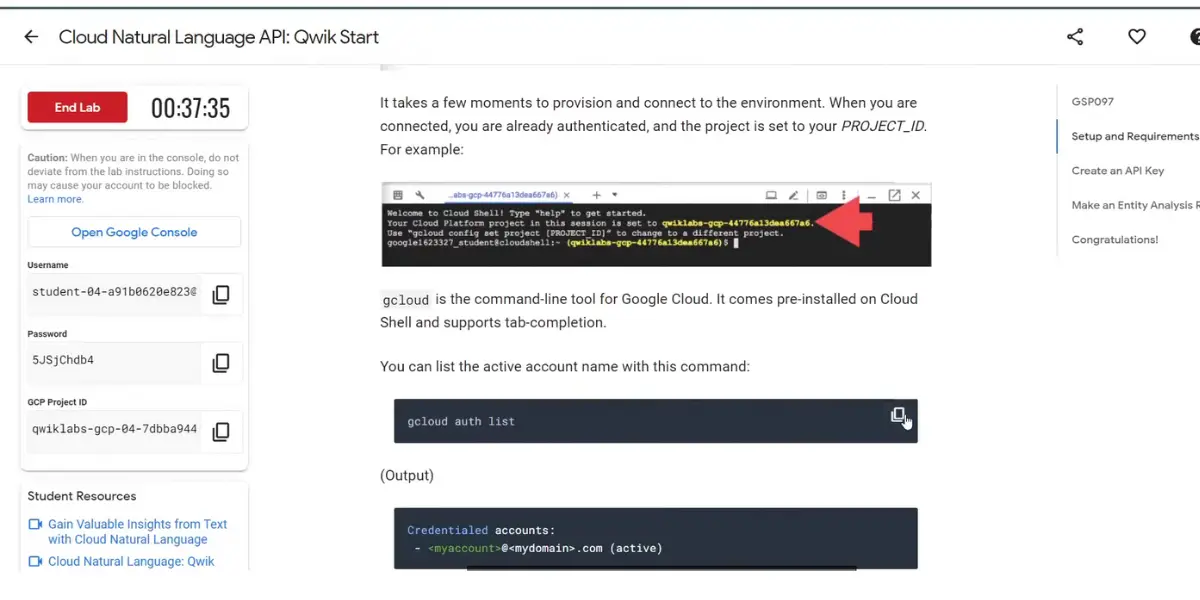
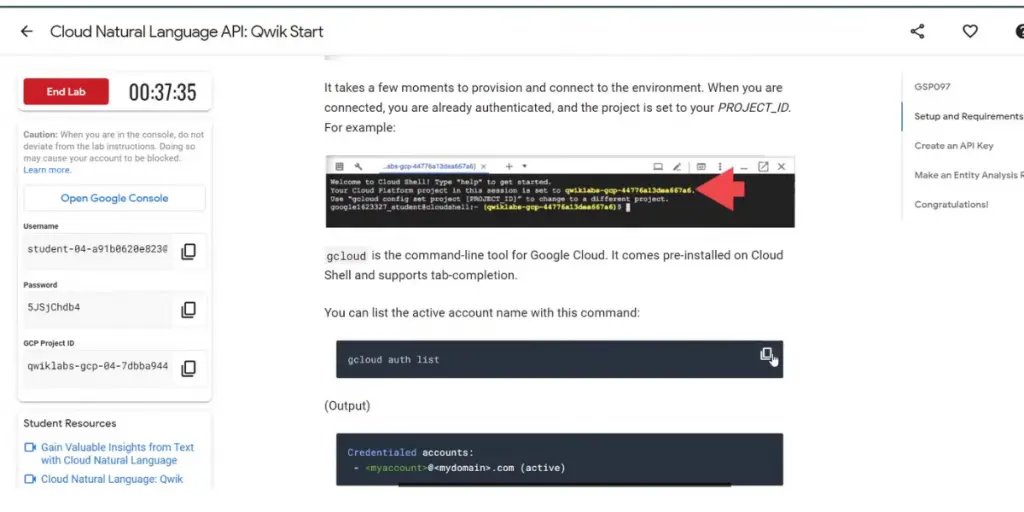
Cloud Natural Language is a powerful sentiment analysis tool that lets developers easily extract insights from text data.
With its sophisticated machine learning algorithms, this tool can automatically categorize and classify text data, helping developers gain valuable insights from their data.
Dialogflow
Dialogflow is a powerful development tool for creating chatbots and voice assistants.
With its intuitive interface and easy-to-use drag-and-drop functionality, Dialogflow makes it simple for developers to build sophisticated natural language processing systems and customize them according to their specific needs.
Deep Learning Containers
Many enterprises rely on Google’s deep learning containers to support their growing AI initiatives, which are powerful tools for deploying and managing AI models in production. With these containers, businesses can easily scale their AI systems up or down to meet changing demands.
TPUs
To further accelerate their AI initiatives, many businesses also choose to leverage Google’s TPUs, or tensor processing units. These powerful chips are designed specifically for deep learning and provide unmatched performance for AI applications.
With TPUs, businesses can deploy advanced AI models at scale.
Benefits
- Data analysis and exploration tools help businesses gain insights from their data faster and more effectively.
- That helps them make better business decisions.
- Comprehensive machine learning APIs allow businesses to easily integrate AI capabilities into their applications and workflows.
- Deep learning frameworks enable developers to build sophisticated models for tackling complex AI tasks.
- Powerful cloud infrastructure optimized for running AI workloads at scale.
- Whether looking for simple chatbot functionality or sophisticated algorithms for analyzing large datasets using machine learning techniques like deep neural networks, Google Cloud AI has all the tools you need to get started quickly and easily.
- Given its close integration with other popular Google products like Gmail or Docs and its extensive set of APIs and SDKs, building intelligent applications on top of the platform is fast and straightforward.
Drawbacks
- Naming churn. Three names in five years means tutorials, SDK samples and error messages disagree with each other, and a working example from 2023 may not run today.
- Deprecations land on real dates. The generative module of the Vertex AI SDK becomes unavailable after 24 June 2026, so this is maintenance you must schedule.
- Idle endpoints bill. Online prediction charges for a deployed endpoint whether or not it receives traffic.
- Gravity toward Google’s stack. Pipelines, feature store and registry are convenient, and they make moving to another cloud a rewrite rather than a redeploy.
- AutoML gives up control. When you use the automated path you do not choose the model family or the architecture; that is the trade for not tuning it yourself. It applies to AutoML specifically, not to custom training, where you control the model entirely.
- Quota friction. GPU and TPU capacity is quota limited by region, and requests for accelerator quota are not always granted immediately.
FAQ
Is Google Cloud AI Platform still available?
Not under that name. AI Platform was folded into Vertex AI, which Google announced on 18 May 2021, and in 2026 Vertex AI’s services moved under the Gemini Enterprise Agent Platform. The old AI Platform documentation URL now redirects to the Agent Platform documentation. The underlying service continues to run, so existing workloads were rebranded rather than switched off.
What replaced Vertex AI?
Gemini Enterprise Agent Platform. Google’s Vertex AI documentation states that Vertex AI’s services are now part of the Agent Platform and that the Vertex AI documentation is no longer being updated. Capabilities such as model building, tuning and Workbench moved across; Vertex AI Workbench is now Agent Platform Workbench.
Will the rename break my existing code?
The rename itself does not, but specific deprecations do. The generative AI module of the Vertex AI SDK is deprecated and unavailable after 24 June 2026, and Google directs users to the Google Gen AI SDK instead. Vertex AI Extensions shuts down after 26 November 2026. Code importing the older generative modules should be migrated before those dates.
Conclusion
If you arrived here looking for Google Cloud AI Platform, the short answer is that the product is still running but the name is two generations old. Look for Gemini Enterprise Agent Platform, and read anything written before 2026 with the timeline above in mind.
If you are choosing rather than migrating, the questions that decide it are whether you need custom training or are fine with tuning a foundation model, whether your prediction traffic justifies an always on endpoint or suits batch, and how much portability you are willing to trade for the managed pipeline and registry.
References
- Information about Google Cloud AI
- Gemini Enterprise Agent Platform (formerly Vertex AI), Google Cloud
- Vertex AI deprecations and shutdown dates, Google Cloud documentation
Using Google Search? Add erp-information.com as a preferred source.