
Capacity requirements planning (CRP) is the detailed check that confirms a factory has enough machine and labor hours to build what material requirements planning (MRP) has just scheduled. It takes the orders MRP generates, applies each part’s routing, and adds up the hours of work landing on every work center in each time period, then compares that load against the capacity actually available.
The point is to catch overloaded work centers before the orders hit the shop floor. CRP runs after MRP and works at a fine, hour-by-hour level of detail. That is what separates it from rough-cut capacity planning (RCCP), which runs earlier and only checks a few key resources at a rough level.
What is capacity requirements planning (CRP)?
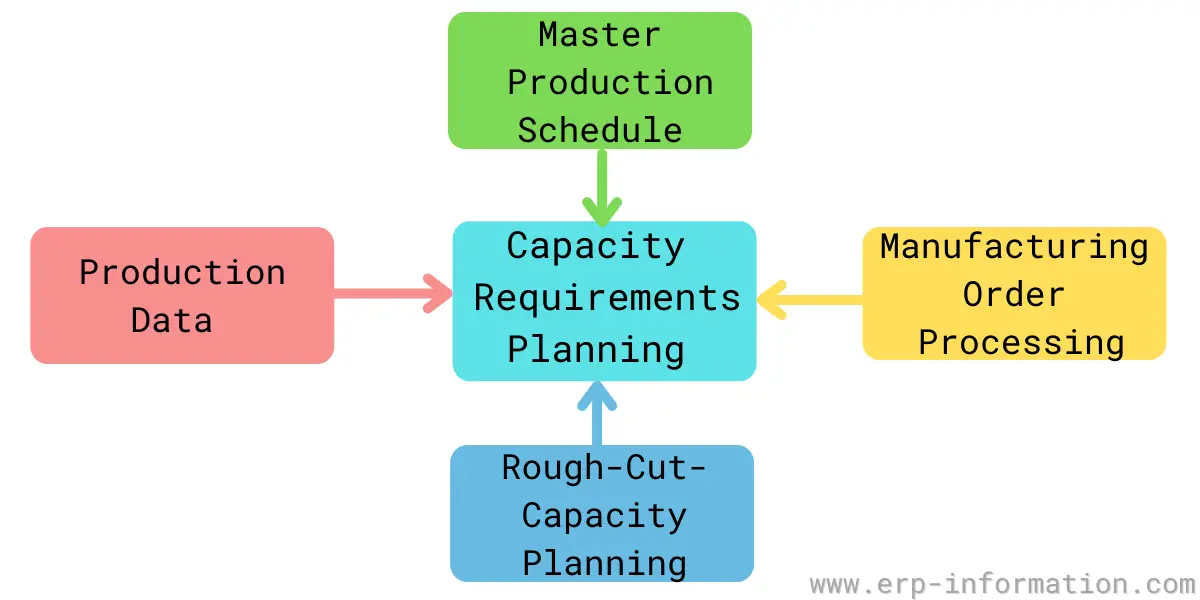
In the classic APICS definition, CRP is the function of determining, in detail, the labor and machine resources needed to carry out the plan of production. In plain terms, it answers a specific question for a specific horizon: for each work center, week by week, are the required hours less than the hours we can actually run?
CRP is a core part of manufacturing resource planning (MRP II). It does not decide what to build or when, MRP already did that. Its job is narrower and more useful: to turn that material plan into an honest picture of shop-floor load, so a schedule that looks fine on paper does not quietly ask one machine to run 60 hours in a 40-hour week.
How capacity requirements planning works
CRP is a calculation, not a meeting. It pulls together four inputs and combines them into one output, a load profile for every work center.
The four inputs CRP needs
- Planned and open orders. The planned order releases from MRP, plus the shop orders already released and running on the floor.
- Routings and standard times. For each part, the routing lists the sequence of operations, which work center performs each one, and the standard setup and run time per unit.
- Work-center capacity. The hours each work center can actually run in a period, usually the available time adjusted for utilization and efficiency (its rated capacity).
- Lead times. Used to offset each operation into the correct period, so machining load lands in an earlier week than the assembly it feeds.
The calculation, step by step
- Take every planned and open order and read its routing.
- For each operation, work out the hours it needs: setup time plus run time multiplied by the order quantity.
- Offset each operation by its lead time so the hours fall in the right week.
- Add up all the hours landing on each work center in each period. That total is the required capacity, or load.
- Compare the load against the work center’s available capacity. The result is the load profile, usually shown as a load percentage.
The output is a period-by-period load report for each work center. Anything over 100% is an overload that has to be resolved before the orders are released; anything well under 100% is idle capacity worth filling or trimming.
Capacity requirements planning example
Here is the calculation on real numbers. Take one work center, a milling cell, and look at the load MRP has placed on it for a single week. Two planned orders route through it:
| Order | Quantity | Setup time | Run time / unit | Hours required |
|---|---|---|---|---|
| Part X | 100 | 1.0 hr | 0.20 hr | 1.0 + (100 × 0.20) = 21.0 |
| Part Y | 50 | 0.5 hr | 0.40 hr | 0.5 + (50 × 0.40) = 20.5 |
Add the two together and the milling cell needs 41.5 hours that week. Now compare that with what it can run. One machine on a single 40-hour shift gives a nominal 40 hours, so:
Load = required capacity ÷ available capacity = 41.5 ÷ 40 = 104%
The cell is overloaded by 1.5 hours. CRP has surfaced the problem while it is still small and still fixable: the planner can authorize a little overtime, route one job to another machine, or pull Part Y forward or back a week. In practice the gap is often wider than it first looks, because available capacity is rarely the full 40 hours. Rated capacity trims it for utilization and efficiency, so 40 nominal hours might really be 34, which would push this cell past 120%.
CRP vs RCCP: detailed vs rough-cut capacity planning
CRP and rough-cut capacity planning (RCCP) are often confused because both compare required capacity against available capacity. The difference is where they sit and how much detail they use.
| RCCP | CRP | |
|---|---|---|
| Runs against | The master production schedule | The detailed MRP plan |
| When | Before MRP | After MRP |
| Resources checked | A few key or bottleneck work centers | Every work center |
| Detail | Rough, uses overall factors or a bill of labor | Fine, uses full routings and lead-time offsets |
| Purpose | Catch an obviously unrealistic schedule early | Confirm the detailed plan is executable |
They work as a pair. RCCP is the quick sanity check on the master schedule; CRP is the thorough check on the plan that MRP builds from it. A schedule that clears RCCP can still fail CRP once the real routings and quantities are applied, which is exactly why both steps exist.
Where CRP fits in the planning hierarchy
CRP is the last capacity check before work reaches the shop floor. Each layer above it plans in less detail over a longer horizon:
- Resource requirements planning (RRP) tests the long-range production plan against major resources like whole plants.
- Rough-cut capacity planning (RCCP) tests the master production schedule against a few key work centers.
- Capacity requirements planning (CRP) tests the detailed MRP plan against every work center. This is the layer covered here.
- Input/output control then monitors the actual flow of work through each work center once the orders are live.
What to do when a work center is overloaded
A CRP report that shows a work center over 100% is not a failure, it is the tool doing its job. The planner then levels the load using one or more of these moves:
- Add capacity for the period: authorize overtime, add a shift, or subcontract the overflow.
- Shift the load in time: pull orders earlier into a week with spare capacity, or push non-urgent ones later.
- Reroute the work: send some operations to an alternate work center that can do the same job.
- Change the plan upstream: if none of the above is enough, adjust the master schedule and let MRP and CRP run again.
An underloaded work center is worth attention too. Persistent idle capacity is a signal to pull work forward, consolidate onto fewer machines, or reconsider the resource altogether.
Capacity strategies: lead, lag, and match
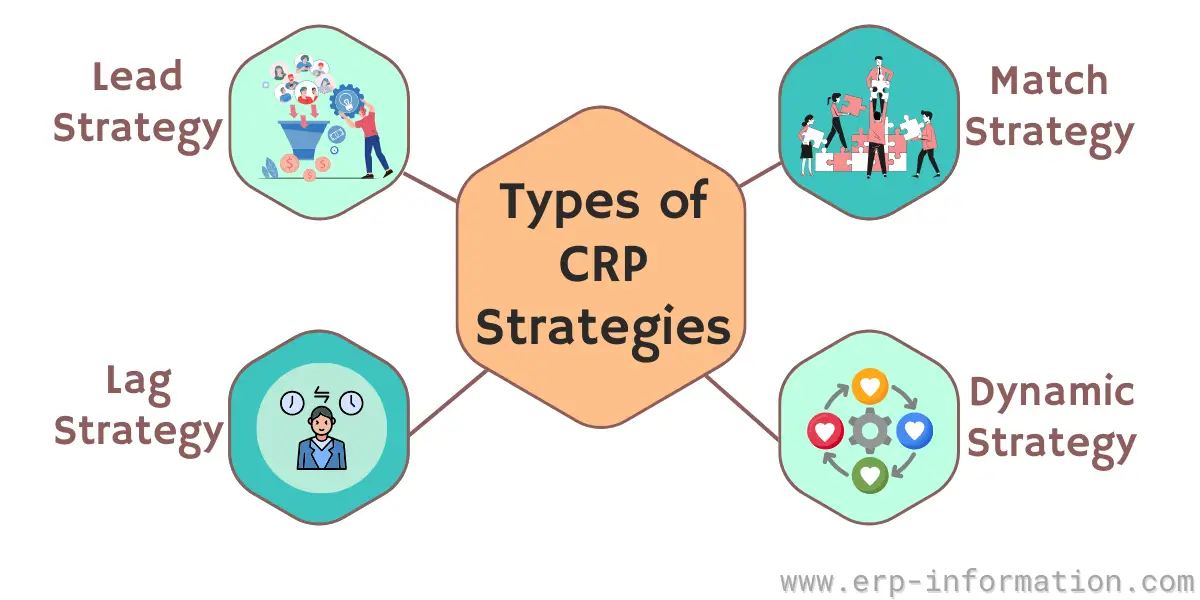
CRP tells you whether today’s plan fits today’s capacity. A separate, longer-term question is when to add capacity as demand grows. That is a matter of strategy, and there are three classic approaches. They are not types of CRP, they are the choices a business makes about timing capacity against demand.
- Lead strategy: add capacity ahead of expected demand. It protects service and wins market share, at the risk of paying for capacity that sits idle if the demand does not arrive.
- Lag strategy: add capacity only after demand has clearly outgrown what you have. It avoids idle investment but risks lost sales and stretched lead times while you catch up.
- Match strategy: add capacity in smaller increments as demand rises, sitting between the two. It is the most common because it balances the risk of overbuilding against the risk of falling behind.
Factors that affect capacity requirements planning
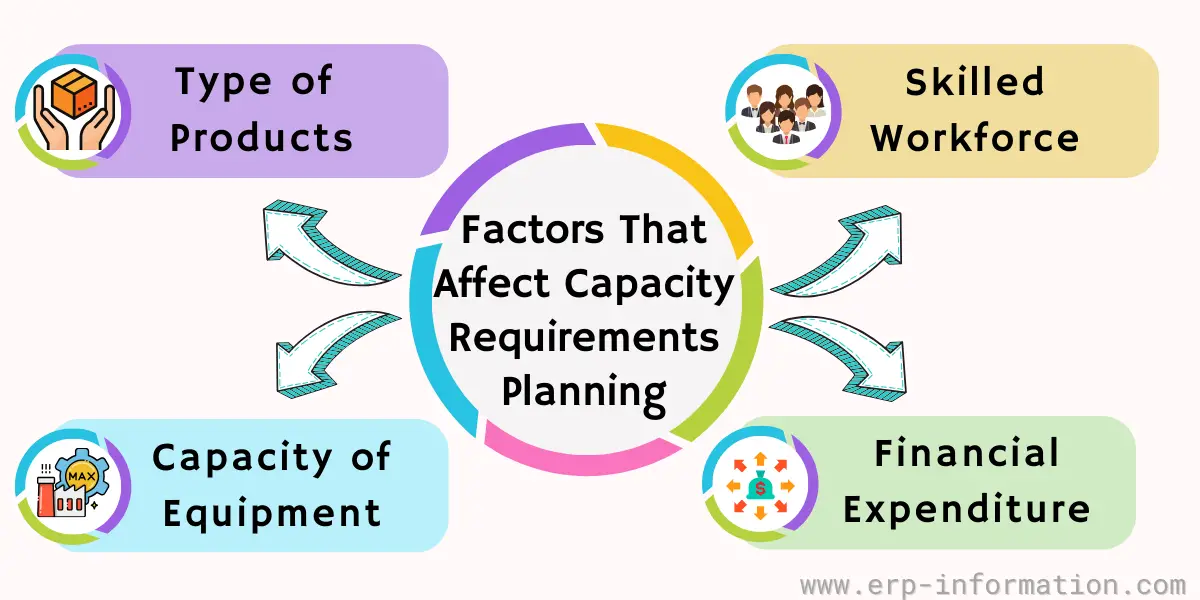
How well CRP reflects reality depends on a handful of factors, and most CRP problems trace back to one of them being wrong in the data rather than on the floor:
- Routing accuracy: if the standard setup and run times in the routing are stale, every load figure built on them is wrong.
- Product mix: complex parts consume far more work-center time than simple ones, so a shift in mix can overload a resource even when total volume is flat.
- Utilization and efficiency: rated capacity depends on how much of the clock a work center actually runs and how fast, not its theoretical maximum.
- Workforce and equipment availability: absences, breakdowns, and maintenance windows all cut into the hours a work center can offer.
Advantages and limitations of CRP
What CRP gives you: an early, quantified warning of overloads and bottlenecks; confidence that the MRP plan is actually executable; a factual basis for overtime, subcontracting, and hiring decisions; and more reliable delivery dates because promises are backed by real capacity.
Where it falls short: CRP is only as good as its routing and capacity data, and keeping that data current takes discipline. It also assumes the MRP plan is fixed, so it checks feasibility rather than optimizing the schedule, and running it in detail across many work centers is computationally heavy, which is why it lives inside production planning software rather than a spreadsheet.
Capacity requirements planning software
Because CRP recalculates load across every work center each time the plan changes, it is almost always run inside an ERP or MRP II system rather than by hand. Good CRP software:
- Flags short-term and long-term bottlenecks and shows the alternatives for clearing them.
- Recalculates load in near real time as orders, routings, or capacity change.
- Feeds the results straight back into production planning so scheduling and capacity stay in step.
FAQs
What are the inputs required for Capacity Requirement Planning?
The inputs required for capacity requirement planning are the capacities of each work center, open shop order, lead times, routings, and planned order releases.
What is the full form of CRP in ERP?
CRP stands for Capacity Requirements Planning. In an ERP or MRP II system it is the step that converts the material plan into detailed work-center load and checks it against available capacity before orders are released to the shop floor.
What are the industries that use capacity requirements planning?
The industries that use capacity requirements planning are
– Food and Beverage
– Automotive
– Medical devices and Pharmaceuticals
– Consumer products
– Electronics and Tech devices
– Industrial manufacturing
Conclusion
Capacity requirements planning is the step that keeps a material plan honest. By converting MRP’s orders into hours of load at each work center and checking them against real capacity, it turns a schedule that looks achievable into one you can actually run, or shows exactly where it breaks so a planner can fix it in time.
Paired with rough-cut capacity planning ahead of it and input/output control behind it, CRP is how a factory makes sure the promise on the order book matches the hours on the floor.