Configuring price quotes can be difficult. First, you need to gather all of the information from the customer, calculate the cost of the product or service, and then create a proposal that is both accurate and attractive to the customer. It can be much work!
This blog post will discuss configure price quote workflow, features, and applications. We also look into its benefits, along with the seven best tools of it.
Configure Price Quote Definition
CPQ is a software technology that enables sales teams to configure and price complex products and services quickly. It can be used by companies in various industries, from high-tech to manufacturing to financial services.
With these, sales reps can work with intuitive product configurators that allow them to create custom quotes and proposals quickly and easily.
The software also helps ensure accuracy by verifying the feasibility of proposed configurations and prices. And it automates the process of creating invoices and order forms once a sale is made.
Workflow
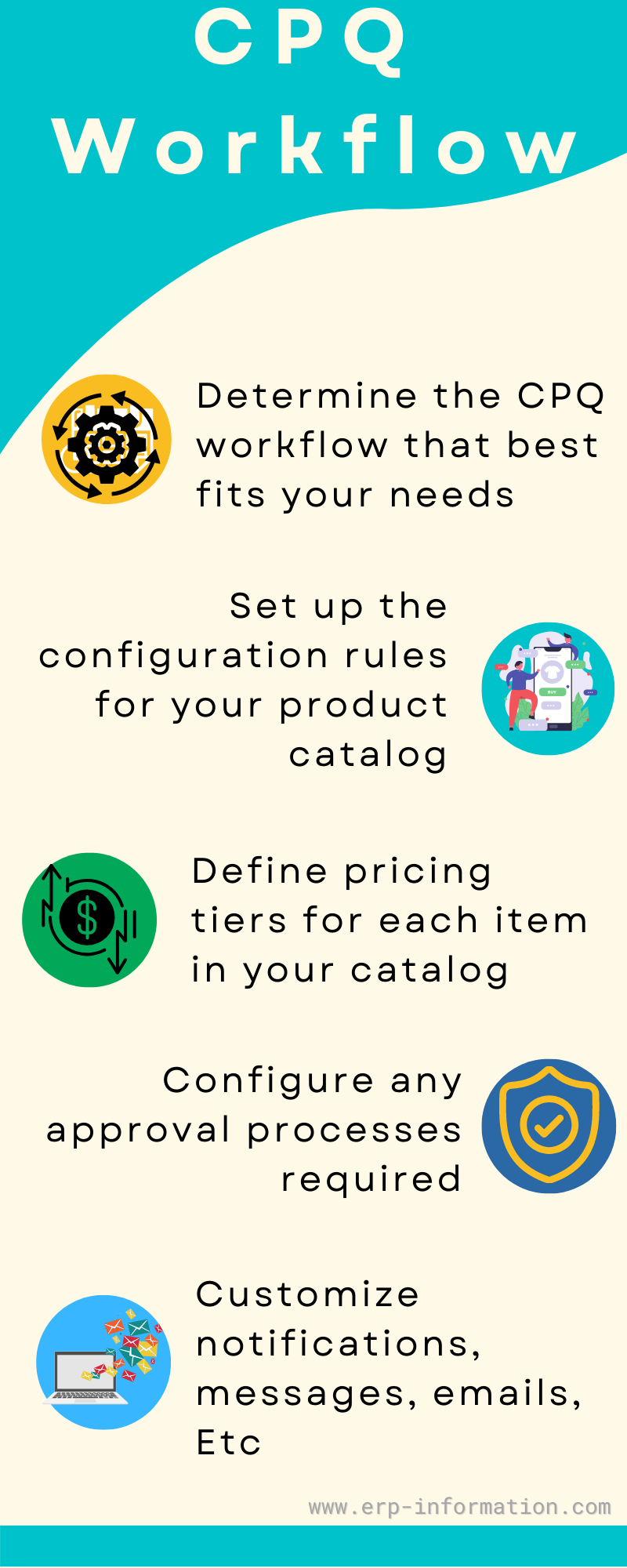
Determine the CPQ workflow that best fits your needs
There are several different types of workflows in CPQ, so choosing the one that best aligns with your business processes and objectives is important. Some common types of workflows include approval-based, sequential, or parallel.
Set up the configuration rules for your product catalog
Once you have decided on a workflow, it is time to configure the product catalog to define which products and accessories will be included in the quote and how they should be priced.
Depending on your specific needs, you may need to configure pricing rules such as quantity discounts or tiered pricing for different products and services.
Define pricing tiers for each item in your catalog
And set up any interactions between things that will affect pricing. For example, if you have multiple options for a particular product or service, you may need to set up rules for how those options interact with each other when calculating price quotes.
Additionally, any accessories or add-ons required to complete the purchase must be factored into the final price quote calculation.
Configure any approval processes required
Before a final quote can be generated and sent to customers or prospects, this step can often involve setting up roles and permissions within CPQ so that users receive notifications when they are assigned new quotes to review and approve or reject based on their level of authorization within the organization.
Customize notifications, messages, emails, Etc.
You are related to various stages of the CPQ process by setting up triggers within your system’s workflow engine as needed depending on your business needs and objectives for each step of configuring customer quotes or prospects.
That may require creating email templates and inserting variables into them to ensure consistent messaging during each phase of the workflow process within CPQ software.
Features
Product catalog management
That allows you to manage your product and service offerings, including creating or modifying new ones.
Pricing rules
This feature allows you to set up price lists, discounts, and special pricing for customers.
Process automation
That allows your sales reps to create configurable price quotes and proposals quickly and easily, with minimal manual effort.
Reporting capabilities
Use the reporting functionality within CPQ to track the performance of your sales team and identify areas for improvement.
Sales playbook tool
This tool allows you to create and share sales materials such as presentations, case studies, and pricing guides with your team members.
Applications
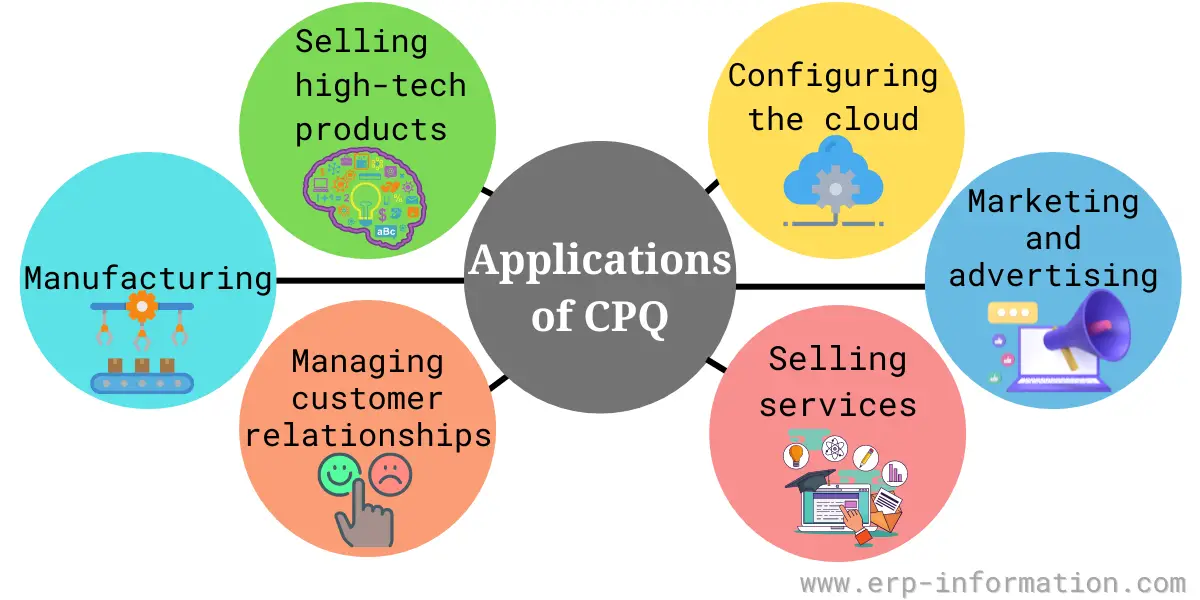
Selling high-tech products
Companies in the high-tech industry commonly use it to help their sales reps quickly and easily configure complex product configurations for customers, including specifications such as memory capacity, processor speed, and other features.
Configuring the cloud
Many companies are now moving their IT infrastructure to the cloud, often used to automate the process of creating pricing quotes and service contracts for cloud-based services.
Marketing and advertising
It can be used to design and configure marketing campaigns, including selecting target audiences, creating messaging and content, and dynamically generating pricing quotes for potential customers.
Selling services
Many companies have identified services as a key area of growth, and CPQ can be used to automate the process of creating quotes for services such as consulting, training, and professional development.
Managing customer relationships
It can help companies build stronger relationships and improve retention rates over time by tracking and managing customer interactions throughout the sales process.
Manufacturing
For companies in the manufacturing industry, it can help automate the creation of complex product configurations optimized for cost and profitability.
Other industries
This software technology is useful in various applications across different industry sectors, including insurance, healthcare, retail, and e-commerce.
No matter which type of company you are running, there is a good chance that it can help you increase sales and improve operational efficiency.
Benefits
Greater customer engagement
Configure price quote solutions can help businesses build stronger relationships with their customers by providing tools that engage them in product selection and customization.
Improved selling efficiency
By automating many of the sales processes in pricing and quoting, This software enables sales teams to close deals more quickly and efficiently.
Enhanced product customization capabilities
The solutions give businesses the flexibility to customize their products and services in a wide range of ways, including configuring specifications, pricing tiers, service plans, features, Etc. That allows companies to meet individual customers’ unique needs.
Increased profitability
With streamlined processes, quickened sales cycles, and more accurate pricing models, companies are better positioned to manage costs while maximizing revenues through higher sales volumes or increased prices on select offerings.
Better integration and collaboration
The solutions can facilitate close partnerships across an organization and its extended network of stakeholders. It helps ensure everyone is aligned around shared goals and objectives, leading to more efficient operations.
Enhanced analytics capabilities
A key feature of CPQ software is its ability to collect data about customer interactions throughout the product selection process and other relevant transaction data from across the business ecosystem.
That makes it possible for businesses to gain deeper insights into their customer’s needs and preferences, which can inform future product development efforts or marketing campaigns.
7 Best CPQ systems
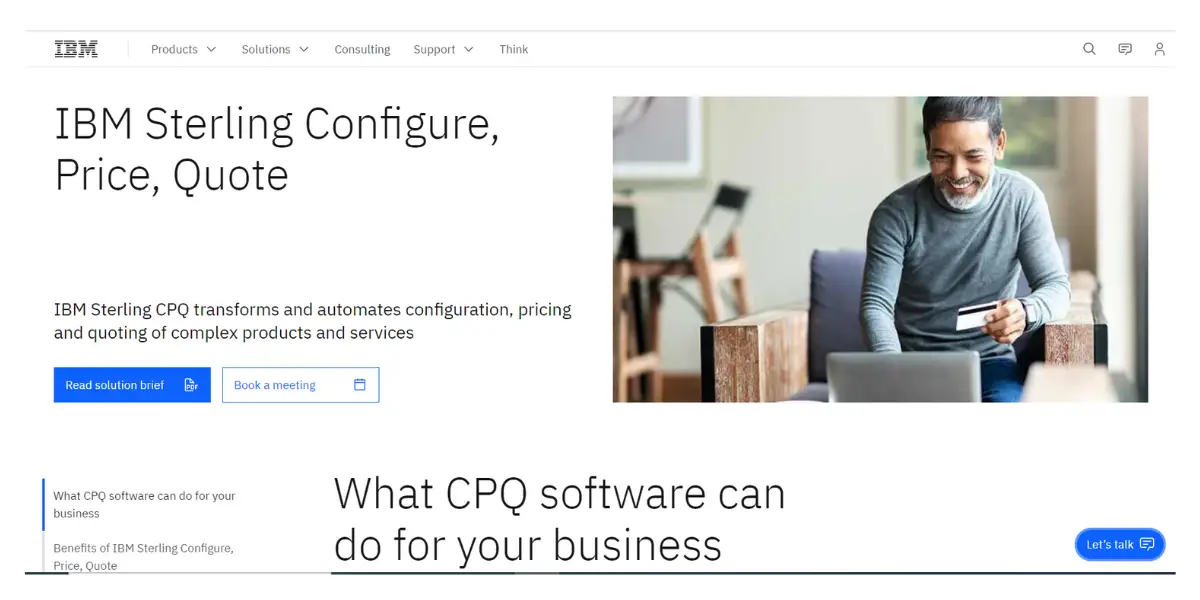
1. IBM Sterling Configure, Price, Quote
IBM’s CPQ product has a specific name worth knowing when you go looking for it: IBM Sterling Configure, Price, Quote, usually shortened to Sterling CPQ. It sits in IBM’s Sterling order management family, which is the clue to where it fits best: large B2B sellers with complex catalogues who are already running Sterling for order management.
Key features include sophisticated pricing tools, flexible design capabilities, real-time analytics and collaboration tools, and built-in CRM integration.
2. PROS Smart CPQ (now owned by Conga)
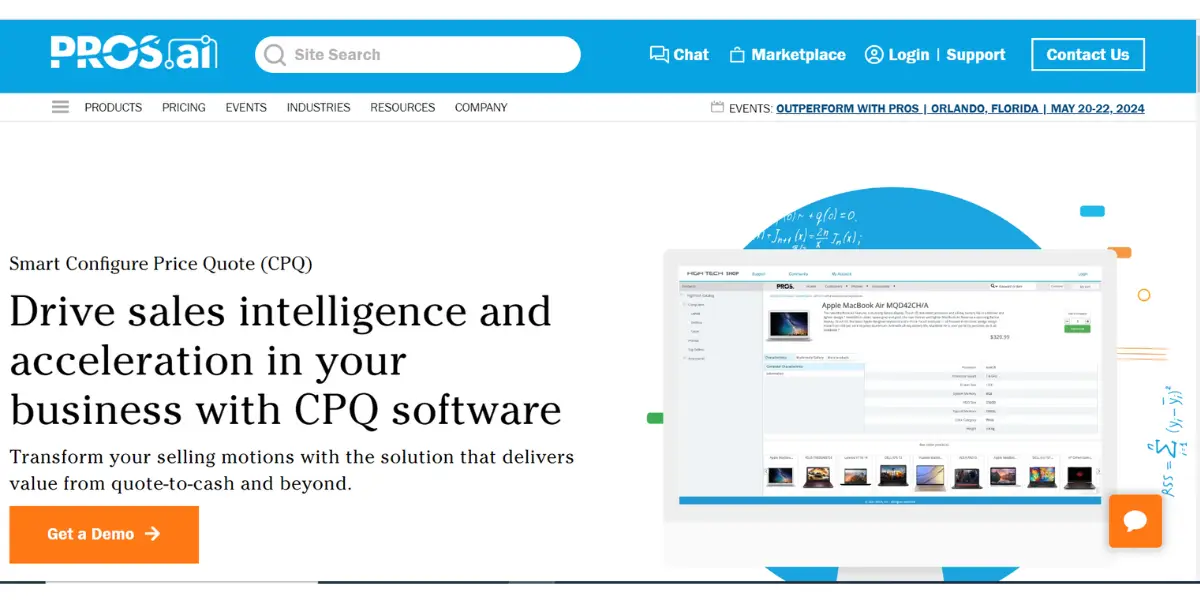
The product’s full name is PROS Smart CPQ, and its distinguishing feature is price guidance driven by data science rather than by static rule tables: it recommends a price based on segmentation and observed willingness to pay. Ownership changed recently. Conga completed its acquisition of the PROS B2B business in February 2026, so Smart CPQ is now sold alongside Conga’s own CPQ, contract lifecycle management and document tooling. If you are evaluating it, ask directly how the two overlapping CPQ products will be positioned before you sign a multi-year deal. (PROS’ travel business was not part of the sale and remains separate.)
Designed for companies across various industries, It helps businesses improve customer engagement, automate quotation generation, create customized pricing models, and more.
3. Qwilr
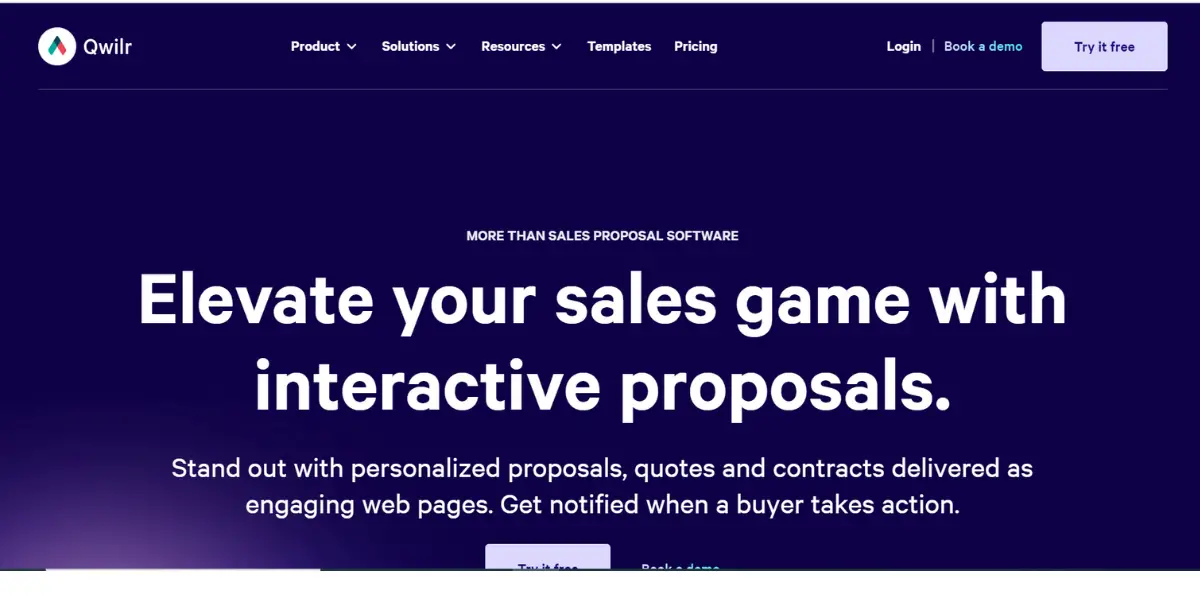
Qwilr is a cloud-based quoting tool that offers capable options for configuring, pricing and, above all, presenting products: its output is an interactive web page rather than a PDF, which is the main reason teams pick it. Key features include user-friendly design tools, real-time pricing and product configuration options, seamless sales workflow integration, and powerful analytics capabilities.
4. HubSpot Sales Hub
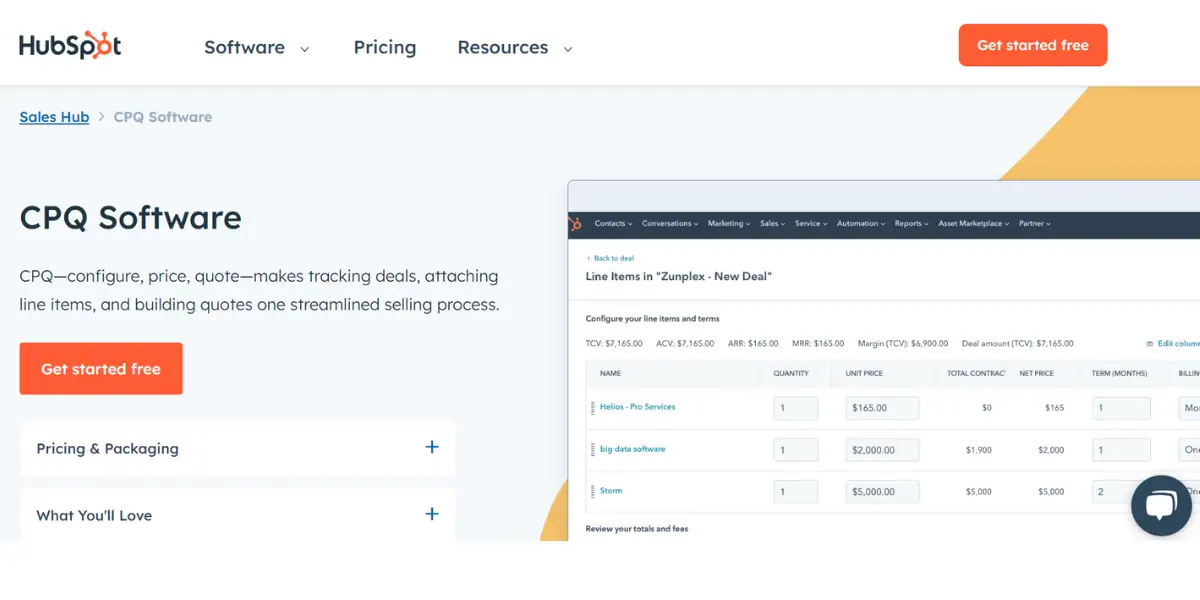
HubSpot Sales Hub is a comprehensive CPQ system with automation tools, analytics capabilities, and other features to help businesses sell more effectively. Key features include lead enrichment and scoring, email tracking, billing integration, and more.
5. PandaDoc
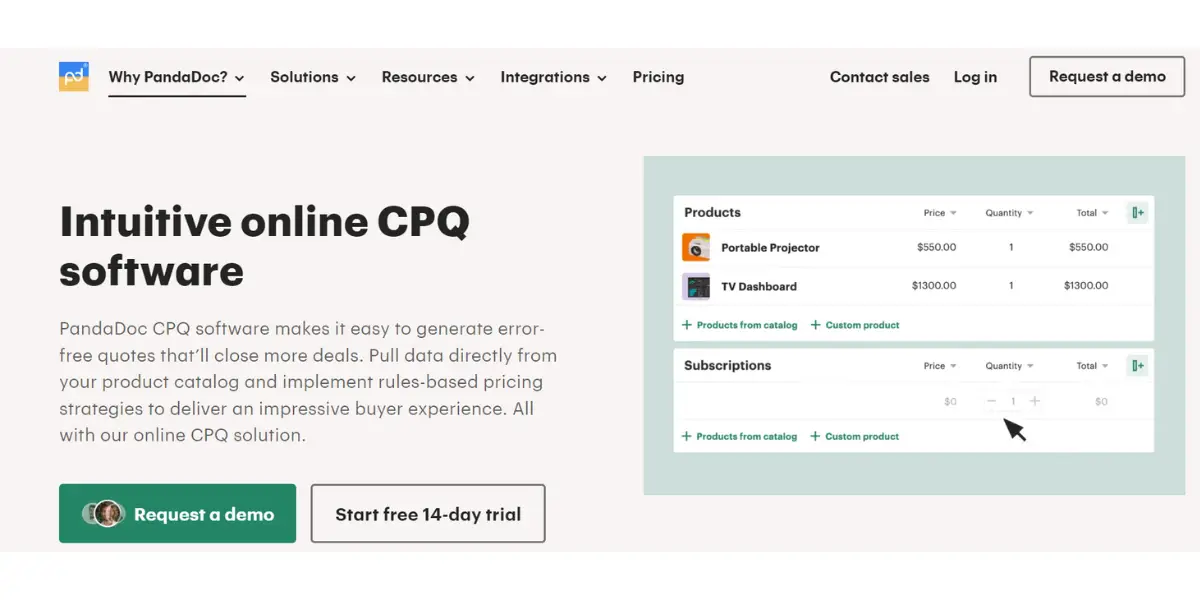
PandaDoc is a user-friendly system that offers various customization options and integrations with other business applications. Its key features include quoting templates, document merging, quoting and pricing options, automated workflows, and more.
6. Dealhub
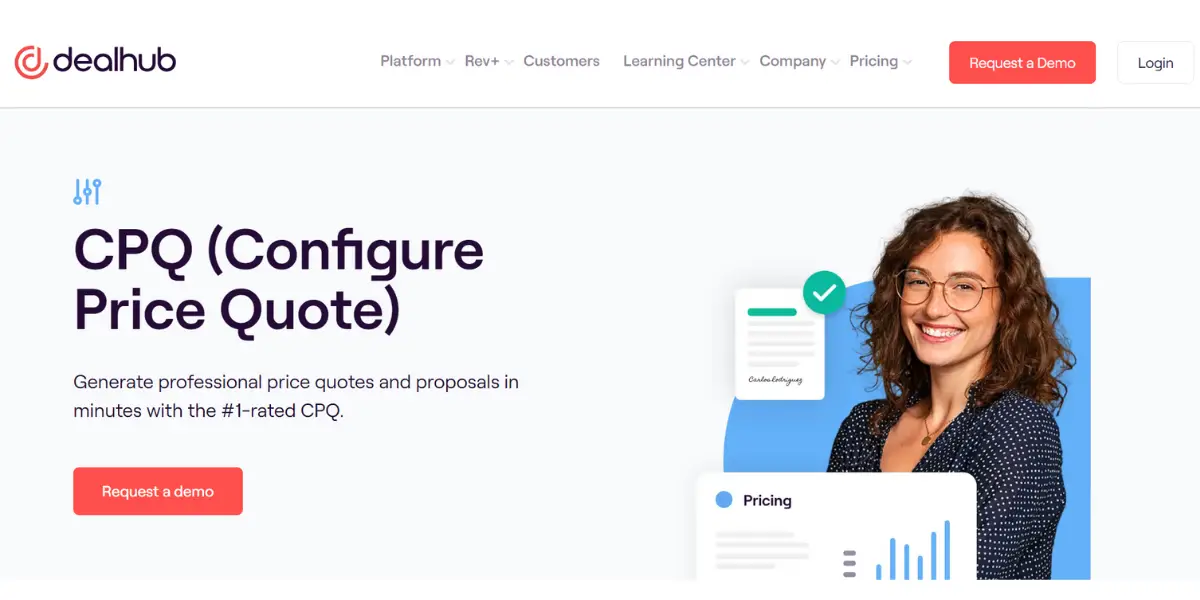
Dealhub is a powerful CPQ system that allows businesses to streamline their sales processes and improve customer engagement. Features include dynamic pricing, automated quoting, and configurator wizards for product customization.
7. Salesforce Revenue Cloud (and the end of Salesforce CPQ)
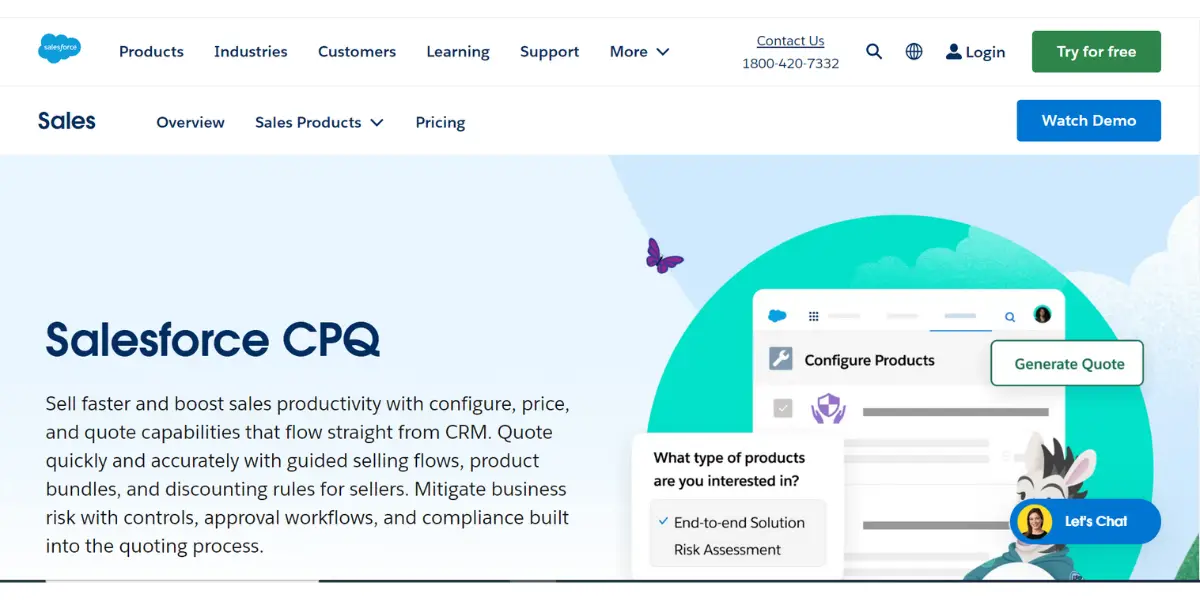
If you are shopping today, this is the most important thing on this page. The product most people still search for as “Salesforce CPQ” reached end of sale on 27 March 2025 and is no longer sold to new customers. Salesforce now directs new buyers to Revenue Cloud Advanced. Note the precise wording, because it matters: end of sale is not end of life, and Salesforce has not announced an end-of-life date. Existing customers can still renew, add users and get support, but the product receives no new features, so anyone already on Salesforce CPQ should be planning a migration rather than assuming the status quo holds.
Salesforce Revenue Cloud is a comprehensive suite of tools that helps businesses automate their sales processes and build stronger customer relationships. Features include automated proposal generation, lead scoring and routing, CRM integration, and real-time analytics.
The enterprise CPQ systems missing from that list
The seven above lean towards quoting and document tools that a sales team can adopt on its own. That is a real category, but it is not the one most people mean when they search for CPQ alongside an ERP system. If your quotes have to reflect what you can actually build, source and deliver, the shortlist looks different, because the configurator has to understand your product rules and your ERP data:
- Oracle CPQ – the default consideration if you already run Oracle applications, and a long-established enterprise product in this market.
- SAP CPQ – the equivalent for SAP estates, where the value is the link back to SAP pricing and order management rather than the quoting interface itself.
- Conga CPQ – formerly Apttus CPQ; Apttus and Conga merged in 2020 and the product is sold under the Conga name. Following the February 2026 PROS B2B acquisition, Conga now owns two CPQ products, which is worth raising directly in any evaluation.
- ServiceNow CPQ – built on Logik.io, which ServiceNow acquired in May 2025 for about $506 million. Relevant if ServiceNow is already your workflow platform.
- Tacton CPQ – specialised in configure-to-order manufacturing, where a quote is invalid unless the configuration is actually manufacturable. If you make complex physical products, this is the category to look at rather than the document-first tools.
A note on CPQ pricing
Almost none of these vendors publishes a usable price. CPQ is sold per user with implementation quoted separately, and the implementation is routinely the larger number, because the work is encoding your product and pricing rules rather than installing software. Treat any single figure you find online as an anchor for a conversation, not a budget. The questions that actually move the cost are how many configurable products you have, how many pricing exceptions you allow, and whether the system must write back to your ERP or merely read from it. Settle those three before you ask for a quote, and the quotes you get back will at least be comparable.
FAQs
Is CPQ software suitable for small businesses?
Yes, CPQ software solutions are available for businesses of all sizes, with options ranging from scalable cloud-based platforms to tailored solutions designed for small and medium-sized enterprises (SMEs).
How does CPQ software integrate with other systems?
CPQ software typically integrates with CRM (Customer Relationship Management) systems, ERP (Enterprise Resource Planning) systems, e-commerce platforms, and other relevant systems to ensure seamless data flow and process automation.
Conclusion
Configure price quote software is central to helping businesses streamline their sales processes and manage customer relationships.
Whether you want to increase customer engagement, improve selling efficiency, or gain deeper insights into your customers’ needs, a CPQ solution can help you achieve these goals.
Many options are available, so it is important to research and choose a system that meets your organization’s specific needs.