
No one ever wants to experience an incident in their business, but unfortunately, they do happen. When they do, it’s crucial to have the right tools to manage them quickly and efficiently.
Ten tools are compared below on what they cost, what they actually do, and which of the three quite different jobs in this category they are built for. Prices were checked against each vendor’s own pricing page in August 2026; where a vendor does not publish a figure, that is stated rather than guessed.
What is Incident Management Software?
Incident management software is the system of record for unplanned interruptions to a service. It takes the signal that something is broken, whether that arrives as a monitoring alert, a customer email, or a colleague raising a ticket, and does four things with it: records the incident, assigns a severity, puts it in front of the person who can actually fix it, and keeps a timestamped account of what happened.
One distinction is worth getting right before you shop, because it decides which tools belong on your shortlist at all. An incident is an event that has already degraded a service. Risk management, problem management, and change management are separate practices covering what might happen, why something keeps happening, and what you are about to alter deliberately. Software in this category is judged on two numbers: MTTA, the mean time to acknowledge, meaning how long before a human picks the alert up, and MTTR, the mean time to resolve. Nearly every feature listed below exists to pull one of those two down.
The three types of incident management software, and which one you need
Products sold under this label do three different jobs, and buying the wrong one is the most common mistake here. A service desk records and tracks the work. A paging tool wakes the right engineer at 3am. An endpoint tool spots the problem on the device before anyone files a ticket. The ten tools below split as follows.
| Type | What it is for | On this list |
| IT service desk (ITSM ticketing) | Logging, categorising, assigning and closing tickets against an SLA, with a self-service portal for staff | Freshservice, ServiceNow, HaloITSM, ServiceDesk Plus, Spiceworks, Issuetrak |
| On-call alerting and paging | Rotas, escalation policies and noisy-phone notification so a critical alert reaches a human fast | PagerDuty, OnPage, xMatters |
| Endpoint management with ticketing | Monitoring and patching devices, raising tickets automatically when a machine misbehaves | NinjaOne |
These are complements, not substitutes. A service desk that no one is watching at 2am will not wake anybody, and a paging tool keeps no ticket history and reports against no SLA. Larger teams normally run one of each and connect them, which is why PagerDuty, OnPage and xMatters all advertise ServiceNow and Jira integrations rather than trying to replace them. If you are a small IT team whose incidents arrive during office hours by email, a service desk on its own is usually enough.
Ten best incident management software
1. Freshservice
It is well known for IT service management for all types of businesses. It is a cloud-based software solution with a 21-day free trial without a credit card. In addition, it provides an intuitive user interface and is easily customizable.
One development worth knowing before you commit: on 15 December 2025 Freshworks announced an agreement to acquire FireHydrant, an AI-native incident management and reliability platform, with the deal expected to close in the first fiscal quarter of 2026. Freshworks has said it intends to fold FireHydrant’s on-call management, major-incident response and retrospective tooling in alongside Freshservice. That is the gap in Freshservice’s story being closed by acquisition, so ask where the combined roadmap leaves the tier you are quoted for.
Features
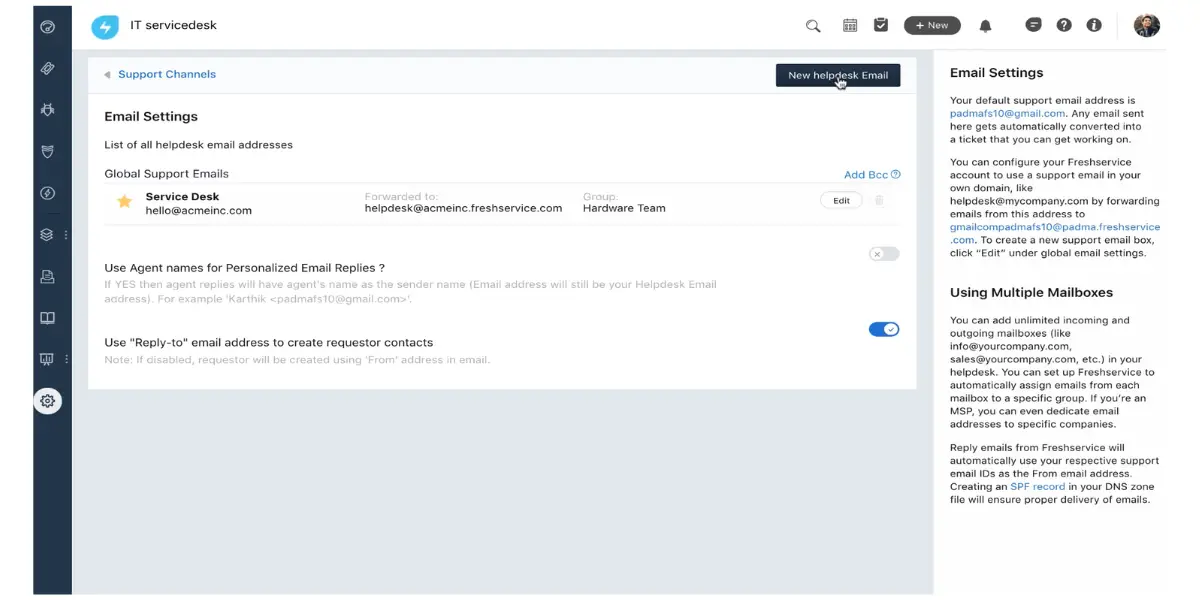
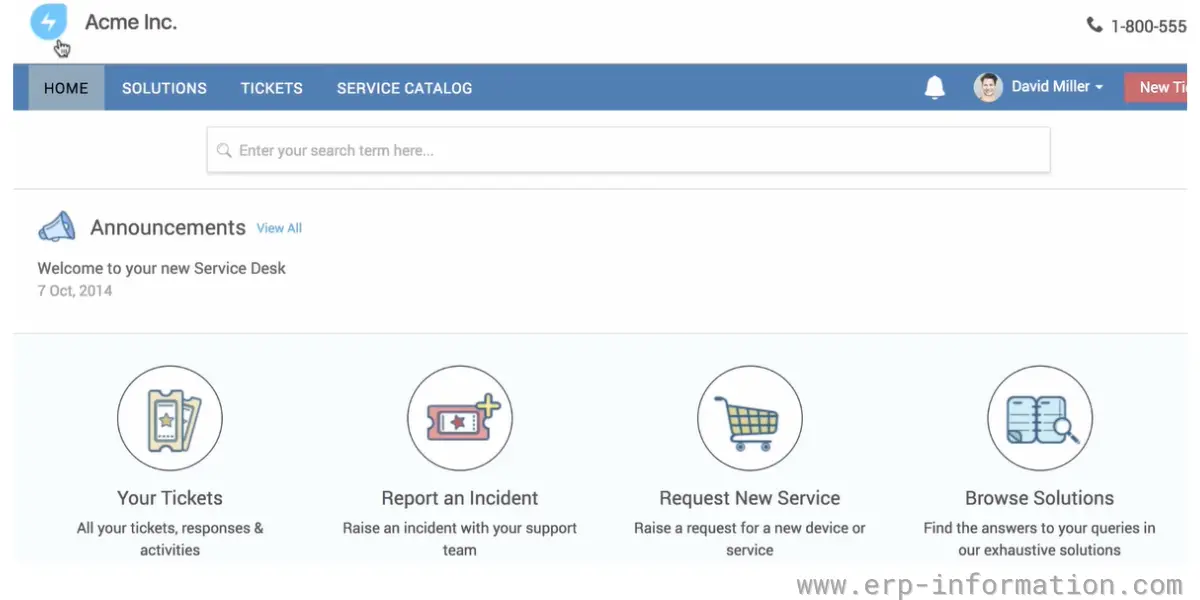
- Multiple channels for support like email, a self-service portal, mobile app, phone
- Automatic log of all emails as ticket
- AI for automatic categorization of tickets
- Auto-assignment of tickets
- Dashboard for tickets view and track
- Service desk integration with the knowledge base that has solutions to incidents and problems
Pricing
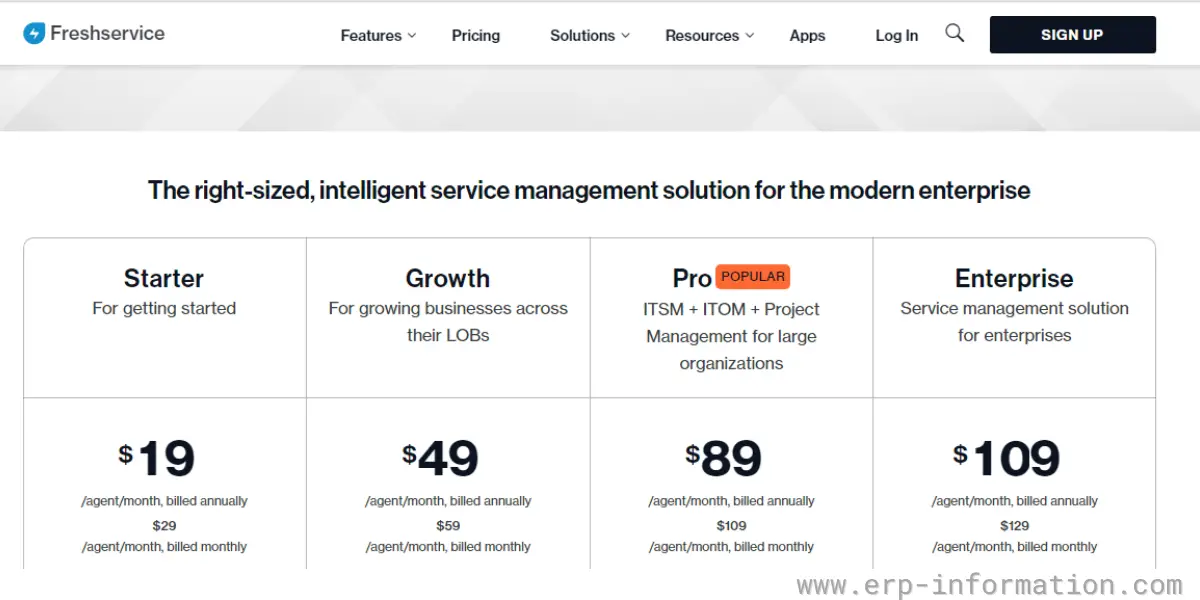
It offers four types of plan
- Starter – Starts at $19 per agent per month(billed annually) or $29 per agent per month(billed monthly)
- Growth – Starts at $49 per agent per month(billed annually) or $59 per agent per month(billed monthly)
- Pro – Starts at $99 per agent per month (billed annually)
- Enterprise – Custom pricing. Freshworks no longer publishes a list figure for this tier, so you have to request a quote.
Likes
- The software is easy to install and configure.
- With its automatic workflow, you can prioritize the ticket based on urgency.
- It allows you to share a single screen with team members and get to know who is working on which ticket.
- Its self-service portal helps the end-users to solve their problem without the help of technicians.
Dislikes
- Mobile application is difficult to use and adopt
- Database query times could be improved
Supported industries
- Customer Service & Support
- IT Service Management
- Conversational Engagement
- Marketing Automation
- Enterprise Service Management
- Sales Automation
- Customer Relationship Management
Other details
| Deployment type | Cloud-based, SaaS, Web |
| Operating systems | Cross Platform |
| Supported devices | Linux, Windows, iPhone, Mac, Web-based, Android |
| Language support | English |
| Customer ratings | In G2, 4.6 out of 5 (Number of reviews:913+) In Capterra, 4.5 out of 5 (Number of reviews:438+) |
User opinion
Freshservice is a cloud-based solution that features an intuitive, customizable UI and is suitable for any business type.
It supports multiple channels for customer support, such as email, a self-service portal, mobile app, and phone, and offers an automatic log of all emails as a ticket with AI to automatically categorize tickets and has a dashboard to view and track tickets. It also provides integration with solutions to incidents and problems.
2. NinjaOne
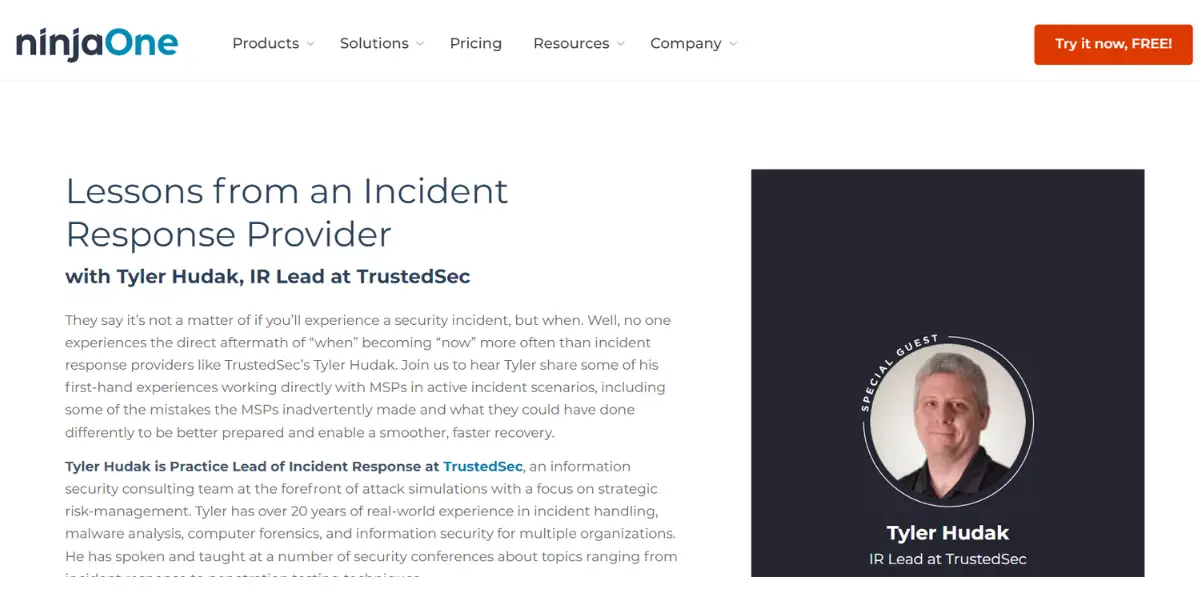
ninjaOne is a complete IT management software that provides a platform for RMM, endpoint management, patch management, remoting access, ticketing, and backup. It supports more than 9000 customers in more than 83 countries. It offers a free trial with no credit card.
Features
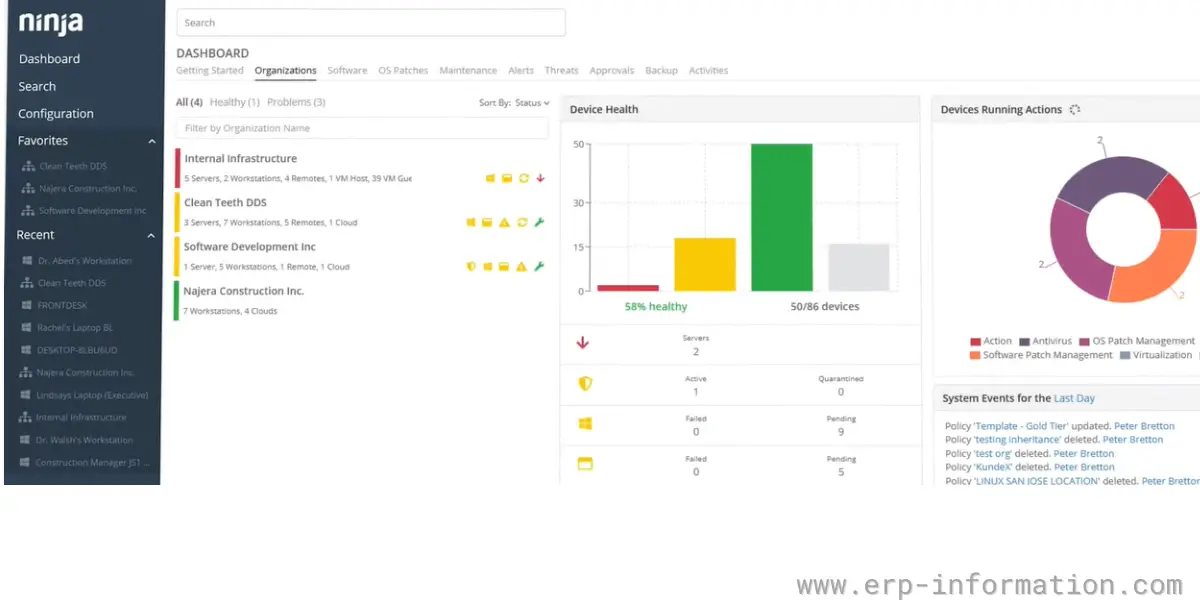
- Monitoring and alerting
- Documentation
- IT automation
- IT asset management
- IT operations management
- Reporting
- Security
- Platform administration
- Track, prioritize, and solve support tickets
Pricing
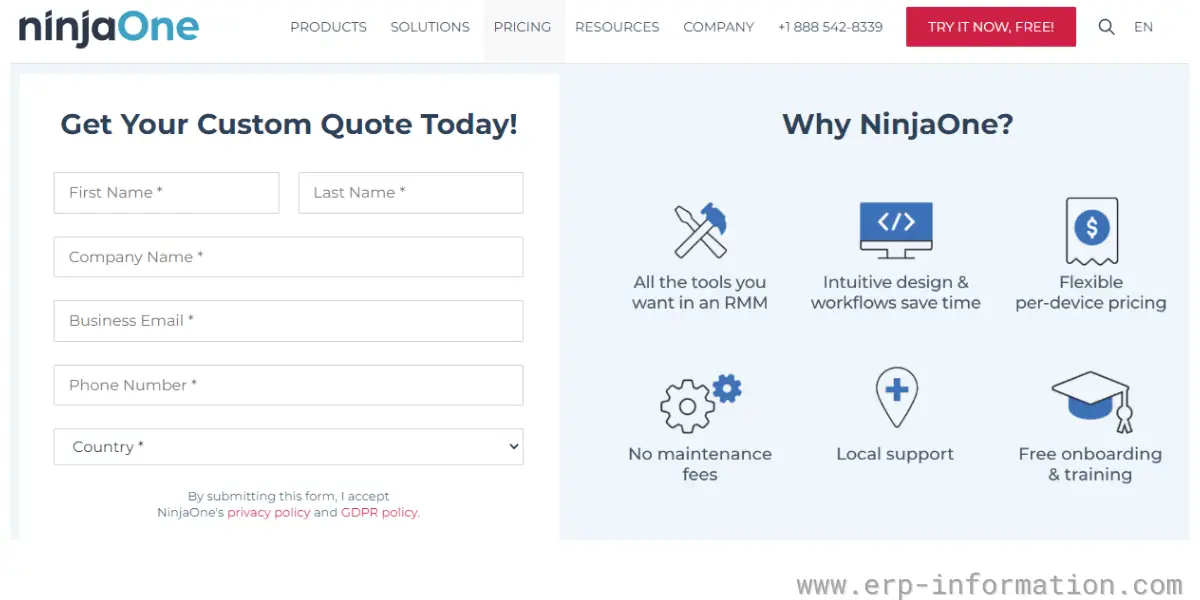
- To get its pricing details, you need to get a custom quote.
- It offers per-device pricing.
- It provides free onboarding and training and no maintenance charge.
- NinjaOne does publish a range even though it withholds full price lists, stating that it “starts as low as $1.50 USD per month at 10,000 endpoints, increasing to $3.75 USD at 50 or fewer endpoints”. Smaller estates therefore pay the higher per-device rate.
Likes
- It provides automatic ticket creation and resolution.
- It provides 360-degree visibility to the tickets. Hence you can easily resolve the tickets.
Dislikes
- Customization of the dashboard is not possible.
- Sometimes, the Splashtop remote tool is not working properly.
Supported industries
- Software & Technology
- Healthcare
- State & Local Government
- Education
- Financial Services
Other details
| Deployment | Cloud, SaaS, Web-Based |
| Supported devices | Mac, Windows, Linux, iPad, Android, iPhone |
| Support | Email/Help Desk, FAQs/Forum, Knowledge Base, Phone Support, 24/7 (Live Rep), Chat |
| Training | Live Online, Videos, Webinars, Documentation |
| Customer ratings | In G2, 4.8 out of 5 (Number of reviews:276+) In Capterra, 4.9 out of 5 (Number of reviews:157+) |
User opinion
NinjaOne is an all-inclusive IT management platform with Remote Monitoring and Management (RMM), endpoint management, patch management, remote access, ticketing, and backup.
Its features include monitoring and alerting, documentation, IT automation, asset management, operations management, reporting, and security. Additionally, it offers platform administration and the ability to track, prioritize and solve support tickets.
3. ServiceNow
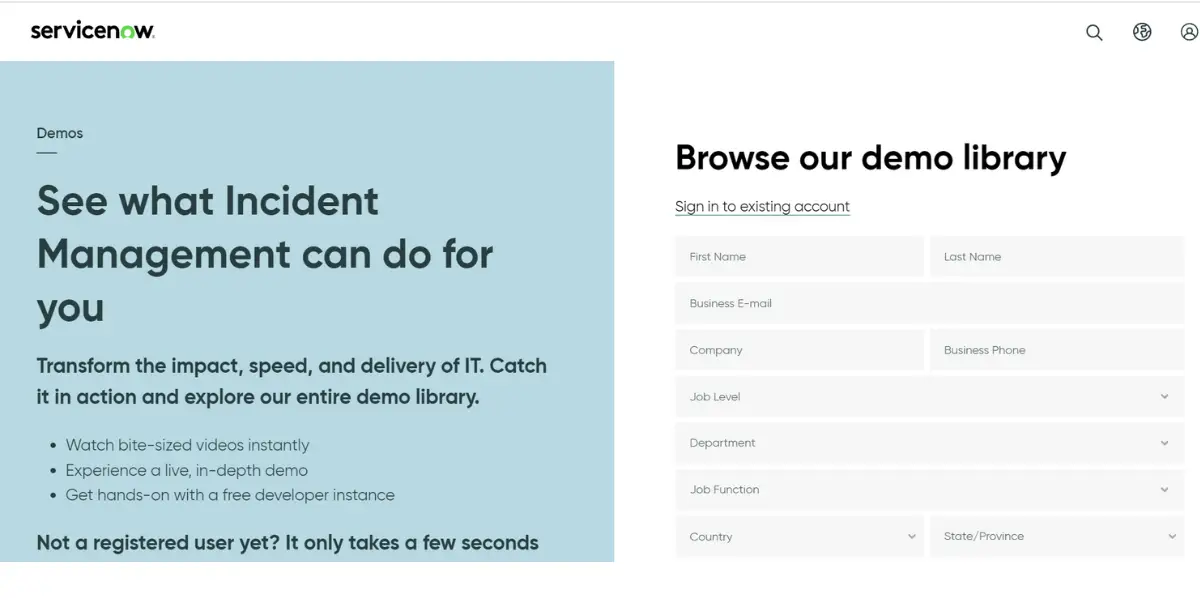
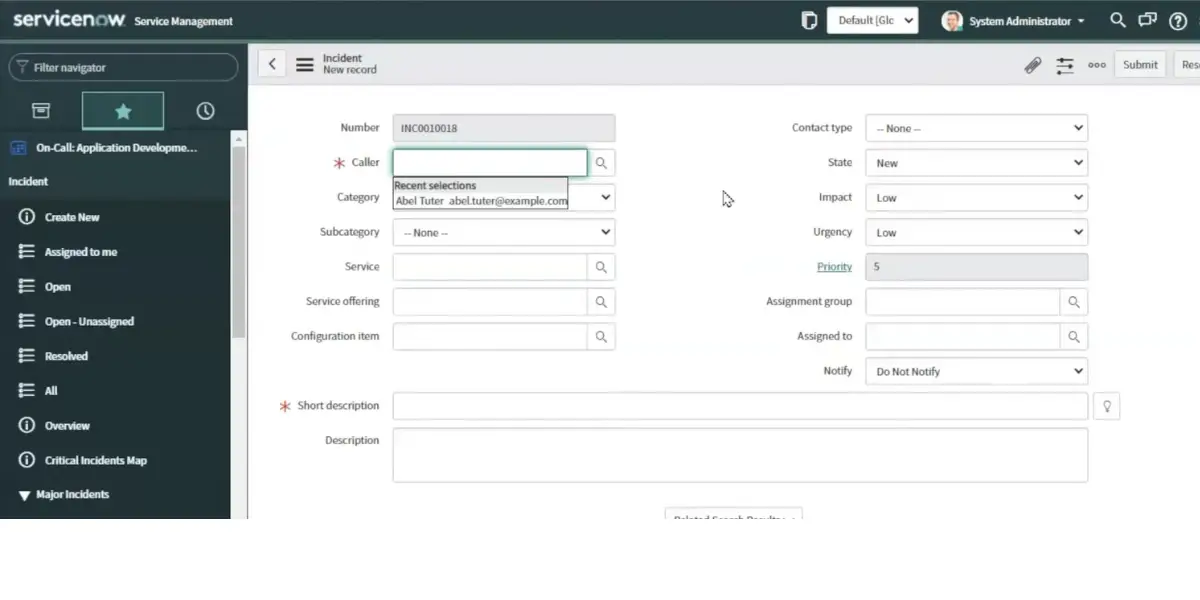
ServiceNow is an ITSM software that provides incident management to businesses. It helps businesses automate their operations and improve productivity by quickly restoring services and resolving incidents.
Features
- Major incident management
- Single pane agent view
- AI-powered insights
- Native mobile app
- AIOps integration
- Omni-channel notifications
- Incident response playbook
- On-call scheduling
Pricing
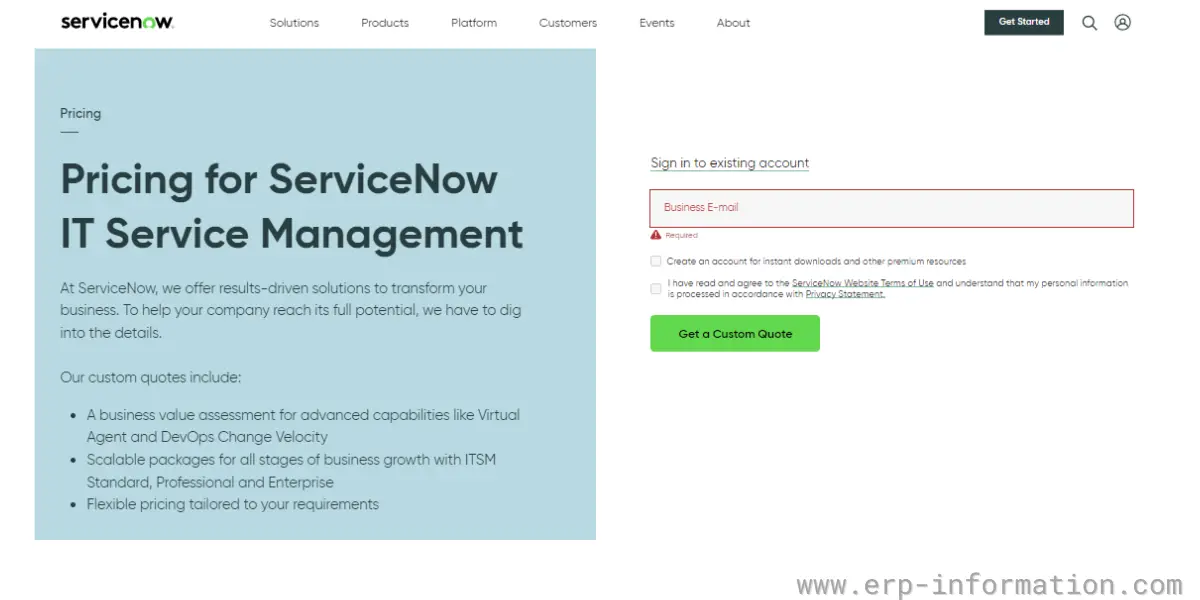
To know the price, you need to get custom quotes.
Likes
- Omni-channel self-service and two-way communication provide a good experience and enhance employees’ productivity.
- Assigning work to the right agent and collaborating for the IT process with a single platform helps to restore the service automatically.
- The self-service portal helps to deflect the tickets and increases the incident deflection.
- The machine learning capability of the software provides assigning incidents to the right team to resolve them quickly.
Dislikes
- Sometimes, it shows that completed or closed tickets are still open.
Other details
| Deployment | Cloud, SaaS, Web-Based |
| Supported devices | Mac, Windows, Android, iPhone, iPad |
| Support | Email/Help Desk, FAQs/Forum, Knowledge Base, Phone Support, 24/7 (Live Rep), Chat |
| Training | Webinars, Documentation, Videos |
| Customer ratings | In G2: 4.0 out of 5 (Number of reviews:305+) In Capterra: 4.5 out of 5 (Number of reviews:126+) |
User opinion
ServiceNow is an IT Service Management platform to help businesses automate operations. It improves their productivity with quick resolution of incidents and restoration of services.
It features major incident management, a single pane agent view, AI-powered insights, a mobile app, Omni-channel notifications, an incident response playbook, on-call scheduling, and more.
4. PagerDuty
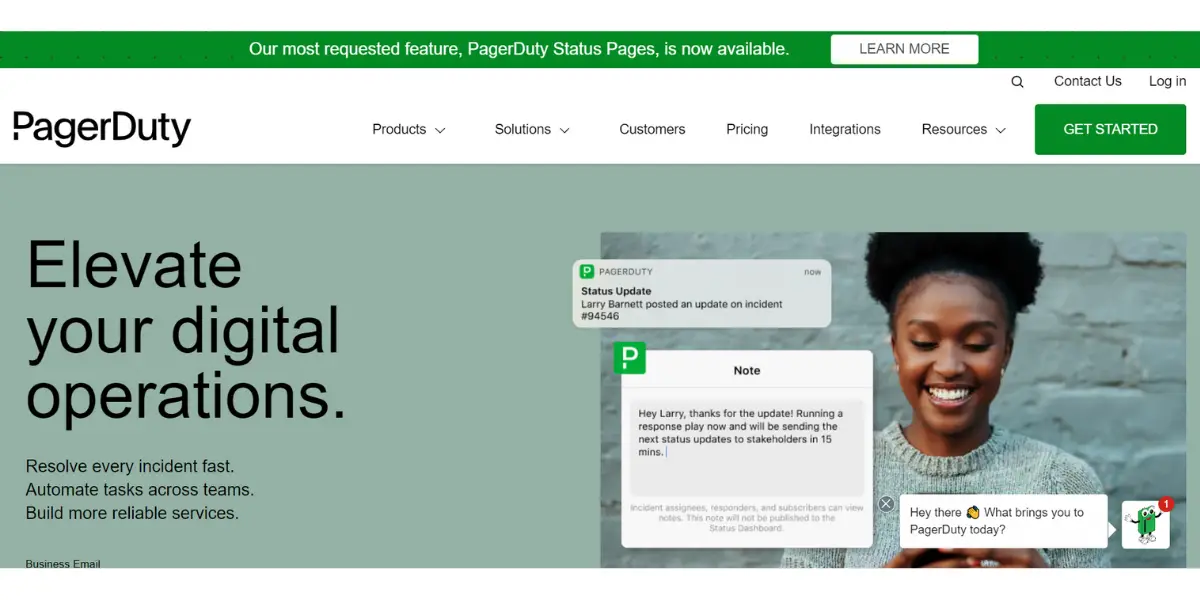
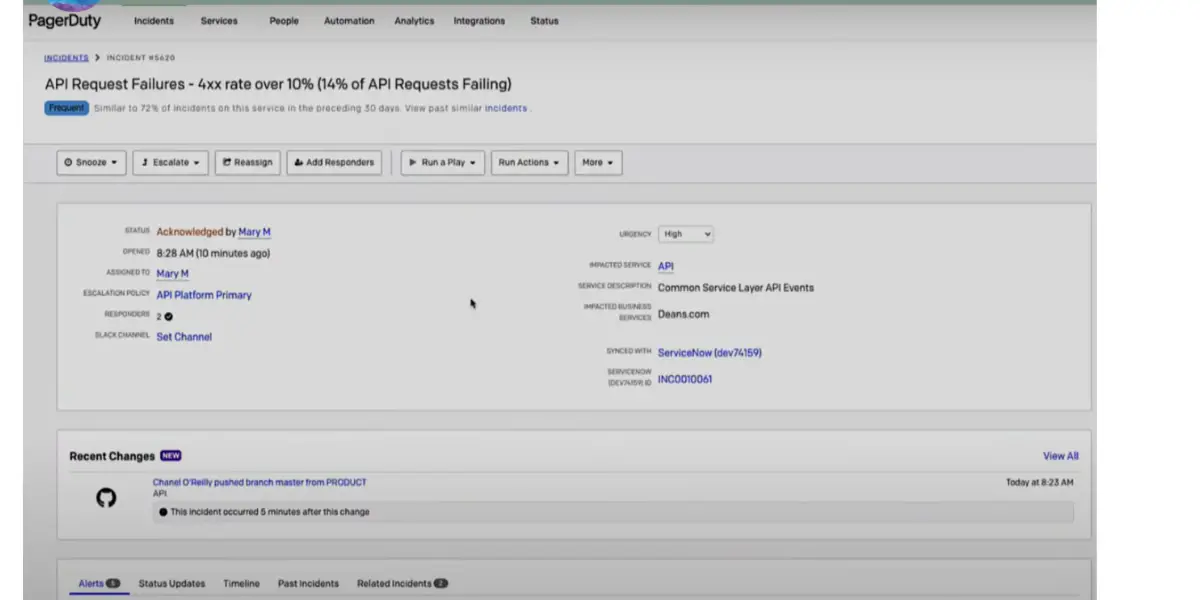
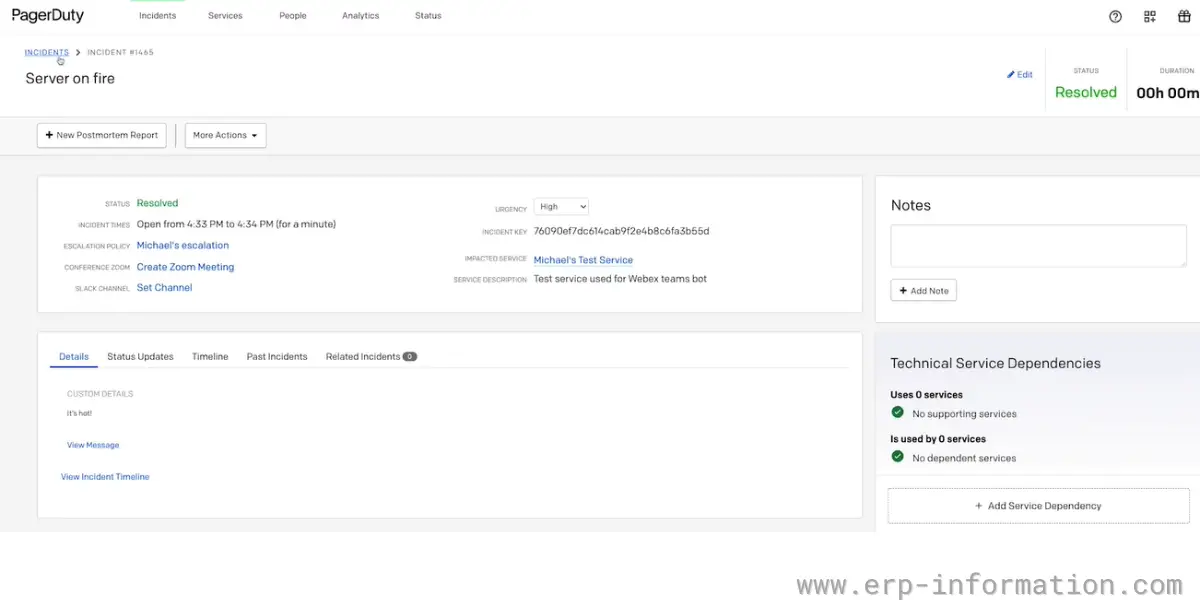
PagerDuty is an Incident Management Software and is very popular for digital operations management. It provides real-time insight and helps to solve problems and prevent problems. In addition, it provides a free version to get started with the software.
Features
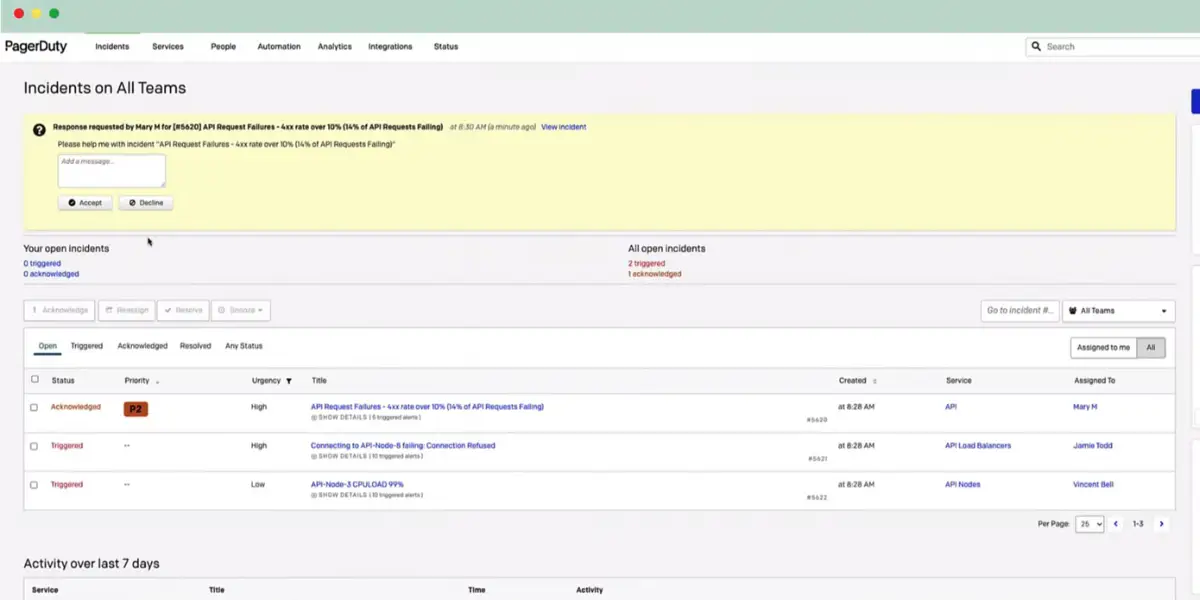
- Automated incident response
- On-call management
- Process automation
- Automation actions
- Customer service operations
- Runbook automation
Pricing
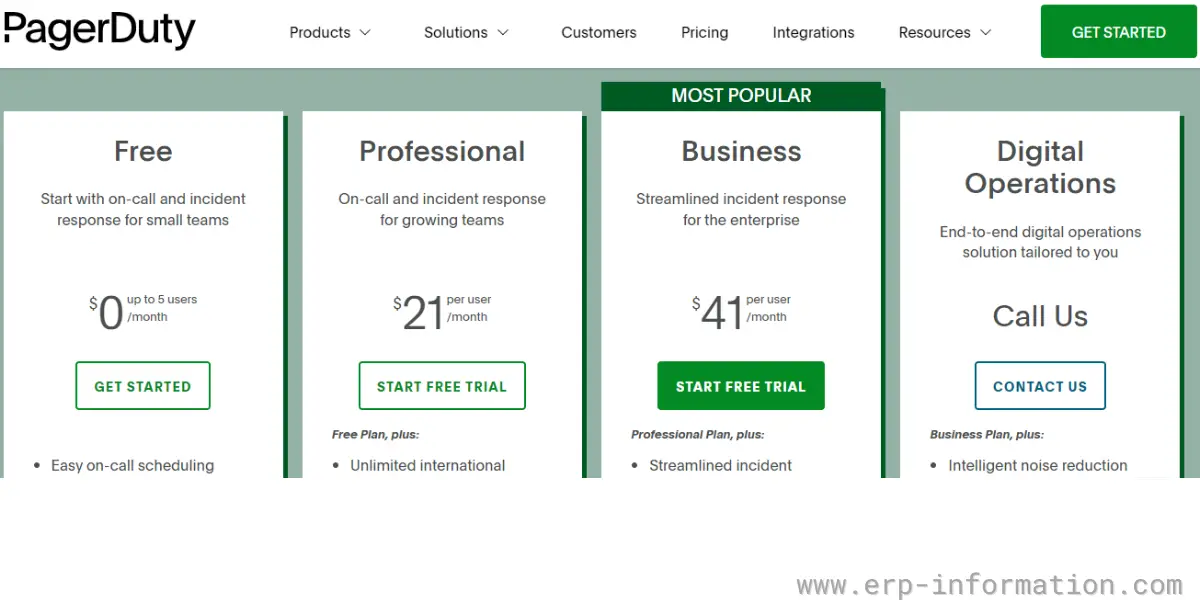
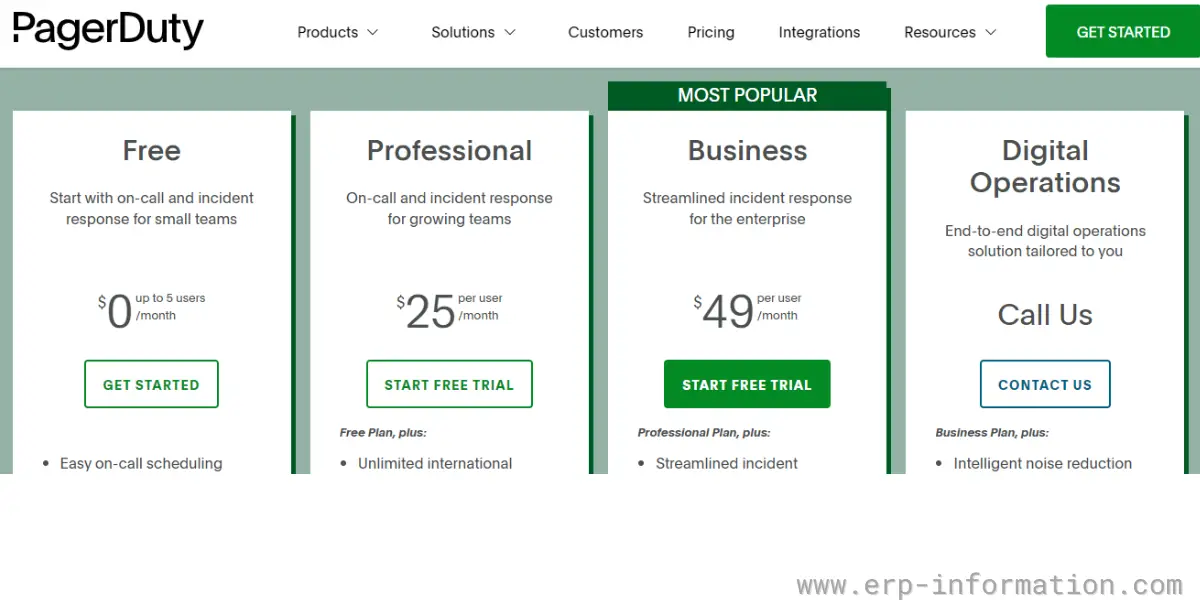
It offers four types of pricing plans.
- Free – It is entirely free and for up to 5 users.
- Professional – It starts at $21 per user per month (billed annually) or $25 per user per month (billed monthly). A free trial is available.
- Business – It starts at $41 per user per month (billed annually) or $49 per user per month(billed monthly). A free trial is available.
- Enterprise – Custom pricing, so you need to contact the vendor. This tier was previously sold as “Digital Operations”; PagerDuty has since renamed it.
Likes
- It provides easy on-call scheduling and unlimited API calls with the free version.
- It provides unlimited international phones, SMS notifications, and schedules with the professional version.
- It offers more than 650 out-box integrations.
Dislikes
- Ticket integration and email & Chat support are unavailable for the free version.
Supported industries
- Financial Services
- Healthcare
- Non Profit
- Public Sector
- Retail
User opinion
This is another popular incident management software, especially for digital operations. It helps teams get real-time insight to solve problems and prevent them. PagerDuty offers an automated incident response, on-call management, process automation, automation actions, customer service operations, and runbook automation.
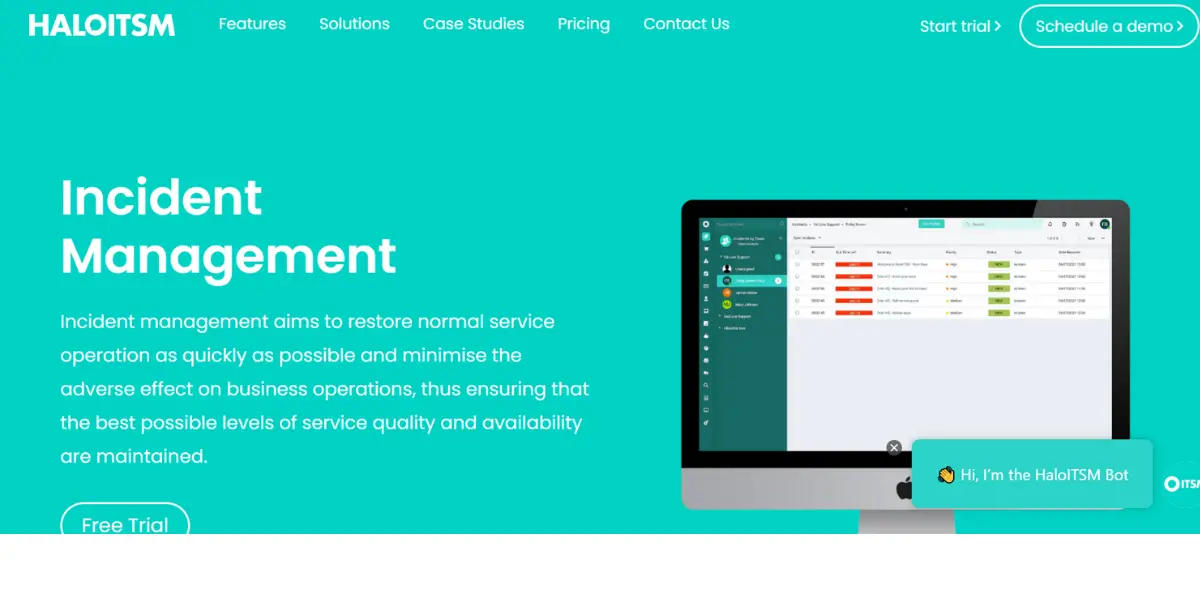
5. HaloITSM
HaloITSM is a famous IT service management software that serves customers such as Siemens, The University of Cambridge, NHS, and Suzuki.
It is an intuitive solution that integrates with many business applications like Office365, Azure DevOps, SCCM, BeyondTrust, Lansweeper, Active Directory, Azure, Microsoft Teams, TeamViewer, and Facebook.
Features
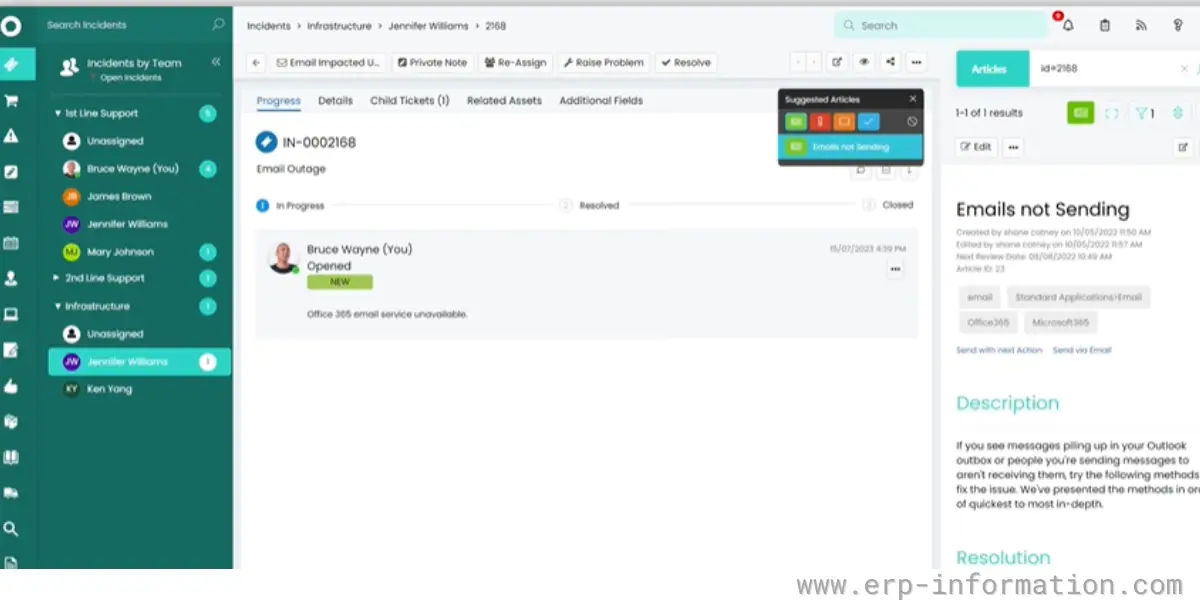
- Incident management
- Problem management
- Change control
- Configuration management
- Knowledgebase management
- ITIL service catalog
- Self-service portal
- SLA management
Pricing
- It provides a free trial for 30 days
- Halo has dropped tiers entirely. It sells one all-inclusive per-agent licence, advertised as “no tiers, no bolt-ons, no locked-away features”, with every module included in the single price.
- The published list price on Halo’s own site is £66 per agent per month billed annually in the UK. Halo quotes in local currency and lets you switch currencies on its pricing page, so check the figure for your region rather than converting this one.
- End users who only raise tickets through the portal are free; you licence agents, not staff. Named and concurrent licences cost the same.
Likes
- It is a complete ITSM solution, easy to use, and highly customizable
- It provides valuable insights in real-time
- Allows you to check different call types
- ITIL framework helps you to organize request types and work with high standard
Dislikes
- The chat option is not there in the new end-user portal
- Dashboard and reporting capabilities are not so good compared to other incident management software
Other details
| Deployment | Cloud, On-premise |
| Operating systems | Cross-platform |
| Supported devices | Linux, Windows, Mac, iPhone, Android |
| Training | In-Person, Live Online, Webinars, Documentation, Videos |
| Customer ratings | In G2, 4.8 out of 5 (Number of reviews:15+) In Capterra, 4.7 out of 5 (Number of reviews:31+) |
User opinion
HaloITSM is a well-received IT service management software that provides intuitive solutions for various applications. It offers many features, such as incident handling, problem management, change control, configuration management, and knowledgebase management.
It also integrates with many other apps like Office365, Azure DevOps, BeyondTrust, Lansweeper, Azure, Microsoft Teams, TeamViewer, and more.
6. ServiceDesk Plus
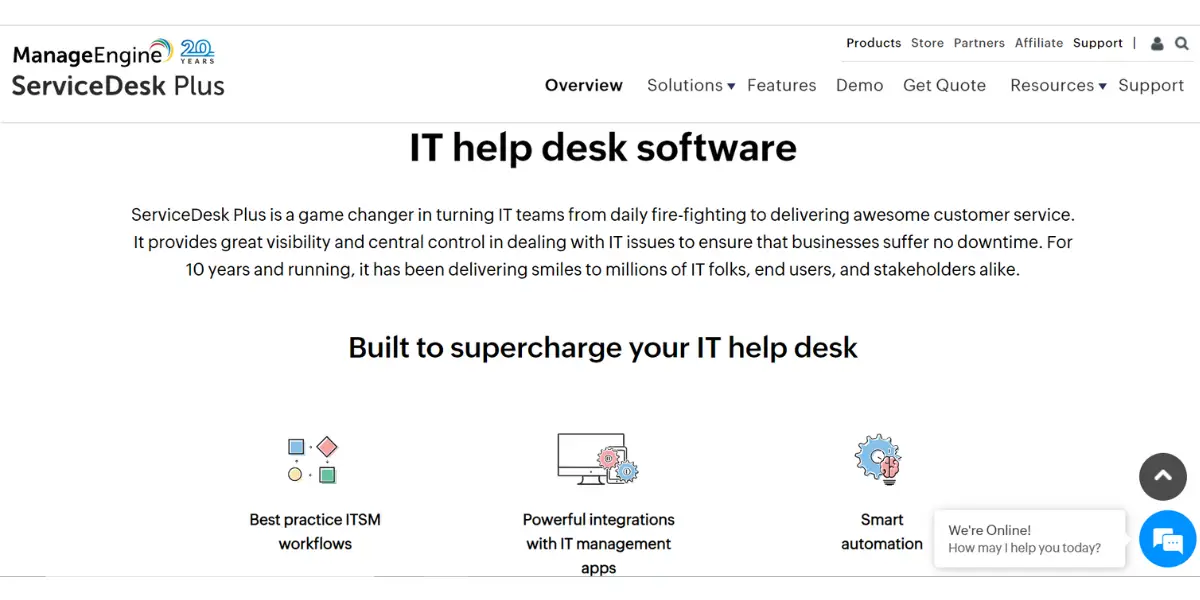
It is a comprehensive IT service management solution. ServiceDesk’s smart automation capabilities help enterprises to resolve ticket problems quickly and easily. In addition, it offers both on-premise and cloud deployment models.
Features
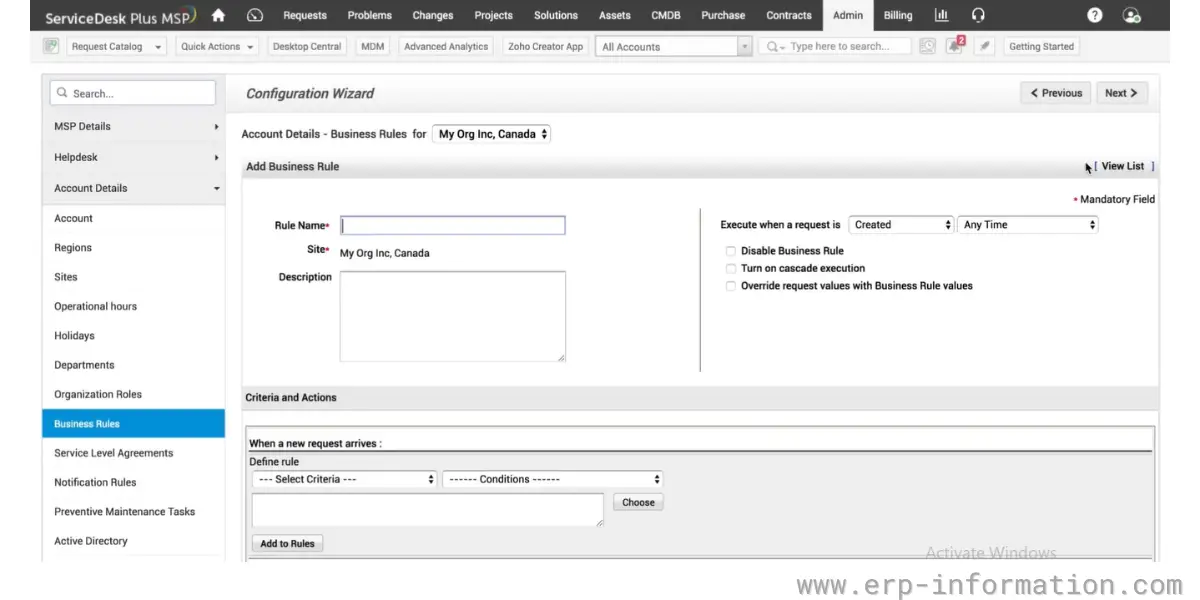
- Multi-channel support for end-users
- Automated ticket workflow process
- SLA management with escalation
- Integration of incident management with knowledge management
- Automated notifications
Pricing
ManageEngine now publishes list prices for ServiceDesk Plus, so the old advice to fill in a form for any figure at all is out of date. Three editions are sold, priced per technician with no cap on the number of IT end users:
- Standard – from US$13 per technician per month
- Professional – from US$27 per technician per month
- Enterprise – from US$67 per technician per month
Those are the published bundle rates. Custom technician and asset combinations still go to a quote, and the same three-edition structure covers both the cloud and on-premises builds.
Likes
- The software is robust, intuitive, and easy to use.
- It provides incident management for both cloud and on-premise deployment models.
- It allows you to track and manage all the incidents with a defined process.
- Assigns tickets automatically and converts emails to tickets automatically.
- It provides a lot of built-in templates.
Dislikes
- You need some assistance in learning the software initially.
- Sometimes receiving tickets and response times are slow.
- Online support and overall customer support are not good.
- Unavailability of patch management and release management.
Supported industries
- Retail
- Higher education
- Government
- Manufacturing
- Healthcare
- Facilities
- Human resources
- Finance
- Legal
Other details
| Deployment | Cloud, on-premise |
| Operating systems | Cross-platform |
| Supported devices | Linux, Windows, Mac, Android, iPhone |
| Language support | Supports 37 languages. Some are Arabic, Danish, German, English, French, Hebrew, Italian, Japanese, Dutch, Norwegian, Polish, Portuguese, Russian, Spanish, Serbian, Swedish, Vietnamese, and Chinese (Simplified) |
User opinion
ServiceDesk Plus is an all-in-one IT service management platform that provides solutions for enterprises to easily solve their ticket problems in no time. It offers both on-premise and cloud deployment models. In addition, it comes with several capabilities, such as multi-channel support, automated ticket workflow process, and more.
7. Spiceworks
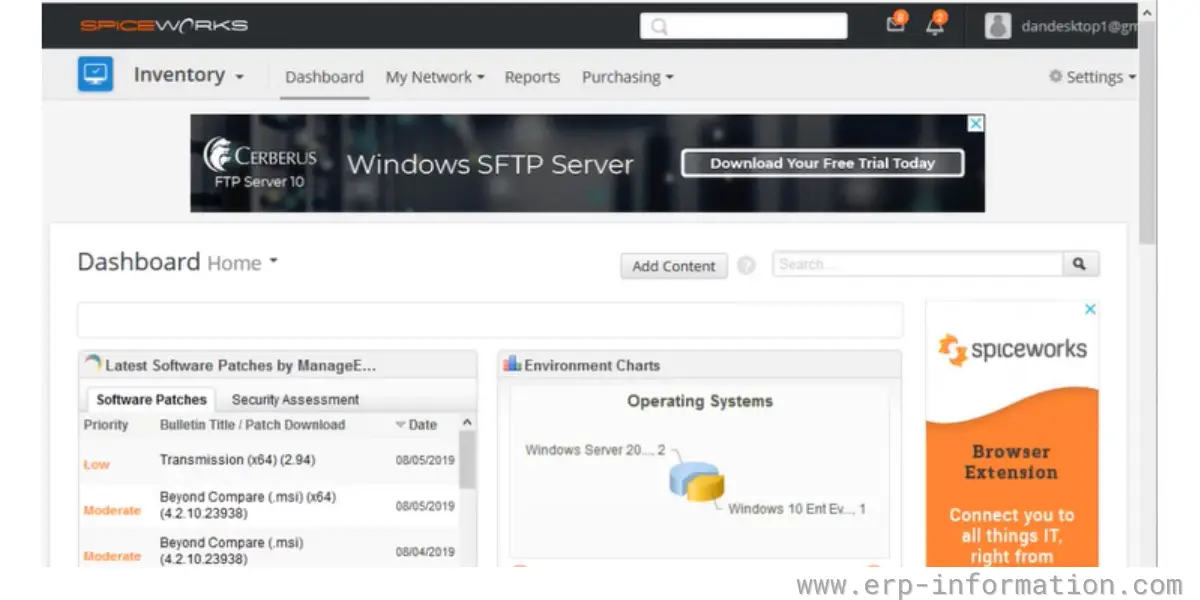
Spiceworks cloud help desk is a free software solution for IT businesses. It offers a comprehensive suite of IT tools, including an incident management system.
Spiceworks’ incident management system is designed to help businesses streamline their workflows and improve efficiency.
Features
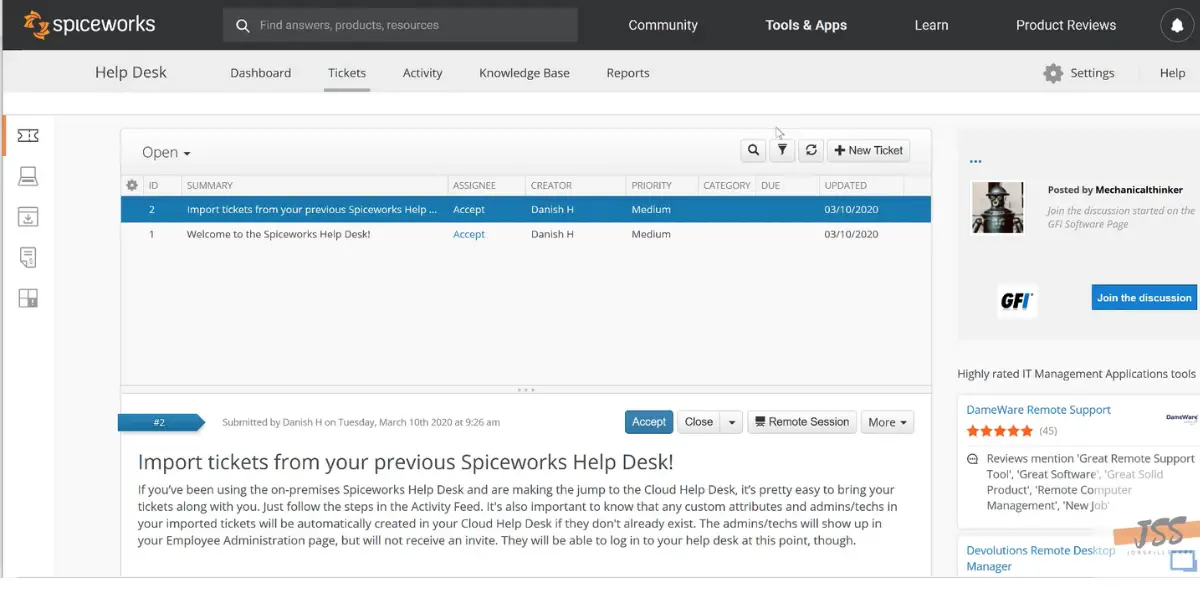
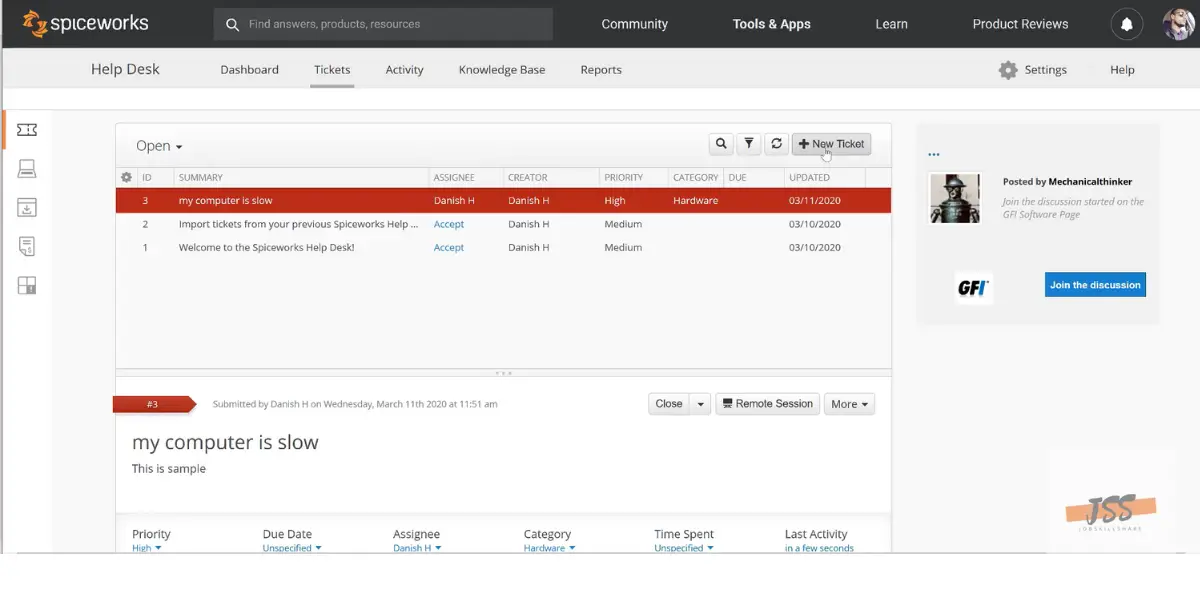
- Ticket and tasks – Users can easily create tickets and tasks for incidents and reply, add comments, and close. With the help of customer fields, users can track the needed things.
- User self-service – Provides a customizable user portal so end-users can submit tickets and monitor the progress.
- Active Directory integration – Helps to add end-users automatically and tag them to tickets.
- Help Desk team management – Dashboard provides a view of team performance metrics.
- Ticket collaboration – Allows to share tickets and work together.
- Multi-site support – Provides support to multiple users in multiple locations.
Pricing
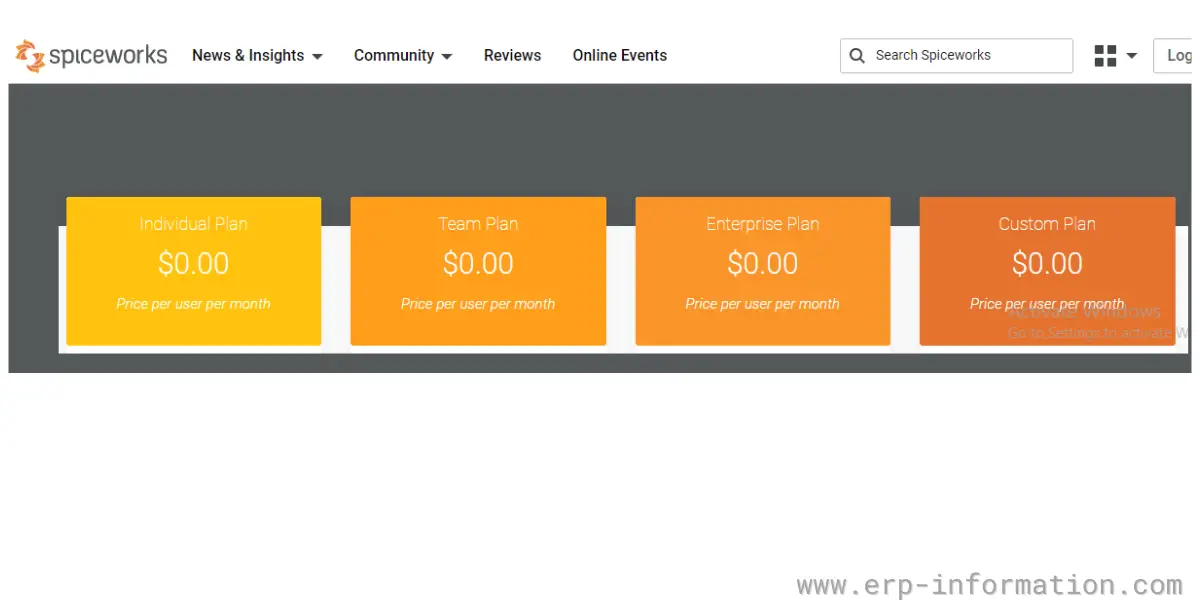
Spiceworks Cloud Help Desk is free to use and funded by advertising shown inside the product, which is the trade-off for paying nothing. It is not sold as a four-tier Individual, Team, Enterprise and Custom line-up; that structure does not exist.
Spiceworks has since added a paid tier alongside the free product. It does not publish that price in a form we could verify directly, so no figure is quoted here. Check Spiceworks’ own pricing page before you plan a budget around “free”. Spiceworks itself has been owned by Ziff Davis since September 2019 and trades as Spiceworks Ziff Davis.
Likes
- It is a free tool and good for self-portals.
- It is a cloud-based software. Hence, no need to have the server set up and maintained.
- It provides custom ticket attributes, ticket rules, and alerts.
- It provides secure remote support for remote employees.
- You can get the latest updates and notifications through mobile apps.
Dislikes
- Lack of flexibility
- The setup wizard is not good
- Mobile apps are a little bit confusing
- Search for old tickets is awkward
Other details
| Deployment | Cloud, SaaS, Web-Based |
| Supported devices | Windows, iPhone, iPad |
| Support | FAQs/Forum, Knowledge Base, Chat |
| Training | In-Person, Live Online, Webinars, Documentation |
| Customer rating | Not recorded here. The figure previously shown in this row repeated the training options above and was not a rating. |
User opinion
This platform offers a cost-free IT software solution for businesses with extensive tools and features, including an incident management system, Active Directory integration, help desk team management, a customizable self-service portal, and many others. This system is tailored to organize workflows and increase productivity for organizations.
8. Issuetrak
Issuetrak is a help desk software that helps businesses to manage issues by automating ticket escalation and resolution.
It offers a bunch of features, such as ticketing, asset management, and reporting. It is trusted by companies such as Verizon, Cintas, Planet Fitness, Pfizer, etc.
Features
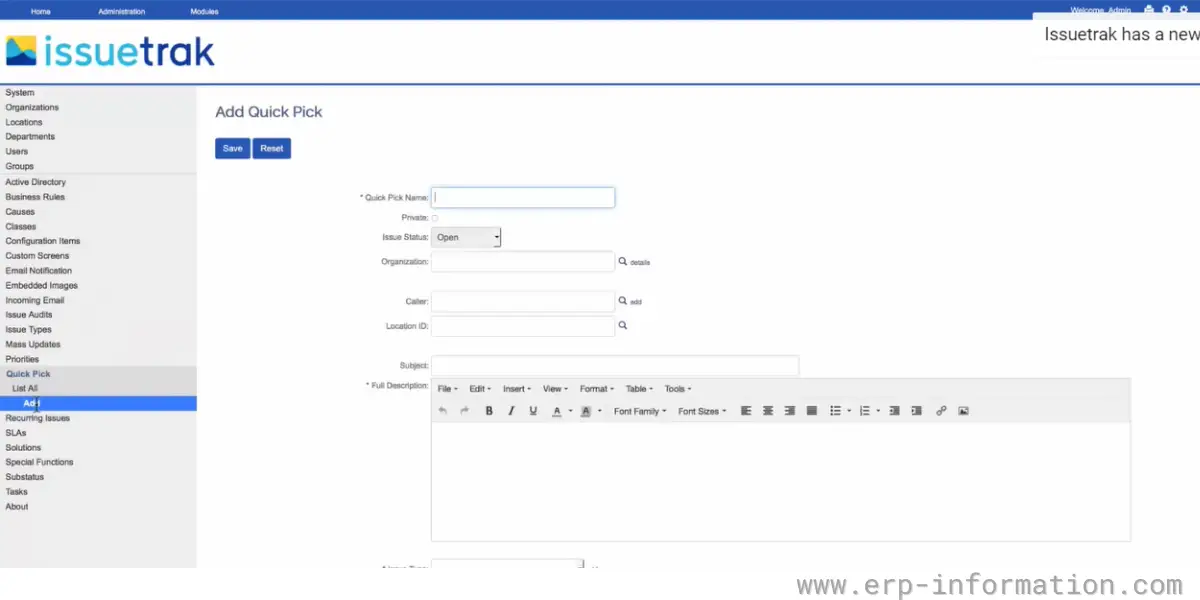
- Customizable issue types
- Customizable issue priorities
- Mass issue handling
- Custom issue view
- Unlimited issue attachments
- SLA management
- Issue auditing and reporting
- Unlimited reporting
- Customizable live dashboard
- Task management
- Knowledge management
Pricing
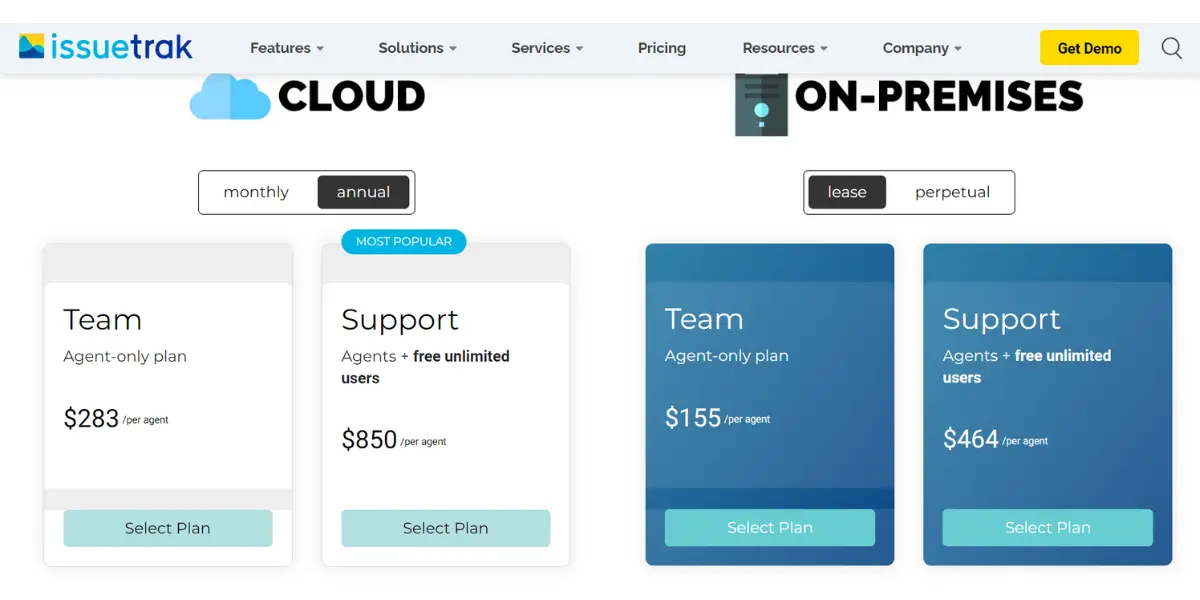
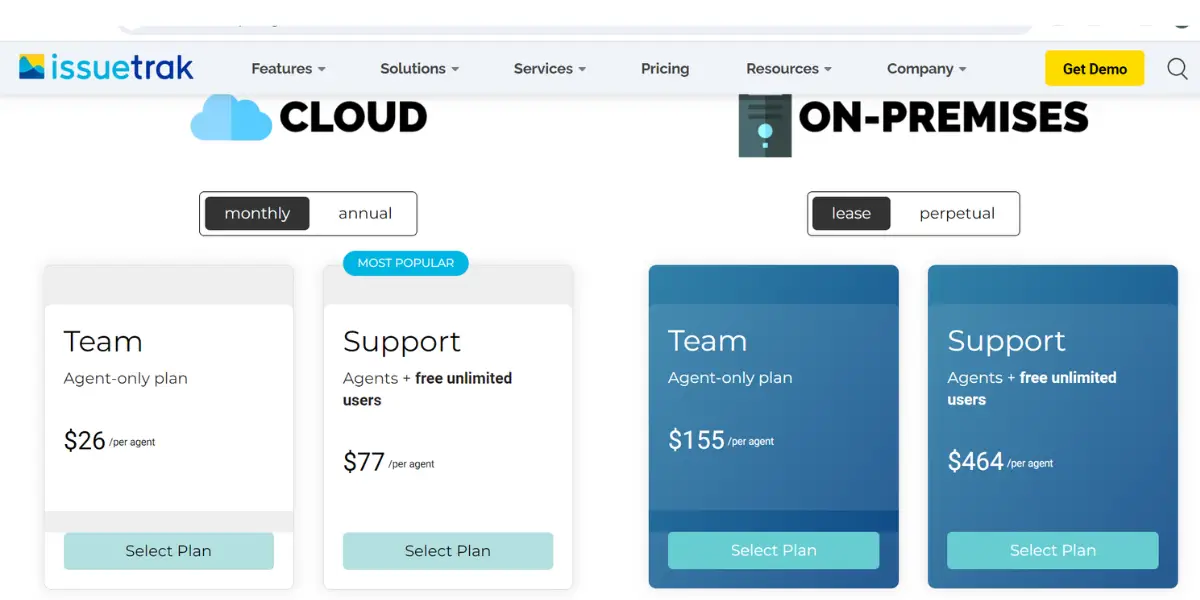
It offers separate plans for cloud and on-premise models
- Cloud – $75 per agent per month, billed annually, with a three-agent minimum. That minimum matters: the realistic entry cost is $225 a month, not $75.
- On-premises – $1,091 per agent as a one-time licence, plus $218 per agent per year for maintenance, again with a three-agent minimum.
- Both plans carry the same features and unlimited end users. The older Team and Support tiers are no longer sold.
Likes
- Offers multi-channel issue submission
- It provides 24/7 customer support.
- It provides solutions for both cloud and on-premise deployment models.
- It helps you to automate the entire workflow.
- It is simple with full of features.
Dislikes
- Sometimes search function will be clunky.
- Learning the software functions is a little bit difficult.
Supported industries
- Education
- Government
Other details
| Deployment | Cloud, SaaS, Web-Based |
| Supported devices | Windows, Linux |
| Support | Email/Help Desk, FAQs/Forum, Knowledge Base, Phone Support, 24/7 (Live Rep), Chat |
| Training | In-Person, Live Online, Webinars, Documentation, Videos |
| Customer rating | In G2, 4.1 out of 5 (Number of reviews: 162+) In Capterra, 4.5 out of 5 (Number of reviews:172+) |
User opinion
This reliable IT help desk aids businesses in the automation of ticket escalation and resolution. Issuetrak is loaded with some useful features like customizable issue types and priorities, mass issue handling, issue auditing and reporting, task management, knowledge management, and many more.
9. OnPage
Onpage is one of the great incident management Software. This Software solution is for IT service alerting and incident alert management. It Integrates with ServiceNow, ConnectWise, Autotask, Uptime Robot, Slack, Amion, IBM Maximo, Cisco Spark, and more.
It keeps an eye on critical issues and never lets them miss. It provides software tools for many industries, including healthcare, information technology, managed services, IoT, and manufacturing.
Features
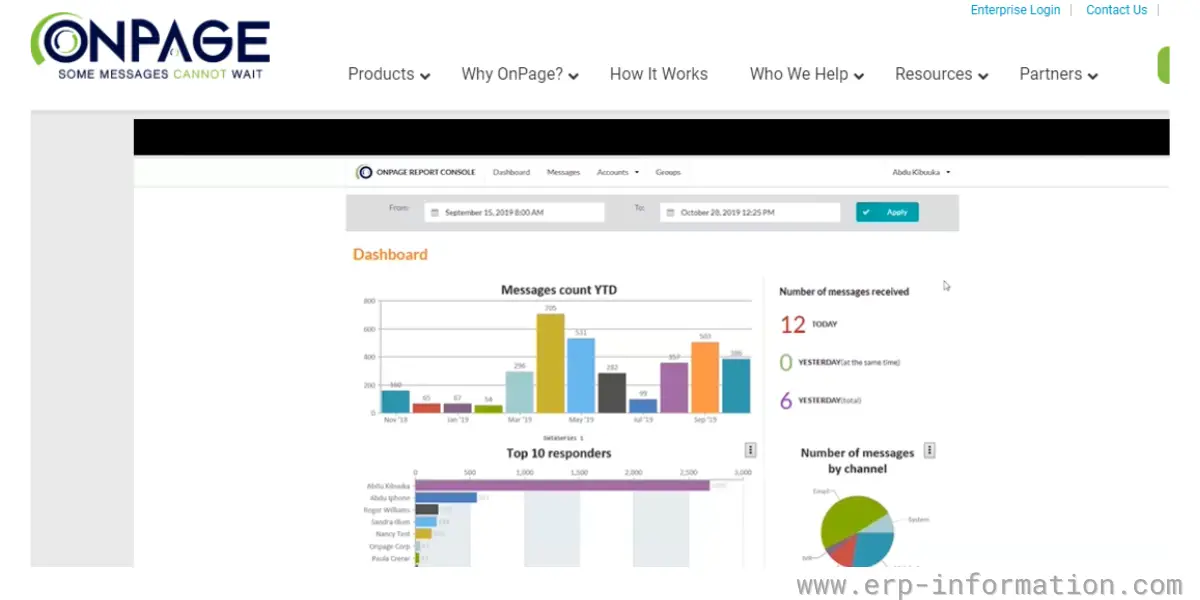
- IT incident response
- HIPAA compliant texting
- Clinical communication and collaboration
- On-call management
- Live call routing
- Mass notifications
- Pager replacement
Pricing
- It provides a free trial.
- It offers three plans.
| OnPage | Enterprise Silver | Enterprise Gold |
| $13.99 per user per month paid yearly, or $16.99 paid quarterly. | $22.99 per user per month, paid yearly. | $28.99 per user per month, paid yearly. |

Likes
- It is easy to use and easy to understand
- It provides 24/7 customer support
- It allows communication with team members in other countries
- It allows configuring with multiple ways to create pages
Dislikes
- Its voice mail feature is not good
- The user interface is not so good
- Selecting the notification sound option is not there.
Other details
| Deployment | Cloud, SaaS, Web-Based |
| Supported devices | Android, iPhone, iPad |
| Support | 24/7 (Live Rep), Chat |
| Training | Live Online, Webinars, Documentation |
| Customer rating | In G2, 4.5 out of 5 (Number of reviews: 173+) In Capterra, 4.7 out of 5 (Number of reviews:30+) |
User opinion
Onpage is a reliable software solution to enable IT service alerting, incident alert management, and critical issue resolution.
It can respond to IT incidents, clinical communication and collaboration, on-call management, live call routing, IT incident response, and more. Its applications range from healthcare to information technology, managed services, IoT, and manufacturing.
10. xMatters
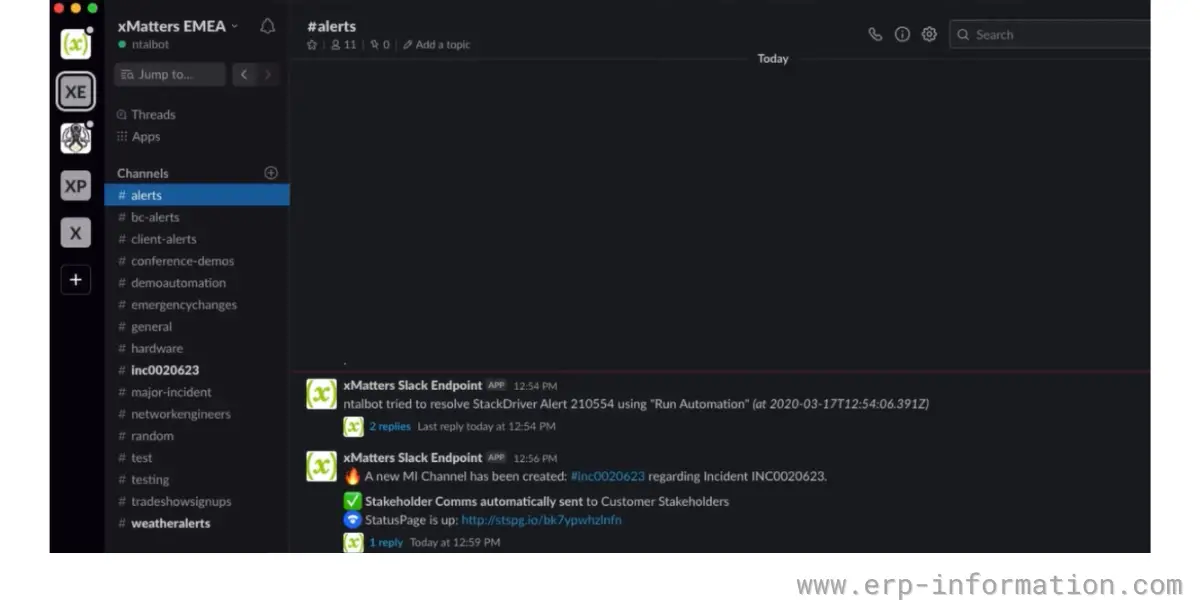
It is an incident response and management solution that automates workflows and solves technology-related issues. It integrates with popular tools like ServiceNow, Slack, and Jira to help manage incidents.
Check who you are buying from. xMatters has changed hands twice. Everbridge acquired it on 7 May 2021, and it is now sold as Everbridge xMatters rather than as an independent product. Everbridge itself was then taken private by Thoma Bravo in a deal completed on 2 July 2024, worth roughly $1.8 billion at $35.00 a share, after which Everbridge stock was delisted from Nasdaq. Neither change removes the product, but it does mean the roadmap now sits inside a private-equity-owned portfolio, which is worth asking about on a multi-year contract.
Features
- On-call management
- Signal intelligence
- Workflow automation
- Incident response and management
- Analytics
- Service Intelligence
Pricing
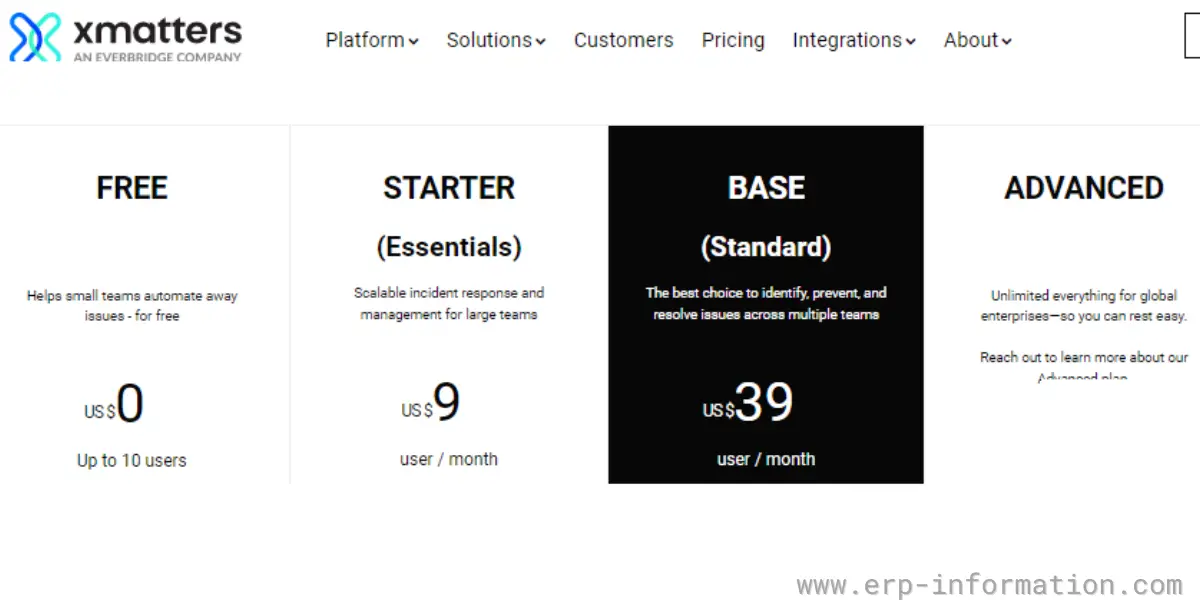
It offers four plans,
- Free – Free for up to 5 users, not 10.
- Starter (Essentials) – $15 per user per month, for up to 25 users.
- Base (Standard) – $39 per user per month.
- Advanced – you need to contact the vendor for details.
Likes
- Its automated incident response and management solve the issues very quickly.
- It enhances collaboration and productivity in the team.
- It provides no code integration.
- It provides good and quick support.
Dislikes
- For first-time users, the user interface is not intuitive.
- It does not provide a calendar to clients listing for future updates and maintenance.
Supported industries
- Financial services
- Healthcare
- Retail
- Service providers
- Technology
Other details
| Deployment | Cloud, SaaS, Web-Based |
| Supported devices | Mac, Windows, Android, iPhone, iPad |
| Support | Email/Help Desk, FAQs/Forum, Knowledge Base, Phone Support, 24/7 (Live Rep), Chat |
| Training | In-Person, Live Online, Webinars, Documentation, Videos |
| Customer rating | In G2, 4.4 out of 5 (Number of reviews: 401+) In Capterra, 4.5 out of 5 (Number of reviews:136+) |
User opinion
xMatters is an incident response and management solution packed with several features for incident response and management, workflow automation, incident response and management, analytics, service intelligence, and more. It integrates well with popular tools such as ServiceNow, Slack, Jira, and others in handling incidents.
What changed in this market, and what this list does not cover
Two events since this comparison was first written matter more than any feature on it.
Opsgenie is being shut down. Atlassian stopped selling it on 4 June 2025 and has set end of support for 5 April 2027, stating that “Opsgenie will be shut down, and the product will no longer be accessible; any customer data in Opsgenie that has not been moved will also be deleted.” Atlassian’s migration path is Jira Service Management, which now carries Opsgenie’s alerting and on-call features, with an automated migration and 120 days of parallel access to validate the move. If you run Opsgenie today, the migration is the decision in front of you, and PagerDuty, xMatters and OnPage above are the like-for-like alternatives if you would rather not consolidate onto Atlassian.
FireHydrant is being absorbed into Freshworks, announced 15 December 2025 and expected to close in Freshworks’ first fiscal quarter of 2026, which puts a dedicated incident-response platform inside the same company as Freshservice at number one above.
Being straight about scope: this list is weighted towards IT service desks and paging tools, and it does not cover the Slack-native incident response platforms that engineering and SRE teams increasingly buy instead. If that is your team, the names to look at alongside these are Jira Service Management, incident.io, Rootly, Better Stack and BigPanda. They are absent here rather than rejected, and a shortlist for a software engineering organisation should include them.
FAQs
What is incident management?
Incident management is identifying, responding to, and resolving incidents. An incident is an unplanned event that impacts or could potentially impact business operations.
The objective of incident management is to ensure that incidents are resolved quickly and effectively so that business operations can resume as usual as soon as possible. That involves identifying the root cause of the incident, resolution of the issue, and documentation of the entire process.
Conclusion
Incident management software is an important tool for businesses of all sizes. Incident management software can help you manage and respond to incidents quickly and effectively, minimizing the damage they cause.
Work out which of the three jobs you are buying for before you compare features, because a service desk and a paging tool are not alternatives to each other. Then check two things on any shortlist: the per-agent minimum, which is what makes Issuetrak’s $75 into $225 a month, and who owns the product now, which is what makes xMatters an Everbridge product inside a Thoma Bravo portfolio. Prices here were verified against vendor pricing pages in August 2026 and move often enough that you should confirm before you budget.
Reference :
- Whitepaper of Freshservice – best practices for incident management process flow
- Resource of ninjaOne
- Incident management documents of ServiceNow
- PagerDuty Guide on the incident response
- Guides of HALOITSM
- A guide to incident management of ServiceDesk
- White papers of ServiceDesk plus
- Cloud help desk documentation of Spiceworks
- Helps desk-getting started of Issuetrak
- Onpage ebook for critical incident management
- xmatters whitepapers and guides