As a business owner, you know that choosing the right CRM software is essential to your success. But with so many options on the market, it is difficult to decide which one is right for your business.
This article will share today’s best CRM for startups and small businesses. These are affordable and easy to use, offering advanced features to help your business grow. So if you’re in the market for a new solution, read on!
What is CRM Software?
CRM software is computer software that helps businesses manage customer relationships. It allows companies to track customer interactions and sales and collect and store customer data. It can also help companies automate follow-up and email marketing tasks.
Here are the 10 Best CRM for Startups and Small Businesses
1. HubSpot
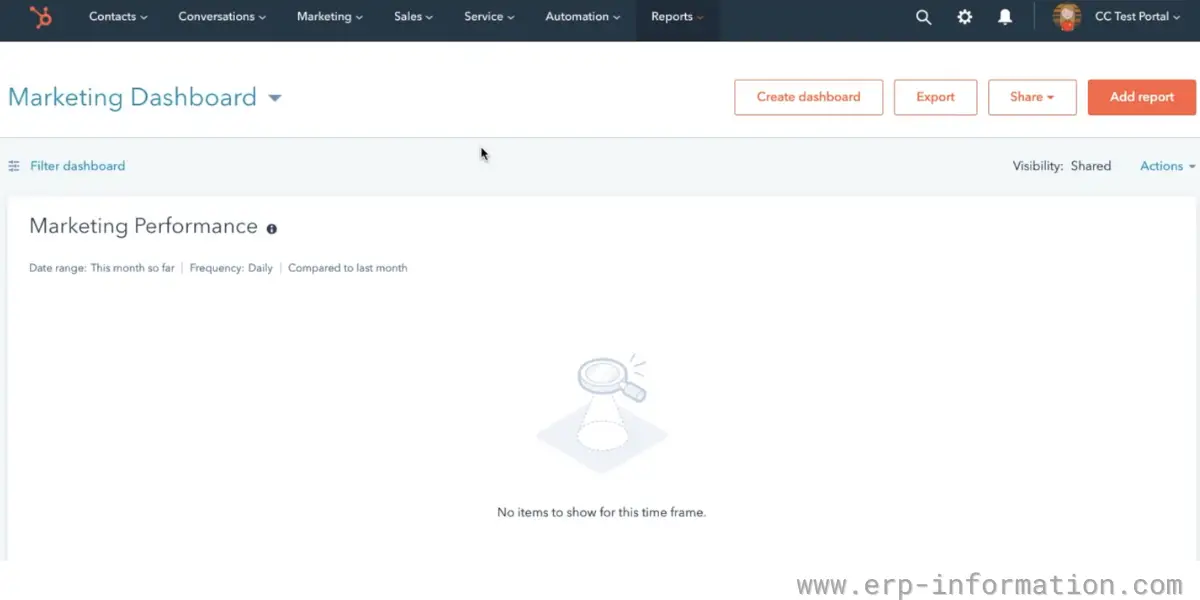
HubSpot CRM is a free CRM software for small businesses and startups. It offers contact management, email marketing, lead capture, and sales pipeline management. In addition, HubSpot integrates with other products, such as HubSpot Marketing and Sales.
Features
- Reporting dashboard
- Company insights
- Deal tracking
- Pipeline management
- Contact management
- Call tracking
- Sales automation
- Prospect tracking
- Lead management
- Document tracking
Pricing
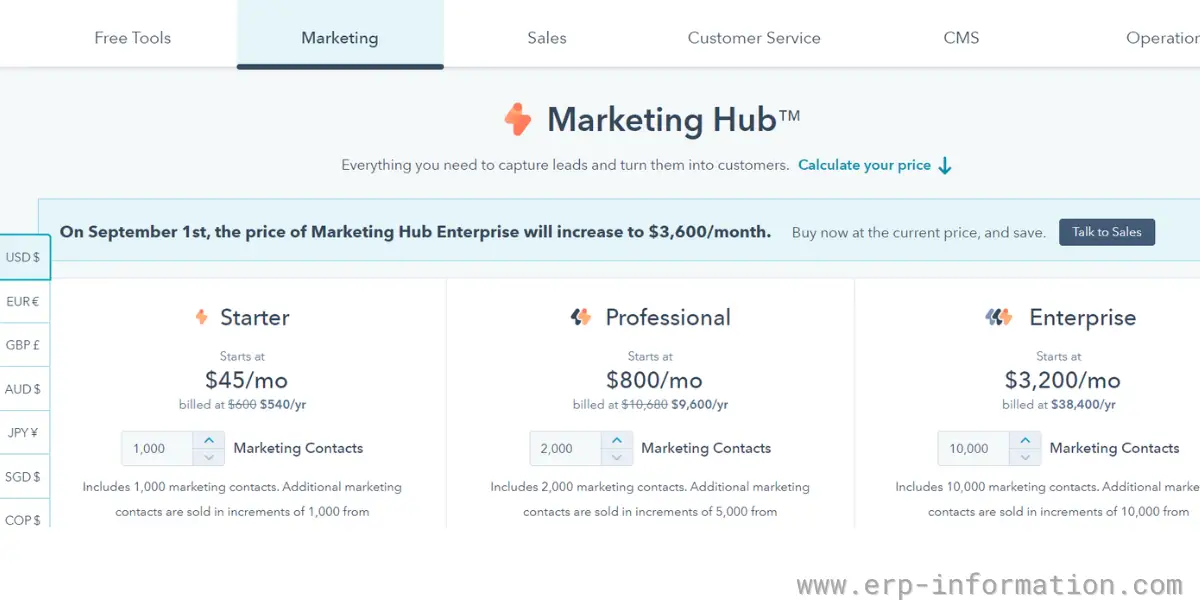
HubSpot has changed how it charges. It now prices per seat rather than bundling a set number of users into each plan and billing extra for anyone beyond that. For a small team the current shape is simple: the free tier covers up to 2 users, and Starter is $20 per seat per month, with a lower introductory rate advertised for new customers. Above that sit Professional and Enterprise, still sold per Hub.
The table below reflects the older per-Hub structure, in which each plan came with a fixed allowance of paid users and charged a separate fee per additional user. It is useful for seeing how the Hubs relate to each other and roughly where the tiers sit, but the per-seat model has replaced the included-users-plus-overage arrangement, so price a HubSpot quote on seats and confirm the current figures on HubSpot’s own pricing page.
| For Marketing Hub | For sales hub and Customer service | For CMS | For operations | |
| Starter | It starts at $45 per month or $540 per year. That includes 1000 marketing contacts. | It starts at $45 per month or $540 per year. That includes two paid users. After that, it charges $23 per month per additional user. | It starts at $23 per month or $270 per year. | It starts at $45 per month or $540 per year. |
| Professional | It starts at $800 per month or $9600 per year. That includes 2000 marketing contacts. | It starts at $450 per month or $5400 per year. That includes five paid users. After that, it charges $90 per month per additional user. | It starts at $360 per month or $4320 per year. It offers a 14-day free trial. | It starts at $720 per month or $8640 per year. It offers a 14-day free trial. |
| Enterprise | It starts at $3200 per month or $38,400 per year. That includes 10,000 marketing contacts. | It starts at $1200 per month or $14,400 per year. That includes ten paid users. It charges $120 per month per additional user. | It starts at $1200 per month or $14,400 per year. It offers a 14-day free trial. | It starts at $2000 per month or $24,000 per year. It offers a 14-day free trial. |
Likes
- It provides a free version with all essential features
- Integrates with other HubSpot tools
- Provides good customer support
- Live chat, team Email, and Email scheduling are available
Dislike
- Paid plans are costly for small businesses
Our opinion
The software is good for startups because it provides a free plan and basic features. In addition, it offers tailored training and easy onboarding to startups. HubSpot CRM is easy to use and has a good user interface. In addition, the software integrates with HubSpot Marketing and HubSpot Sales, making it a powerful tool for marketing and sales teams.
2. Salesforce
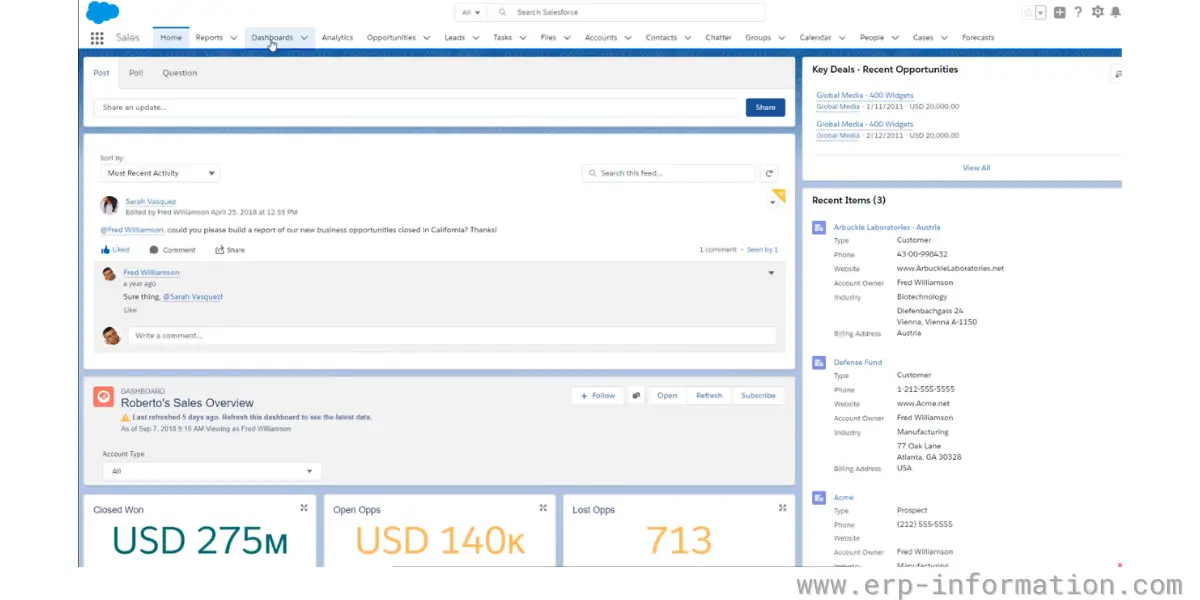
The software is popular for CRM solutions and is widely adopted. It is easy to use and provides easy onboarding. In addition, the software integrates with SalesforceIQ Inbox, which makes it a powerful tool for sales teams. The pricing is subscription-based and starts at $25 per user per month.
Features
- Automatic capture of customer details
- Automate and connect business process
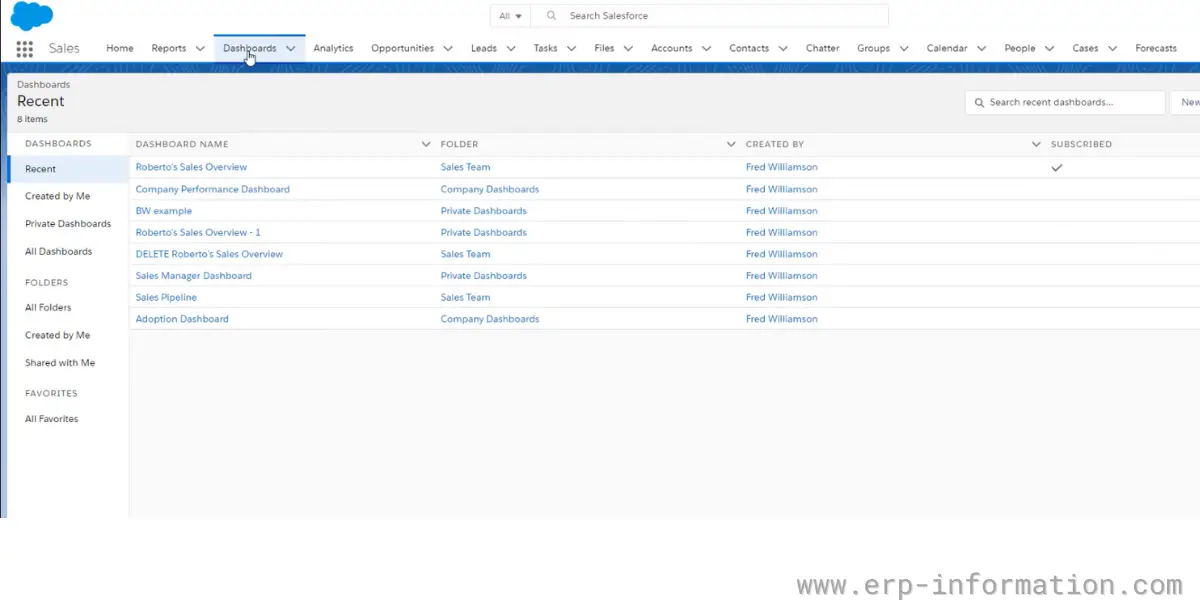
- Reporting and dashboards
Pricing
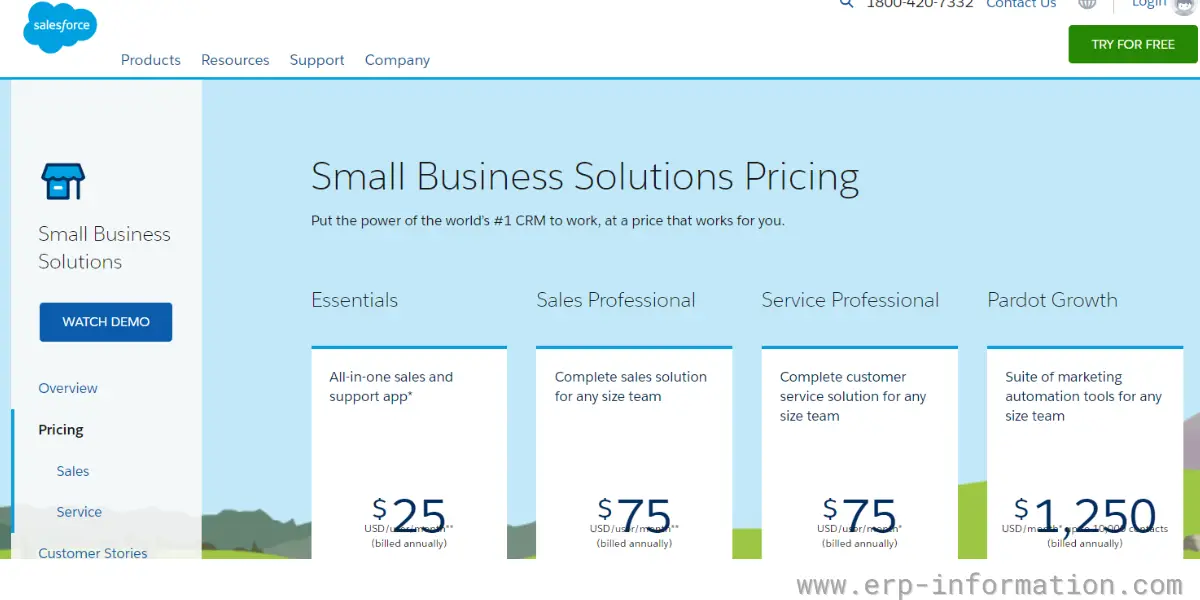
Salesforce has retired the Essentials edition. The small-business entry point is now Starter Suite, and the ladder above it has been rebuilt, so any plan named Essentials or Professional at $75 belongs to the old line-up. Current published pricing:
- Starter Suite – $25 per user per month, billed monthly or annually. Sales, service, marketing and commerce in one app, and the direct replacement for Essentials.
- Pro Suite – $100 per user per month, billed annually. Adds greater customisation and automation, plus sales quoting and forecasting.
- Enterprise – $175 per user per month, billed annually. Adds advanced pipeline management, conversation intelligence and web API access.
- Unlimited – $350 per user per month, billed annually, for teams wanting predictive AI and developer support built in.
The gap that matters for a startup is between the first two rungs. There is no longer a $75 middle step: once you outgrow Starter Suite the next tier is $100 per user per month, four times the entry price. Salesforce also offers a free tier for very small teams, which is worth using to test the data model before committing.
Likes
- You can connect with customers from everywhere via email, chat, phone
- It provides third-party integration
Dislike
- The software setup is complex and expensive
Our opinion
SalesForce is a popular CRM software for startups and small businesses that provides a clear insight into customer needs. The software is flexible and scalable. It provides a free trial also.
3. Close
Close is a CRM software that provides call, email, SMS automation, and reporting features. The software is easy to use with a modern interface. It offers a 14-day free trial.
Features
- Lead, contact, and opportunity storage
- Email support and help center
- Task management
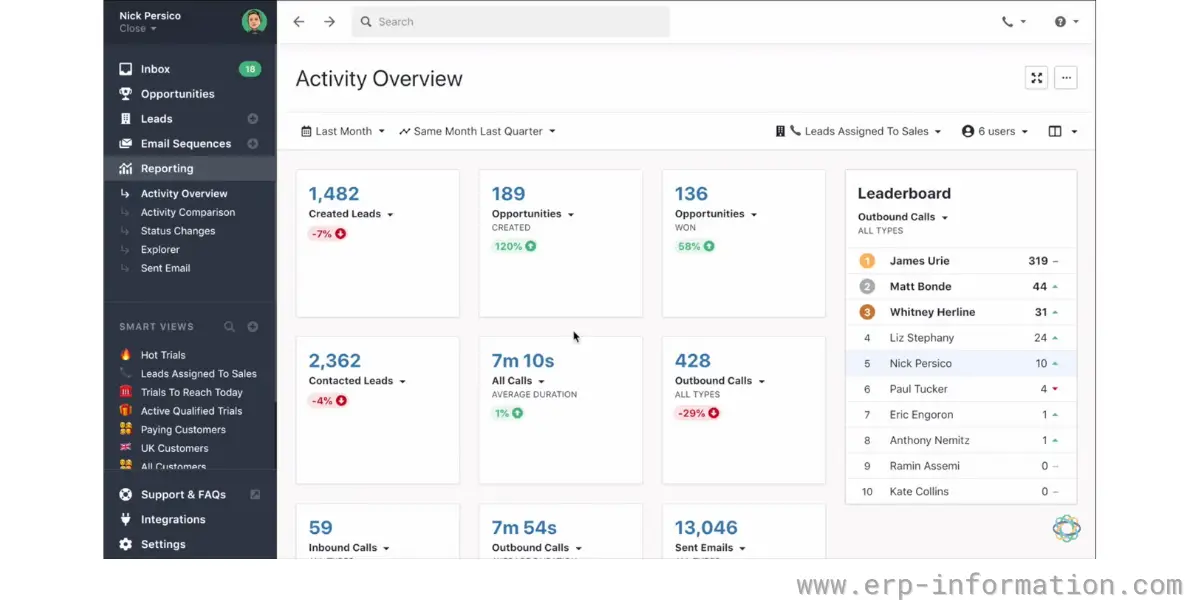
- Sales leaderboards
- Comparison reports
- Pipeline, activity, and opportunity reporting
Pricing
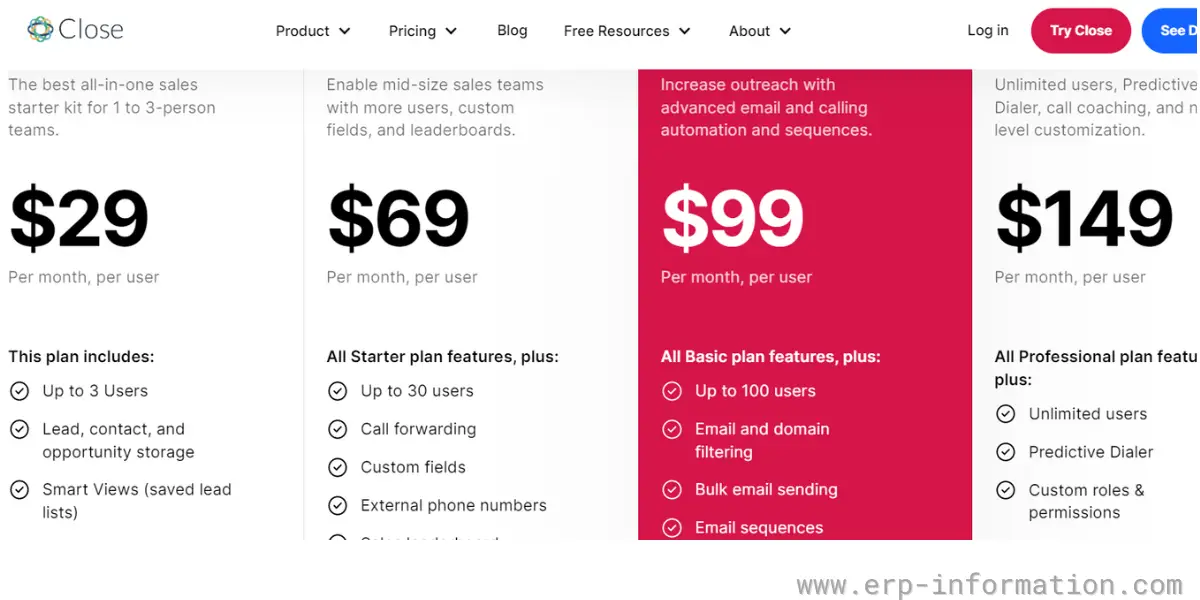
Close renamed and re-cut its plans, and it now discounts annual billing heavily. Prices below are monthly first, then the annual equivalent per user per month:
- Solo – $19 per user per month, or $9 on annual billing. Aimed at founders selling on their own, and it does not include workflows.
- Essentials – $49 per user per month, or $35 annually. The first tier built for a small team.
- Growth – $109 per user per month, or $99 annually, adding automation and bulk email.
- Scale – $149 per user per month, or $139 annually, for scaling organisations needing more control.
Each tier also carries an allowance of AI credits, rising with the plan, so if you intend to lean on the AI features check that allowance rather than the seat price alone. The old Starter, Basic, Professional and Business names at $29 to $149 are no longer in use.
Likes
- It provides an easy user interface
- It offers unique custom fields and activities
Dislike
- It does not provide call forwarding and call recording features for the starter plan.
Our opinion
Close provides in-built SMS and global calling features. It also offers automated email and good customer support. With its comparison report, you can clearly understand the sales pipeline.
4. Insightly
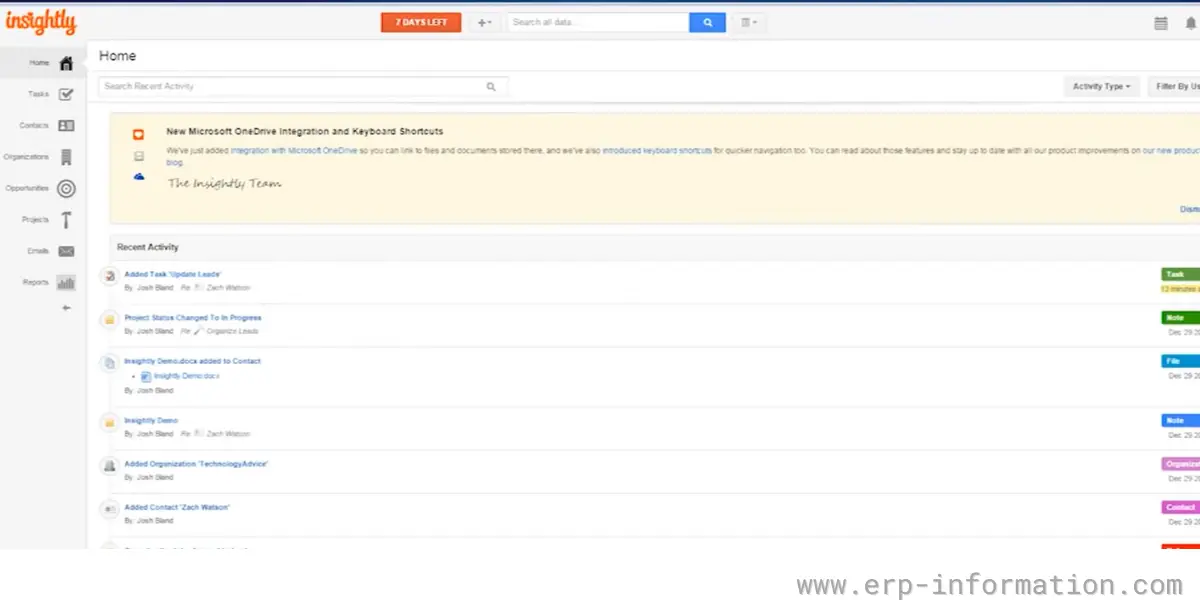
Insightly CRM software is easy to set up and suitable for startups with excellent workflow management. Businesses can create and share dashboards and reports with other team members with drag-and-drop options. In addition, it provides in-built governance and security.
Features
- Lead management
- Email templates
- Contact and organization management
- Task and event management
- Opportunity management
- Mobile apps
- Integration with 250 business apps
Pricing
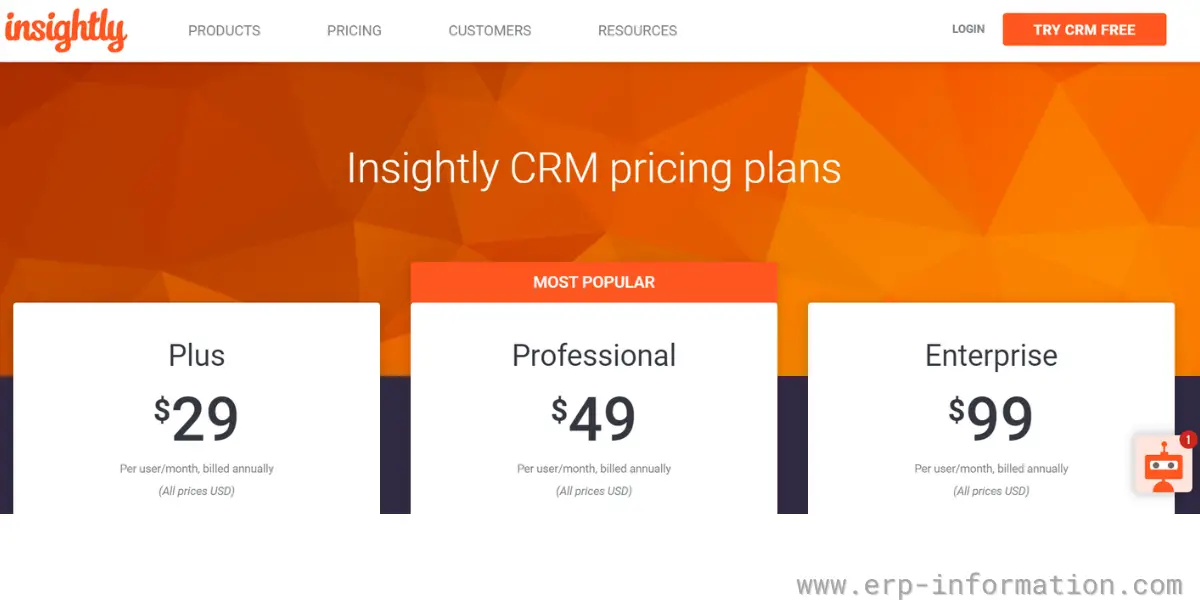
It offers three plans
| Plus | It charges $29 per user per month, billed annually |
| Professional | It charges $49 per user per month, billed annually |
| Enterprise | It charges $99 per user per month, billed annually. |
Likes
- It helps to automate tasks like sending emails and updating records
- It allows you to design dashboards and track important metrics
- It enables you to build good customer relationships with its record linking functionality
Dislike
- It offers phone support with extra charge
Our opinion
Insightly CRM is a great choice for small businesses and startups. It allows businesses to schedule and run reports from everywhere. Its dashboard provides real-time insights in the form of beautiful visuals like graphs and charts. Overall, it is an excellent tool for sales and marketing teams.
5. Pipedrive
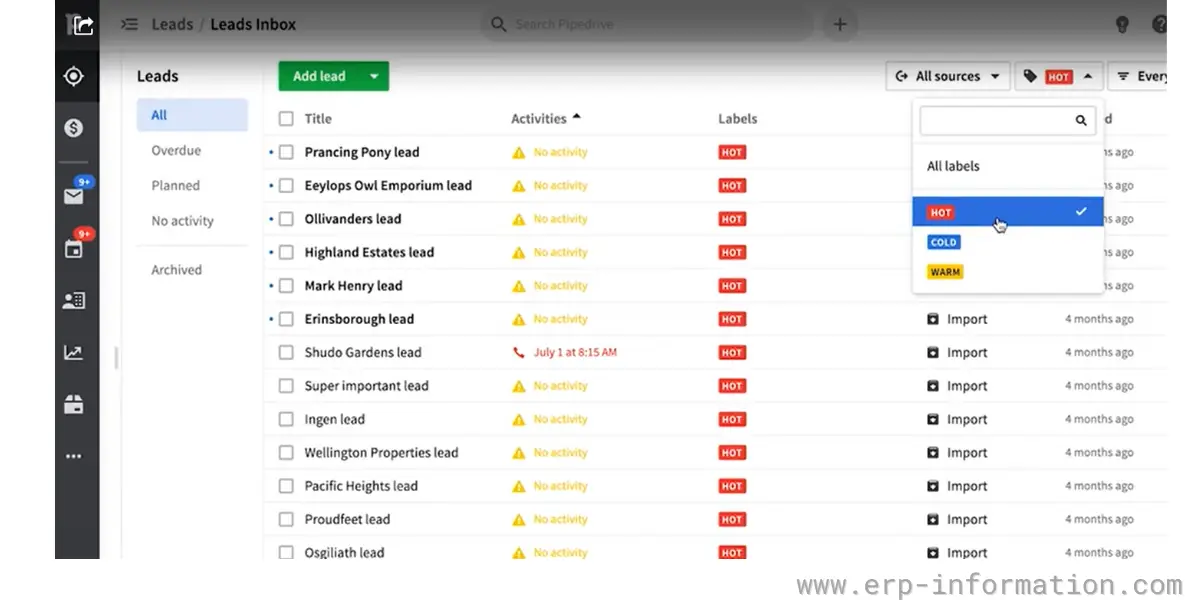
Pipedrive is a CRM software that helps small companies to manage their sales and customer relationships. It provides a 14-day free trial without credit cards. 100,000 companies in 179 countries use this software.
Features
- Sales software
- Email marketing software
- Marketplace integration
- Lead generation software
- web visitor tracking
- Documents and template
Pricing
It offers a 14-day free trial
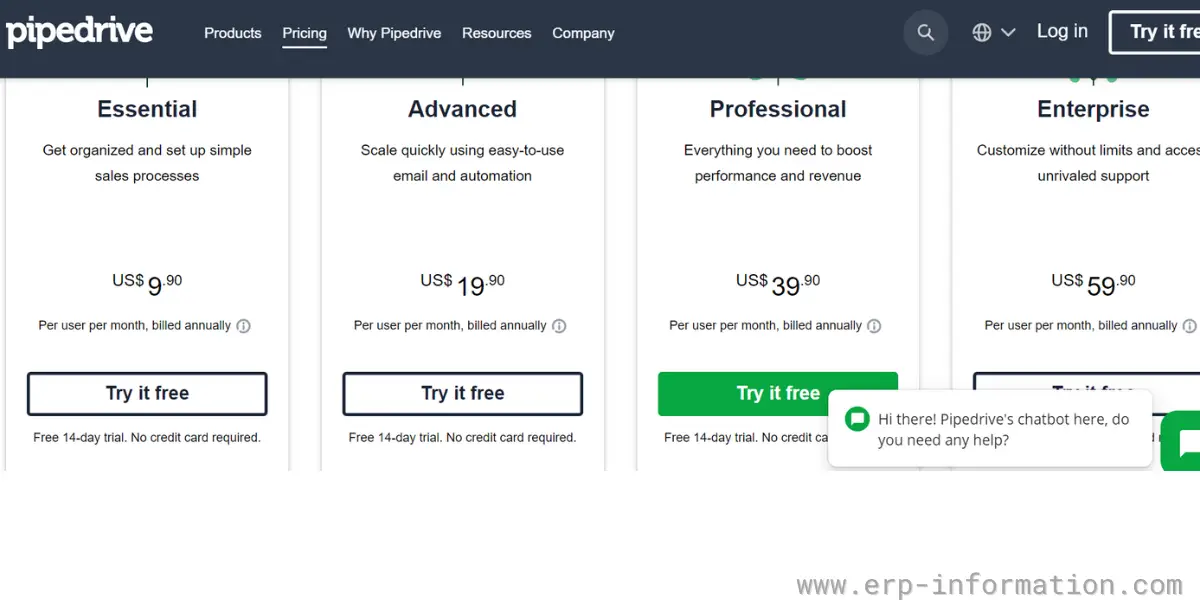
It offers four plans
- Essential – It charges $9.90 per user per month, billed annually
- Advanced – It charges $19.90 per user per month, billed annually
- Professional – It charges $39.90 per user per month, billed annually
- Enterprise – It charges $59.90 per user per month, billed annually
Likes
- The software is easily customizable
- It provides 24/7 customer support
- It provides an easy user interface
Dislike
- The free plan is not available
Our opinion
Pipedrive is designed for CRM by salespeople. With its enterprise plan, you can have unlimited custom fields. It integrates with over 300 apps and provides 24/7 email and chat support. Overall, it is a great software for startups and small businesses.
6. Salesmate
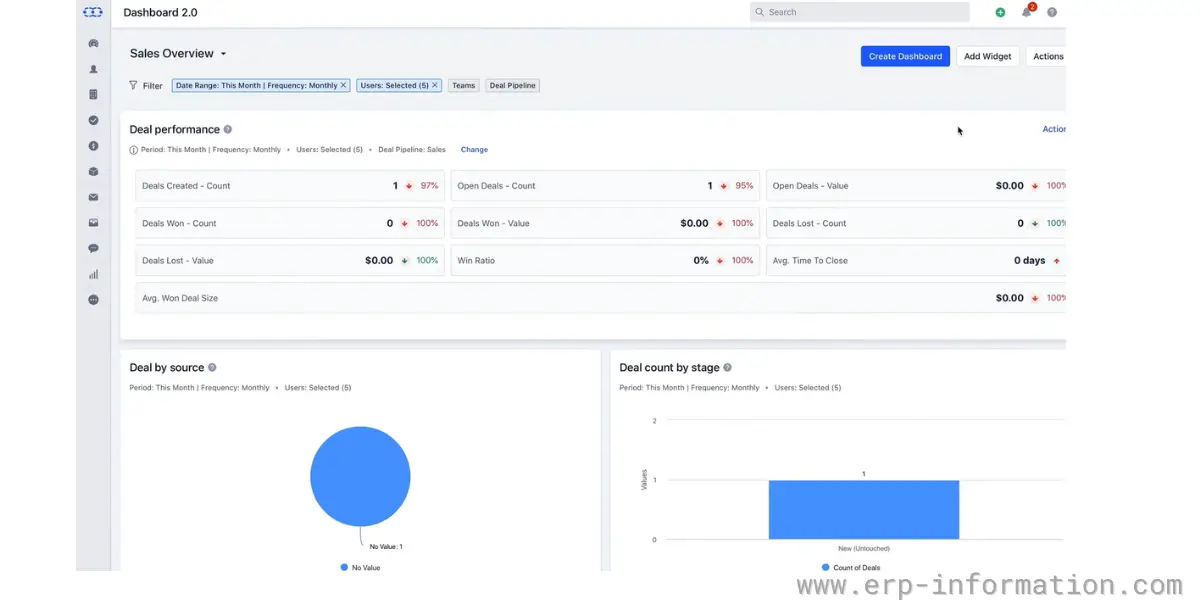
Salesmate is a powerful and easy-to-use CRM software that helps small businesses and startups to manage customer relationships and sales pipelines more effectively. It helps businesses reach customers with targeted emails, texts, calls, and follow-ups.
Features
- Prospect and lead management
- Sales pipeline and activity tracking
- Sales automation and sequences
- Sales intelligence and reports
- Contact management
- Built-in calling
- Workflow automation
Pricing
It offers a 15-day free trial with no credit cards.
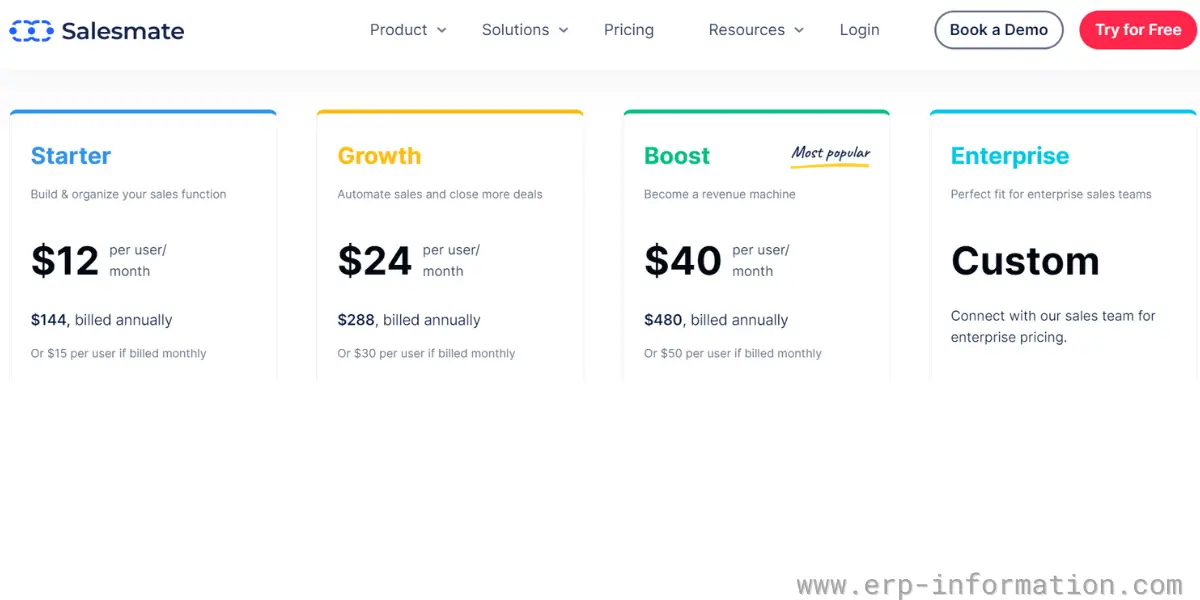
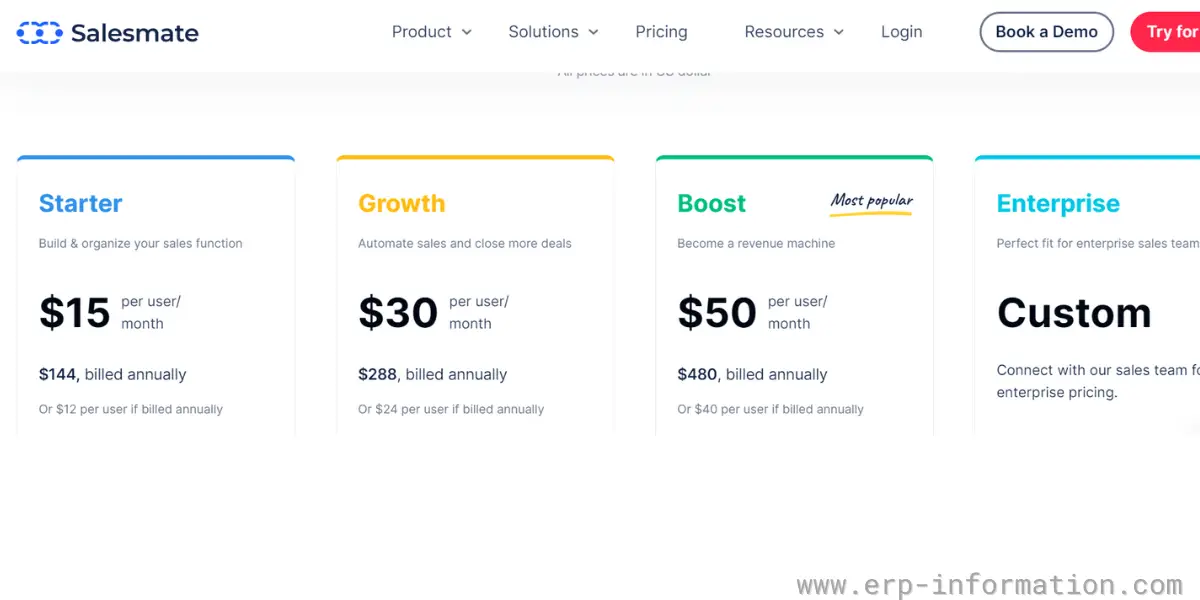
Salesmate has renamed its tiers and raised prices roughly to double the old rates:
- Basic is $23 per user per month, covering contact and company management.
- Pro is $39 per user per month, adding sequences and deeper sales automation.
- Business is $63 per user per month, intended to align sales, marketing and support on one system.
- Enterprise – quoted rather than listed, and note that enterprise onboarding packages start from $1,999 as a one-off on top of the licence.
Built-in calling is charged separately, with local and toll-free numbers from around $1.10 per month plus usage, so a sales team that lives on the phone should price that in rather than assume it is included. The former Starter, Growth and Boost tiers at $12, $24 and $40 no longer exist.
Likes
- It offers flexible pricing plans
- It provides good customer support
- It provides real-time insights into the sales process with intuitive dashboards and reports.
Dislikes
- Custom dashboard and reports are not available for the starter plan
- Sometimes, the voice dialer will not work efficiently
Our opinion
Slesmate CRM software is specially designed for startups that help businesses to grow their revenue and relationship with their customers. You can get a complete visualization of your interactions with its prospects with a personal touch feature.
7. GreenRope
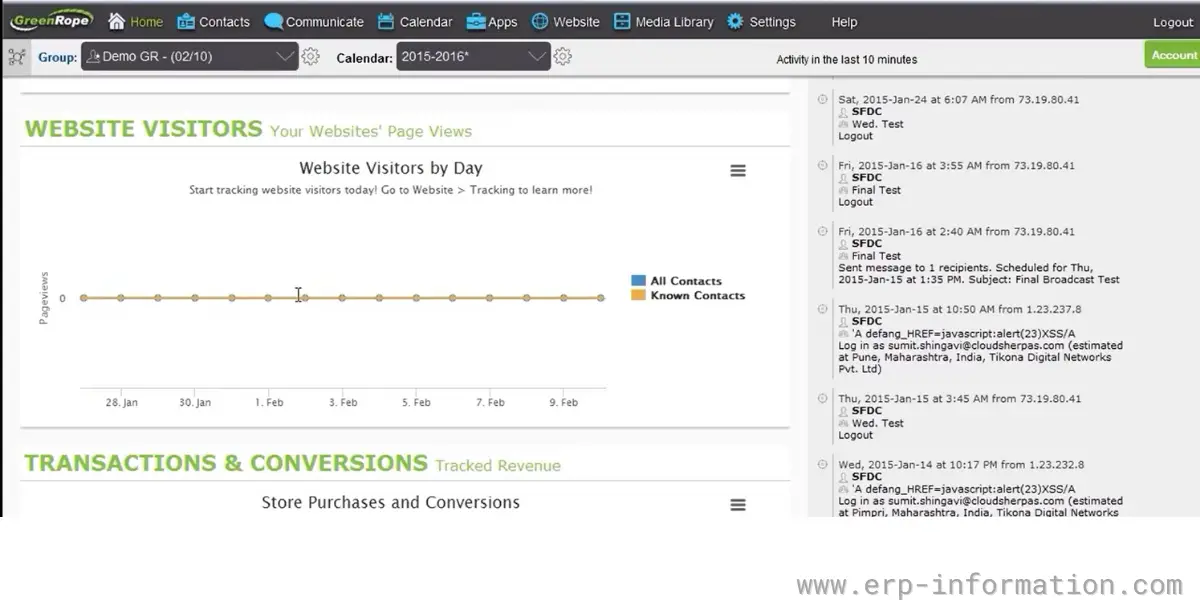
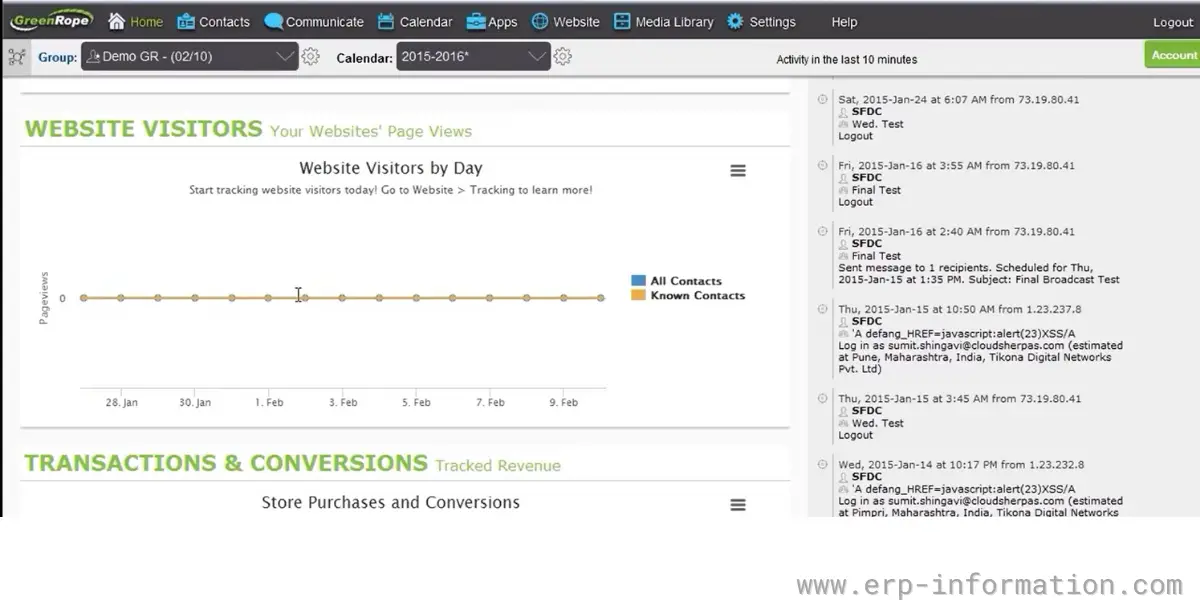
It is a CRM software with marketing automation. It allows businesses to track websites and emails in real-time. It is an all-in-one platform that integrates with sales marketing and operations.
Features
- Sales pipeline management system
- Track Emails, surveys, and website visitors
- Automatic document management
- Predictive analytics
- Email marketing software
- Contact management
- Project Management
- Mobile support
Pricing
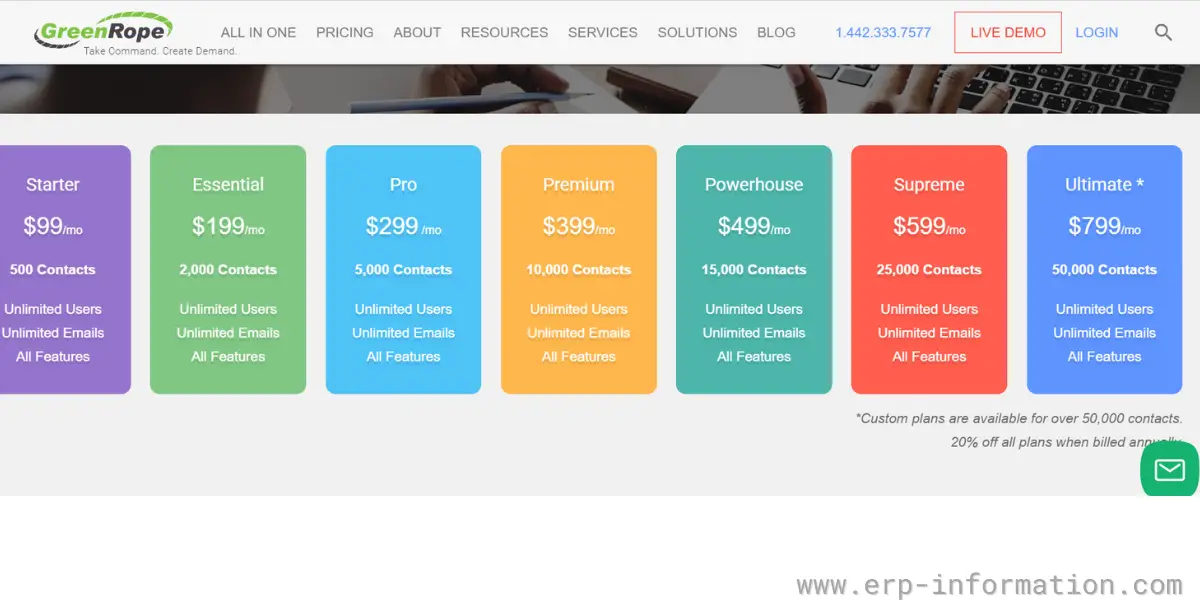
It offers seven pricing models
- Starter – $99 per month for 500 contacts
- Essential – $199 per month for 2000 contacts
- Pro – $299 per month for 5000 contacts
- Premium – $399 per month for 1000 contacts
- Powerhouse – $499 per month for 15,000 contacts
- Supreme – $599 per month for 25,000 contacts
- Ultimate – $799 per month for 50,000 contacts
All plans are for unlimited users with unlimited Emails and all features.
Likes
- It provides an intuitive and user-friendly interface
- It allows you to keep the focus on customers with its comprehensive features
Our opinion
You can have a good relationship with your clients and leads with the help of the GreenRope CRM system. It provides a 360-degree view of customers and pipeline visibility. It also offers sales reporting, marketing automation, and more. Overall, it is a good CRM software for startups.
8. AgileCRM
AgileCRM is software that is explicitly suitable for startups. In addition, it has a Free pricing model and is quite affordable for small businesses.
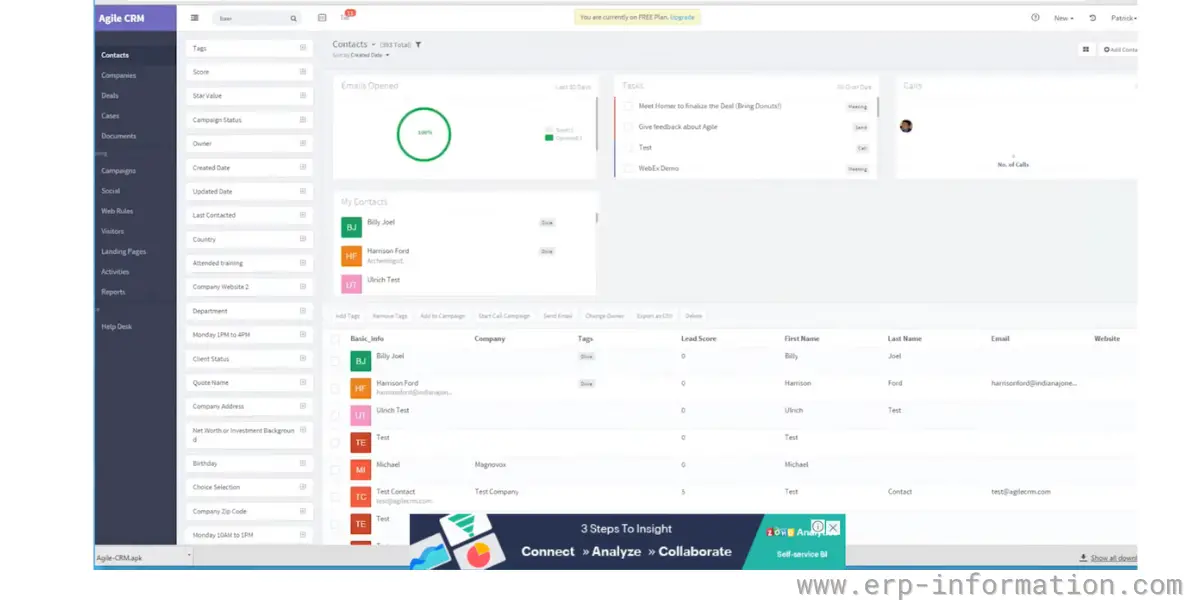
It boasts of sales automation, contact management, marketing automation, etc. The cool thing about AgileCRM is that you can use it free if your team size is ten or less.
Features
- 360-degree contact view
- Contact management
- Mobile CRM
- Lead scoring
- Project management
- Lead prospector
- Email tracking
- reporting
- Voicemail drops
- Call recording
Pricing
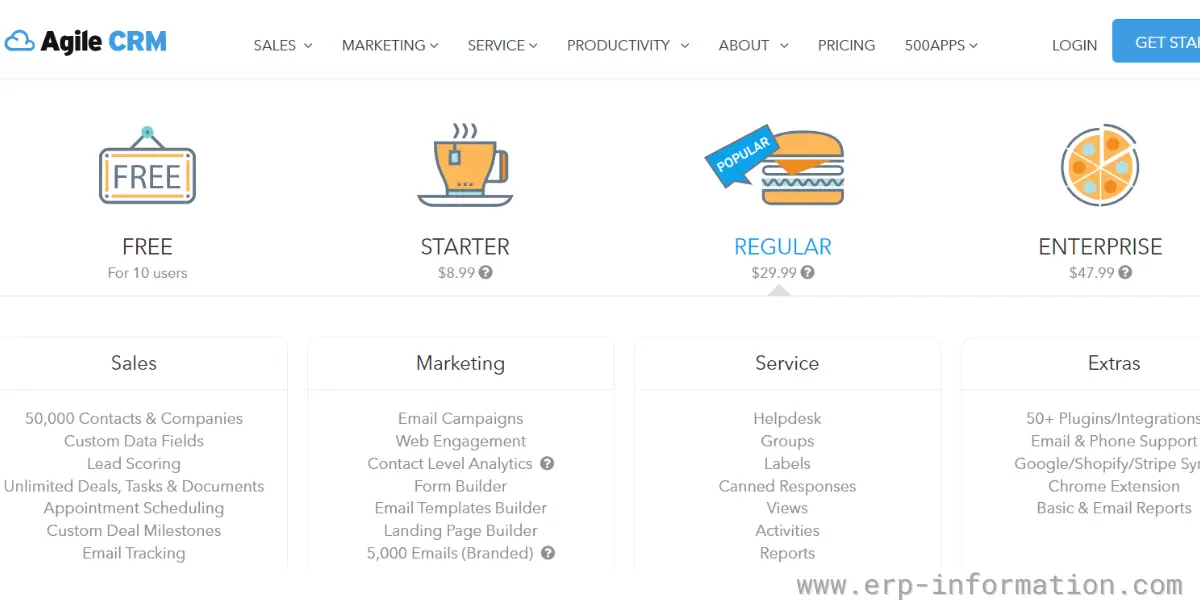
It offers four plans
- Free – It is entirely free for up to 10 users and 1000 contacts
- Starter – It charges $8.99 for 10,000 contacts
- Regular – It charges $29.99 for 50,000 contacts
- Enterprise – It charges $47.99 for unlimited contacts
Likes
- It provides a free version for up to 10 users with all essential features
- It includes email tracking, contact level analytics, and plugins
Dislike
- The customization option is less
Our opinion
AgileCRM is one of the best CRM software for startups and small businesses. It is easy to use and helps you manage your customer data effectively. It also allows you to track your sales pipeline and forecast your sales.
9. SugarCRM
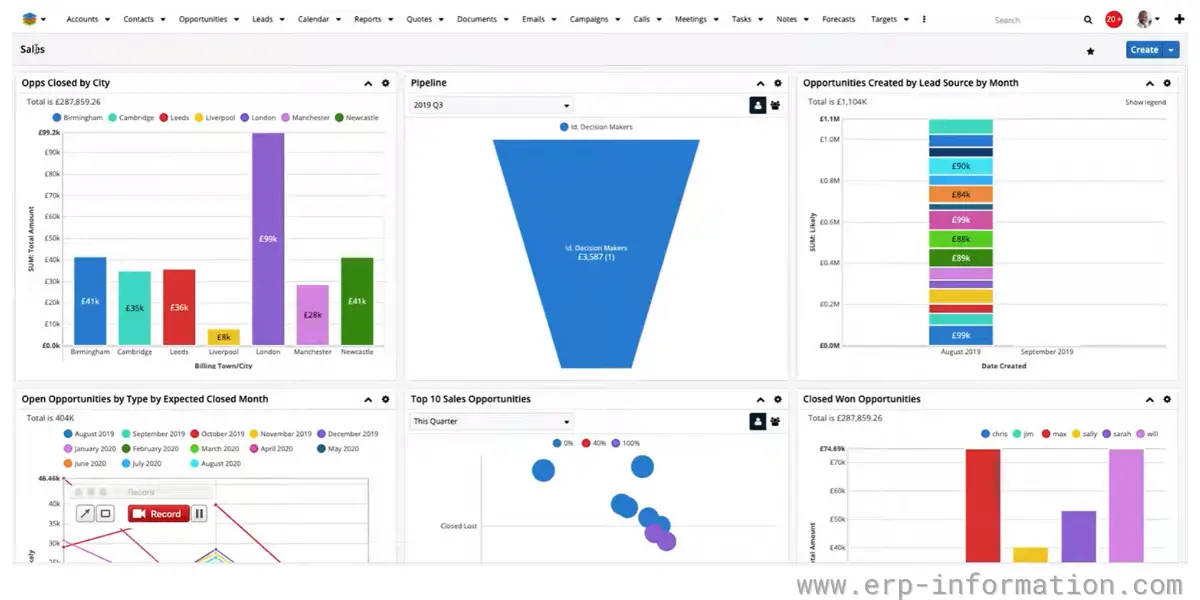
SugarCRM is a customer relationship management software that enables small businesses and startups to manage customer data and interactions. It offers solutions for marketing automation, sales automation, and customer service. It also provides on-premise CRM solutions.
Features
- Contact management
- Lead management
- Pipeline management
- Reporting and analytics
- Intelligent lead prioritization
Pricing
SugarCRM has replaced its old product-line pricing, where Market, Sell and Service were bought separately, with three tiers of a single platform. The change that matters most on a page about startups is the user minimum, which has risen from 3 to 15. That takes Sugar out of contention for a small team however attractive the per-user rate looks.
| Standard– | $59 per user per month, billed annually, with a 15 user minimum. Core CRM plus basic support. |
| Advanced – | $85 per user per month, billed annually, 15 user minimum. Adds smarter workflow, Sugar Intelligence, sales-i and Smart Guides. |
| Premier– | $135 per user per month, billed annually, 15 user minimum. The most complete tier, with enhanced support. |
| Practical entry cost– | Because of the 15 user minimum, the cheapest real Sugar contract is about $885 per month (15 x $59), whatever the headline per-user figure suggests. |
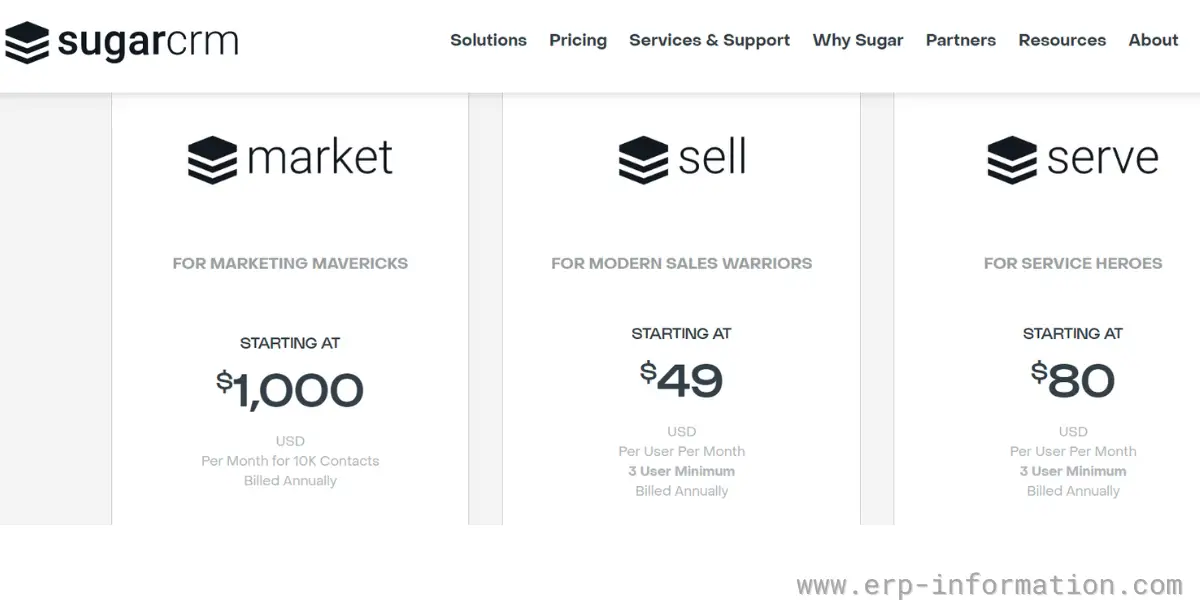
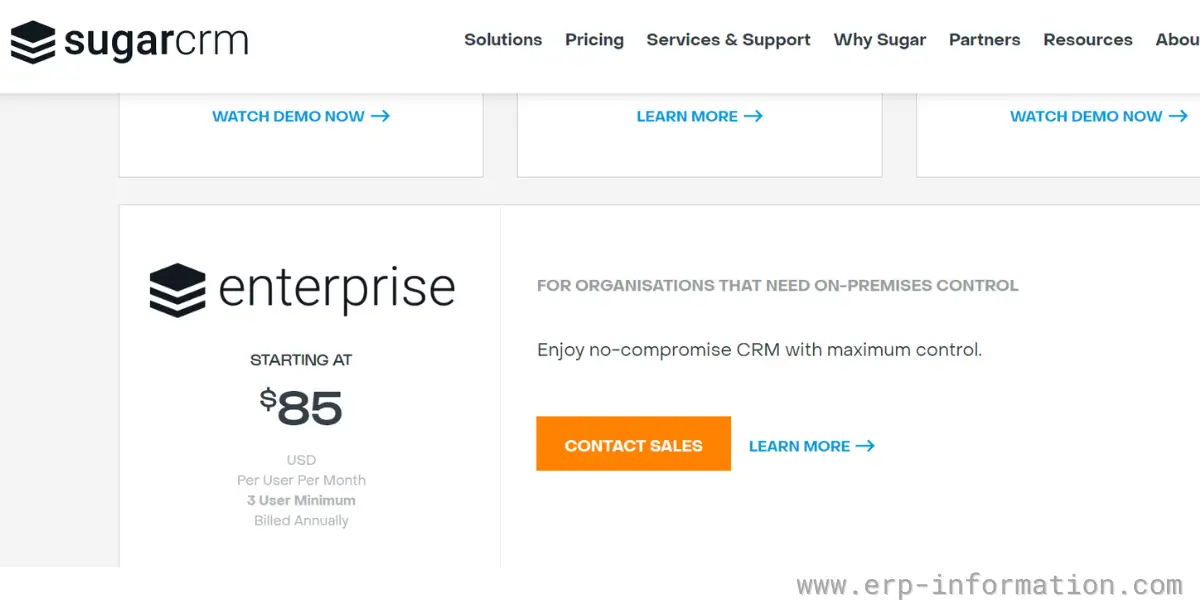
SugarCRM used to sell sales automation as a separate Sell product line, priced as below. Those tiers have been superseded by the Standard, Advanced and Premier plans above, and the user minimums moved with them, so read this table as the previous structure rather than a current quote.
| Sell essentials | It charges $49 per user per month with a minimum of 3 users and a maximum of 5 users. |
| Sell advanced | It charges $80 per user per month with a minimum of 3 users. |
| Sell premier | It charges $135 per user per month with a minimum of 10 users. |
Likes
- Its actionable lead intelligence helps you to prioritize sales.
- It allows you to create personalized, responsive email campaigns.
- It offers offline capabilities also for iOS and Android.
Dislike
- You need to spend more time learning the software
Our opinion
SugarCRM helps businesses reduce the manual entry of details by automatically capturing data. Hence sales team can focus more on actual work. You can easily track key activities, tasks, and goals with personalized dashboards. Overall it provides a 360-degree view of the customer and helps in better decision-making.
10. Nimble
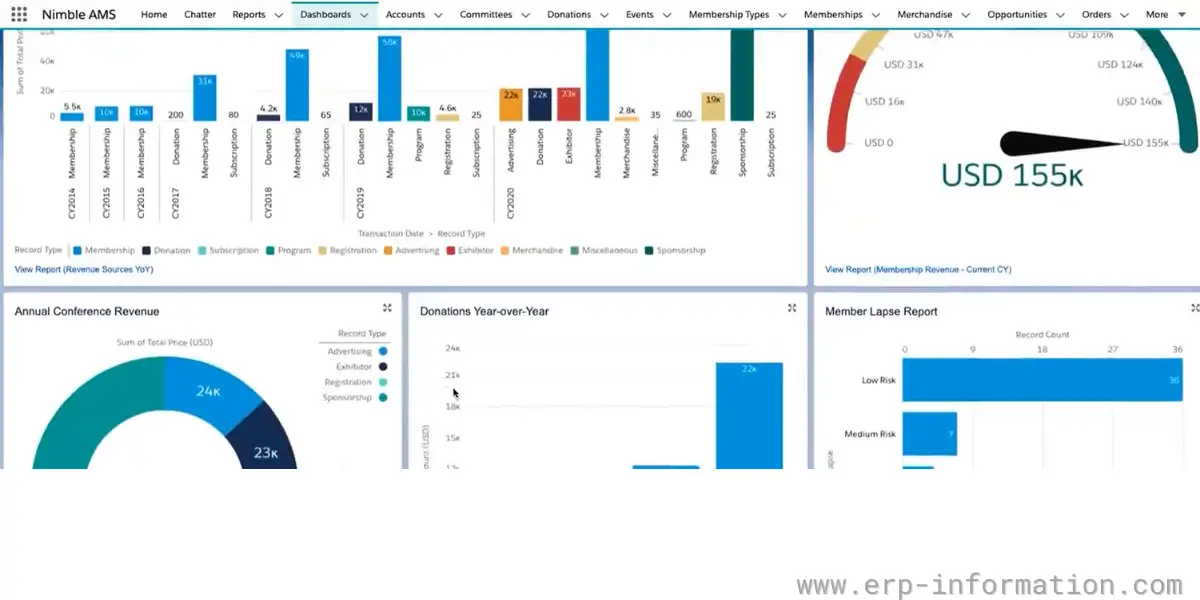
Nimble is an easy-to-use, relationship-focused CRM software for small businesses. It helps businesses to turn contacts into deals and turn deals into customers. It captures all customer details like emails, social media interactions, and meeting notes in a single place.
Features
- Contact management
- Contact records
- Email message syncing
- Email signature capture
- Business insights capture
- Email tracking
- Task reminders
- Pipeline management
- Sales forecasts and reports
Pricing
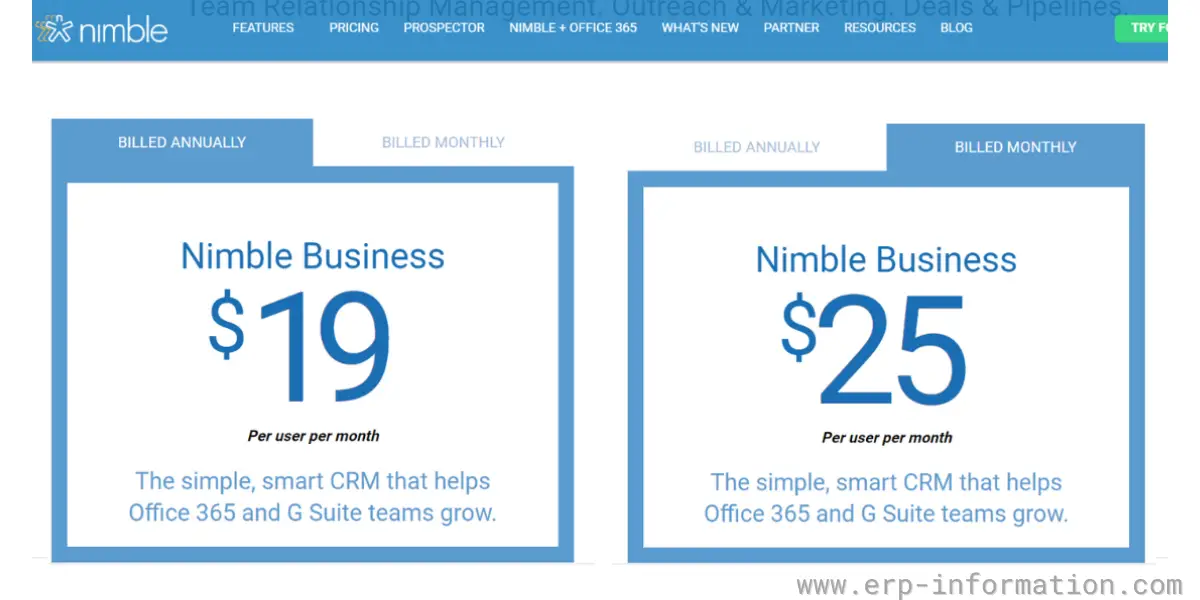
The nimble business plan offers $19 per user per month (billed annually) or $25 per user per month(billed monthly)
Likes
- Its social media feature helps you to know more about your customers.
- The software integrates with popular apps like G Suite, Office 365
- It provides good customer support with free onboarding assistance
Dislike
- Phone support is not available
Our opinion
Nimble is simple and easy to use. With this software, you can spend valuable time with your customers instead of spending time logging CRM data. In addition, it offers a sound customer support system. Overall it is a good choice for small businesses.
Do you need ERP as well as CRM?
This question comes up more than any other from small companies shopping for a CRM, and it usually arrives phrased as “the best ERP and CRM for a small business”, as though the two were one purchase. They are not, and the distinction is worth ten minutes before you sign anything.
A CRM looks outward. It holds leads, contacts, deals and conversations, and it exists to help you win and keep customers. An ERP system looks inward. It runs the mechanics of the business once the sale is made: stock, purchasing, production, invoicing, payroll and the general ledger. Put crudely, CRM is how the money arrives and ERP is what happens to it afterwards.
Most startups need one of them first, not both
If you sell a service or software, have few or no physical goods, and your finances fit comfortably in accounting software, you need a CRM and you do not yet need ERP. Buying one early is a common and expensive mistake: you pay for modules such as inventory, manufacturing and warehouse management that you have no use for, and you take on an implementation project at exactly the point when the business is changing shape every quarter.
The signals that you genuinely need ERP are concrete rather than aspirational. You are holding stock and losing track of it. You are running production or assembly. You are reconciling the same order by hand across three systems. Multiple entities or currencies have appeared. Someone is rekeying data between your CRM and your accounts every week. Until at least one of those is true, a CRM plus good accounting software will serve you better and cost a fraction as much.
If you do need both, choose the integration before the software
When both are required, the decision that determines whether the pair works is how they exchange data, not which vendor has the better feature list. There are three realistic routes. A single suite that includes both, where the handover is internal and the trade-off is that you accept one vendor’s version of each half. Two best-of-breed products joined by a native connector, which works well when the vendors publish and maintain that connector themselves. Or two products joined through middleware, which is the most flexible and the one that quietly becomes somebody’s ongoing job.
Whichever route you take, settle three things in writing before you buy: which system is the master record for a customer, what happens when a quote becomes an order, and how often the two sides synchronise. Teams that skip those questions usually end up with two systems that disagree about who the customer is, which is worse than having had only one.
A note on the prices above
CRM pricing in this bracket moves fast, and several vendors on this list have changed not just their rates but the way they charge, shifting to per-seat billing, renaming tiers, or raising user minimums. The figures here were checked against each vendor’s own pricing page in August 2026. Where a vendor’s page could not be read, the earlier figures have been left in place rather than replaced with a guess, so treat every number as a starting point and confirm it with the vendor before you budget.
FAQs
How to choose the right CRM for your business?
There are many CRM software options on the market, so it can be challenging to decide which one is right for your business. However, when choosing software for your business, you should keep a few things in mind.
-You need to consider the size of your business. If you have a small or medium-sized business, you may not need all the features offered by enterprise CRM software.
-You need to consider your budget. It can be expensive, so it’s essential to choose a system that fits within your budget.
-Finally, you need to consider your business needs. What features are most important to you and your team?
Once you’ve considered these factors, you’ll be able to narrow down your options and choose the right one for your business.
What are the benefits of CRM software for small businesses?
CRM software can offer many benefits to small businesses. For example,
– It can help you manage your customer data, automate repetitive tasks, and track your sales pipeline.
– It can also help you better understand your customers and their needs to provide them with the best possible service.
It can also help you build better customer relationships, leading to repeat business and referrals.
Conclusion
The CRM software market is growing, with new options and features constantly cropping up. Be sure to consider the size of your business, your budget, and your business needs when choosing a solution. And remember, CRM software is constantly evolving, so be sure to select one that can grow with your business.
Hopefully, this list of the ten best CRM for startups and small businesses will help you find the perfect solution for your company.
Reference
- Hubspot case studies
- Resources of Hubspot
- Help Center of Salesforce
- Resource library of Close
- Insightly help center
- Insightly resource center
- Pipedrive help center
- Helping portal – Getting started for Salesmate
- ebooks for GreenRope
- Getting started with Agile CRM
Using Google Search? Add erp-information.com as a preferred source.