3D printing is a fantastic technology, but using the right software is critical to getting great results.
Some tools are better for beginners, while others are for more advanced ones. It can be hard to know which program is right for you.
We’ve listed the ten best software for 3d printing based on user feedback. You may be a beginner or an experienced printer; we have a program that will suit your needs.
Here is the list of the ten best software for 3d printing.
What is 3D Printing Software?
3D printing software is a type of software that is used to create and manage 3D print jobs. It typically involves three main types of software: 3D modeling software, slicers, and 3D printer hosts.
3D modeling software is used to create a digital 3D design of the object you want to print.
Slicers are programs that take the 3D model and “slice” it into layers for the 3D printer to print. This process is crucial as it translates the 3D model into instructions that the 3D printer can understand.
3D printer hosts manage the process of sending these instructions to the 3D printer. They also often include features for monitoring and managing prints in progress.
1. FreeCAD
“FreeCAD” is free software that can be used for 3D printing. You can create simple or complex designs with this software. It’s easy to use and has several features. That is an excellent program for beginners. A community of volunteers develops it.
Specialty: Enables robust 2D sketching and 3D modeling toolkit. Includes a technical drawing module and a robot simulation for manufacturing workflow.
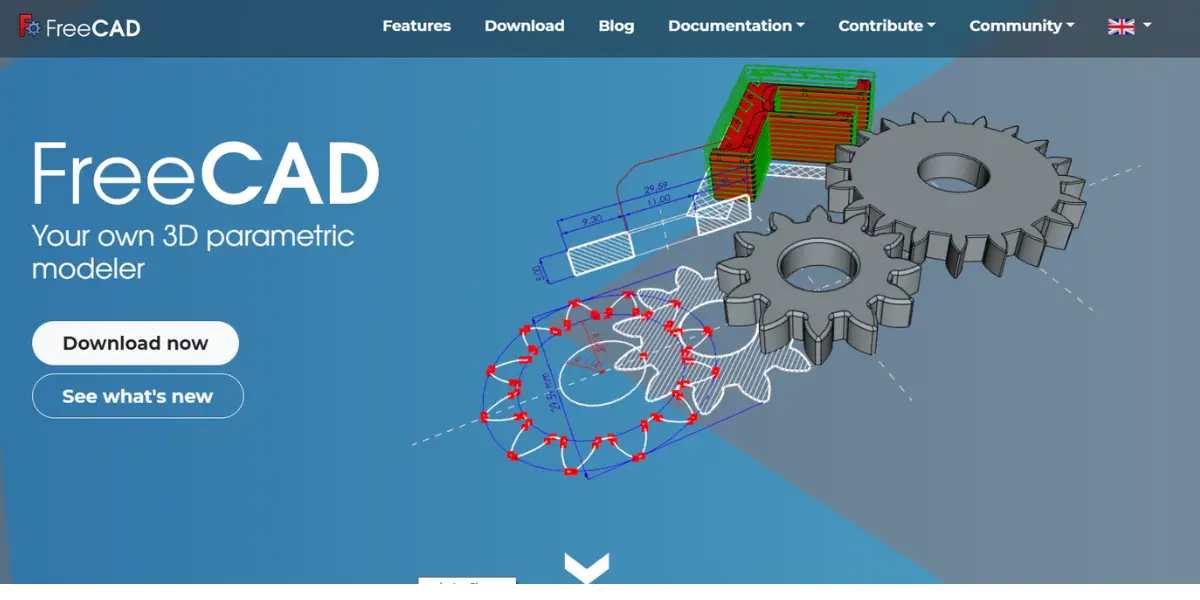
Features
- Export/import models and data
- A 2D sketching tool that allows sketching geometry-constrained
- Provides dedicated workbenches for CSG modeling 2D, and 3D printing
- FreeCAD provides tools for exporting and editing solid, full-precision models for 3D printing or CNC machining, 2D drawings
- A Robot simulation enables you to learn robot movements in a graphical environment
- Modular architecture allows plugin extensions to add features to the core application
- A Rendering module can export 3D models for rendering with external renderers
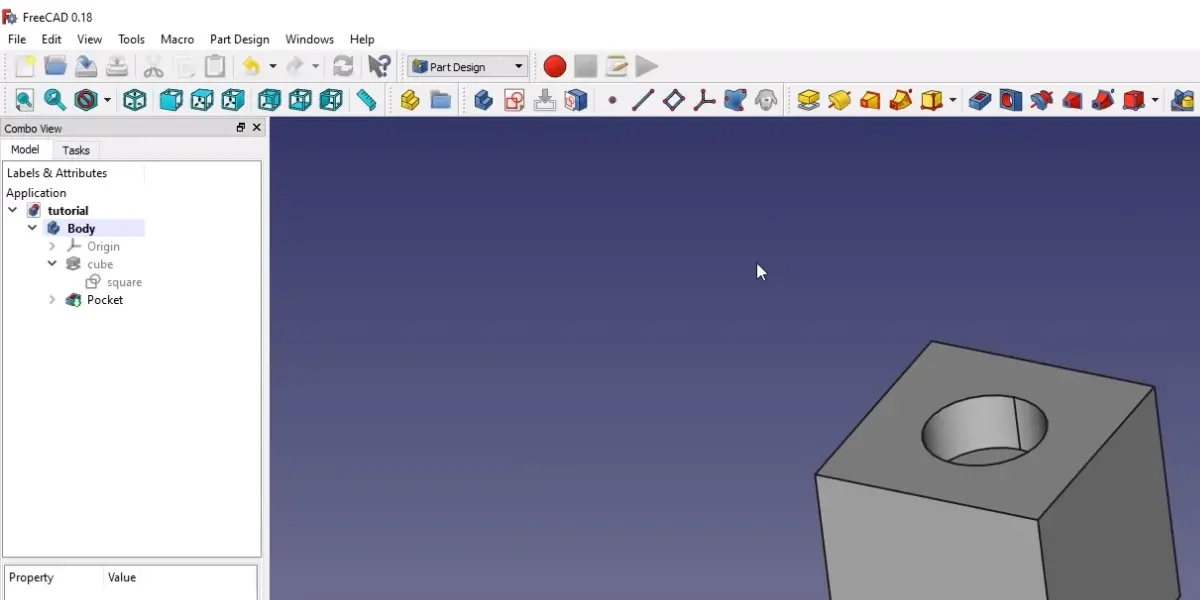
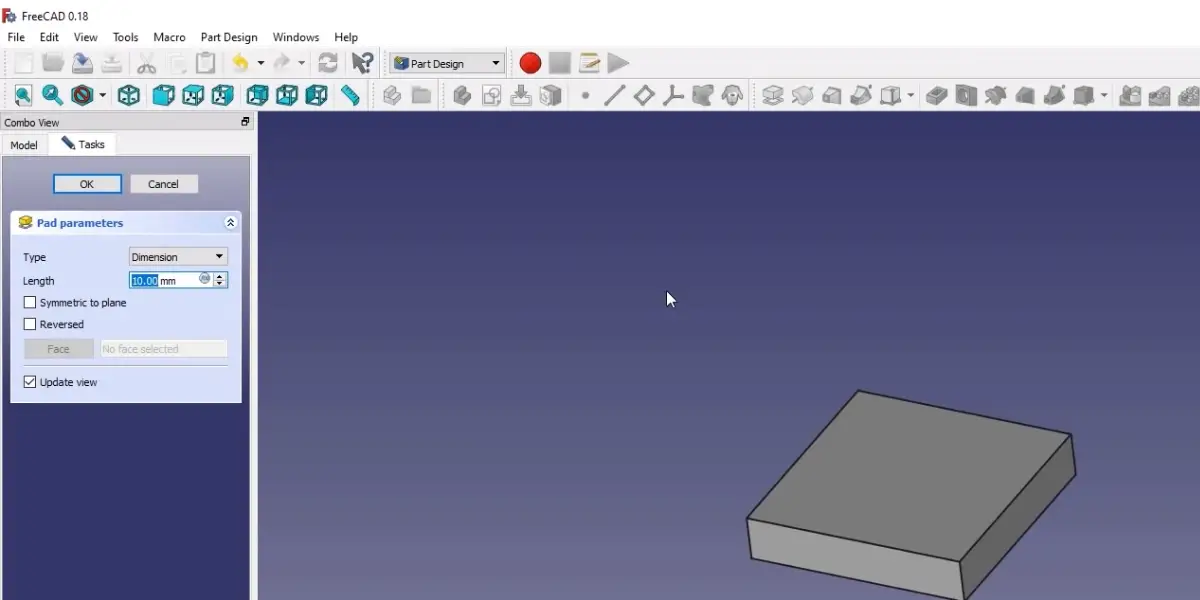
Some screenshots of FreeCAD
Price
This software is entirely free.
Likes
- Easy user interface
- It offers Python Scripting, Model meshing
Dislikes
- 32-bit Windows has not been officially supported since the 0.19 series. It may still run, but no support is offered.
- Worth knowing if you are reading older reviews: FreeCAD spent more than twenty years on 0.x version numbers and only reached 1.0 in November 2024, with the 1.1 series following in 2026. Criticism written against 0.19 or 0.20, particularly about the topological naming problem, is describing a noticeably rougher program than the one you would install today.
- Depending on a computer’s OpenGL graphics capabilities, one might encounter a crash when running FreeCAD via a remote desktop. To fix this, you need to upgrade your OpenGL driver.
Other details
| Supported applications | Architecture, Engineering, Mechanical Engineering, and Manufacturing. |
| Latest release | FreeCAD 0.20 |
| Date | June 14, 2022 |
| Programming language | C++, Python |
| Operating system | Linux, macOS, Unix, Windows, FreeBSD |
| Business size | Small, medium |
| Competitors | ArchiCAD, AutoCAD, DesignSpark Mechanical |
| Customer ratings | Capterra: 4.3 out of 5(125+reviews) G2: 4.2 out of 5 (54+ reviews) |
User opinion
FreeCAD is a free, open-source platform for 3D modeling and 3D printing software. It can be ideal for beginner and professional engineers and designers to start their 3D rendering journey.
They can design and print any item irrespective of its size. Moreover, it supports many formats for printing and sharing.
2. Autodesk TinkerCAD
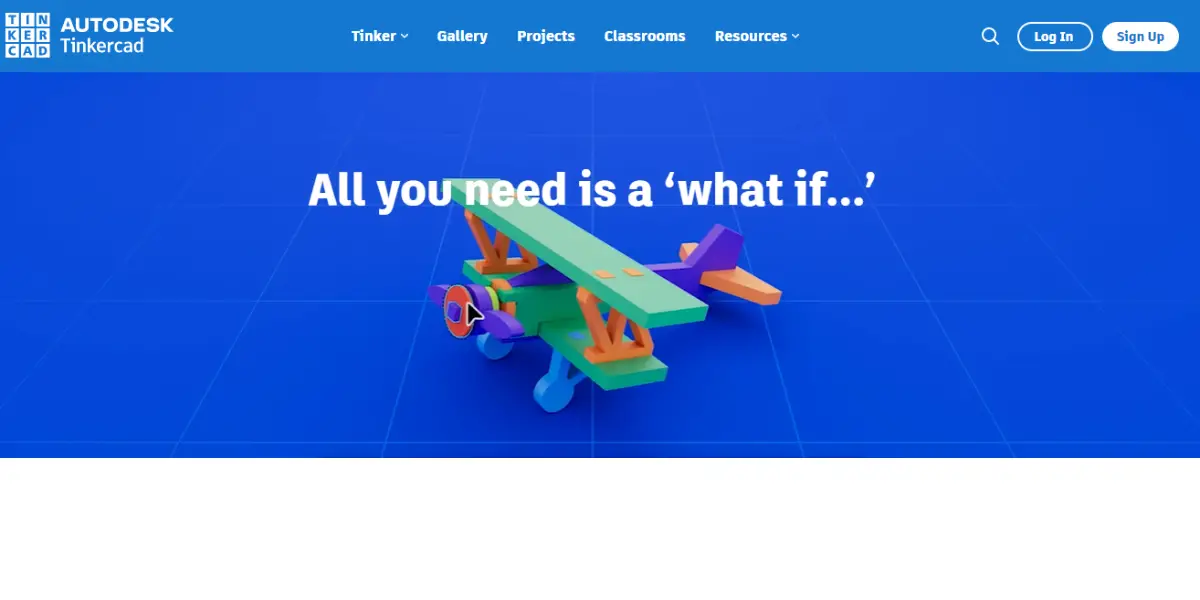
TinkerCAD is 3D printing software that enables you to design and print 3D objects. It’s free, open-source software that’s easy to use and allows you to create complex designs. Tinker also supports developing basic models of constructive solid geometry for beginners.
Specialty: Enables the creation of 3D printable models and basic solid modeling.
Features
- Compatible with STL 3MF OBJ file types
- Mesh repair functionality
- Standalone Slicer Integrated 3D Modeling
- Cloud-based Platform
- Easy to add or import shapes, adjust shapes and combine elements
- Easy to add or import and adapt figures, duplicate and combine elements
- Multiple object alignment along any axis
- Ruler to measure dimensions
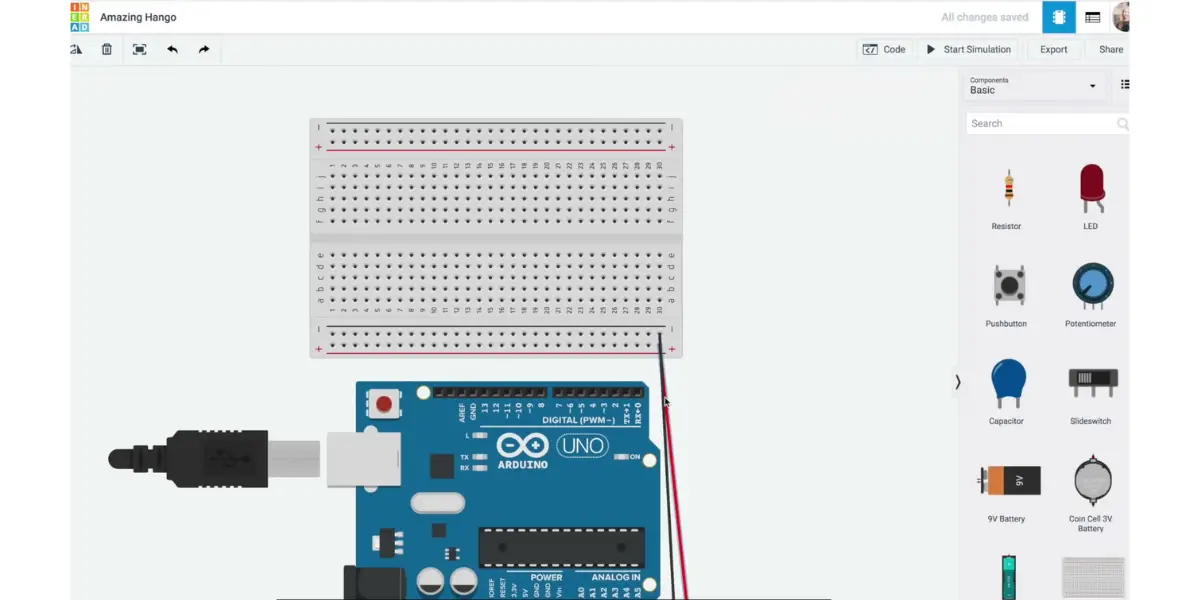
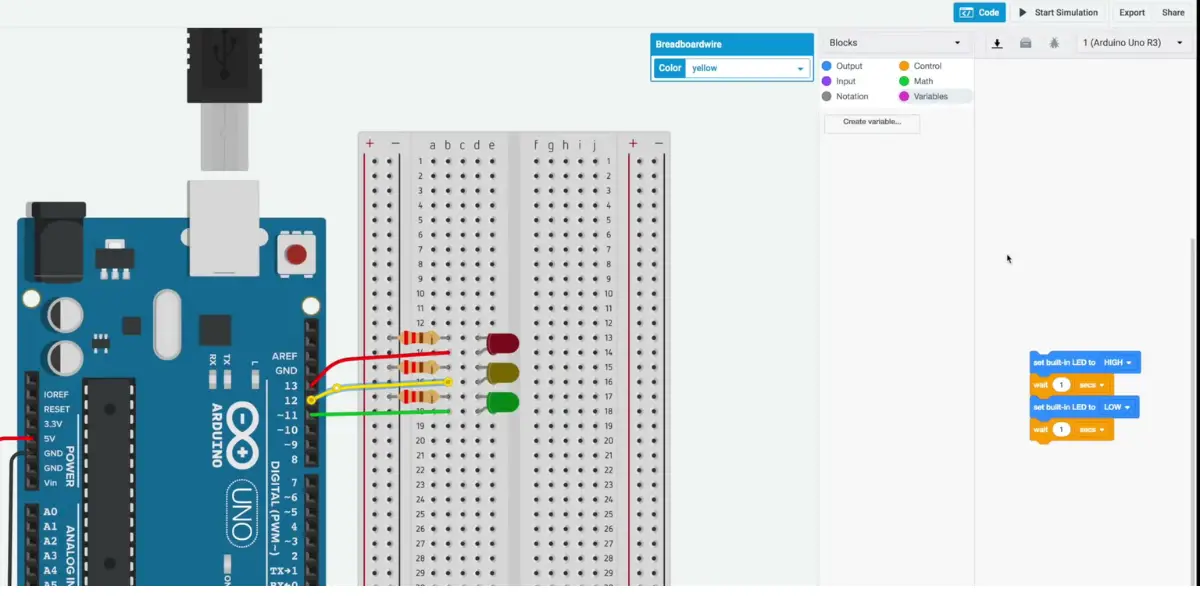
Some screenshots of Autodesk TinkerCAD
Price
It is fully free of cost.
Like
- It is easy to learn and implement
Dislikes
- The size of the canvas is limited.
- It offers significantly less customization.
Other details
| Deployment | Cloud, SaaS, Web-Based |
| Supported applications | Education |
| File format to import and export | STL, OBJ, and SVG |
| Programming language | JavaScript, Web |
| User type | Beginner |
| Customer ratings | 4.6 out of 5 (95 reviews) |
User opinion
TinkerCAD is free 3D printing software that can be used by anyone from amateurs to professionals. It helps the user gain an understanding of designing and 3D printing.
It caters to students, college graduates, experienced workers and engineers, and others, as it is very easy to use.
3. UltiMaker Cura
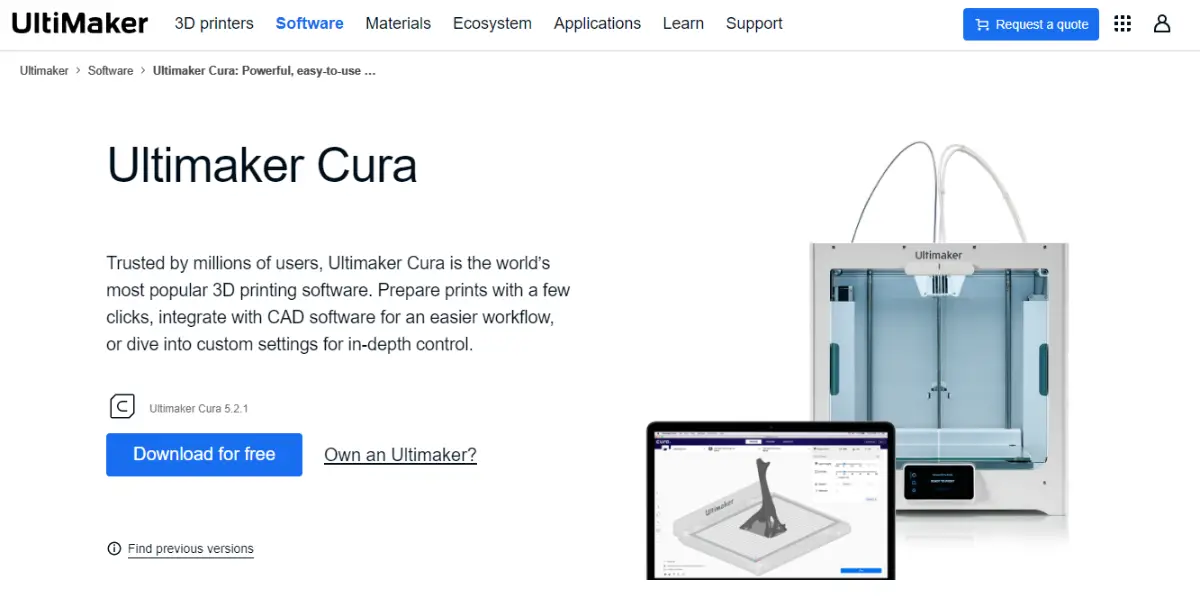
UltiMaker Cura is a free, open-source slicer: it takes a finished 3D model and turns it into the instructions your printer actually follows. Ultimaker and MakerBot completed a merger in September 2022 and the combined company is now UltiMaker, so the slicer is branded UltiMaker Cura rather than Ultimaker Cura.
Cura is the single stop for all your 3D printing needs, from settings and pre-sets to simple firmware updates. Over the past eight years, it has become one of the most popular slicing applications on the market.
Features
- Plugins allow opening a file from a menu or exporting it from an application.
- Slices your 3D model into layers and generates G-code instructions
- Print from history without reslicing
- Automated material handling, air filtration, and filament humidity control
- Advanced active leveling, remote printing, and monitoring make 3D printing more superficial and accessible.
- Provides the widest material choice from advanced polymers to carbon fiber composites for the application.
- Seamless integration with the help of plugins
- Scale production and digital distribution
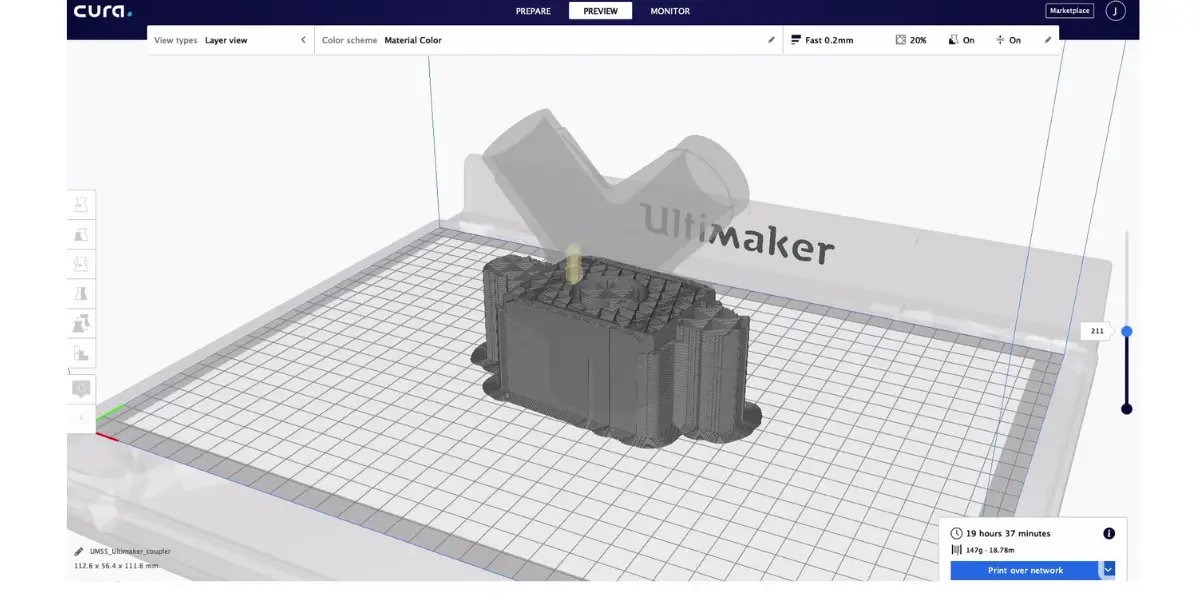
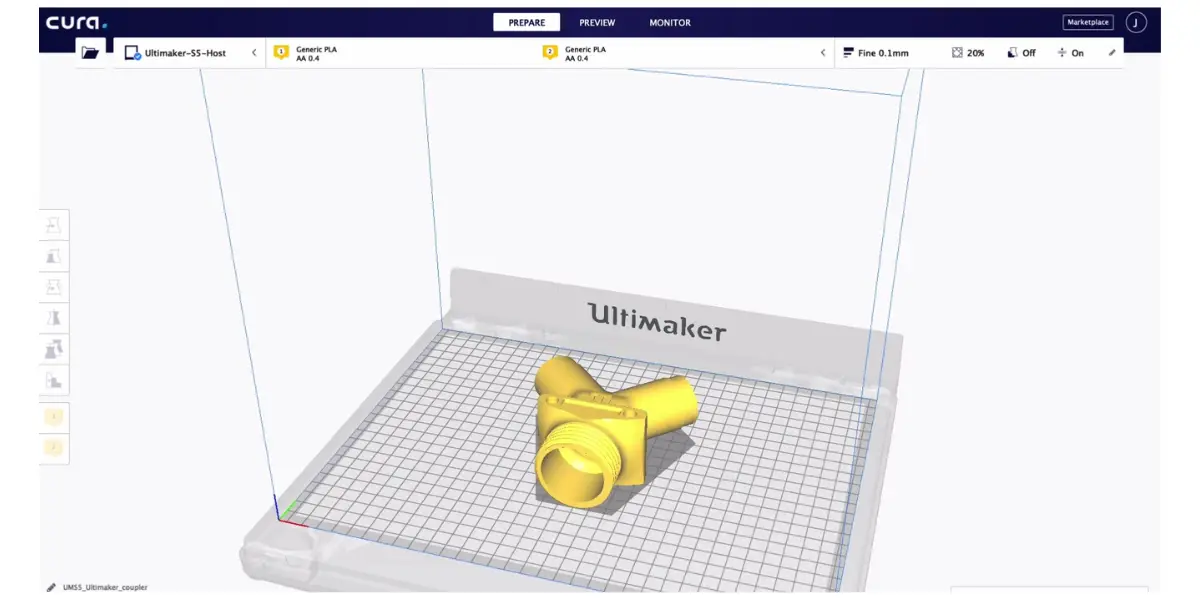
Some screenshots of Ultimaker Cura
Price
It offers both free and subscription pricing models.
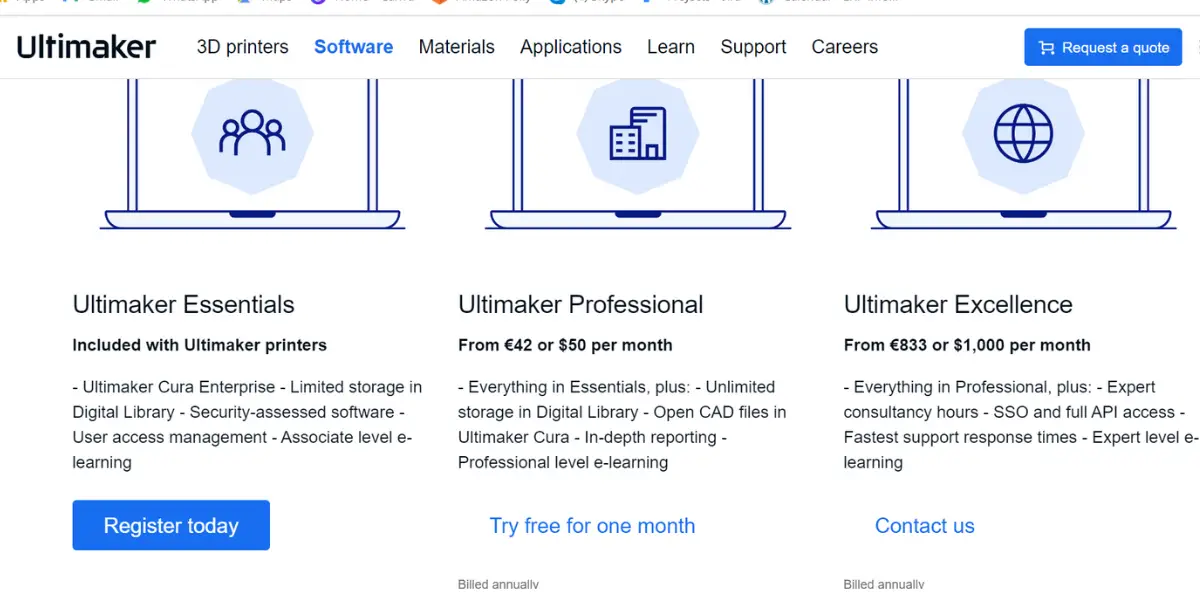
Read that carefully, because it is easy to misread: Cura itself is free. There is no paid version of the slicer. What UltiMaker sells alongside it is a set of business software and service plans, aimed at companies managing print fleets rather than at individuals:
- UltiMaker Essentials – the entry business plan, adding managed installation and support.
- UltiMaker Professional – adds fleet management and remote printing across a team.
- UltiMaker Excellence – the top enterprise tier.
- UltiMaker does not publish current prices for these plans on an openly readable page, and figures circulating in older articles could not be re-verified at the time of writing, so treat any number you find for them as unconfirmed and ask UltiMaker directly. None of it changes the important point: if you just want to slice models for your own printer, you pay nothing.
Likes
- It has an easy user interface.
- It is very versatile and has a large community of users.
- It is constantly being updated with new features.
Dislike
- Slicing can be slow for huge models.
Other details
| Supported applications | Product development, Manufacturing, Food and Beverages, End-use parts, Architecture, and Education |
| File support | STL, 3MF, and OBJ |
| Latest release | 5.1.0 / 19 |
| Date | July 2022 |
| Programming language | Python, C++, QML |
| Operating system | Windows, macOS, Linux |
| Business size | Medium to large |
| User type | Beginners, Advanced Users |
| Customer ratings | 4.6 out of 5 (34 reviews) |
User opinion
Ultima Cura seems to be the perfect answer for engineers and design professionals to work orderly in real-time. It has many pertinent features and is easy to use.
It helps to be in control of numerous 3D printers with the Cura interface to carry out printing assignments using optimized and reliable profiles.
4. Octo Print
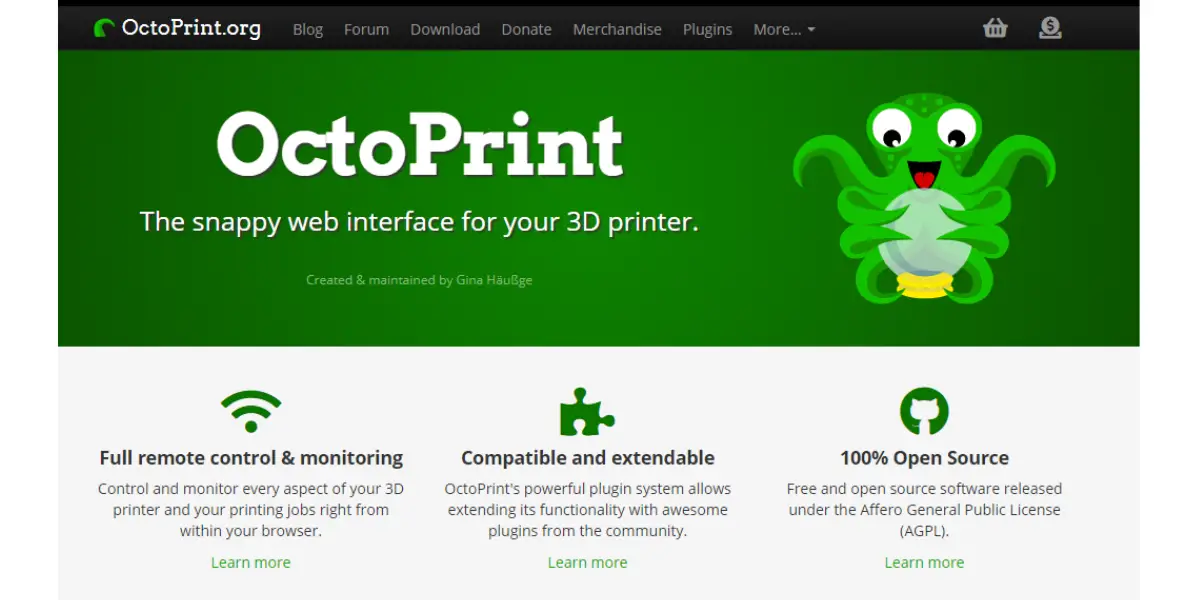
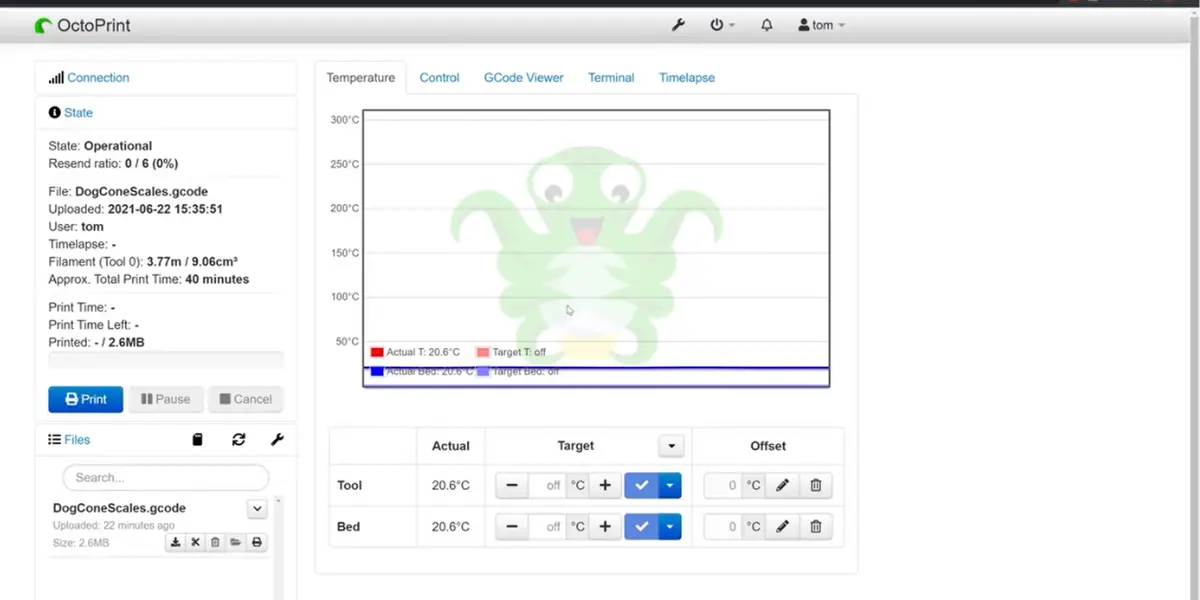
It is a web interface for managing 3D printers. Octo print 3D printing software allows you to send G-code files to your printer, start and stop prints, view the print status and history, and much more. It’s open-source software released under the GPLv3 license.
Features
- Compatible with most of the available 3D printers.
- An embedded webcam allows you to see how the printer creates an object.
- The Integrated G CODE visualizer allows you to watch a rendition of the G CODE that you are printing.
- Advanced temperature settings
- Bed Level Visualizer.
- Theme control UI using Themeify.
- Plugins allow us to extend OctoPrint’s functionality individually.
Some screenshots of OctoPrint
Price
The software is entirely free.
Likes
- It provides customizable features.
- A webcam allows you to see defects and cancel a print, reducing material waste.
Dislike
- Restarting a print can sometimes result in immediate failure.
Other details
| Latest release | 1.8.1 |
| Date | May 24, 2022 |
| Programming language | Python, JavaScript |
| Operating system | Windows, macOS, Linux |
| Customer ratings | 4.3 out of 5(6 reviews) |
User opinion
Octoprint is a web-based, open-source 3D printing platform that allows the user to monitor and control the printing process remotely. It is simple and yet processes many useful features and tools to carry out the print jobs smoothly.
5. Blender
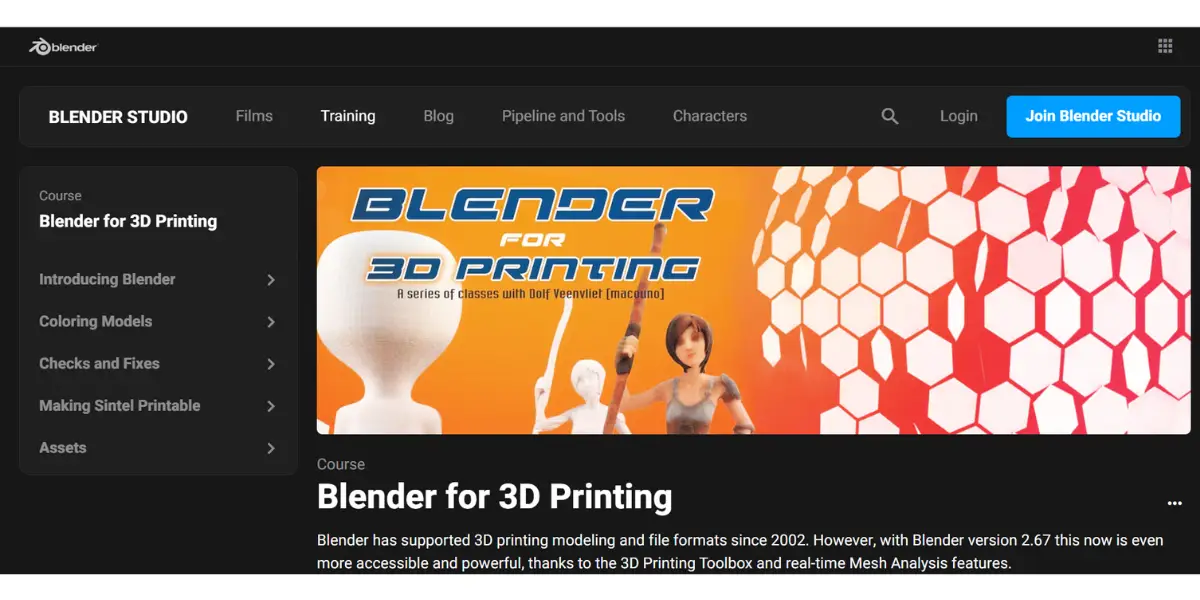
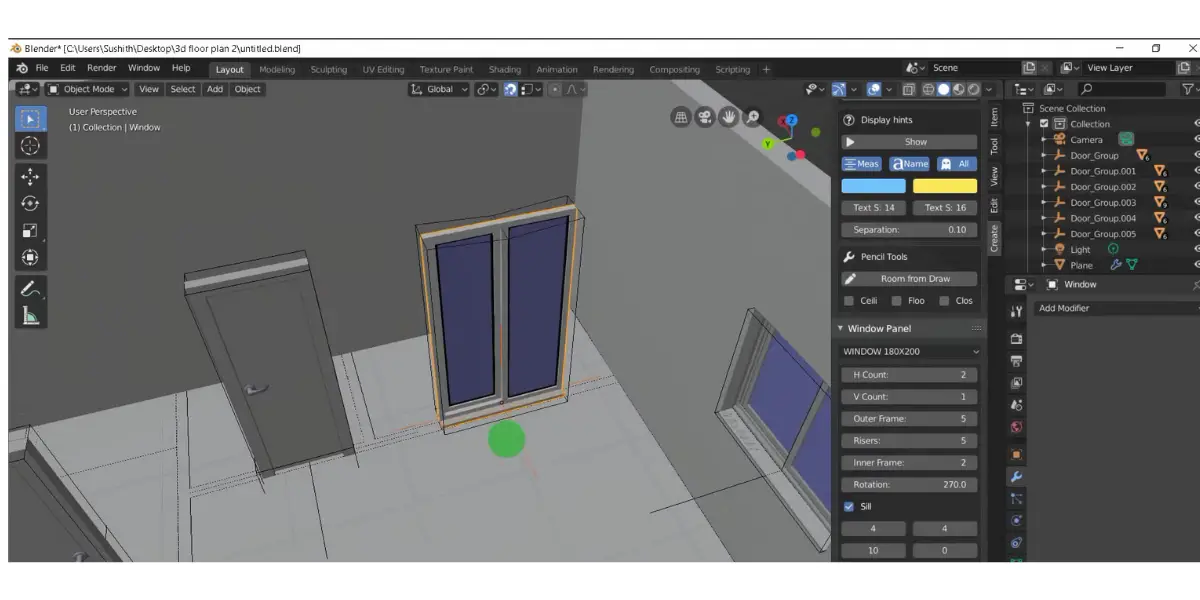
A blender is software for 3D printing that helps you to create 3D models from scratch or to modify existing ones. It’s free and open so that you can download and use it on your computer.
Blender has many features, including creating meshes, editing textures, sculpting objects, adding lighting and animation, and exporting your models for printing.
Specialty: Designed to develop sophisticated 3D models.
Features
- Multi-core CPU rendering using SIMD acceleration
- Python coding for custom tools and add-ons
- Digital sculpting tools enable the power and flexibility
- Non-Linear Animation (NLA) helps with independent movements
- Rigging tools enable envelope, skeleton, and automatic skinning
- Real-time view tracked footage and 3d scene
- VFX support for motion tracking
Screenshots of Blender
Price
It is entirely free.
Like
- The perfect tool to learn and can make competitive photorealistic renders
Dislikes
- Slightly complex animation needs Python programming.
- Not optimized well for portable devices.
Other details
| Supported applications | Modeling, sculpting, rigging, 3D and 2D animation, simulation, rendering, compositing, motion tracking, and video editing |
| Latest release | 3.2.2 3 |
| Date | August 2022 |
| Programming language | C, C++, and Python |
| Operating system | Windows, macOS, Linux, OpenBSD, NetBSD, DragonFly BSD, Haik |
| User type | Advanced Users |
| Customer ratings | G2: 4.5 out of 5 (224+ reviews) |
User opinion
Blender is one the best platforms for beginners to learn all about 3D designing, modeling, and even animations. It is free and open source with a variety of features and tools.
It can typically be used by small to large enterprises in graphic designing, gaming, animations, motion pictures, 3D printing, and more.
6. Sketchup
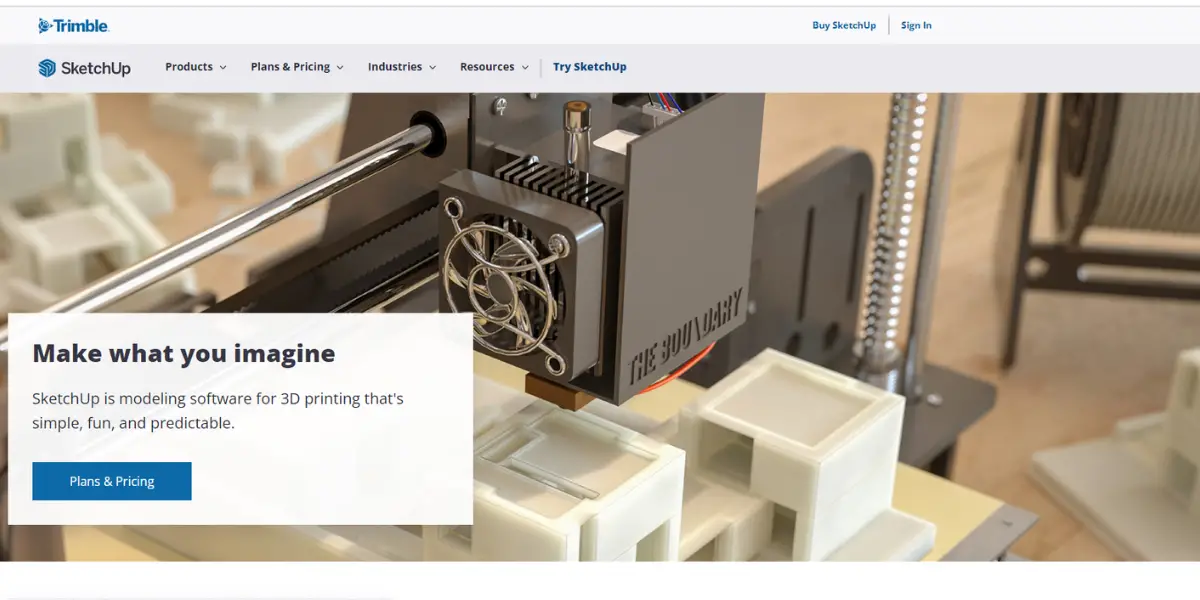
SketchUp is one of the world’s most popular 3D modeling and design tools. Used by architects, engineers, construction professionals, woodworkers, and hobbyists, SketchUp is easy to use yet powerful enough to create high-quality models.
Features
- 3D Imaging
- 2D parametric modeling
- Architectural Symbol and Component Library
- Annotations
- Data Import/Export
- Document Management
- BIM Modeling
- 3D Printing
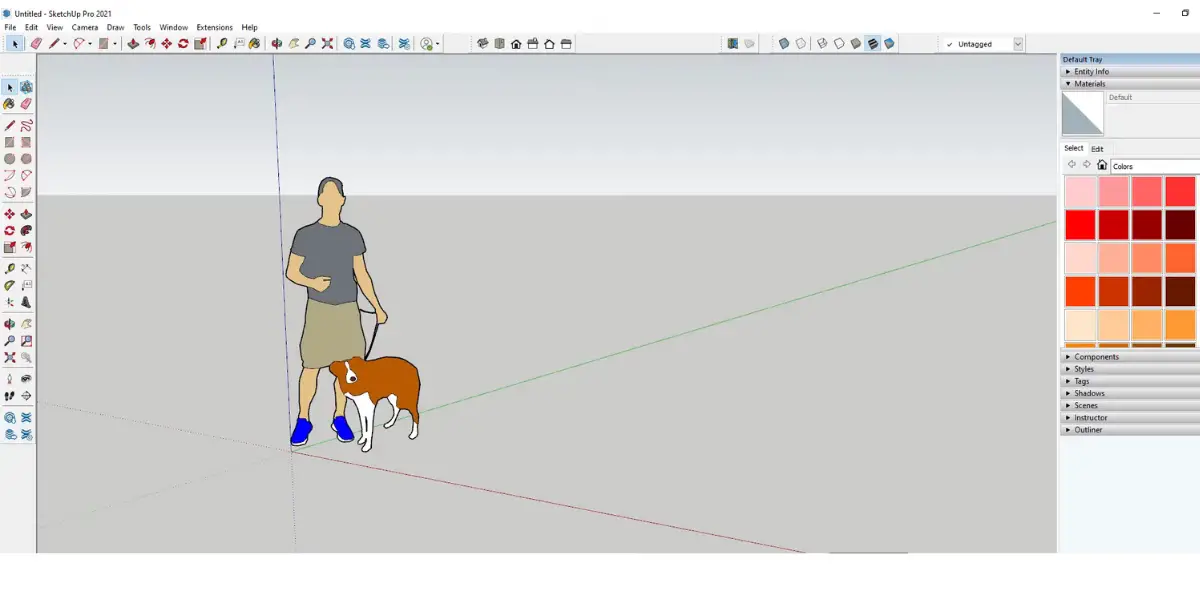
Screenshot of Sketchup
Price
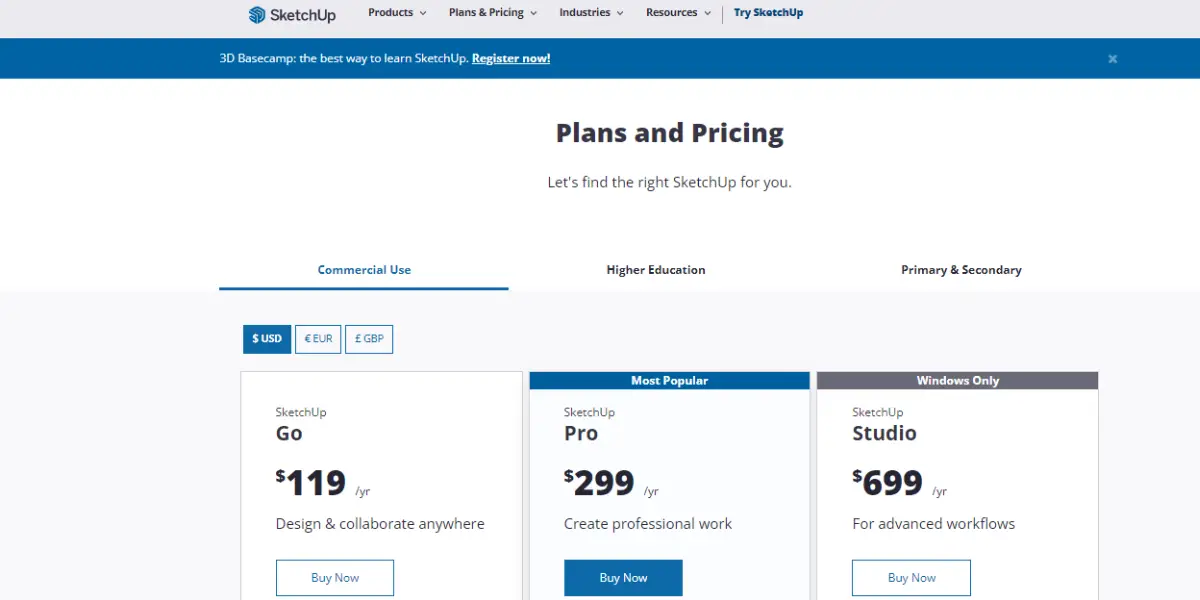
- Go – $129 per year. Web and iPad, enough for modelling parts to print.
- Pro – $399 per year. Adds the desktop application and the wider import and export formats, which is what matters if you are moving files into a slicer.
- Studio – $819 per year. This is for advanced workflows.
Likes
- The advantage of Sketchup is that you can create whatever you like.
- You can use the 3ds max and Vray plugins to create excellent renderings.
Dislike
- UI looks complex for beginners
Other details
| Deployment | Cloud, SaaS, Web-Based |
| Supported applications | Social media, advertising, analytics, software |
| Latest release | SketchUp Pro 2022.0 |
| Date | January 25, 2022 |
| Operating system | Linux, Windows |
| Deployment | Cloud, SaaS, Web-Based |
| Supported languages | German, English, French, Italian, Japanese |
| Customer Support | Email/Help Desk, FAQs/Forum, Knowledge Base, Phone Support |
| Customer ratings | In g2, 4.5 out of 5 (750+ reviews) Capterra, 4.5 out of 5 (824+ reviews) |
User opinion
One of the most favored platforms that helps optimize workflow in several fields like manufacturing, engineering, architecture, carpentry, interior designing, and more.
A simple and easy-to-work-on software, it offers many intelligent in-built features and tools to create accurate designing for print jobs.
7. Autodesk Fusion (formerly Fusion 360)
Autodesk Fusion is a professional-grade CAD, CAM and CAE package that engineers and designers use to model parts for printing. Autodesk dropped the “360” from the name in January 2024, so older guides and forum posts calling it Fusion 360 are describing the same product.
It enables a wide range of features and options that allow users to customize their images, ensure quality results, and produce parts with excellent accuracy.
Specialty: Integrated cloud CAD, CAM, CAE, and PCB software platforms.
Features
- Flexible 3D modeling with direct, surface, parametric, mesh, or freeform modeling
- Full-fledge electronics and PCB tools
- Includes SPICE (Simulation Program with Integrated Circuit Emphasis)
- Support for 16-layer PCB systems
- Electronics cooling simulations allow for the management of thermal constraints of electronic components
- Advanced CAD modeling tools make it easy to create detailed 3D designs
- FEA verification, testing, and simulation help topology and shape optimization with cloud-based machine learning and AI
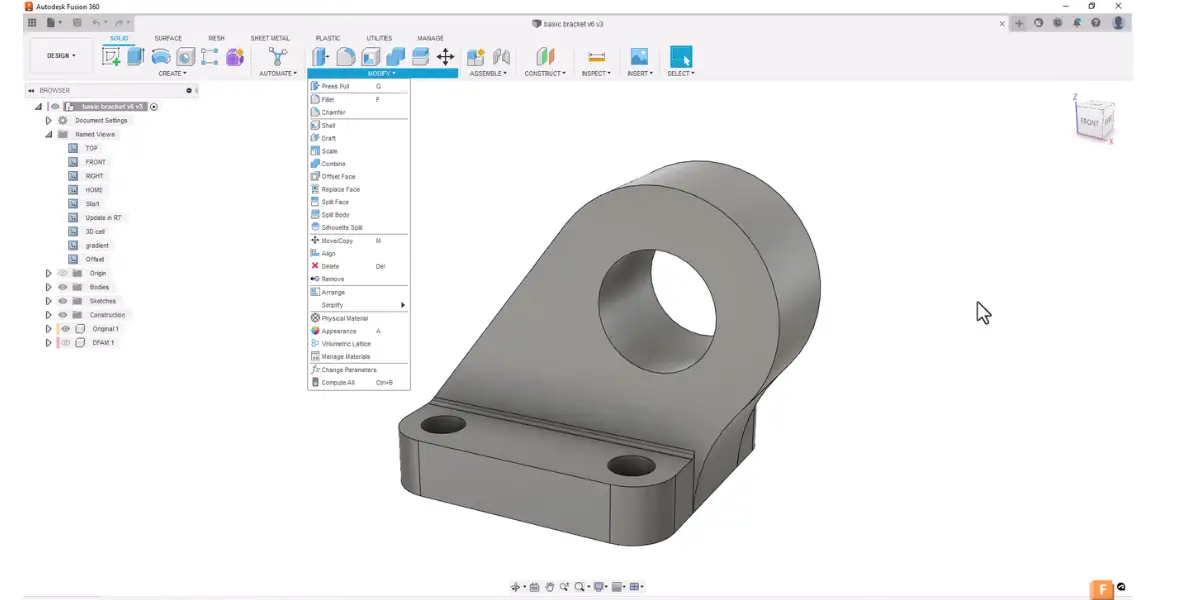
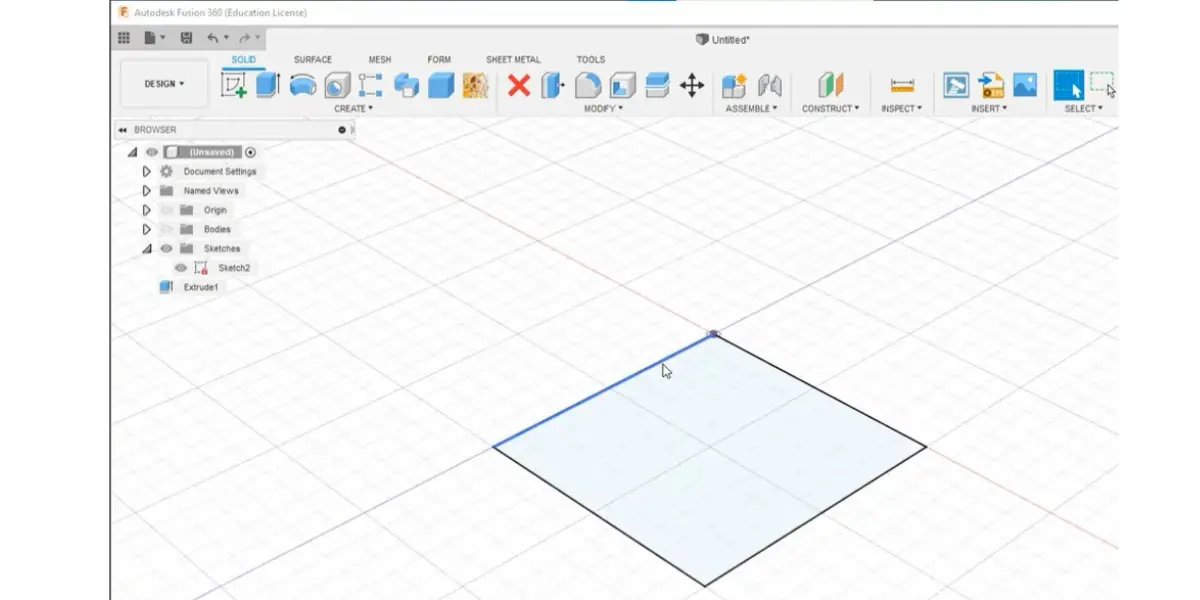
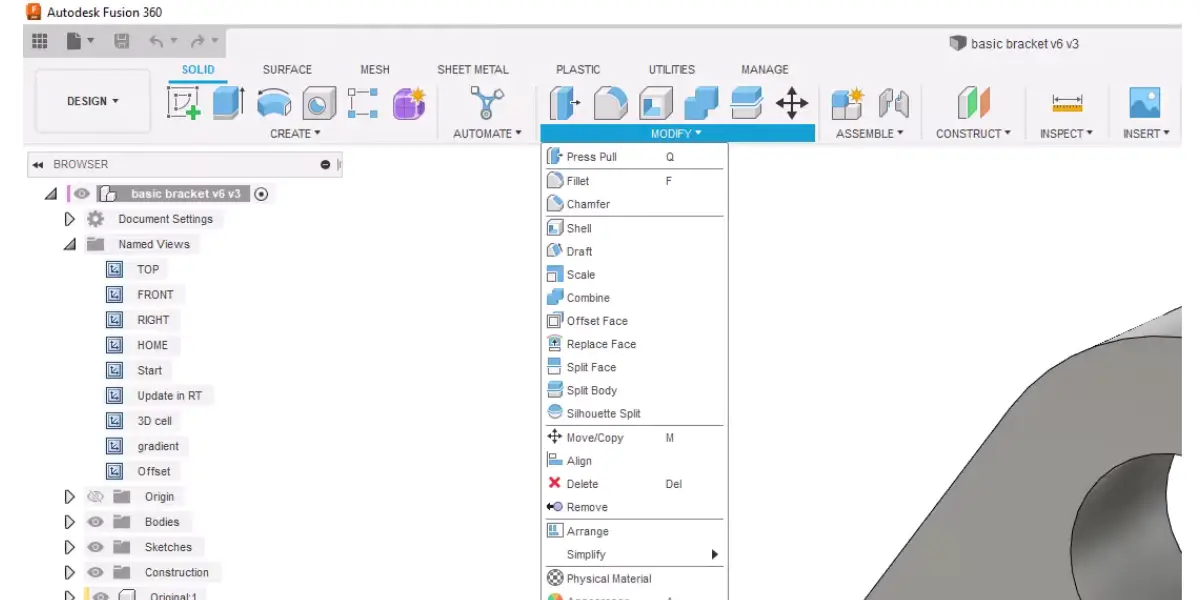
Some screenshots of Autodesk Fusion 360
Price
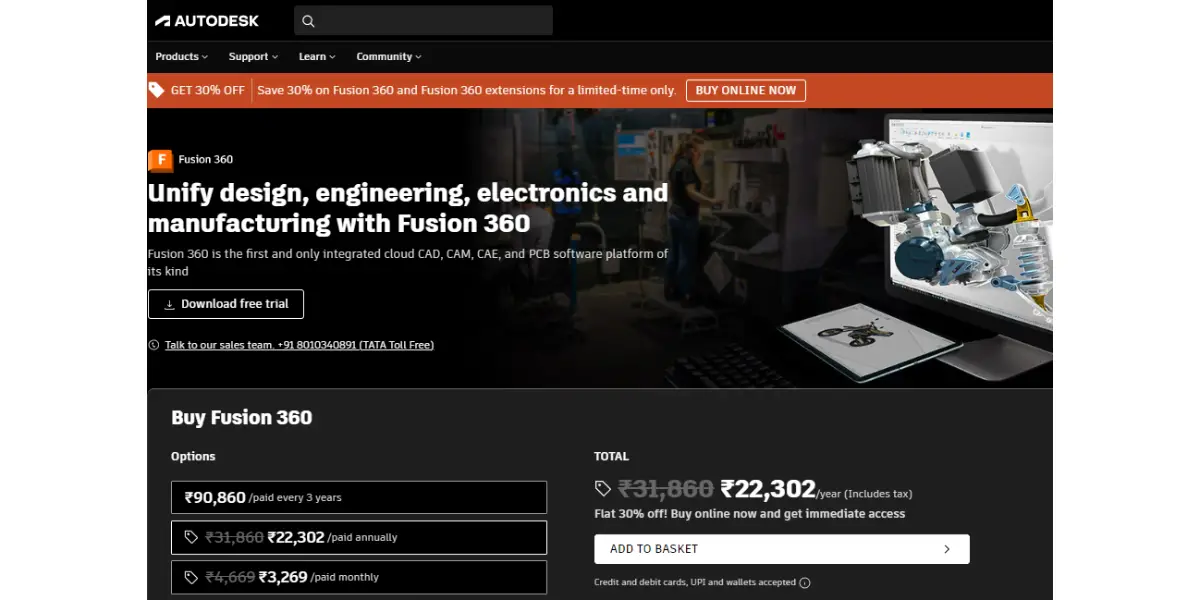
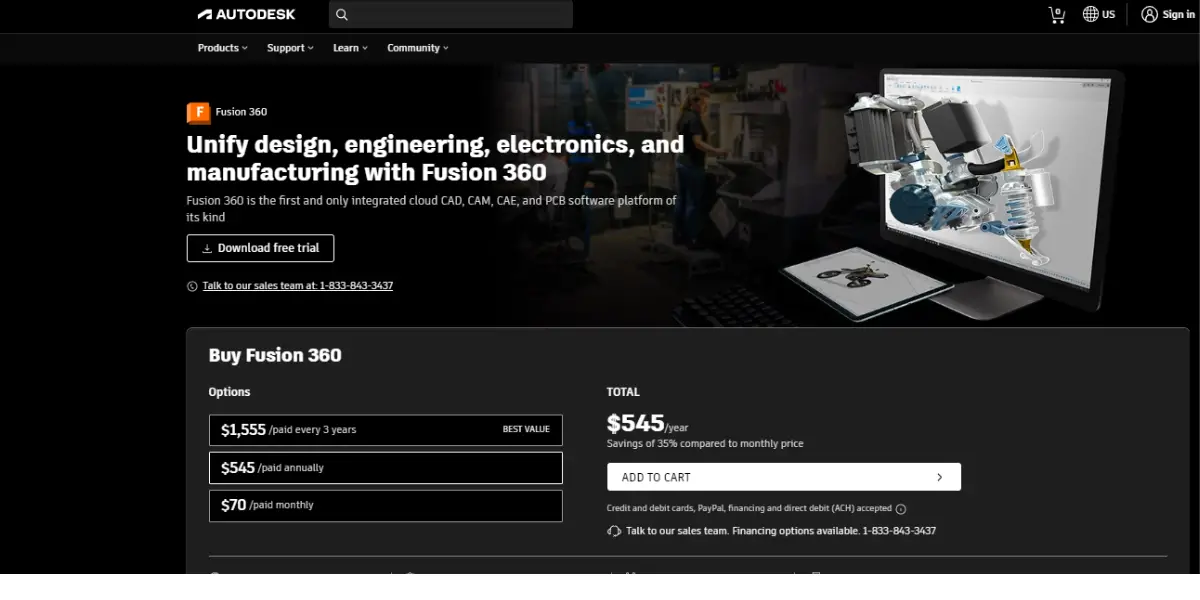
- Monthly – $85 per user.
- Annually – $680 per user, the usual choice.
- Three years – $2,040 per user.
- Autodesk Fusion for Personal Use – free, and the option most hobbyist printers actually want. It is restricted rather than crippled: non-commercial use only, under $1,000 a year in related revenue, a cap of ten editable documents, view-only sharing, local rendering, and no animation, simulation or generative design. For modelling parts to print at home that is usually enough.
Likes
- It can work on one project live with a team.
- You can save and share tasks with coworkers on the cloud.
Dislikes
- Sometimes causes network speed issues.
- Limited in creating functions on CAD as compared to top design CAD tools.
Other details
| Deployment | Cloud, SaaS, Web-Based |
| Supported applications | 3D CAD, CAM, and CAE professionals |
| Operating system | Mac, Windows |
| Support | Email/Help Desk, FAQs/Forum, Knowledge Base, 24/7 (Live Rep) |
| Customer ratings | Capture, 4.6 out of 5 (158+ reviews) |
User opinion
Fusion 360 is an integrated solution that manages the entire process from idea to product. It provides 3D CAD, CAM, and CAE tools to help industries in designing, collaborating, simulations, print jobs, etc, in order to aid product development operations.
8. Solidworks
SOLIDWORKS offers convenient tools that aid in the process of product development. It helps realize it helps in metamorphosing ideas into successful products. It provides 2D and 3D CAD and CAM and is perfect for product designers and engineers in any field, whether in academia or the industry.
It supports 3-D printing, and the simulation or the automatic feature examines any anomalies and probes into other printing errors and other defects that prevent it from being a good quality end product.
Features
- Design ( drawing, modeling, visualizing, rendering, 3D/solid modeling tools, drawing tools, editing tools, rendering tools)
- Editing ( views, file import, etc.)
- Collaboration footnotes, documentation, etc.)
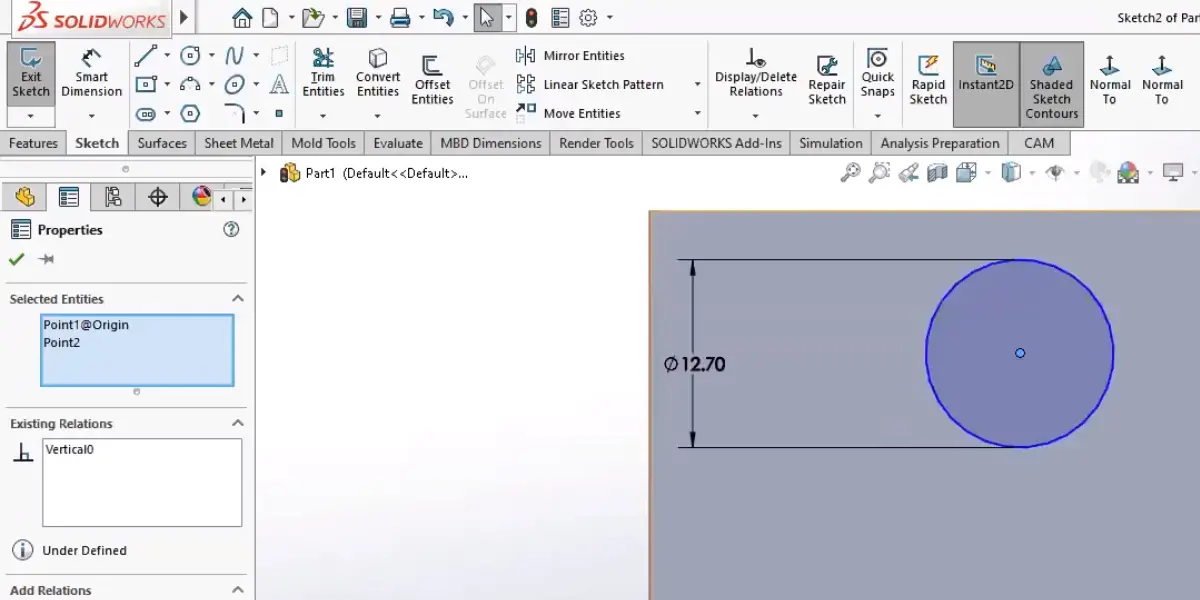
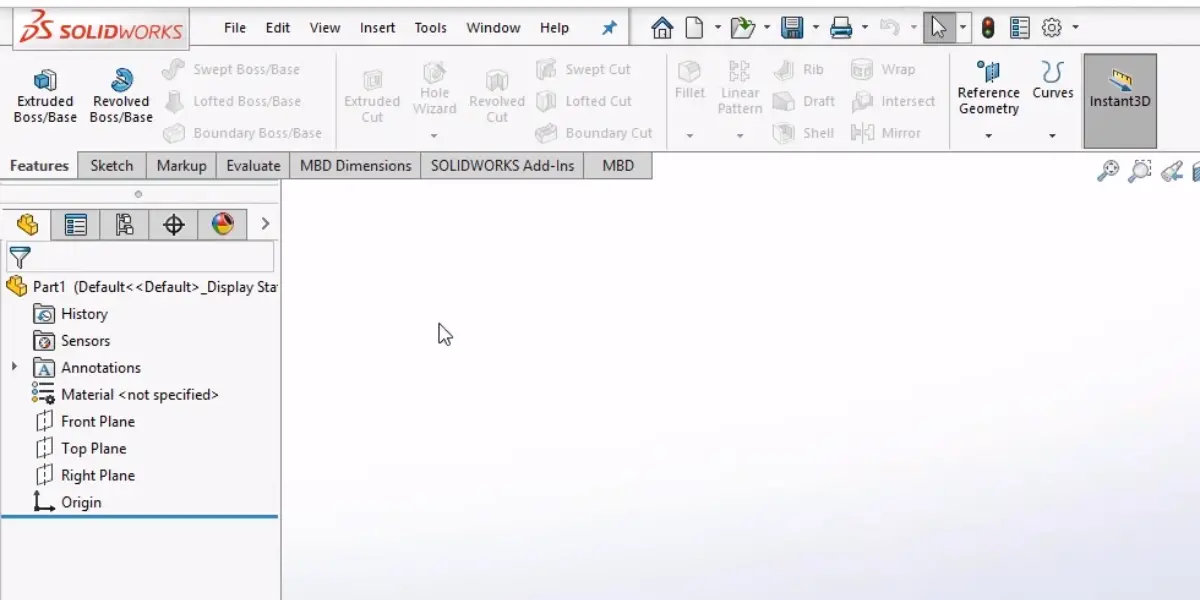
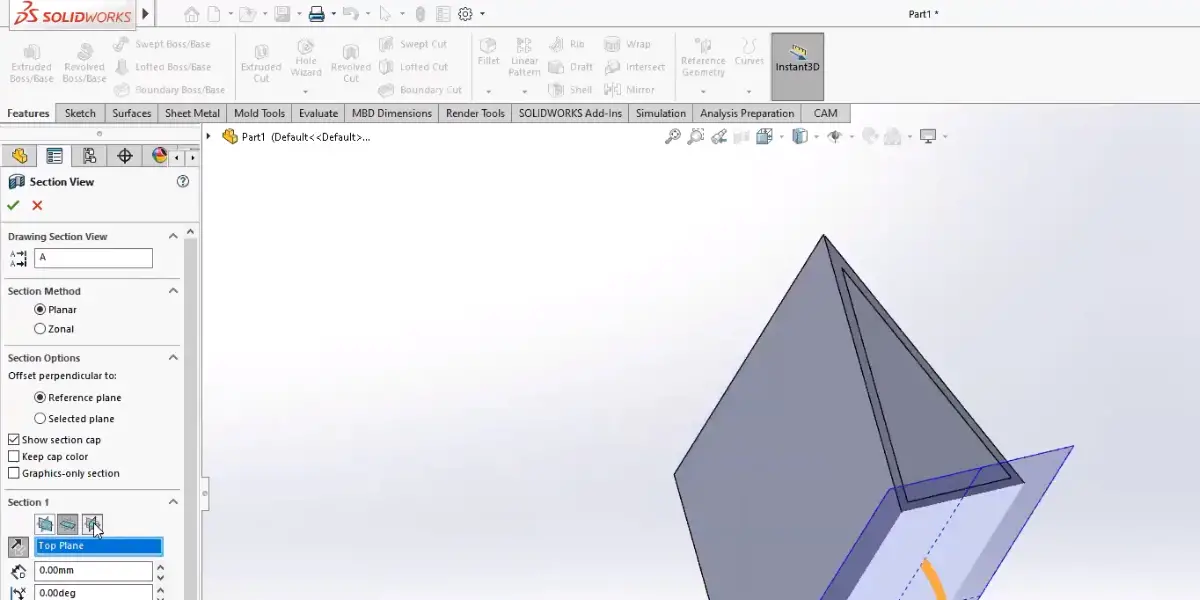
Some screenshots of Solidworks
Price
Commercial SOLIDWORKS licences are quoted by Dassault Systemes and its resellers rather than published, so you will need to contact sales for those. There is, however, a published route that suits most people printing at home:
- SOLIDWORKS for Makers – $48 per year. Full-function 3D CAD for personal, non-commercial use, for makers generating under $2,000 a year from their projects. It is periodically discounted below that. This is the cheapest way onto professional-grade CAD on this list by a wide margin.
Likes
- Convenient user interface
- Easy to learn
- Vast 3d modeling functions and tools
Dislikes
- Synchronous modeling unavailable
- Battery consumption
- The free student version is unavailable
Other details
| Deployment | Cloud, SaaS, Web-Based |
| Supported application | 2D, 3D CAD, CAM |
| Supported device | Windows, Mac |
| Supported languages | Czech, German, English, French, Italian, Japanese, Korean, Polish, Portuguese, Russian, Spanish, Turkish, Chinese (Simplified), Chinese (Traditional) |
| Support | Email/Help Desk, FAQs/Forum, Knowledge Base, Phone Support, Chat |
| Training | In-Person, Live Online, Webinars, Documentation, Videos |
| Customer ratings | Capterra: 4.6 out of 5 (638+reviews), G2: 4.4 out of 5 (491+reviews) |
User opinion
One of the popular software in the field of designing, modeling, and developing is Solid Works.
Rendering, evaluating, and manufacturing are the top features of this platform. It can be used by engineers, design professionals, academia, and many others. It helps 3D print surfaces or graphics bodies and others.
9. Vectary
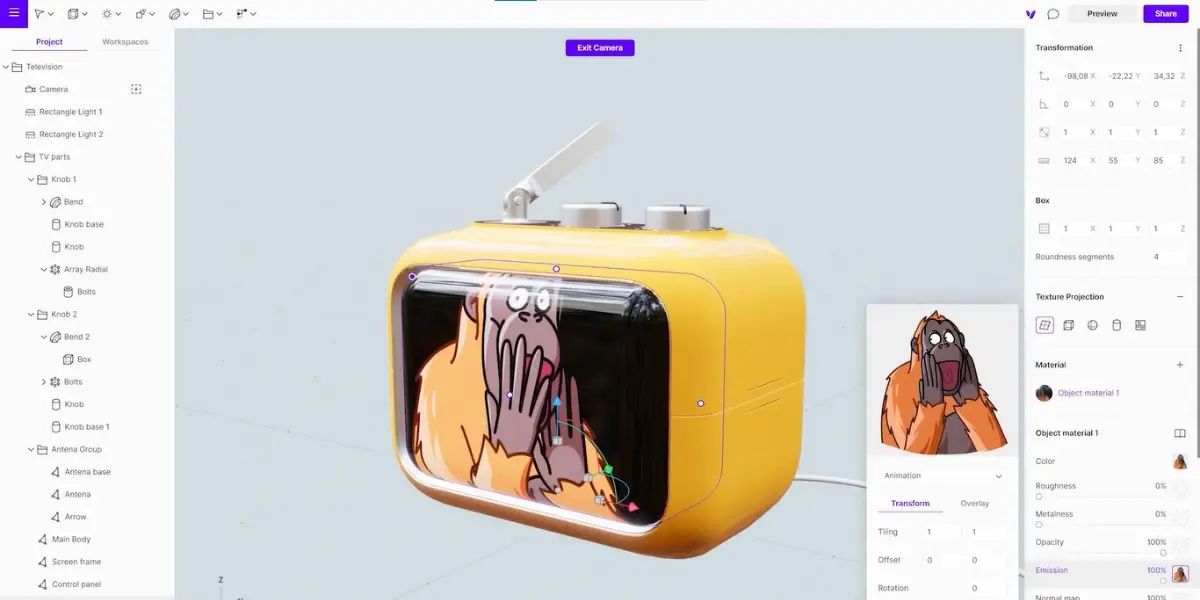
Vectary is a 3D modeling platform that can be adapted to 3D printing applications. It aims to fulfill the needs of engineers, designers, and 3D printing for creating multiplex things using this simple tool.
Features
- Performance analyzer
- Optimization tools
- Detailed high-quality visuals
- Augmented reality
- Export 3D files
- Download render
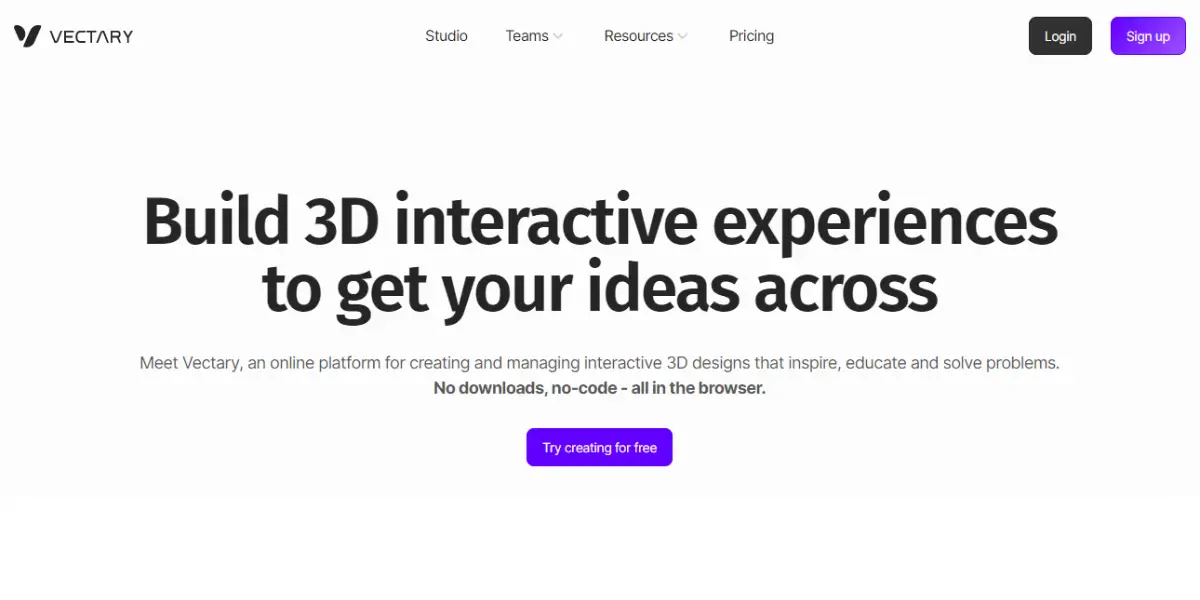
Screenshot of Vectary
Price
- The starter pack is free.
- Pro version: $15 per month for a yearly subscription and $19 per month for a monthly subscription
Likes
- Easy to use
- Full-featured 3D design app
- Good for beginners
Dislikes
- Issues with customizing
- Tedious for beginners
- Loading can be slow
Other details
| Deployment | Cloud, SaaS, Web-Based |
| Supported applications | 3D CAD, 3D printing, Augmented reality design |
| Supported device | Mac, Windows |
| Support | 24/7 (Live Rep), Chat |
User opinion
Vectary proves to be an easy-to-use and feature-packed 3D modeling platform for beginners who can interface to obtain desired 3D print jobs. The platform is robust and flexible, which helps teams to collaborate on projects.
10. Solid Edge
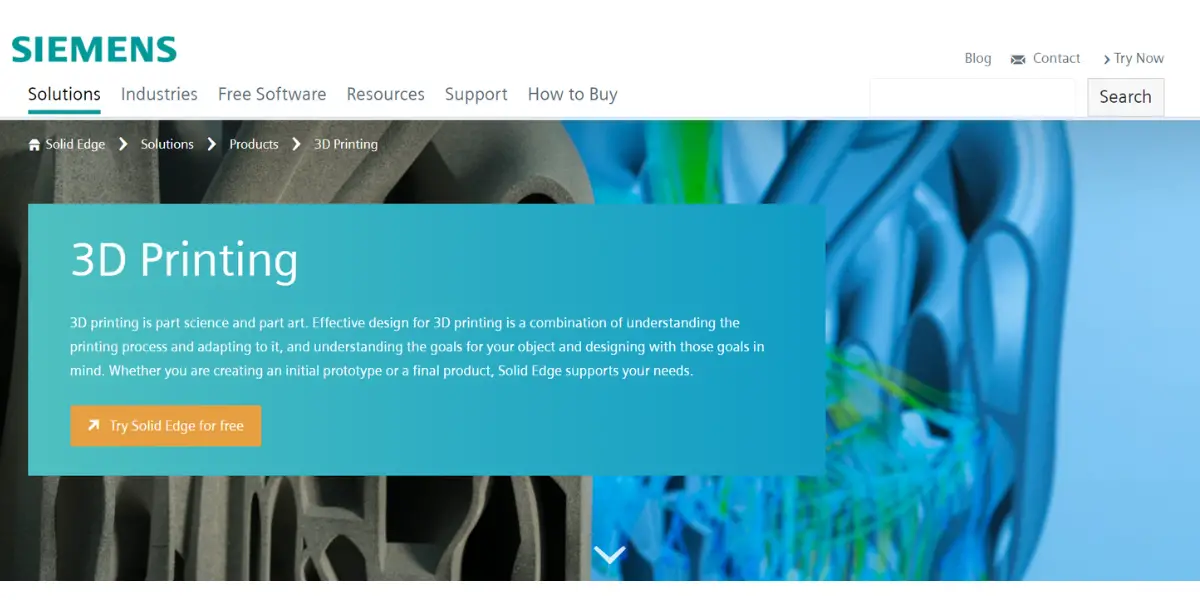
Solid Edge is a platform by Siemens that offers a wide range of tools that aid in all facets of product development. It helps create electrical design, 3D design, computer-aided manufacturing (CAM), 3D printing, and many more.
It is used extensively in the supply chain, automotive industry, manufacturing businesses, shipbuilding, and others.
Features
- User friendly
- Symbol library
- Generative design
- 3D models directly interfaced with the 3D printer
- Instant quotations and parts shipped to the customer
- Collaboration tools
Price
Commercial Solid Edge is sold by subscription and quoted through Siemens or a reseller. For this audience the more useful fact is that there is a free option: Solid Edge Community Edition is free for hobbyists and makers, with a licence that does not expire. It is genuinely restricted rather than a trial: personal non-commercial use only, 2D drawings are watermarked, and files it creates cannot be opened in commercial Solid Edge. For modelling parts to 3D print at home, none of those limits bite.
Likes
- Easy to use
- Helps both 2D and 3D renderings
- Robust platform
- Good customer support
Dislikes
- The user interface can be complicated
- Not suitable for complex designs
- Some lagging in the software
- Time-consuming
Other details
| Deployment | Cloud, SaaS, Web-Based |
| Supported applications | 3D design, 3D printing, CAM |
| Supported languages | Czech, German, English, French, Hungarian, Italian, Japanese, Korean, Polish, Portuguese, Russian, Spanish, Chinese (Simplified), Chinese (Traditional) |
| Supported device | Windows, Android, iPad |
| Support | Email/Help Desk, Phone support, Chat |
| Customer ratings | Capterra: 4.3 out of 5 (33+reviews) , G2: 4.2 out of 5 (255+reviews) |
User opinion
Solid Edge is one of the sought-after product development software in educational institutions, industries, manufacturing units, machine shops, and more.
This platform by Siemens helps render electrical and mechanical designs, CAD, CAM and 3D printing, and more. Though it has a difficult learning curve, it is widely used among professionals to carry out their product designs and print jobs.
Which of these do you actually need?
The ten entries above are not alternatives to each other, and treating them as a single shortlist is the most common way to waste money here. They fall into the three categories described at the top of this article, and a typical home setup uses one from the first group and one from the second:
- Modellers, where you design the part: FreeCAD, Autodesk Tinkercad, Blender, SketchUp, Autodesk Fusion, SOLIDWORKS, Vectary and Solid Edge. Pick exactly one to learn. Tinkercad if you have never modelled before, Fusion or SOLIDWORKS for Makers if you want mechanical parts with real dimensions, Blender only if your work is artistic rather than engineered.
- Slicers, where the model becomes printer instructions: UltiMaker Cura is the only one in the list above. You cannot print without a slicer, whichever modeller you choose.
- Hosts, where you drive and monitor the printer: OctoPrint. Optional, and most useful if you want to start prints and watch them remotely.
The slicers this list is missing
Cura was the default recommendation for years and is still capable, but it is no longer the only sensible answer, and on most 2026 comparisons it is no longer the strongest. All three of the following are free, so the cost of trying them is an evening:
- OrcaSlicer – free and open source, and the common default recommendation for non-Bambu FDM printers. Its calibration tooling is the reason people switch: it walks you through flow, temperature and pressure-advance tests instead of leaving you to guess.
- Bambu Studio – free, and the obvious choice if you own a Bambu Lab printer, mainly for how it handles multi-colour printing with the AMS.
- PrusaSlicer – free and open source. Less flashy than the other two and valued for exactly that: predictable, stable output, with excellent profiles for Prusa hardware.
Between them, these three and Cura account for the overwhelming majority of desktop FDM slicing. The practical differences are less about print quality, which is close, and more about which workflow you can live with day to day. Since none of them costs anything, install two and keep the one that annoys you least.
FAQs
What is 3D printing?
3D printing is a process of creating three-dimensional solid objects from a digital model. The printer reads the digital model and manufactures the object by laying down successive thin layers of material until the entire object is created.
What are the applications of 3D printing technology?
3D printing has many potential applications, including manufacturing aircraft parts, medical implants, prosthetic body parts, eyeglasses, food, clothing, and toys. It has also been used to create homes and other buildings.
Is 3d printing costly?
The cost of 3D printers has decreased dramatically in recent years, making them a more viable option for homes and small businesses. However, the 3D printing materials (filament, resin, etc..), the operation cost (energy, maintenance, etc.), and the complexity of objects decide the cost.
Conclusion
Most people arrive at this topic expecting to choose one program, and leave with two: something to model in and something to slice with. Get the slicer right first, because it has more effect on print quality than the modeller does, and it costs nothing to try several.
Each has unique features and strengths, so it is important to choose the one that will work best for your needs.
Reference
- Guide to FreeCAD
- More information about FreeCAD
- Details for Autodesk TinkerCAD
- More information about Ultimaker Cura
- Documentation of Octo print
- Support of Blender
- User guide of Sketchup
- Product documentation of Autodesk fusion 360
- Documentation help of Vectary – Top bar – Design mode