
Predictive maintenance watches the condition of a machine while it runs and forecasts when it will fail, so the work can be scheduled just before that point instead of after it. It is not the same as doing maintenance on a fixed schedule, and the difference decides which software you actually need.
The catch is that a prediction has to come from a measurement. Something has to be reading vibration, temperature, oil condition or motor current off the asset, and something has to know what that asset looks like when it is healthy. Most of the products sold under this heading are maintenance management systems that schedule and record the work; a smaller number actually generate the prediction. Both belong in a programme, and it is worth knowing which one you are buying.
We’ve compiled the ten best predictive maintenance management software solutions to help you get started. These software solutions offer an easy way to detect and correct potential failures before they cause downtime or expensive repairs.
What is Predictive Maintenance Software?
Predictive maintenance software collects condition data from equipment, compares it against a healthy baseline for that asset, and estimates how much useful life is left before a functional failure. The output is a warning with a time horizon attached, which is what lets a planner order the part and book the outage in advance.
Software that only stores asset records and issues work orders on a fixed interval is a CMMS doing preventive maintenance. It is useful, and every predictive programme needs one to act on the warning, but on its own it predicts nothing. The distinction matters most at the point of purchase, because both categories are marketed with the same phrase.
Predictive, preventive, and reactive maintenance
These three words describe what triggers the work, not how modern the tool is.
| Approach | What triggers the work | What it needs | Suits |
|---|---|---|---|
| Reactive (run to failure) | The failure itself | Nothing | Cheap, non critical, quickly replaced assets |
| Preventive | A fixed interval: calendar time, running hours, or cycles | An interval, usually taken from the manufacturer | Assets that wear predictably |
| Predictive | A measured change in the asset’s condition | Sensors or route based readings, a healthy baseline, and a model | Assets where failure is costly and gives warning |
| Prescriptive | A measured change, plus a recommended action | Everything predictive needs, plus decision logic | Mature programmes with good failure history |
A system that emails a technician every 500 running hours is doing preventive maintenance no matter how good its dashboards are. Predictive maintenance begins only when something is measuring the machine.
What predictive maintenance software actually measures
Prediction rests on a handful of established condition monitoring techniques. A tool that claims to predict failure should tell you which of these it consumes, and from what hardware.
- Vibration analysis. The workhorse for rotating equipment: bearing wear, imbalance, misalignment and looseness each show up at characteristic frequencies. Severity zones come from the ISO 20816 series, which consolidated the older ISO 10816 (vibration measured on non rotating parts) and ISO 7919 (shaft vibration). ISO 20816-3:2022 replaced ISO 10816-3 and ISO 7919-3 for industrial machines rated above 15 kW. Both vocabularies are still in daily use on plant floors.
- Infrared thermography. Loose or corroded electrical connections, failing insulation, blocked steam traps and overheating bearings all show as a thermal anomaly before they fail.
- Oil analysis. Wear particles, water ingress and additive depletion in gearboxes, hydraulics and large engines. It reports on the lubricant and the surfaces it touches at the same time.
- Ultrasonic testing. Compressed air and gas leaks, early stage bearing faults, and electrical arcing or corona, all audible ultrasonically long before they are audible to a person.
- Motor current signature analysis. Rotor bar and stator faults inferred from the motor’s own current draw, which means no extra sensor on the machine and no shutdown to take the reading.
The P-F interval decides how often you sample
Between the moment a fault first becomes detectable (P) and the moment the asset can no longer do its job (F) there is a window called the P-F interval. It can be months for a slow speed bearing and days for a fast one. The practical rule is to sample at less than half the P-F interval, because a monthly reading cannot catch a fault that runs its course in three weeks. Get this wrong and the programme produces confident reports and still misses failures.
Remaining useful life is the number the software is really trying to produce: not “this reading is high” but “this asset has roughly this long left at the current duty”. A tool that raises threshold alarms without estimating remaining life is doing condition monitoring, which is genuinely useful and is a step short of prediction.
Here is the list of 10 best predictive maintenance software.
One thing worth knowing before you compare them: three of the ten now belong to Siemens. Brightly and Senseye were both acquired in June 2022, and Insights Hub is Siemens’ own platform. So this is really eight independent vendors, with three of the products sharing a parent.
The second thing is that they are not all the same kind of product. Most are maintenance management systems, and they are on this list legitimately, because a prediction that nobody schedules is worthless. But if what you need is the prediction itself, only part of this list produces one.
| Product | What the vendor sells it as | Role in a predictive programme |
|---|---|---|
| Senseye Predictive Maintenance | Predictive maintenance analytics | Produces the forecast |
| Siemens Insights Hub | Industrial IoT platform | Collects machine data and hosts the analytics apps |
| Fracttal One with Fracttal Sense | CMMS plus its own IoT sensing | Manages the work, and can gather the condition data |
| Fiix | CMMS | Manages the work; condition data via integration |
| eMaint | CMMS | Manages the work; condition data via meters and integration |
| Limble | CMMS | Manages the work; condition data via integration |
| UpKeep | Asset operations management | Manages the work; condition data via integration |
| Brightly Asset Essentials | EAM, strongest in buildings and public estate | Manages the work |
| The Asset Guardian (TAG) | EAM inside Dynamics 365 Business Central | Manages the work; keeps a health and risk index |
| FastMaint | CMMS for small sites | Manages the work |
Read that as a shortlist filter rather than a ranking. If you already run a CMMS and want failure forecasting, look at the top two rows and at whatever condition monitoring hardware suits your assets. If you have sensors and spreadsheets but no way to turn a warning into a scheduled job with the right part reserved, the rows below are the gap you are filling.
1. Fiix
It is a CMMS software by Rockwell Automation and provides asset management solutions to organizations. It is a cloud-based platform and also provides mobile capabilities.
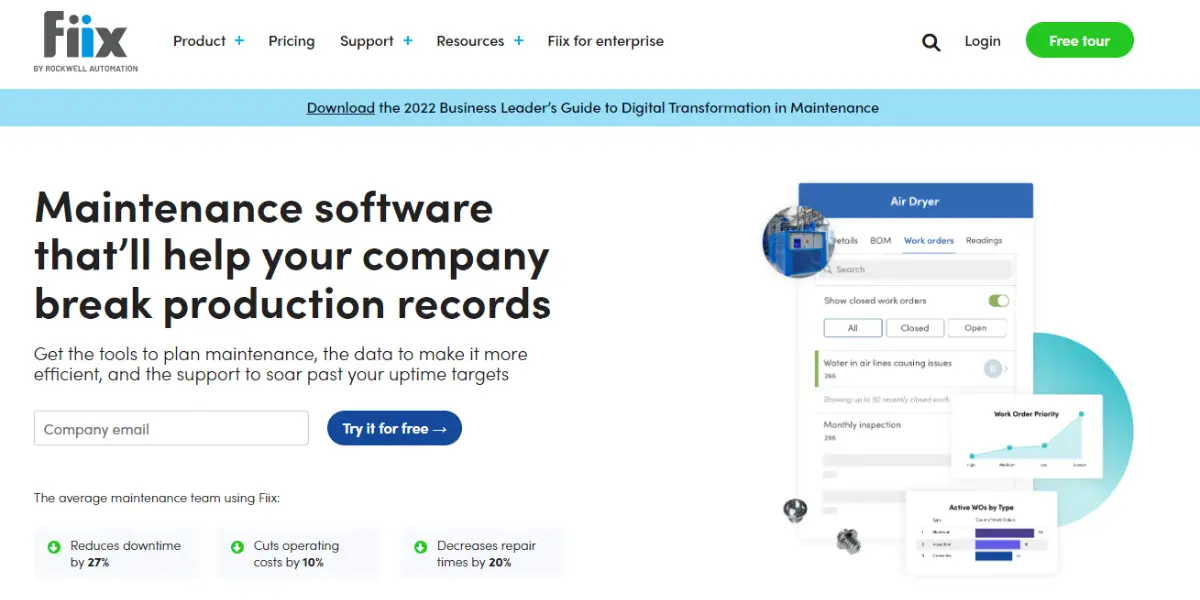
Features
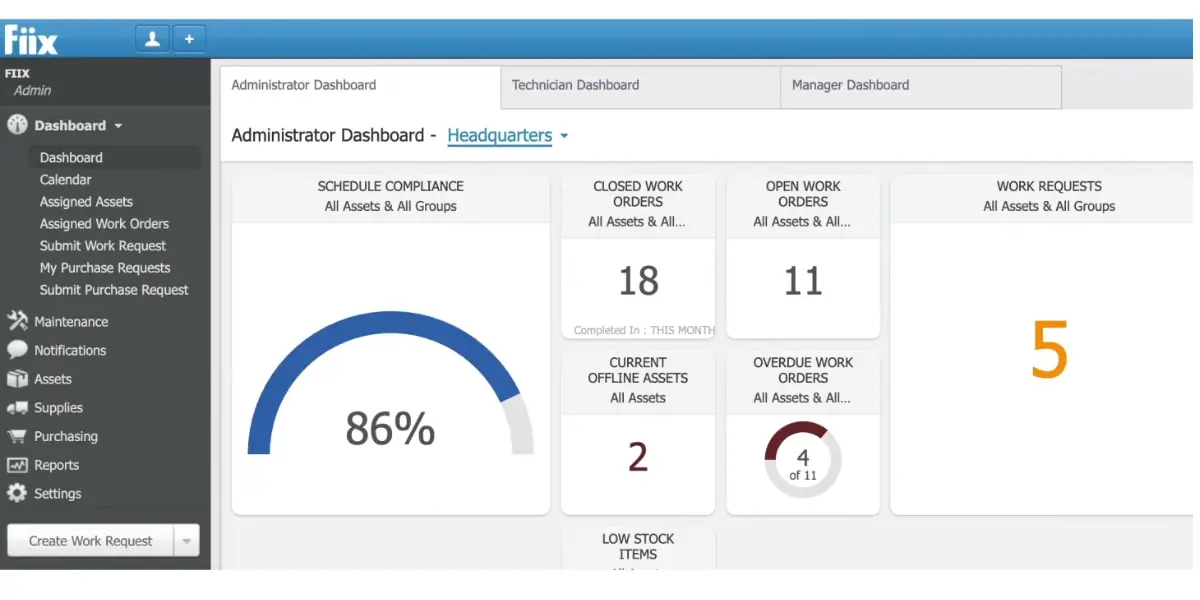
- Equipment information management – The software provides a complete view of the equipment, including its inventory, location, and usage.
- A complete view of maintenance across multiple sites – The software provides a consolidated view of maintenance tasks across multiple sites.
- Asset tracking fields customization – The software allows users to customize asset tracking fields to their specific needs.
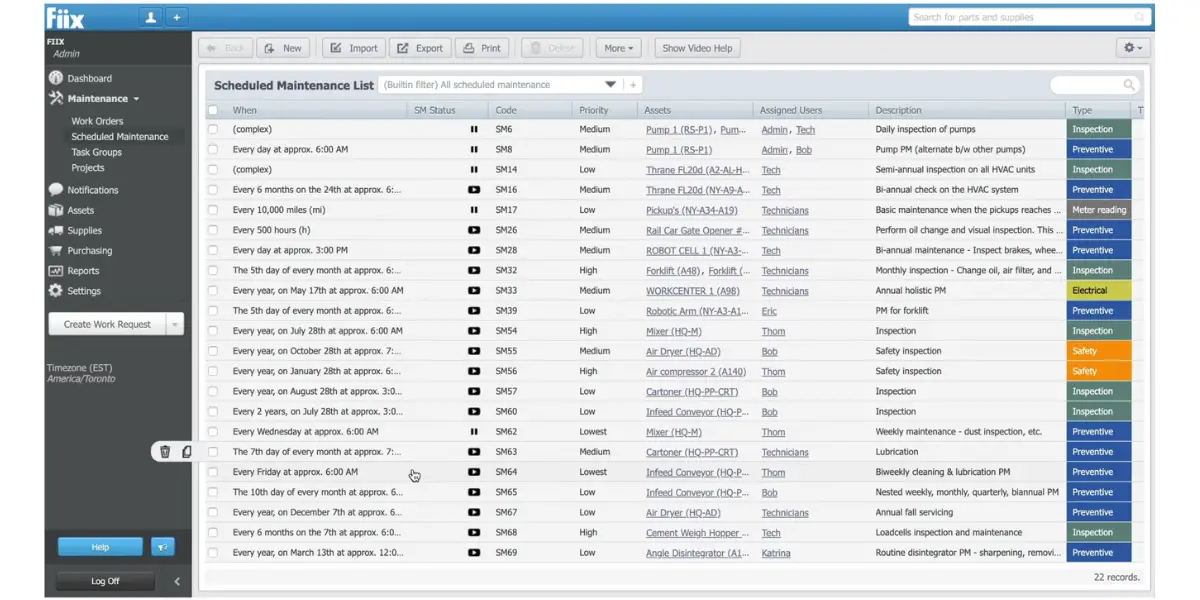
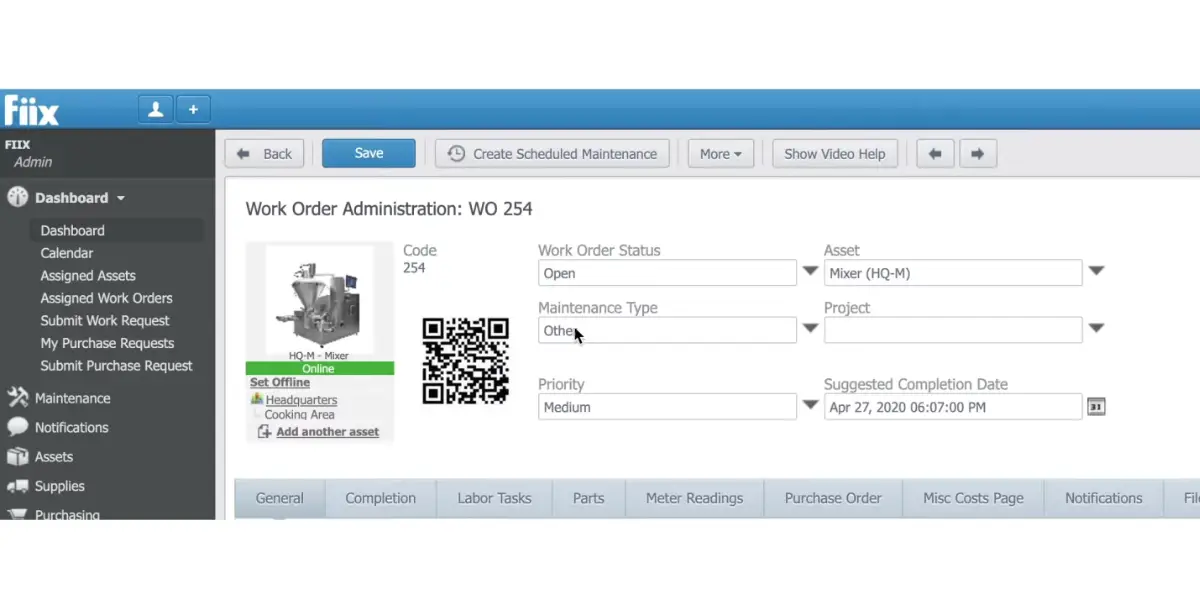
- Work order management – The software allows users to create, track, and manage work orders.
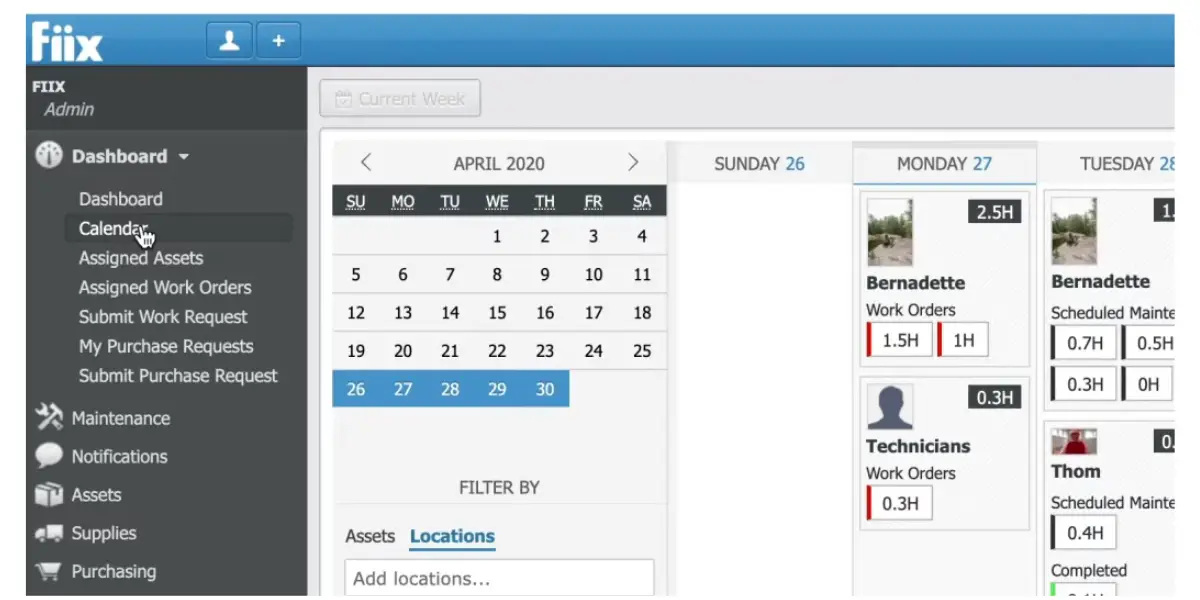
- Assigning particular assets to individuals – The software allows you to assign assets to a person for tracking and maintenance.
- Reporting and dashboard – The software provides users with reports and dashboards to help them track and manage their assets.
Screenshot of Fiix
Pricing
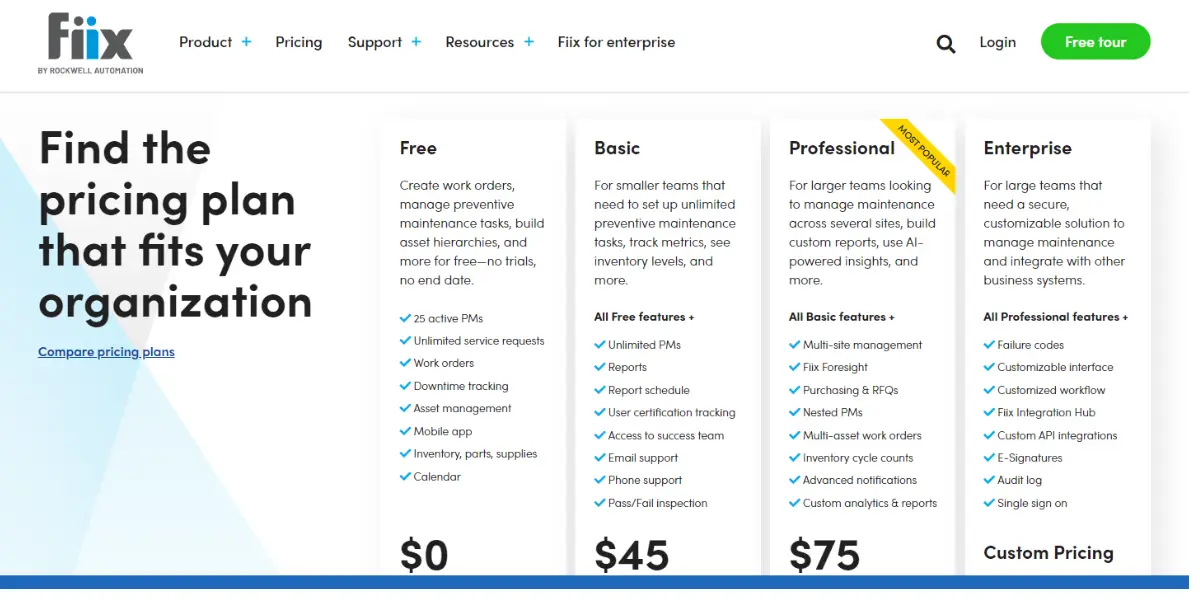
It provides four pricing plans. Figures below are the vendor’s published list prices, checked August 2026.
- Free – $0, with no time limit and no card required.
- Basic – $45 per user, per month
- Professional – $75 per user, per month
- Enterprise – Custom pricing
The per user unit is the part that decides the bill. Fiix also sells a cheaper Lite operator licence and a Fiix MAX add on, both quoted rather than listed.
 Likes
Likes
- It provides user-friendly mobile apps.
- Allows the company to add assets and gives access from technician to manager.
- It provides an intuitive dashboard.
 Dislikes
- Creating a report is a complex process.
- It does not provide a specific report for the particular task.
Supported industries
- Oil and gas
- Heavy equipment
- Food and beverage
- Manufacturing
Other details
| Deployment | Cloud, SaaS, Web-Based |
| Supported device | Mac, Windows, Android, iPhone, iPad |
| Support | Email/Help Desk, FAQs/Forum, Knowledge Base, Phone Support, Chat |
| Training | In-Person, Live Online, Webinars, Documentation, Videos |
| Customer ratings | In G2, 4.7 out of 5 (Number of reviews:158+) In Capterra, 4.4 out of 5 (Number of reviews: 546+) |
User opinion
Fiix is a famous cloud-based CMMS software. It is an excellent solution for managing assets and predictive maintenance. It also provides a complete view of the equipment. However, the process of generating an automatic report is complex.
2. Fracttal
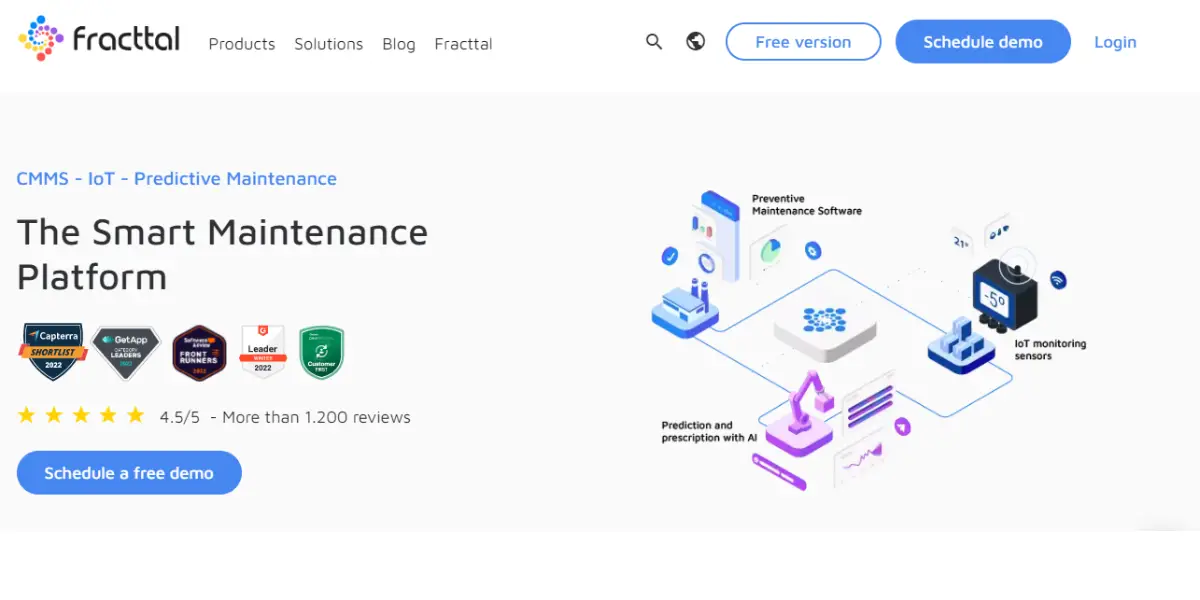
Fracttal is an asset management software that uses IoT and Bigdata to make organizations’ operations efficient, safe, and sustainable.
Its line has been reorganised. As of August 2026 Fracttal sells Fracttal One, the maintenance management system, and Fracttal Sense, the IoT layer that connects sensors and equipment, alongside a set of AI agents built into the maintenance functions. The earlier Fracttal X and Predictto product names are no longer in use, so older comparisons that list them are out of date.
Features
- Creation of predictive models – The software automatically creates predictive models by analyzing your predictive maintenance data.
- Forecasting reliability – The software forecasts the reliability of your equipment and helps to know the reliability value of the asset so that you can plan your maintenance accordingly.
- Risk cost ratio – The software presents an asset’s clear risk cost ratio so that you can make informed decisions. It also calculates the best time to begin maintenance.
- Digitalizes processes – The software digitalizes your maintenance processes and gives you a clear overview of all the activities. It provides digital reports with graphs and charts.
Pricing
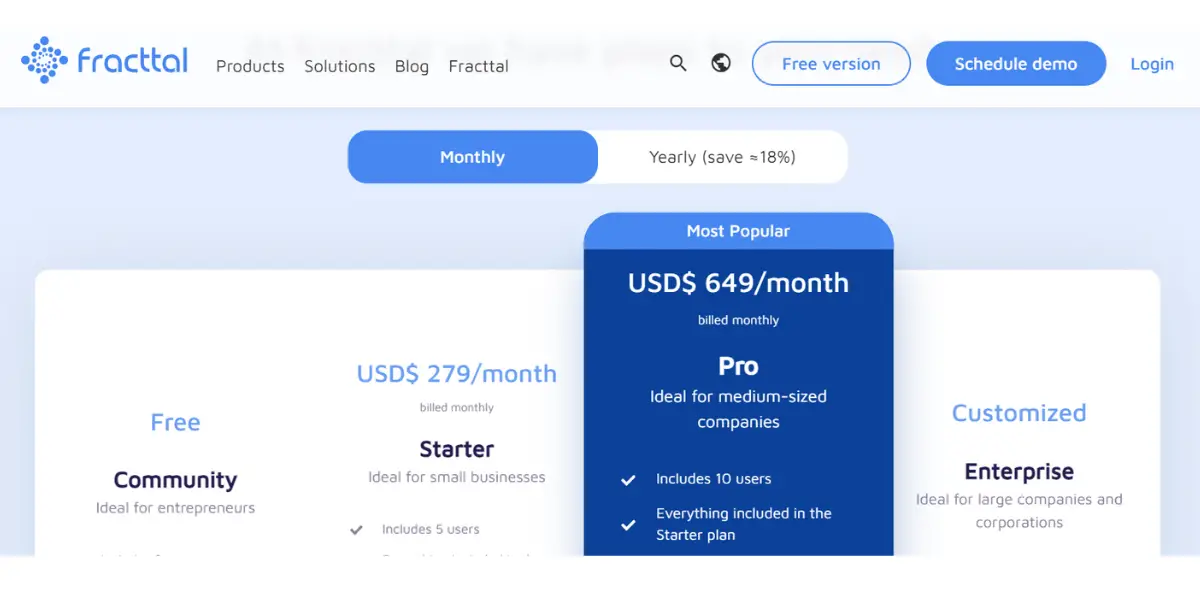
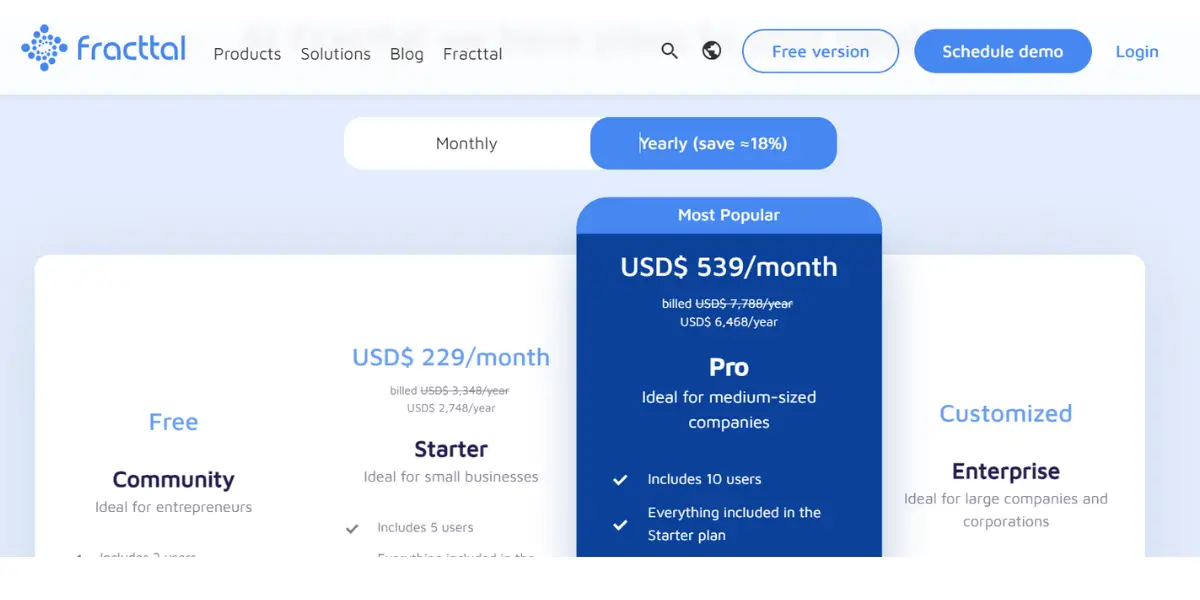
Fracttal no longer publishes plan prices. Its pricing page now asks you to request a quote, so the Free, Starter and Pro figures that circulate in older comparisons (around $279 and $649 per month) cannot be confirmed against the vendor and should not be used for budgeting. Checked August 2026.
Likes
- Allows you to have adequate control by providing precise information.
- It allows you to integrate with ERP solutions.
Dislikes
- Equipment records and personnel records are handled through the same register, which reviewers find confusing to keep tidy.
- Its built in business intelligence and reporting are weaker than the core maintenance features.
Supported industries
- Food
- Buildings and offices
- Energy
- Hospitality
- Manufacturing
- Healthcare
- Transport & logistics
Other Details
| Deployment | Cloud, SaaS, Web-Based |
| Supported device | Android, iPhone, iPad |
| Support | Email/Help Desk, FAQs/Forum,24/7 (Live Rep), Knowledge Base, Phone Support, Chat |
| Training | In-Person, Live Online, Webinars, Documentation, Videos |
| Customer ratings | In G2, 4.6 out of 5 (Number of reviews:382+) In Capterra, 4.5 out of 5 (Number of reviews: 431+) |
User opinion
It is an intuitive and user-friendly software that integrates CMMS with a cloud platform, making you capable of creating proper predictive models to perform predictive maintenance.
It provides solutions for many sectors, including mining, health, services, manufacturing, transport, and technology.
3. eMaint
eMaint is a web-based software as a service(SaaS) model that helps businesses keep their equipment running smoothly. It provides robust CMMS software and solutions for many industries, including manufacturing, oil and gas, automotive, education, government, and more.
Features
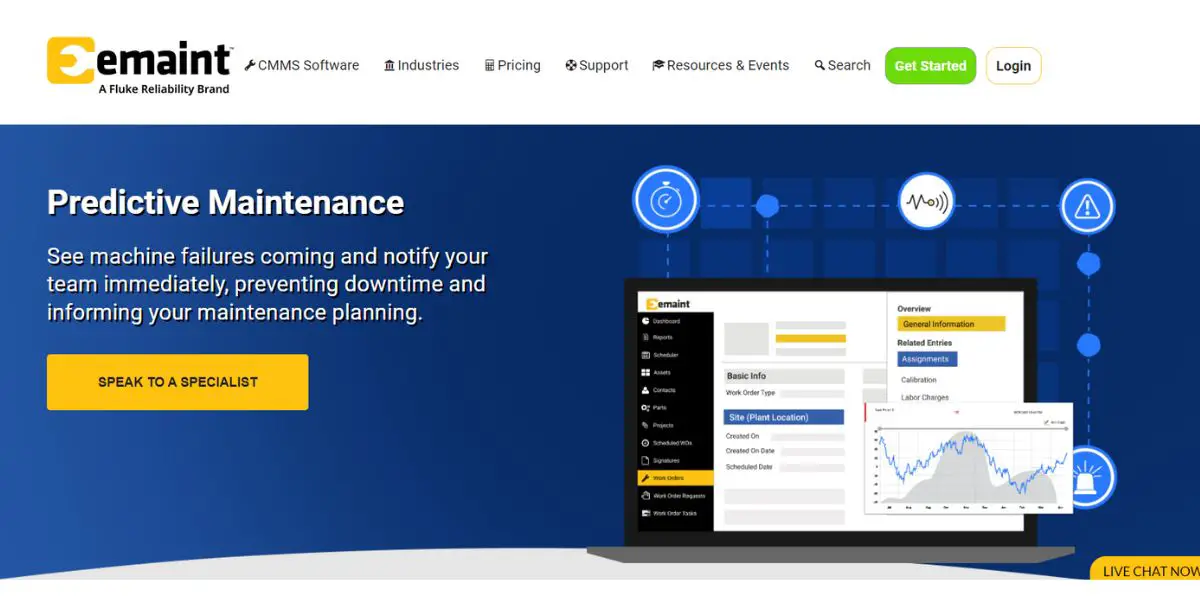
- Monitoring of noise, vibration, temperature, pressure, and lubricants
- Monitoring of meter readings
- Auto-generate work orders
- Condition monitoring diagram
- Global customer support
- Work order management
- Reports and dashboards
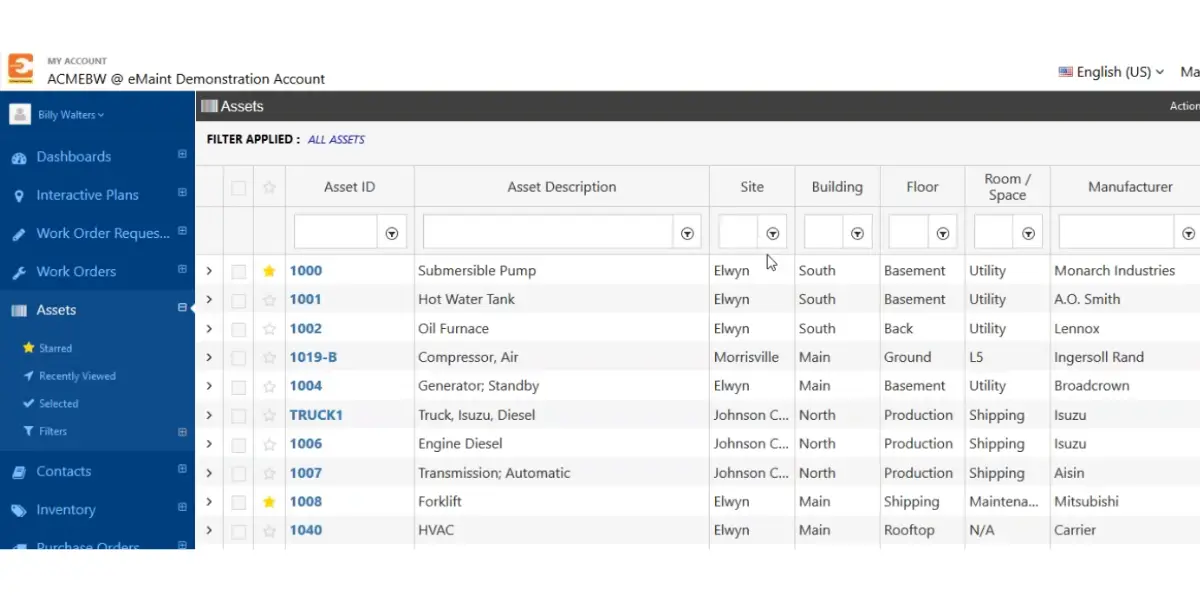
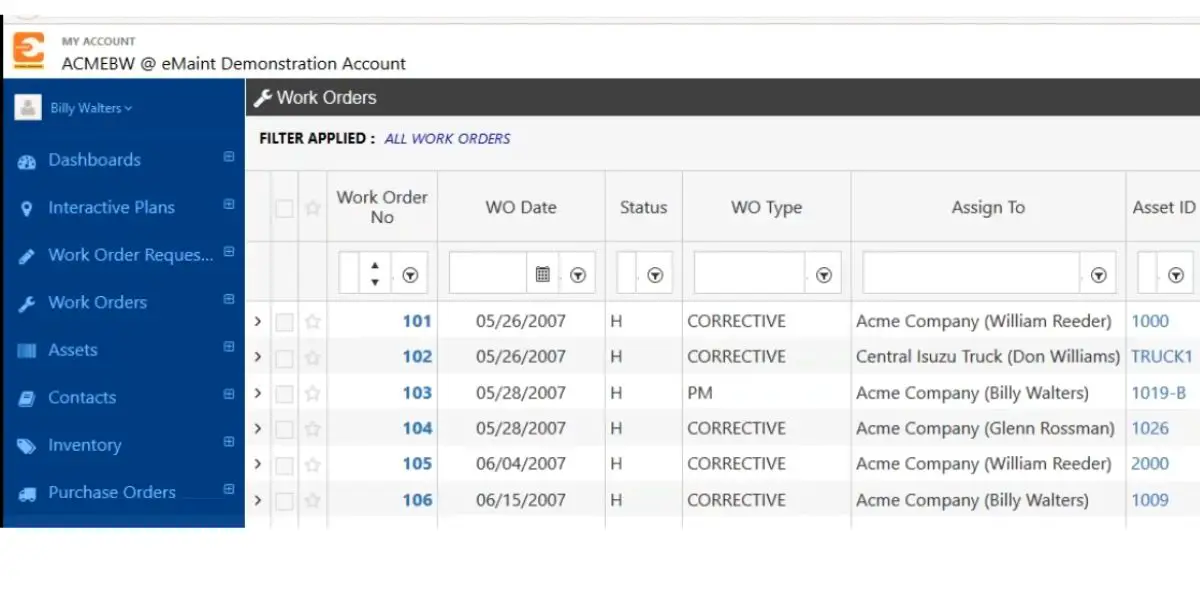
Some screenshots of eMaint
Pricing
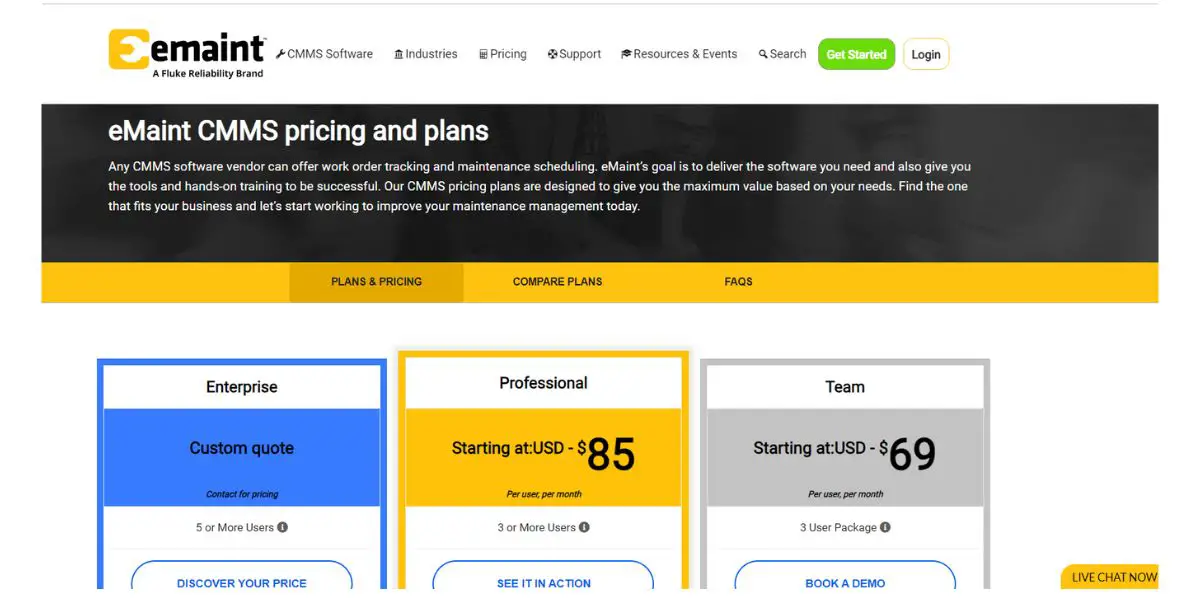
eMaint has changed its packaging, and it no longer prints prices. Checked August 2026, the pricing page lists two configurable tiers and asks you to talk to sales:
- Professional – three user minimum, price on application
- Enterprise – five user minimum, price on application
The older Team tier, and the roughly $69 and $85 per user per month figures attached to it, are gone from the vendor’s own page. Treat any comparison still quoting them as stale, and note the seat minimums: they set the real floor on entry cost.
Likes
- The software is multilingual.
- It has an intuitive user interface.
- It allows you to customize the dashboard.
Dislikes
- Unavailability of communication and mobility within the software.
- The development timeline is more. That means it takes more time for bug resolution.
- Initial learning of reporting techniques are difficult.
Supported industries
- Food and beverages
- Automotive
- Warehouse
- Service
- Oil & gas
- Education
- Government
- Manufacturing
Other Details
| Deployment | Cloud, SaaS, Web-Based |
| Supported device | Mac, Windows, Linux, Android, iPhone, iPad |
| Support | Email/Help Desk, FAQs/Forum, Knowledge Base, Phone Support, Chat |
| Training | In-Person, Live Online, Webinars, Documentation, Videos |
| Customer ratings | In G2, 4.4 out of 5 (Number of reviews:128+) In Capterra, 4.4 out of 5 (Number of reviews: 256+) |
User opinion
eMaint is a quality software company that specializes in predictive maintenance management software.
Their products are user-friendly and efficient, and they continue to develop new and innovative ways to help businesses improve their predictive maintenance practices. In addition, it provides multilingual product support.
4. Limble (formerly Limble CMMS)
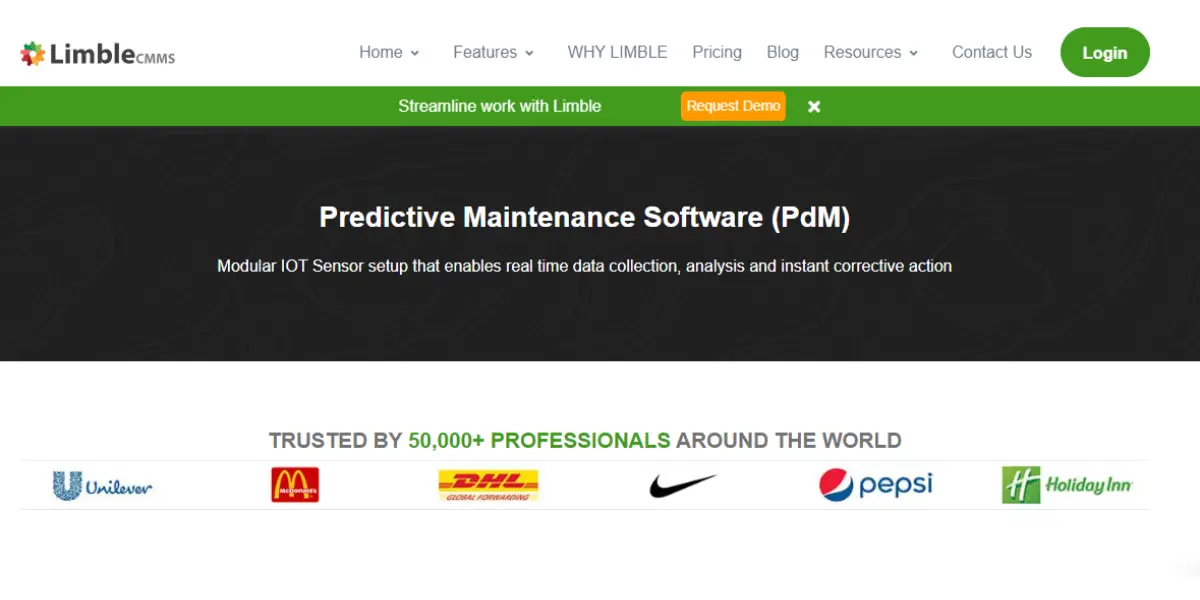
Limble CMMS is a top-rated predictive maintenance management software to help keep your equipment in top condition. It is trusted by over 50,000 companies worldwide, including Pepsi, McDonald’s, and Unilever.
Features
- Plug-and-play sensor setup
- Immediate alerts when the limit crosses
- Automatic corrective tasks
- Real-time data
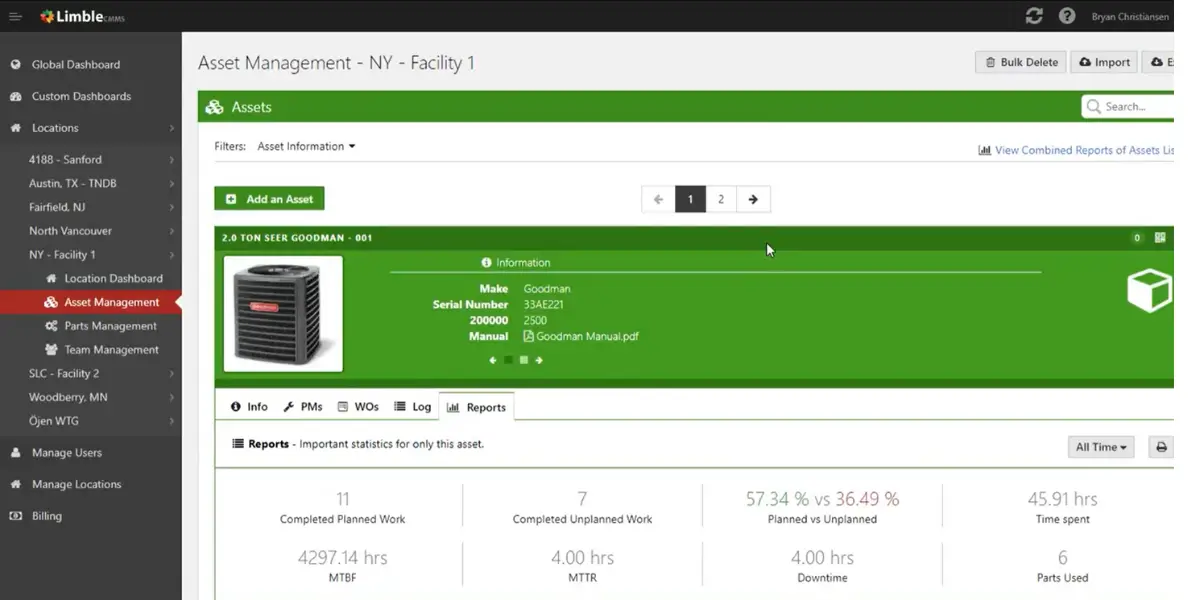
- Downtime tracking
- Reports and dashboards
Screenshot of Limble CMMS
Pricing
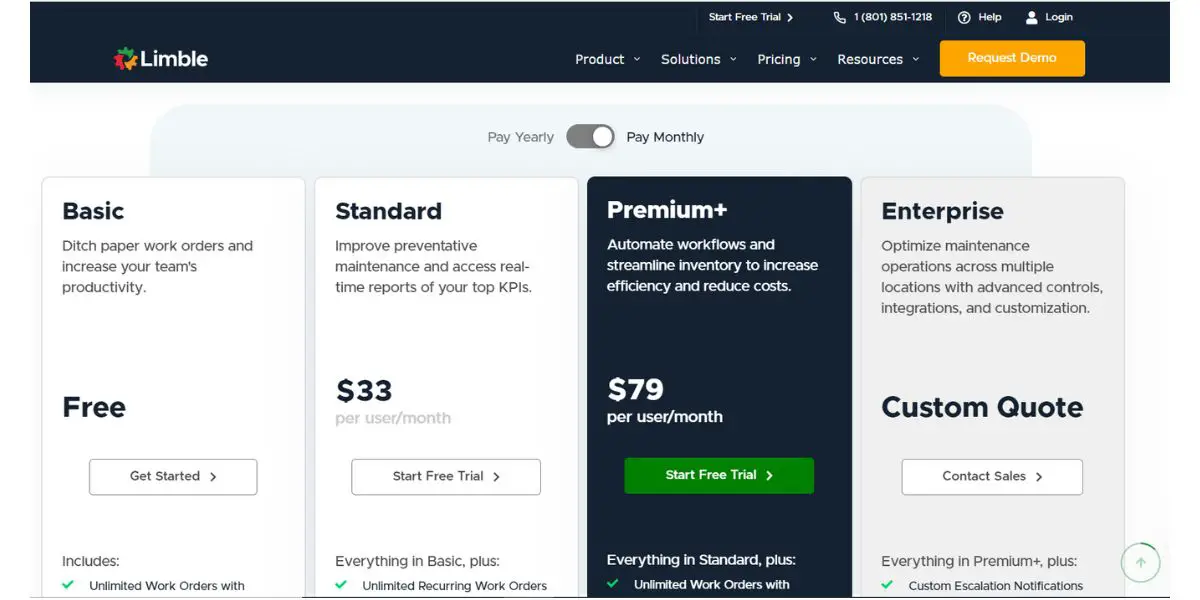
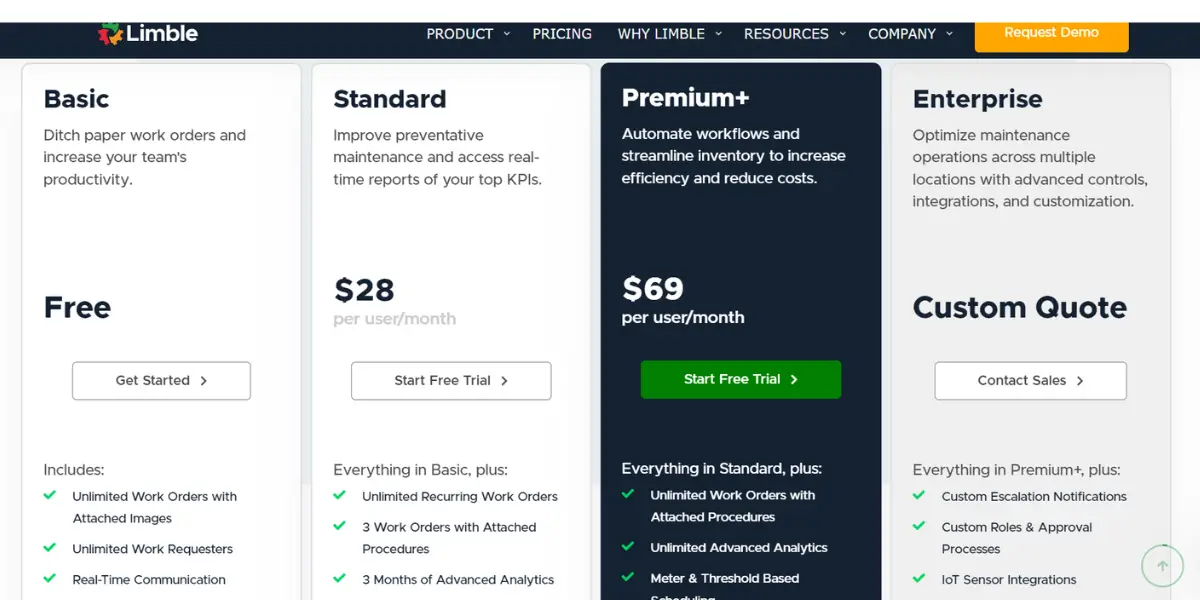
The company now trades as Limble rather than Limble CMMS, and it has stopped publishing plan prices. Checked August 2026, three tiers are named and each one sends you to a price calculator:
- Standard – preventive maintenance and real time reporting, price on application
- Premium+ – adds workflow automation and inventory, price on application
- Enterprise – multi site operations, price on application
Older figures for Limble are worth treating with care for a second reason. The numbers that circulate (about $33 and $79 for Standard, $59 and $69 for Premium+) put the cheaper tier above the dearer one on monthly billing, which no vendor prices that way. That is a copying error travelling between comparison pages, not a real quirk of the price list.
Likes
- It is easy and user-friendly software.
- You can also use the software in the field using a mobile without needing a laptop.
- It provides good customer service.
Dislikes
- You can’t zoom in on the icons on mobile.
- You can’t scan out a part without opening work orders.
Supported industries
- Manufacturing
- Food and beverage
- Energy & Utilities
- Hospitality
- Facility management
- Healthcare
- Education
- Construction
Other Details
| Deployment | Cloud, SaaS, Web-Based |
| Supported device | Mac, Windows, Chromebook, Android, iPhone, iPad |
| Support | Email/Help Desk, FAQs/Forum, Knowledge Base, Phone Support, 24/7 (Live Rep), Chat |
| Training | In-Person, Live Online, Webinars, Documentation, Videos |
| Customer ratings | In G2, 4.9 out of 5 (Number of reviews: 422+) In Capterra, 4.9 out of 5 (Number of reviews: 163+) |
User opinion
Limble CMMS is a good PdM software with many features that can help businesses keep their equipment in good condition and avoid any costly failures. It’s easy to use and makes it simple to keep track of all your maintenance tasks. It also offers free-trial for all plans.
5. Brightly
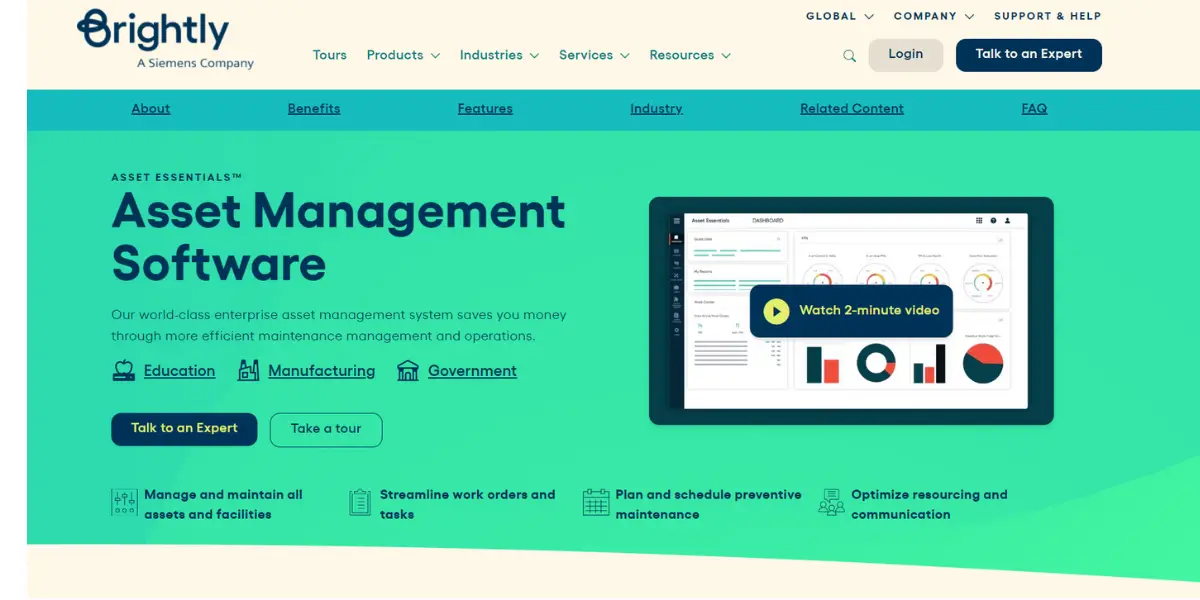
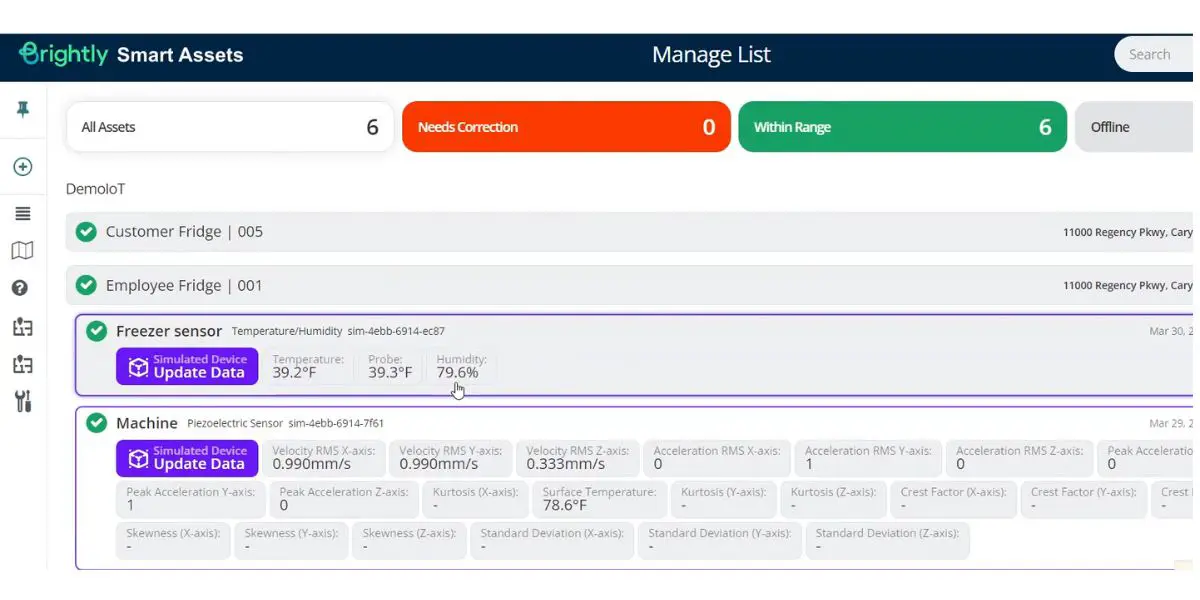
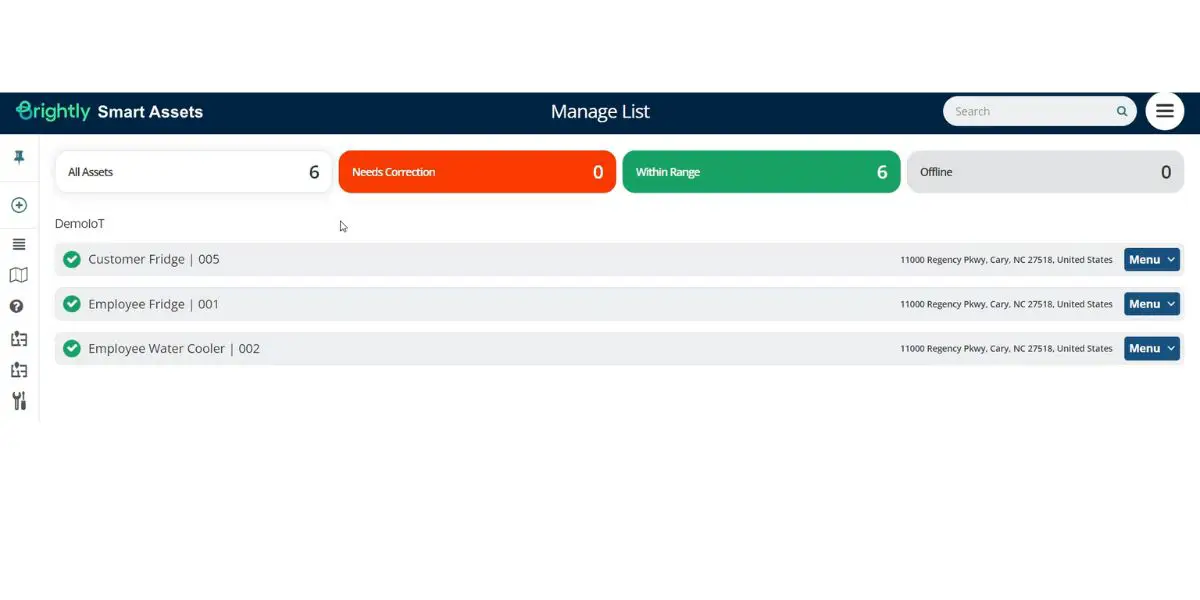
Brightly Asset Essentials manages and maintains all the assets in an organization, with its strongest footprint in buildings, education and public sector estates rather than heavy industry. Siemens acquired Brightly Software in June 2022 for 1.575 billion dollars, placing it under Siemens Smart Infrastructure.
Features
- Work order and workflow management
- Mobile application
- Equipment and asset management
- Mapping and GIS asset management
- Reporting and analytics
- Work order parts and PO management
Pricing
Pricing details are not provided by the vendor.
Likes
- It keeps track of historical maintenance data.
- It provides a good phone app.
Dislikes
- The customization option needs to be improved.
- Bugs create a frustrating user experience.
- Reporting is not so good, and they have not incorporated custom fields.
- Sometimes, the server becomes very slow.
- No option to track parent-child work orders and service contracts.
Other Details
| Deployment | Cloud, SaaS, Web-Based |
| Supported device | Android, iPhone, iPad |
| Supported languages | English |
| Support | Email/Help Desk, FAQs/Forum, Knowledge Base, Phone Support, Chat |
| Training | In-Person, Live Online, Webinars, Documentation, Videos |
| Customer ratings | In G2, 4.1 out of 5 (Number of reviews:232+) In Capterra, 4.3 out of 5 (Number of reviews: 188+) |
User opinion
Brightly is a predictive maintenance management software that increases productivity by maintaining the equipment’s condition. In addition, it provides data-driven insights to make informed decisions.
6. Upkeep
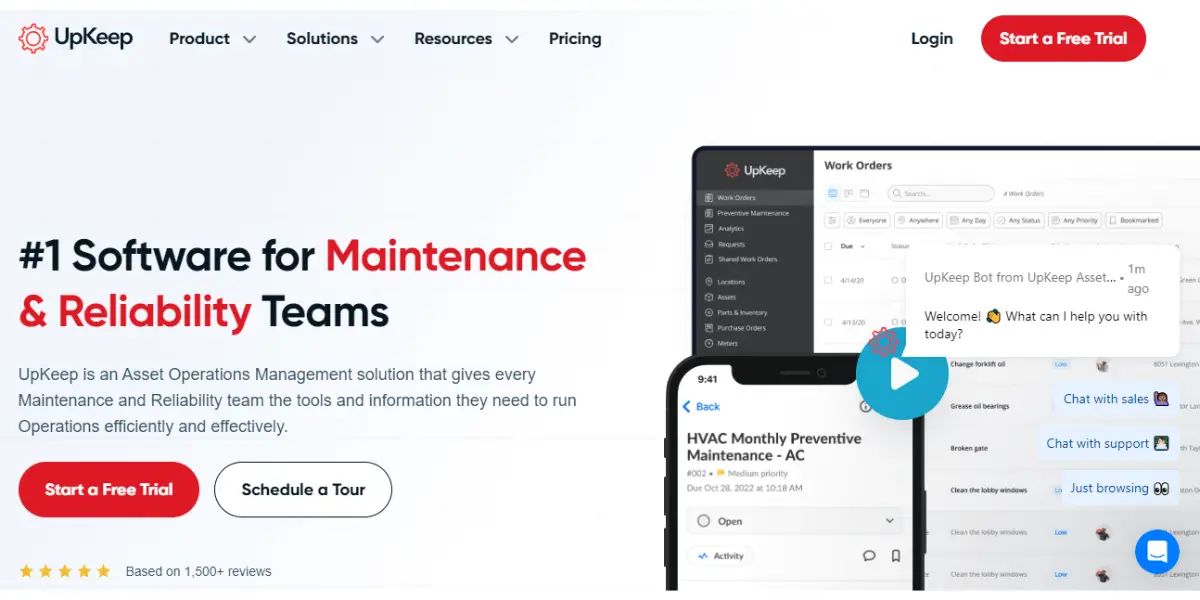
Upkeep is an asset operations management software that helps the organization run operations efficiently. It serves over 4000 companies, including Yamaha, Subway, Mcdonald’s, and more.
Features
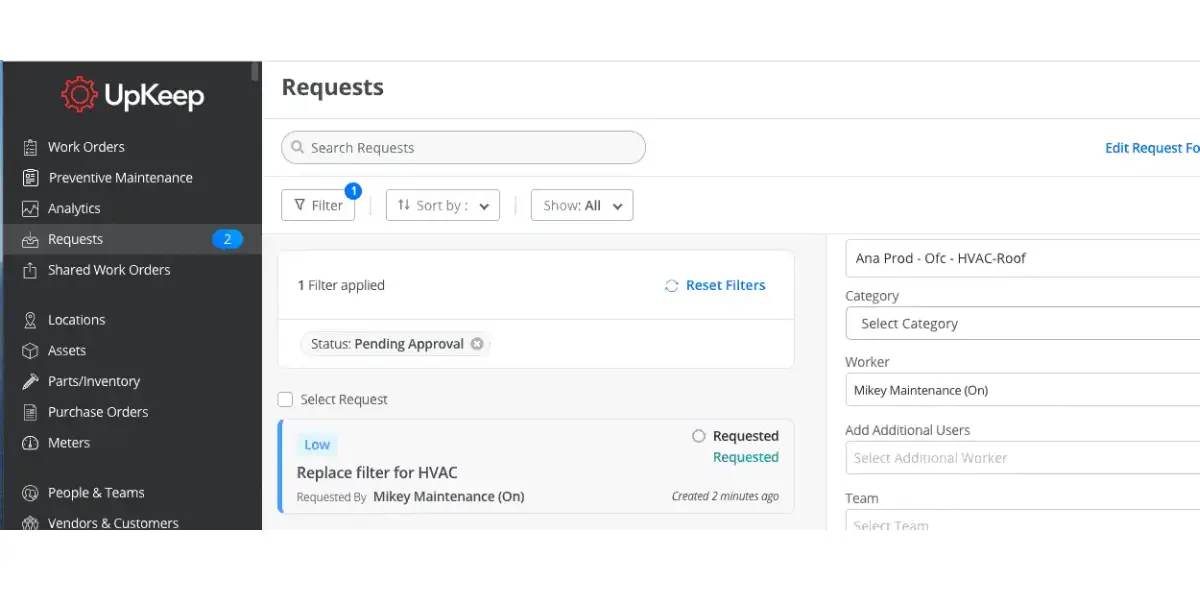
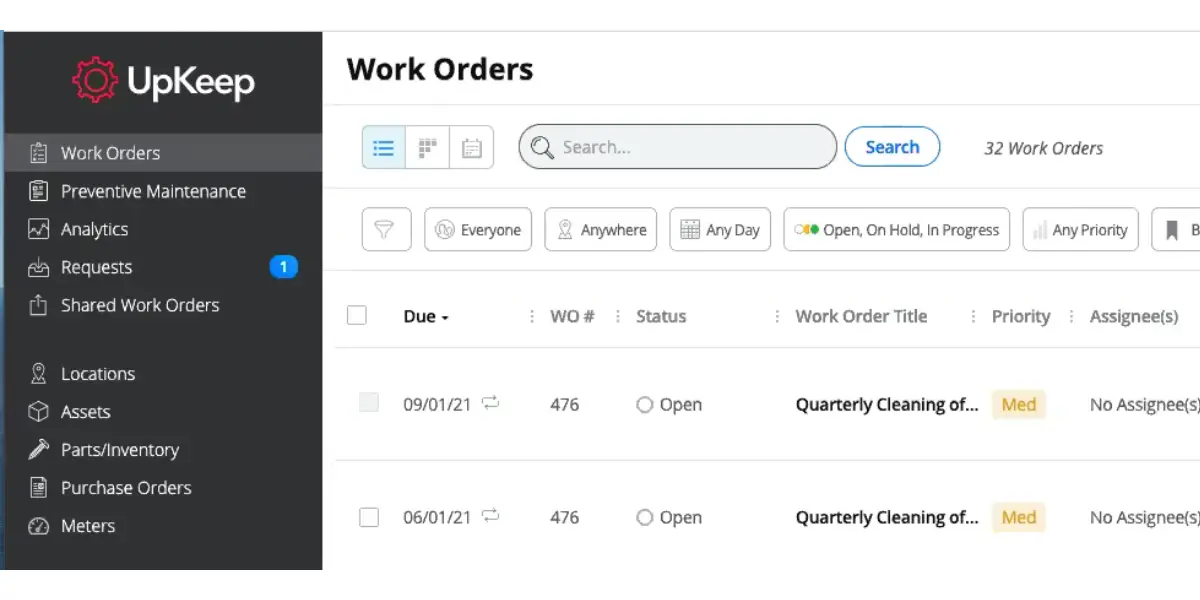
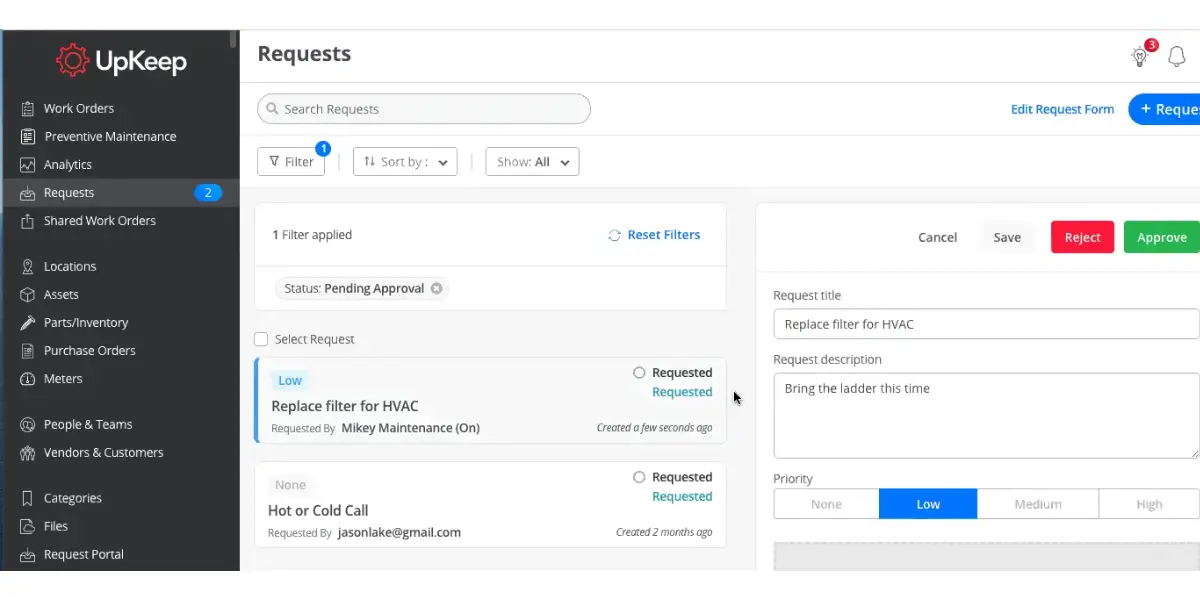
- Work order management
- Location management
- Asset management
- Barcode scanning
- Asset downtime tracking
- A complete view of assets across the locations
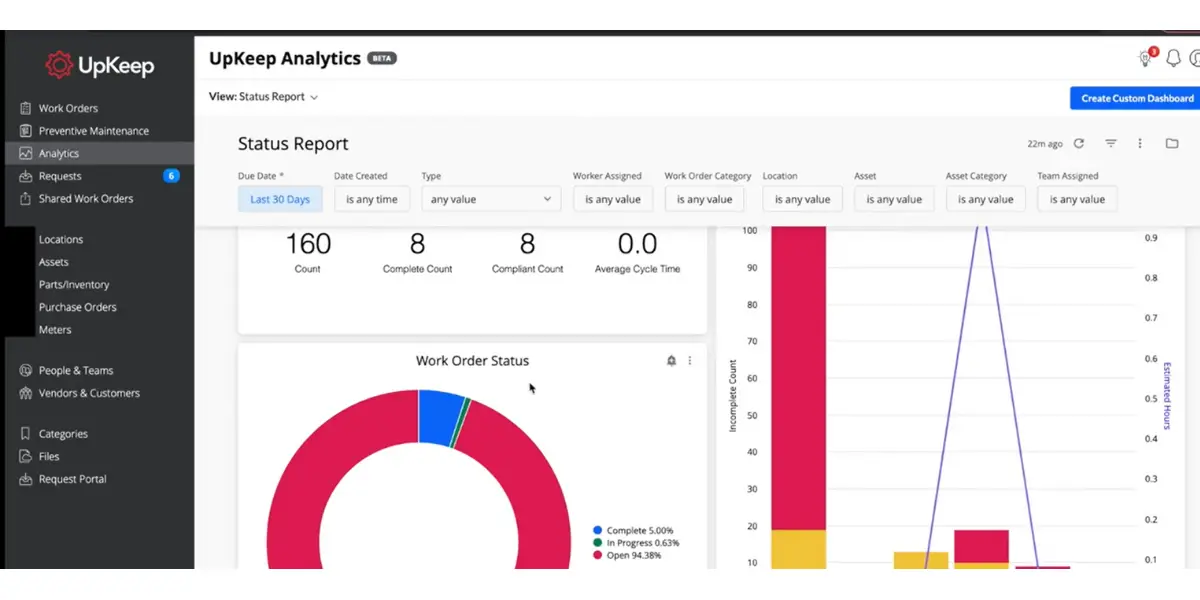
- Monitoring of uptime and downtime of equipment
- Reporting and analytics
Screenshot of UpKeep
Pricing
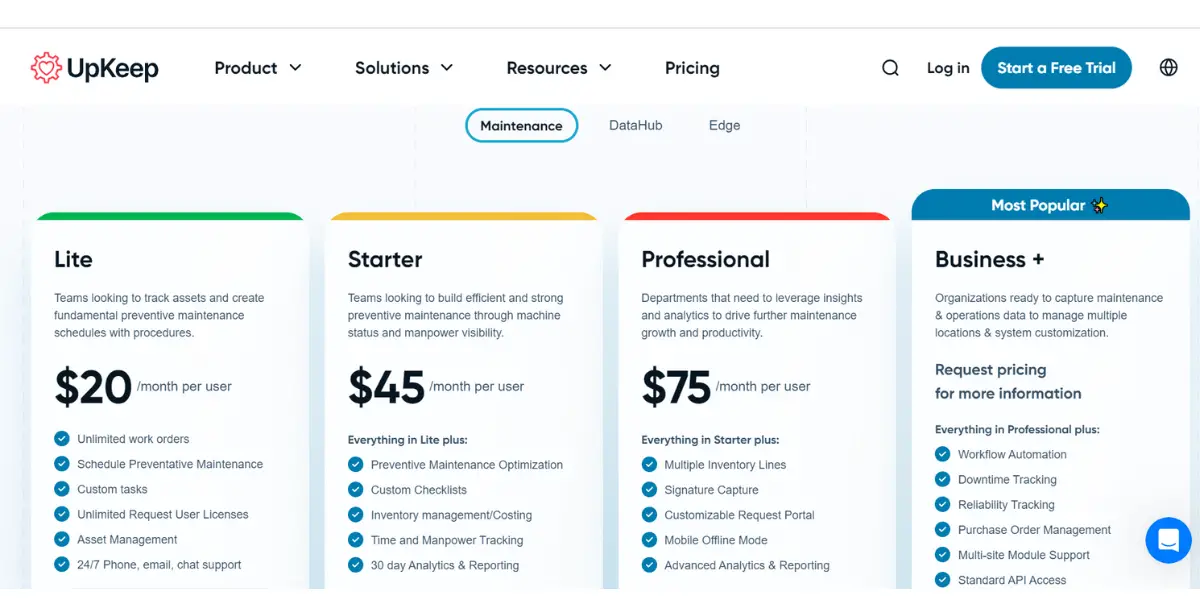
UpKeep has renamed its tiers since most comparisons were written. Checked August 2026 the published list is:
- Essential – $24 per user, per month
- Premium – $55 per user, per month
- Professional – request a quote
- Enterprise – request a quote
The old Lite, Starter and Business Plus names, and the $20, $45 and $75 figures attached to them, no longer match the vendor’s page.
Likes
- Provides good customer support.
- It optimizes resources by avoiding manual entries.
- Provides custom analytics dashboards.
Dislikes
- The loading of screens is slow sometimes.
- You can’t do all the operations on the mobile app that you can do on the web portal.
- The software is a little expensive.
Supported industries
- Churches & non-profits
- Fleet management
- Food & beverage manufacturing
- Facility management
- Farming and agriculture
- Government and public work
- Healthcare
- Property management
- Schools
- Restaurants
- Gym & fitness
Other Details
| Deployment | Cloud, SaaS, Web-Based |
| Supported device | Windows, Linux, Android, iPhone, iPad |
| Supported languages | English, Spanish |
| Support | Email/Help Desk, FAQs/Forum, Knowledge Base, Phone Support, 24/7 (Live Rep), Chat |
| Training | In-Person, Live Online, Webinars, Documentation, Videos |
| Customer ratings | In G2, 4.5 out of 5 (Number of reviews: 936+) In Capterra, 4.6 out of 5 (Number of reviews: 1234+) |
User opinion
Upkeep software provides industry-standard capabilities and preventive maintenance solutions. Once you set up the software, then you can work with fewer human resources. It also improves your asset performance.
7. Senseye PdM
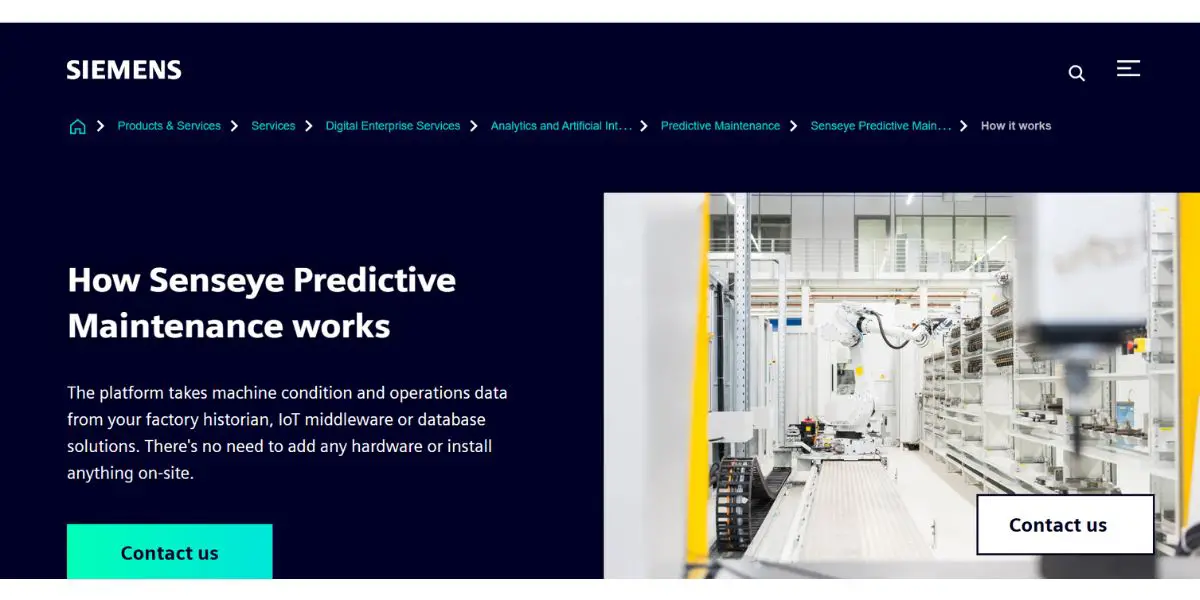
Senseye PdM uses artificial intelligence and machine learning to identify and prevent equipment failures, aimed at machine-centric industries. Note the ownership: Siemens acquired Senseye in June 2022 and it now sits inside Siemens Digital Industries, so this is a Siemens product rather than an independent alternative to one.
Features
- Pre-configured hardware and sensor technology
- AI-driven predictive maintenance analytics software
- Custom dashboards and reporting
- Multi-language, multi-device user interface
Pricing
The vendor does not provide pricing details.
Likes
- It helps to reduce unplanned downtime.
- Predict the failure in advance and hence minimizes the waste.
- It helps to use resources more efficiently.
- It helps to reduce operating costs by reducing the need for manual inspection.
Other details
| Deployment | Cloud, SaaS, Web-Based |
| Supported device | Android, iPhone, iPad |
| Supported languages | German, English, French, Japanese, Russian, Spanish |
| Support | Email/Help Desk Knowledge Base Phone Support 24/7 (Live Rep) Chat |
| Training | In-Person Live Online Webinar Documentation |
| Customer ratings | In Capterra,4.4 out of 5 ((Number of reviews: 5+) |
User opinion
Senseye predictive maintenance software for small companies and also cloud-based software. Hence you can monitor thousands of assets at a time by logging in through any web browser. It helps users to predict and prevent machine failures. This software is easy to use and helps companies to save money on maintenance costs.
8. Siemens Insights Hub (formerly MindSphere)
This is Siemens’ industrial IoT platform, and the name has changed. Siemens states plainly that “MindSphere has evolved into Insights Hub”, so anything you read about MindSphere now describes Insights Hub, which sits within Siemens Xcelerator. It provides real-time data and analytics in one centralized place with its AI solutions.

Features
- Global access to cloud-based applications
- Fast-track insights for critical and non-critical processes
- Comprehensive analytics by getting data from PLM, ERP, CRM, SCM, SLM, and MES systems
Pricing
Pricing details are not provided by the vendor.
Likes
- A good cloud platform that allows you to store all your applications.
- Scalable, expandable, and integrated with other solutions based on business requirements.
Dislike
- Sometimes the server will not work properly, and hence it may be not easy to access applications.
Supported industries
- Aerospace and defense
- Automotive and transportation
- Consumer product and retail
- Energy & utilities
- Insurance
- Marine
- Media & telecommunication
- Software development
Other details
| Deployment | Cloud, SaaS, Web-Based |
| Customer ratings | In Capterra,4.7 out of 5 In G2, 5 out of 5 |
User opinion
The software is suitable for predictive maintenance as it connects equipment and uploads data to the cloud. It provides real-time insights and enhances the efficiency and profitability of the organization.
9. The Asset Guardian (TAG)
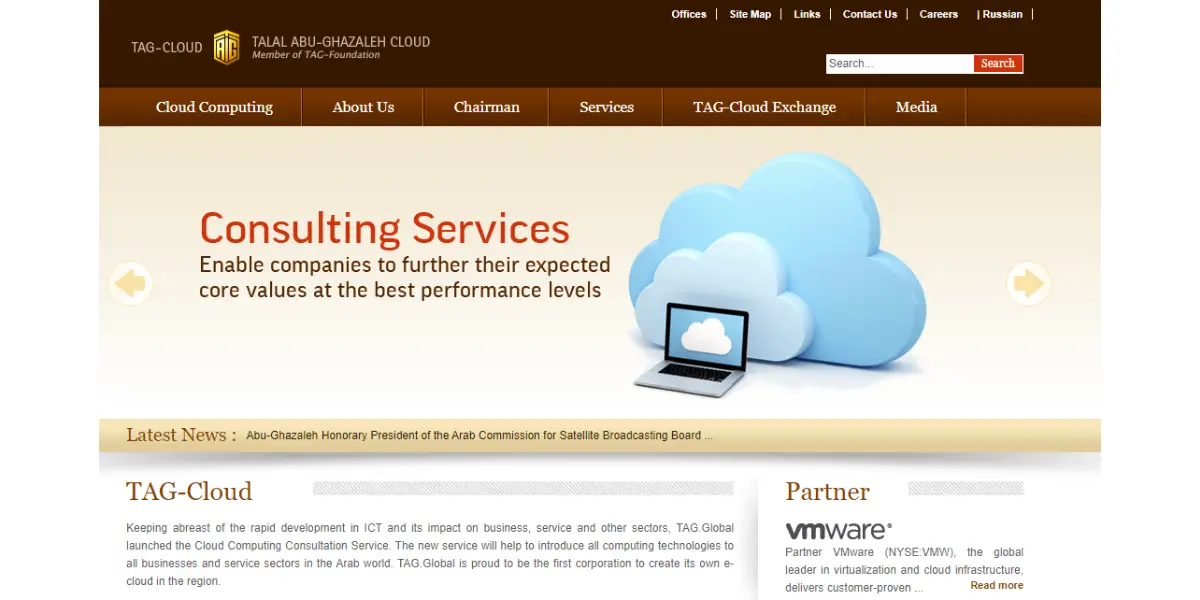
The Asset Guardian (TAG), from Verosoft Design, is an asset maintenance and EAM solution built natively inside Microsoft Dynamics 365 Business Central, with support for Dynamics NAV as well. That embedding is the point of it: if your finance and inventory already run on Business Central, maintenance lives in the same system rather than beside it. It is used in power and utilities, manufacturing, and hotels and hospitality.
Features
- Automate health index calculation
- Configure risk index calculation and rules
- A comprehensive health index ledger
Pricing
Pricing details are not provided by the vendor.
Likes
- It integrates with Dynamics NAV/BC ERP and provides complete visibility of the maintenance process.
- It provides great customer support.
Dislike
- As it uses Dynamics NAV/BC user interface, navigation of the system and interface will be difficult sometimes.
Other details
| Deployment | Cloud, SaaS, Web-Based Desktop – Mac Desktop – Windows |
| Supported device | Windows Linux, Android, iPhone, iPad |
| Support | Email/Help Desk FAQs/Forum Phone Support Chat |
| Training | Documentation, Videos, In Person, Live Online |
| Customer ratings | In Capterra, 4.5 out of 5 (number of reviews; 10) In G2, 4.5 out of 5 (number of reviews;331) |
User opinion
The Tag provides asset health management solutions to the organization. It helps the technical or manager of the maintenance team to predict assets’ future health and maintenance costs. It also provides automatic suggestions with the help of customizable risk index calculation.
10. Fastmaint CMMS
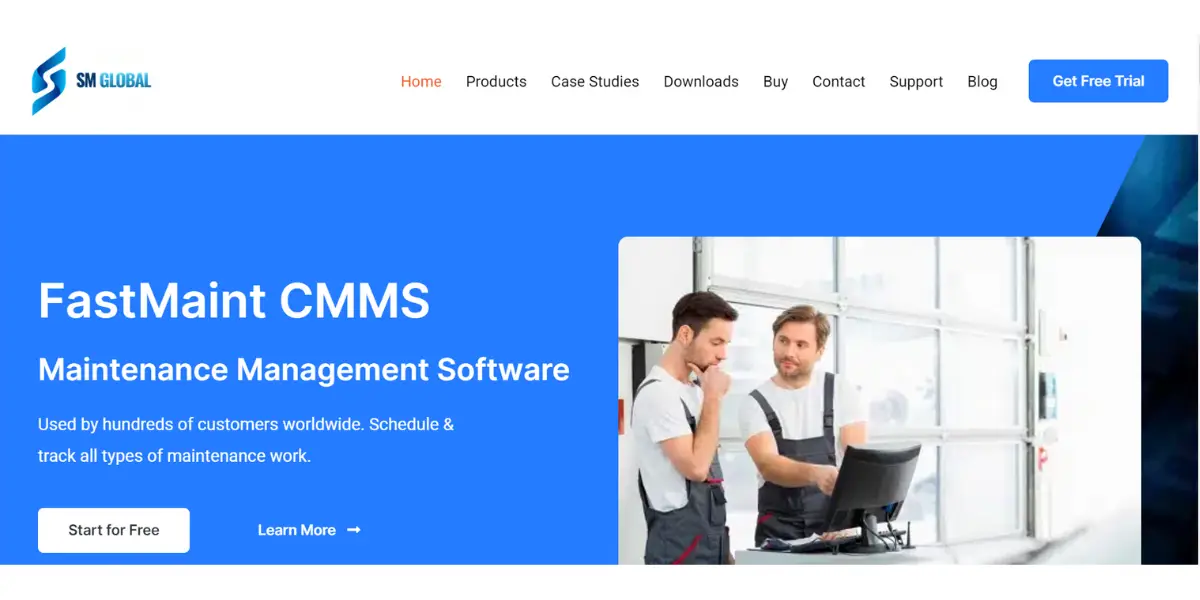
FastMaint CMMS is a maintenance management software developed by SM Global. It is suitable for small and mid-size businesses. It gives customized dashboards and reports, and with the help of a task template, you can reduce repetitive tasks.
Features
- Planned maintenance work orders
- Custom fields on work orders
- Parts management
- Equipment register
- Customize reports and work orders
- Bar code support
Pricing
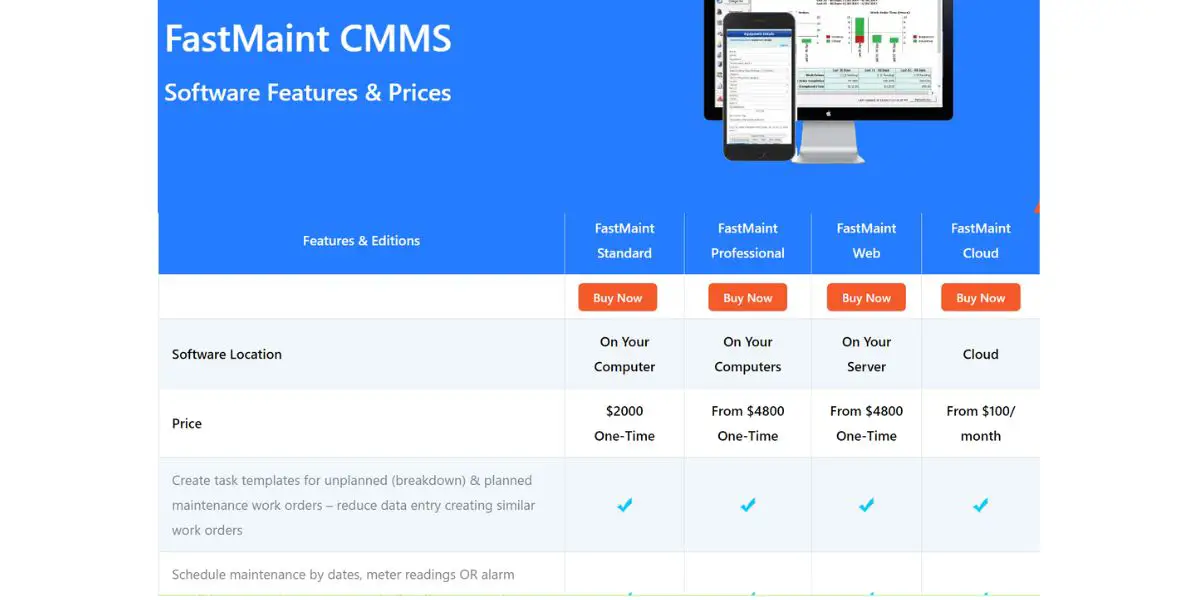
FastMaint is the one product here where the billing model, not the number, is the thing to get right. Three editions are bought outright with a one time licence fee; the fourth is a monthly subscription. Prices from the vendor’s own order page, checked August 2026:
- Standard – from $2,500, one time licence. Single user on one Windows machine.
- Professional – from $6,000, one time licence. Multiple users and machines on Windows.
- Web – from $6,000, one time licence. Multiple users through a browser.
- Cloud – from $100 per month. The Web edition hosted by SMGlobal, nothing to install.
Annual maintenance, which covers version updates and support, is optional and priced separately on the three licensed editions. Comparing the $100 cloud figure against the licence figures without noting that one recurs and the others do not is the easiest way to misread this vendor by an order of magnitude.
Likes
- It offers automatic report generation and email.
- It keeps all tasks in one place and all vendor information in one place.
Other details
| Deployment | Cloud, SaaS, Web-Based |
| Supported device | Windows |
| Training | Documentation, Videos |
| Customer ratings | In capterra, 4.2 out of 5(number of reviews;22) |
User opinion
The software provides both on-premise and cloud deployment options. It allows you to define your own custom field on work orders, equipment, and parts.
You can also generate custom reports as per your requirements. The software is good for maintenance management and helps you to reduce downtime.
FAQs
What are the general features of predictive maintenance software?
True predictive features fall into three groups.
Condition capture: reading vibration, temperature, oil condition, ultrasound or motor current from the asset, whether through fixed sensors, a handheld route, or an existing control system.
Modelling: comparing those readings against a healthy baseline for that specific asset, flagging drift, and estimating remaining useful life rather than only tripping a fixed threshold.
Action: turning the warning into a scheduled job with the right part reserved and the right skills assigned, which is the part a CMMS does. Asset registers, work order workflow and reporting are CMMS features. They are necessary, but on their own they do not predict anything.
Is predictive maintenance software the same as a CMMS?
No, though the two are sold under the same phrase and most buyers end up with both. A CMMS is the system of record: assets, work orders, parts, history, and schedules. It triggers work on a fixed interval, which is preventive maintenance. Predictive maintenance software adds a condition monitoring and modelling layer that decides when the work is due based on how the machine is actually behaving. Several products on this list are a CMMS that will accept a condition signal from elsewhere; a smaller number generate that signal themselves.
What does predictive maintenance software cost?
There is no single figure, and the honest answer is that the pricing model matters more than the headline number. Maintenance management seats are typically priced per user per month, and published rates among the vendors here run from roughly $24 to $75 per user per month, with seat minimums on some plans. Predictive analytics is usually priced per asset or per machine monitored instead, and is quoted rather than listed. On top of the software sits the hardware: sensors, gateways and installation, which for a serious vibration programme can exceed the software cost in year one. Note also that several vendors on this list, including eMaint, Limble and Fracttal, have stopped publishing prices altogether, so any specific figure you find for them in a comparison article is unverifiable against the vendor.
What data does predictive maintenance need to work?
At minimum: a measurement that changes as the fault develops, taken often enough to catch it, and a baseline of what healthy looks like. The sampling rate is the part most often got wrong. The gap between a fault becoming detectable and the asset failing is called the P-F interval, and readings need to be taken at less than half that interval. A monthly vibration route will not catch a bearing fault that runs from detectable to failed in three weeks, however good the analytics behind it are.
Which assets are worth monitoring?
The ones where failure is expensive and gives warning. Expense covers lost production, safety and secondary damage, not just the repair. Warning matters because some failure modes are random rather than progressive, and no amount of monitoring predicts those; a component that fails without a developing signature is a candidate for scheduled replacement or for redundancy instead. Rotating equipment under steady duty, such as pumps, fans, compressors, motors and gearboxes, is where condition monitoring pays back most reliably.
Conclusion
Two things decide whether this software earns its keep, and neither is the feature list.
The first is whether you are buying prediction or work management. Most of the ten above are maintenance management systems, and they are good ones, but they act on a warning rather than produce it. If nothing in your plant is currently measuring machine condition, a CMMS will organise your preventive schedule and your parts, and it will not predict a failure. Senseye and Insights Hub sit at the other end, and they assume you can get machine data to them.
The second is sampling. A programme that reads its assets less often than half the P-F interval will produce tidy dashboards and still be surprised. Pick the assets where failure is expensive and gives warning, instrument those properly, and widen the programme once the first few catches have paid for it.
On price, treat every figure here as dated. Three of these vendors have withdrawn published pricing since this comparison was first written, and one prices three of its four editions as a one time licence rather than a subscription. Confirm the number and the billing unit with the vendor before you build a business case on it.
Reference
- FiiX asset management – Detailed features
- emaint whitepapers
- Limble CMMS setup guides
- Brightly asset essential – Datasheet
- Upkeep help center
- Senseye whitepaper – Avoiding failure in projects
- FastMaint case study
Using Google Search? Add erp-information.com as a preferred source.