Odoo is an open-source business software suite that brings ERP, CRM, accounting, inventory, manufacturing, HR, and e-commerce together on a single platform. It comes in two editions: a free, self-hosted Community edition and a paid Enterprise edition, and Odoo ships a major new version every year.
The short answer on cost: the Community edition is free to download and run yourself. Enterprise is billed per user per month across three plans, with hosting, support, and every app included and no per-module charges. This review covers the current editions, pricing model, hosting options, modules, the Odoo 19 release, and the honest limitations to weigh before you commit.
Click here for similar kinds of Open Source ERP Software
Latest major version: Odoo 19, released September 18, 2025 (announced at Odoo Experience 2025 in Belgium). Odoo releases one major version a year and supports the three most recent, so Odoo 17, 18, and 19 are all current.
Odoo at a glance
| Vendor | Odoo S.A. (formerly TinyERP, then OpenERP; renamed Odoo in 2014) |
| Founded | 2005 by Fabien Pinckaers, who is still CEO |
| Headquarters | Belgium (Grand-Rosière, Walloon Brabant) |
| Latest version | Odoo 19 (September 2025) |
| Editions | Community (free, open source) and Enterprise (paid subscription) |
| License | Community under GNU LGPLv3; Enterprise is proprietary (Odoo Enterprise Edition License) |
| Hosting | Odoo Online (SaaS), Odoo.sh (managed cloud/PaaS), or on-premise |
| Apps | Around 50 official apps, plus 50,000+ community-built modules |
| Best for | Small and mid-sized businesses that want an all-in-one, modular, all-apps-one-price ERP |
| Website | odoo.com |
What is Odoo ERP?
Odoo is one of the most widely used open-source ERP, CRM, and business-automation platforms. It began in Belgium in 2005 as TinyERP, became OpenERP, and was renamed Odoo in 2014. The company says it now serves tens of millions of users worldwide through a network of more than 21,000 partners.
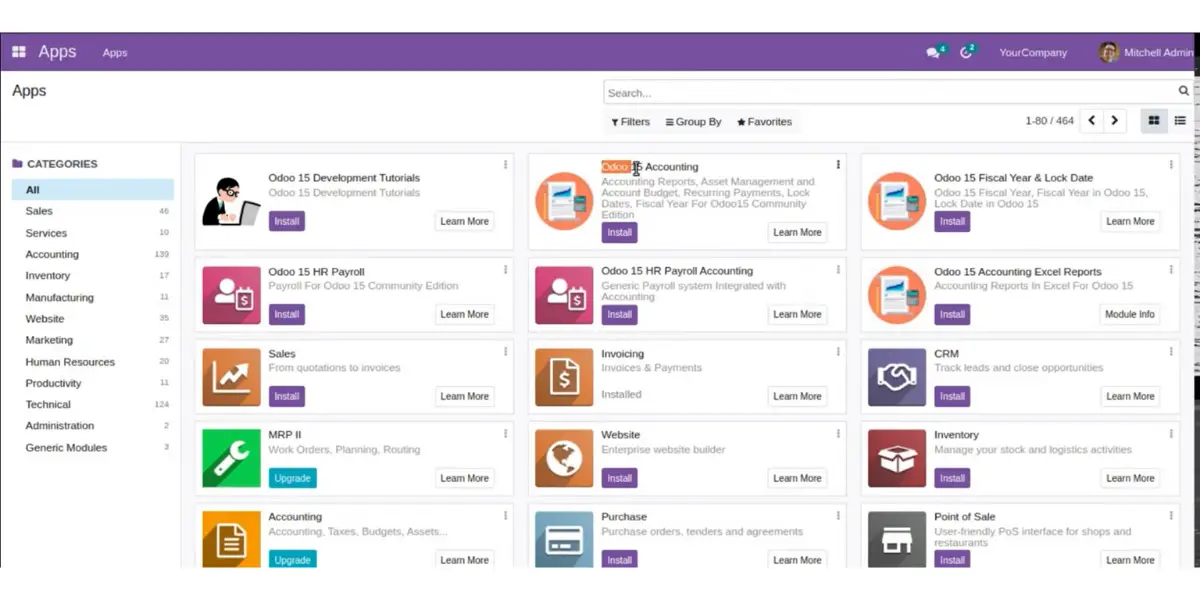
Its strength is breadth on one code base: around 50 official Odoo apps, backed by more than 50,000 community-built modules on the Odoo App Store. You install only the apps you need, and they share the same database, so sales, inventory, accounting, and manufacturing stay in sync without third-party connectors.
Pricing
Odoo pricing follows the two editions. The Community edition is free: you download it, host it yourself, and pay nothing for the software. The Enterprise edition is a paid subscription, billed per user per month, and it comes in three plans:
| One App Free | Free forever. One app only, but with unlimited users, on Odoo Online hosting. |
| Standard | All apps, unlimited users, on Odoo Online hosting only. No Odoo Studio, multi-company, or external API access. |
| Custom | Everything in Standard, plus Odoo Studio, multi-company, external API access, and your choice of hosting (Odoo Online, Odoo.sh, or on-premise). |
Every paid plan includes hosting, maintenance, support, and version upgrades, with no separate charge per app. Annual billing is cheaper than monthly, and new customers get a first-year discount on their initial users.
One thing to know before you compare quotes: Odoo’s list prices are set by billing country and are revised over time. The same Custom plan can cost several times more in one country than another, and the long-quoted 24.90 USD Standard rate has since been raised. Because of this, no single figure applies everywhere. Check odoo.com/pricing from your own location for the current per-user rate in your country.
Odoo Community vs Enterprise
The choice between the two editions is the most important decision for a new Odoo buyer. Enterprise is built on top of Community and adds the features most businesses expect from a finished ERP.
| Feature | Community | Enterprise |
|---|---|---|
| Cost | Free (self-hosted) | Paid subscription |
| License | Open source (LGPLv3) | Proprietary (OEEL) |
| Full accounting suite | Invoicing basics | Yes (bank sync, follow-ups, OCR) |
| Odoo Studio (low-code customization) | No | Yes (Custom plan) |
| Native mobile apps (iOS/Android) | No (browser only) | Yes |
| Advanced manufacturing, sign, documents | Limited | Yes |
| Official support and version upgrades | Community forum only | Included |
In short, Community suits teams with in-house technical skills who want a free, self-managed system, while Enterprise suits businesses that want full accounting, mobile access, official support, and low-code customization without maintaining the software themselves.
Odoo Implementation
Odoo implementation is a process that includes adding Odoo ERP modules, features, and functionalities. With Odoo, you will get many different business management solutions, including
- Manufacturing
- Sales
- Purchase
- Customer relationship management
- Human resource management
- Project management
- Inventory
- Accounting
- eCommerce, and more
You can pick several modules per their business need from the thousands of Odoo modules available- you don’t have to purchase the entire system.
For implementation, you can contact Odoo partners also like Emipro Technologies Pvt Ltd, Serpent Consulting Services Pvt Ltd, Oodu Implementers PVT Ltd, PrixZen Tec Solution Pvt Ltd, Planet Odoo, and many more.
They provide the best Odoo professionals, consultants, business analysts, and quality analysts for implementation and guidance.
Implementation Guide
- Select the best Odoo service provider.
- Meet the service provider, discuss what is needed, and form a team.
- Defining implementation project scope
- Analyzing the requirements and putting together all the details
- Analyzing the best Odoo for you
- Draft the requirement and design workflow
- Developing prototype and proof of concept
- Customization and development as needed
- Analyzing the quality performance of the system
- Data migration of customer’s existing system to Odoo system
- Deployment of Odoo software to clients’ server
- Maintenance, when required, throughout the years
It offers three types of implementation for its paid users
| Self-service | Here, clients can implement the software by themselves. Through the mail, they will get functional and bug-fixing support on standard features, 24/5 only in English. |
| Success packs | In this type, customers can implement the software with this help by purchasing its success pack ( Recommended for companies with less than 50 users). Customers will get a dedicated consultant also. |
| With a local (Odoo) partner | Here, customers can implement the software with the help of a partner(Recommended for companies with more than 50 users). |
Odoo Implementation Cost
Its implementation cost differs from industry to industry. The price depends on the type of industry.
Implementation includes installation, server management, configuration, modules management, training, support, etc.
A complex, multi-module implementation can take roughly 6 to 9 months and cost anywhere from about $10,000 to $100,000, depending on company size, the number of apps, data migration, and how much customization you need. A single-app rollout for a small team is far cheaper and faster.
If you buy a Success Pack, Odoo sells it as a bundle of consultant hours. The packs scale with the complexity of your rollout:
| Success Pack | Consultant hours | Suggested for |
|---|---|---|
| Starter | 4 hours | A simple, single-app setup |
| Basic | 25 hours | Simple apps with light guidance |
| Standard | 50 hours | Advanced apps and data import |
| Custom | 100 hours | Advanced apps, data import, and customization |
| Pro | 200 hours | Large or heavily customized deployments |
Success Pack pricing is quote-based and, like the subscription, is set by country, and returning customers pay a different hourly rate than new ones. Ask your Odoo contact or partner for a current pack quote rather than relying on an old published figure.
Customer Support / Service
It supports its customers via its website by providing educational materials, user documentation, videos, and a free trial for 15 days.
It offers practical and bug-fixing support on standard features for paid customers in English through the mail.
The customer who purchased the success pack is provided with a dedicated consultant for support and support through live chat or email in applications. That is available in English and French languages from Monday to Friday.
The community forum is also there to support customers. Here you can ask questions and answers about Odoo apps.
It has limited customer support for the community edition. However, that is only through forums.
Odoo hosting options
Odoo runs in three deployment models. The one you pick decides how much you can customize, so choose it before you sign up.
| Option | What it is | Customization |
|---|---|---|
| Odoo Online (SaaS) | Odoo fully hosts and manages the software. Fastest to start, lowest maintenance. | No custom code or third-party modules. You customize through Odoo Studio only (fields, views, automations). |
| Odoo.sh (PaaS) | Odoo-managed cloud with Git-based deployment and staging environments. | Install custom modules and third-party apps; you manage the code, Odoo manages the infrastructure. |
| On-premise | You host it on your own servers. Available for both Community and Enterprise. | Full control: any custom module, any Python package, direct database access. |
The key takeaway: if you need custom Python code, you cannot use Odoo Online. You must move up to Odoo.sh or on-premise, which is why heavy customization sits on the Custom plan.
Other details worth knowing
- The interface is available in more than 50 languages.
- Odoo is API-friendly and integrates with tools such as WhatsApp, Amazon, and payment gateways, plus more than 50,000 third-party modules on the Odoo App Store. Note that the external API is a Custom-plan feature on Odoo Online.
- Native iOS and Android apps are an Enterprise feature; Community is browser-based.
- A free trial and extensive documentation, tutorials, and an eLearning platform are available on the Odoo website.
Odoo ERP modules and their features
Odoo groups its apps into a few functional areas. Here are the main modules and what each one covers, so you can see which parts of the suite fit your business.
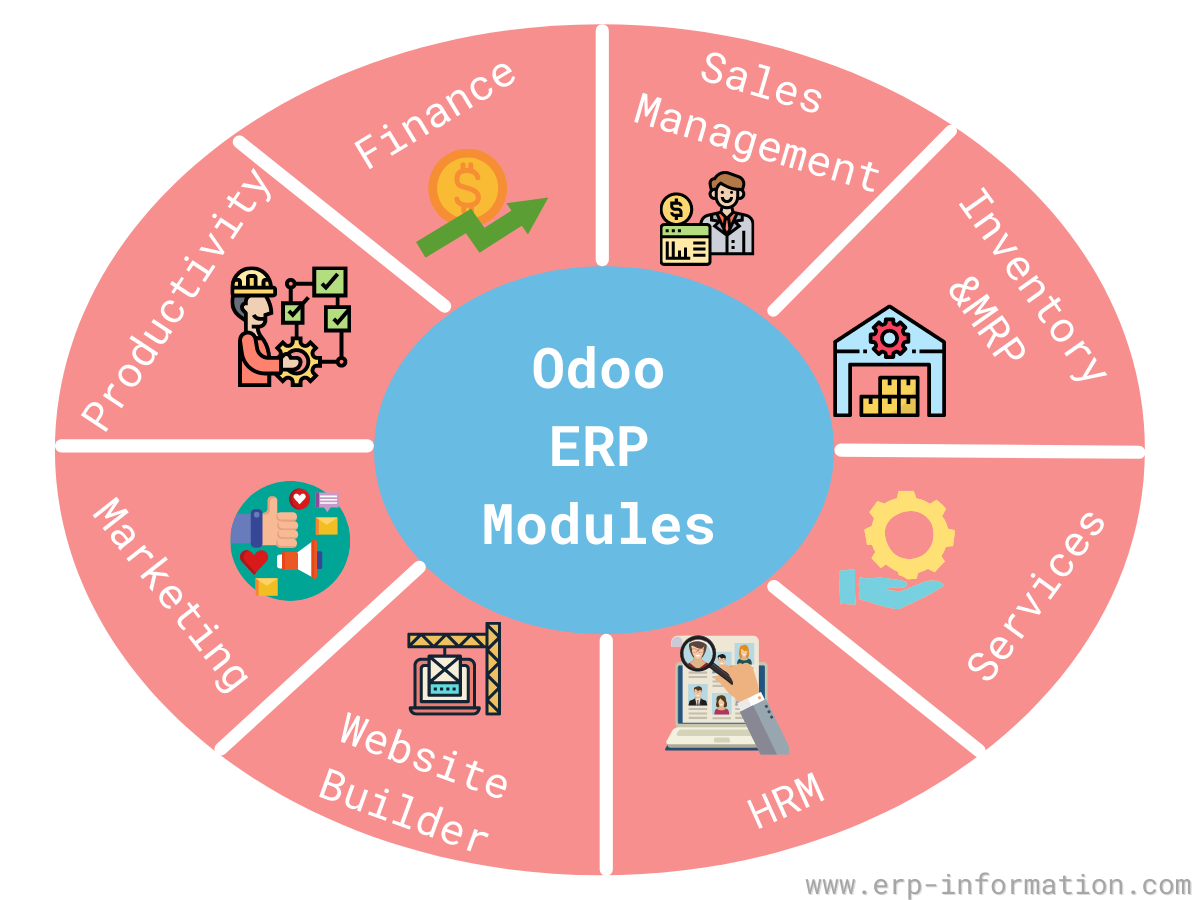
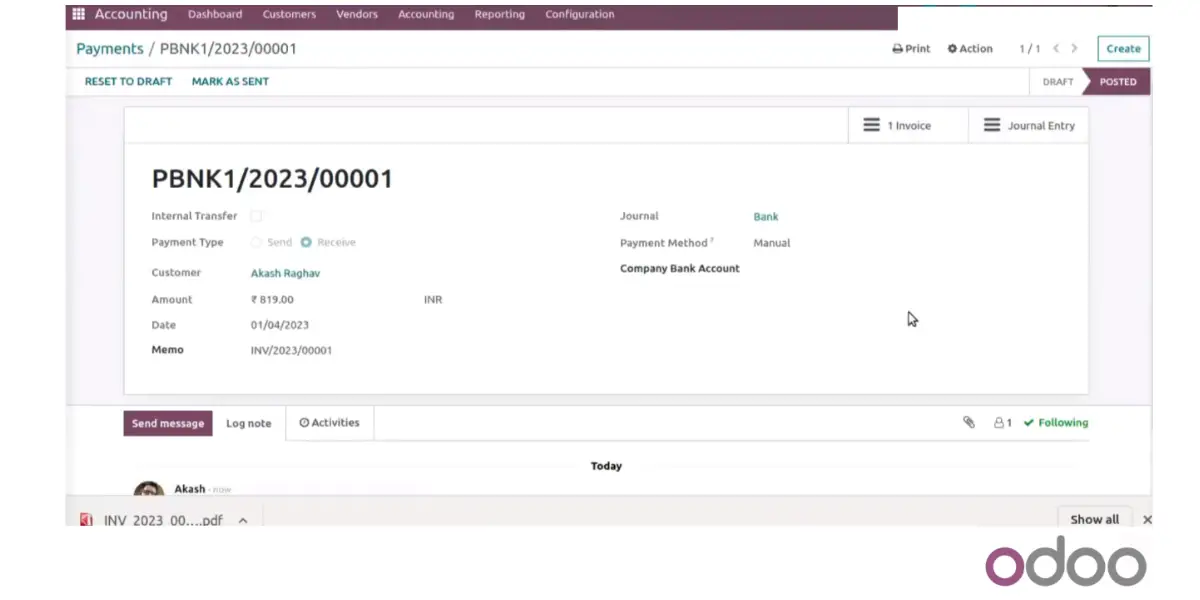
1. Finance
- Accounting
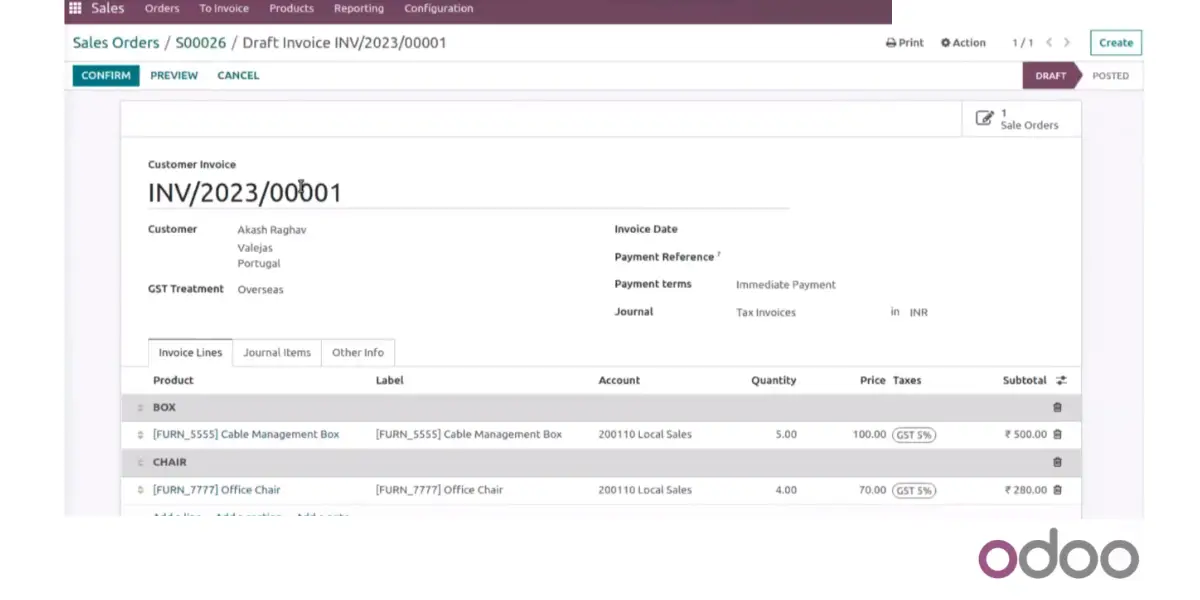
- Invoicing
- Expenses
- Spreadsheet (BI)
- Documents
- Sign
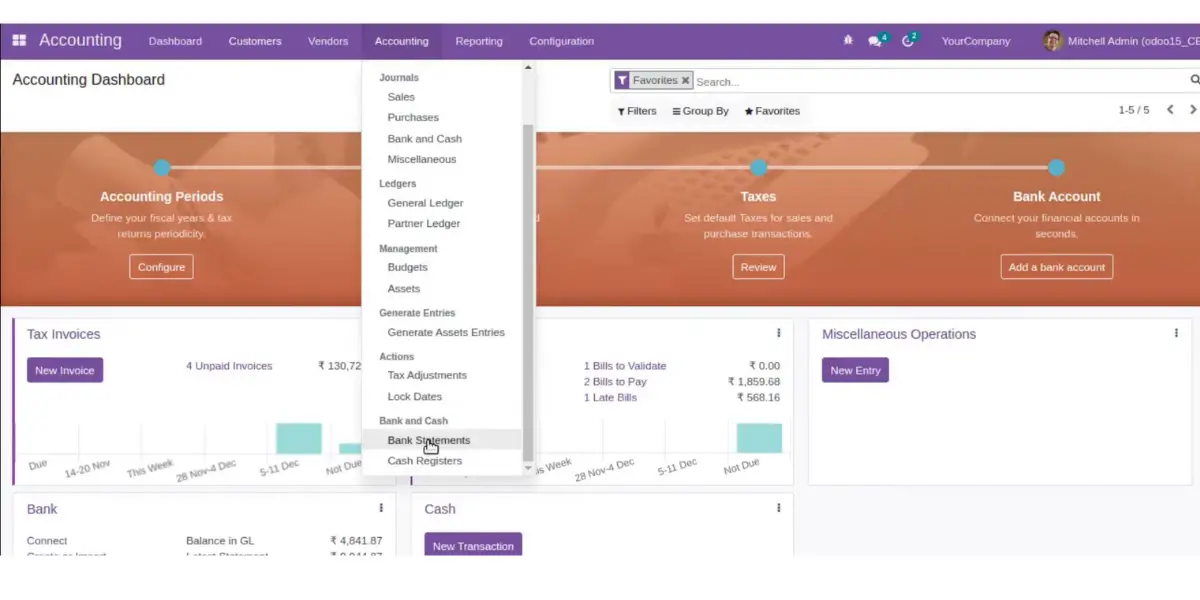
2. Sales
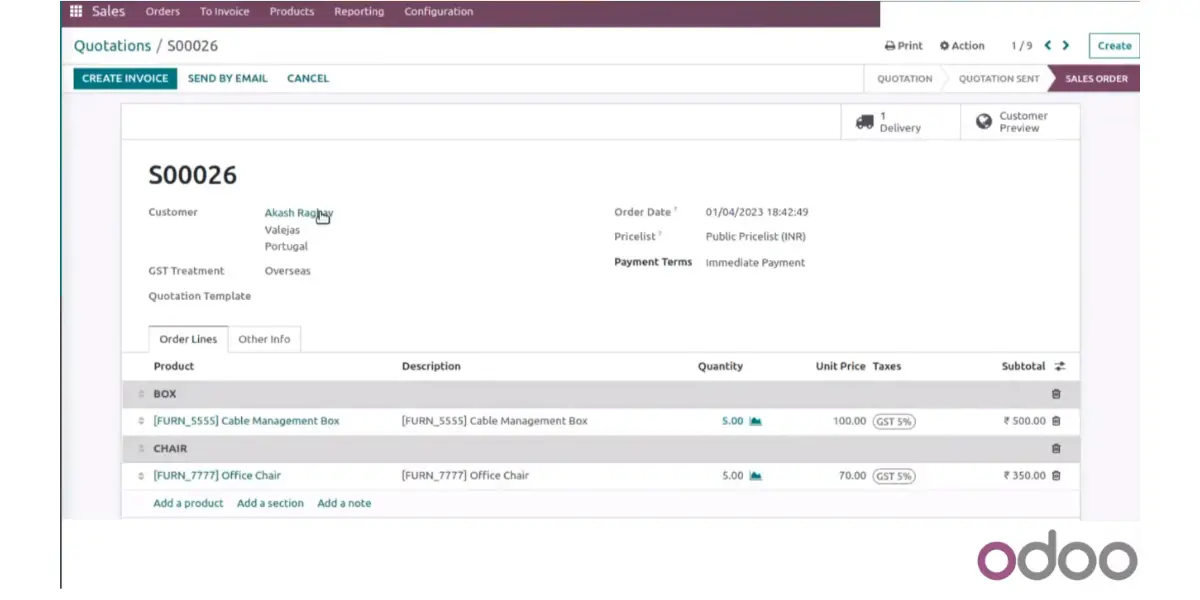
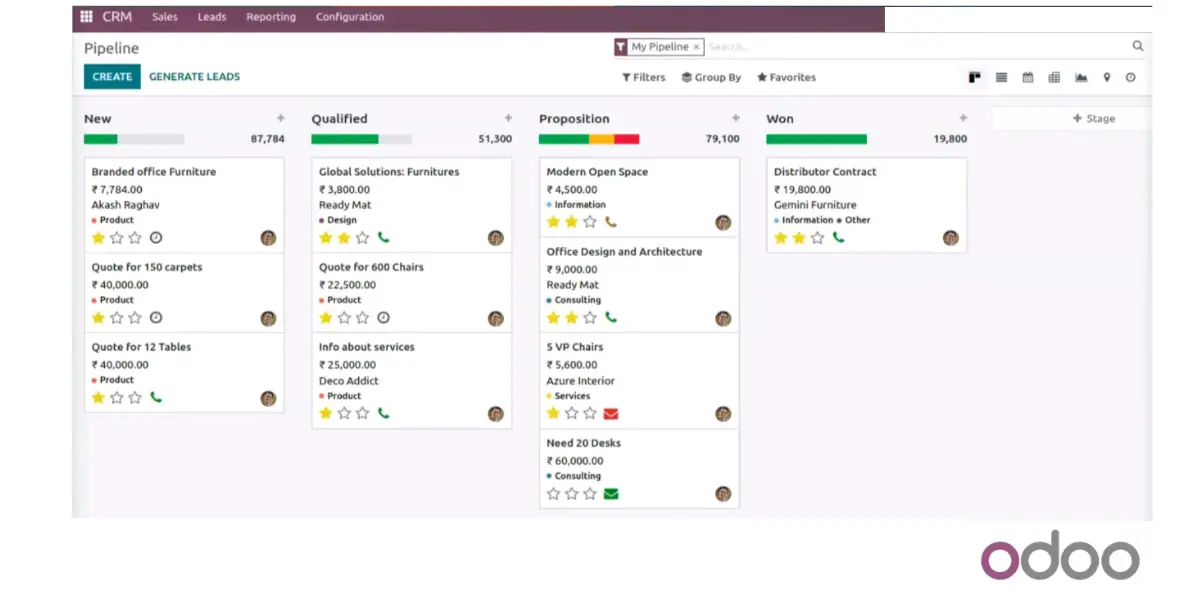
- CRM
- Sales
- Point of sale
- Subscriptions
- Rental
- Amazon Connector
3. Websites
- Website Builder
- eCommerce
- Blogs
- Forums
- Live Chat
- eLearning
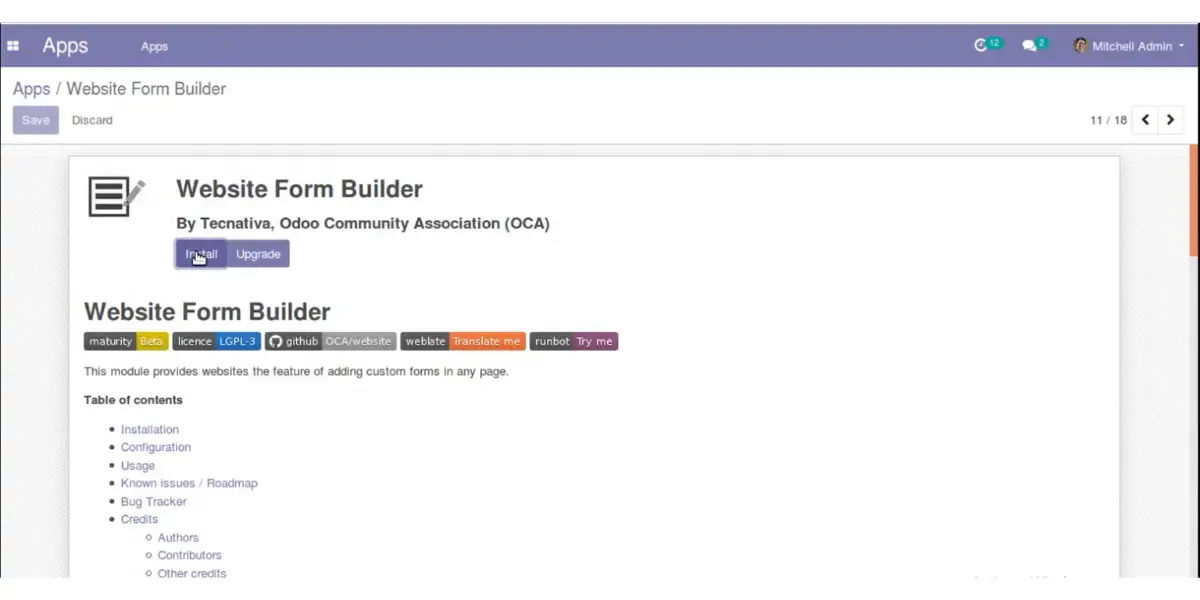
4. Inventory and MRP
- Inventory
- Manufacturing
- PLM
- Purchase
- Maintenance
- Quality
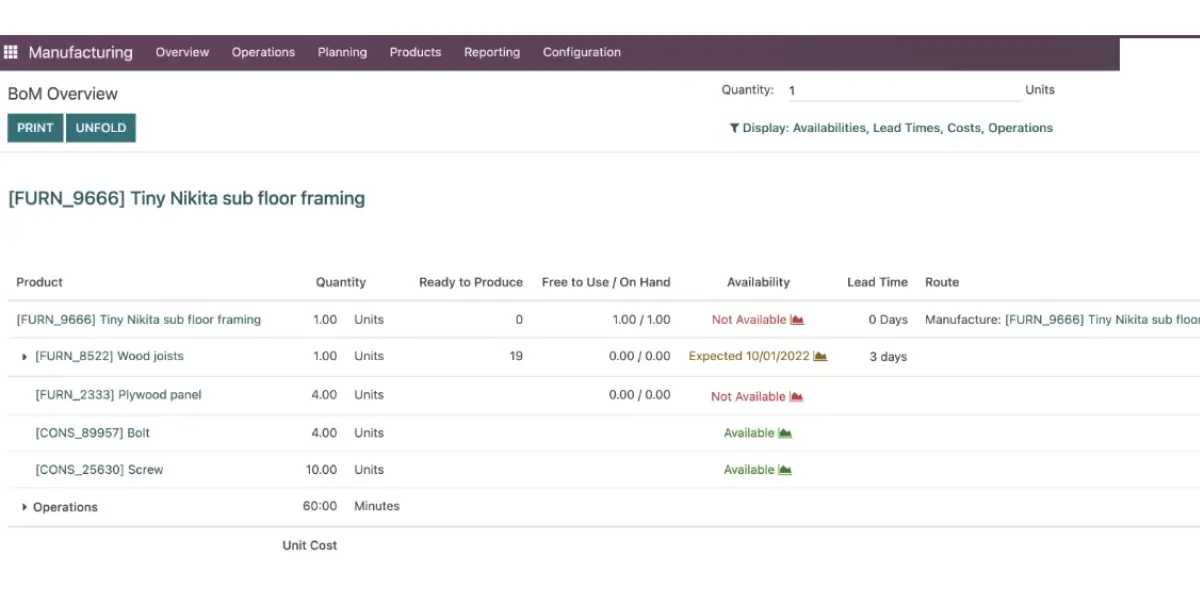
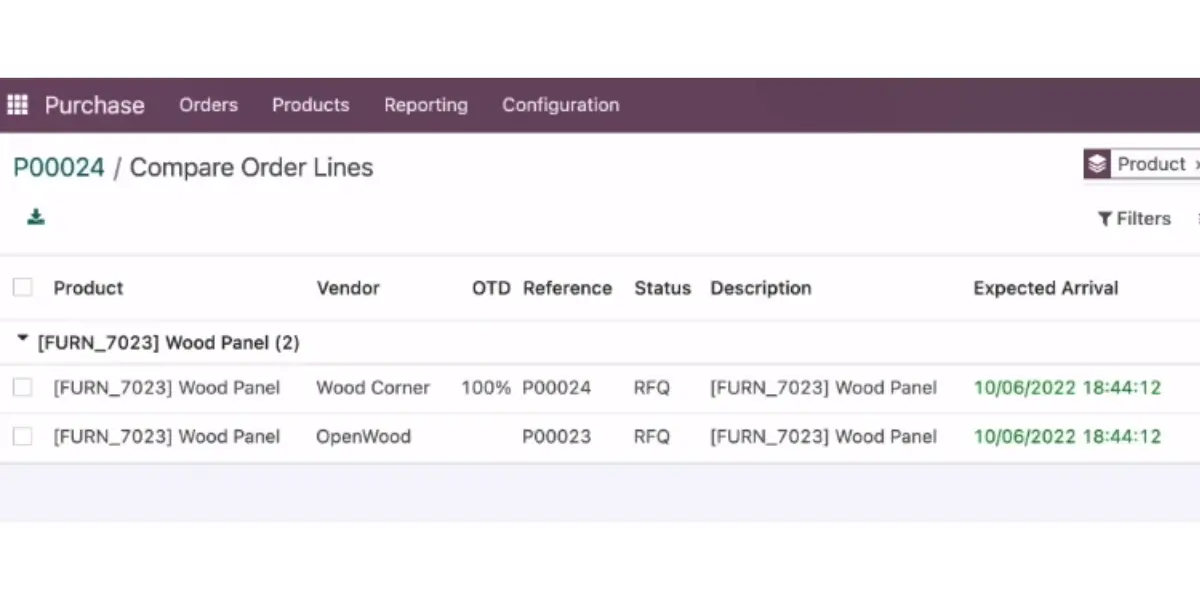
5. Human Resources
- Employees
- Time off
- Fleet
- Recruitments
- Appraisals
- Referrals
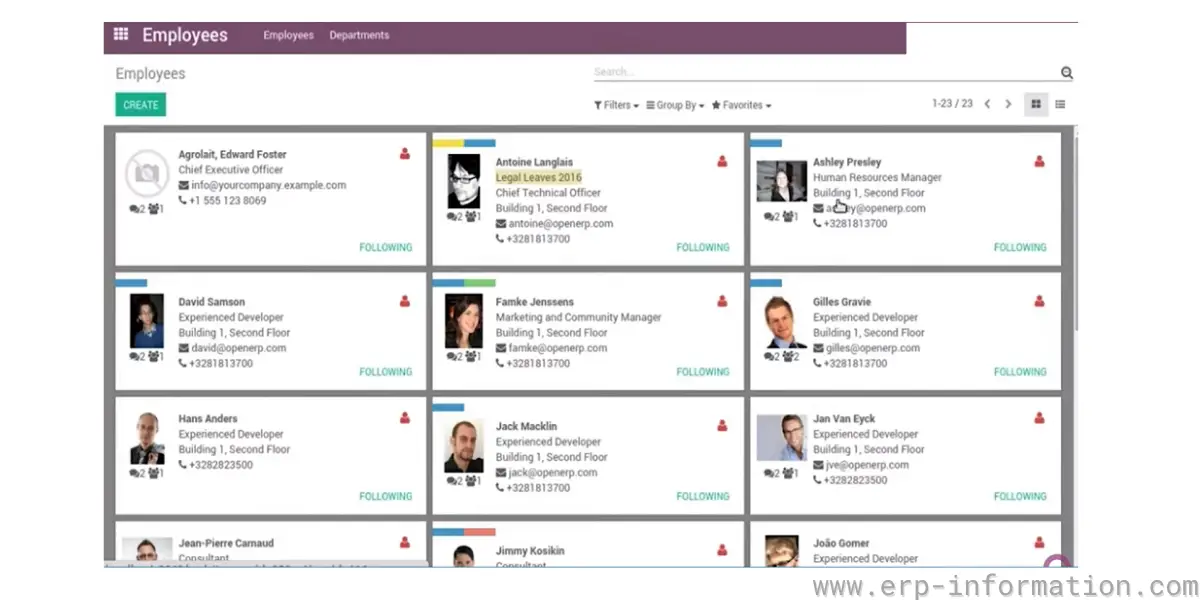
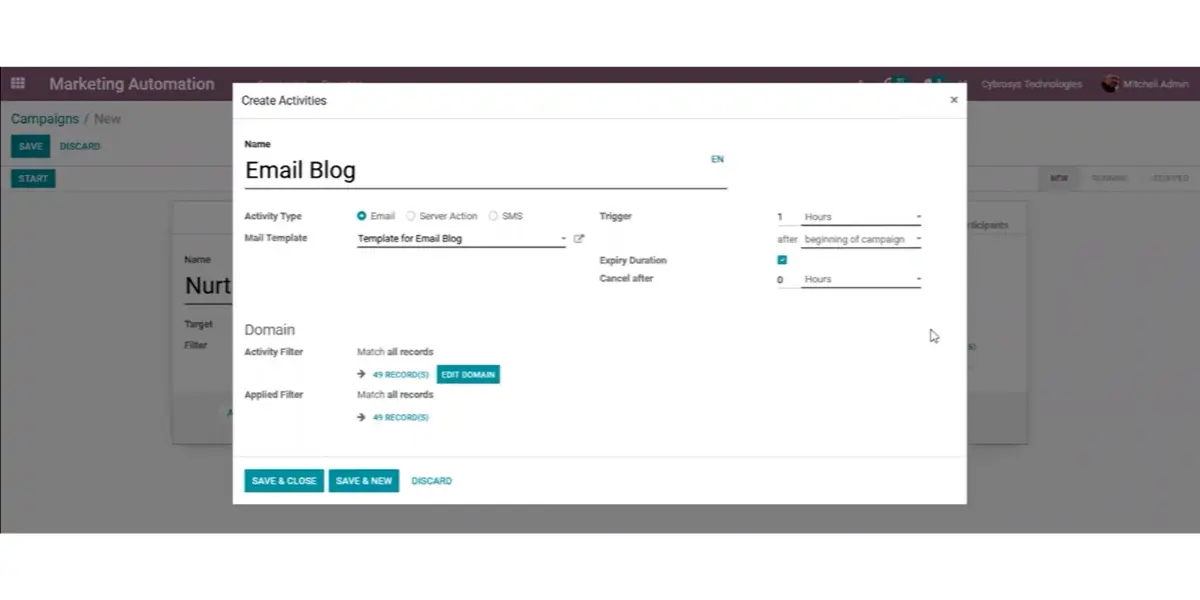
6. Marketing
- Social Marketing
- Email Marketing
- Surveys
- Events
- SMS Marketing
- Marketing Automation
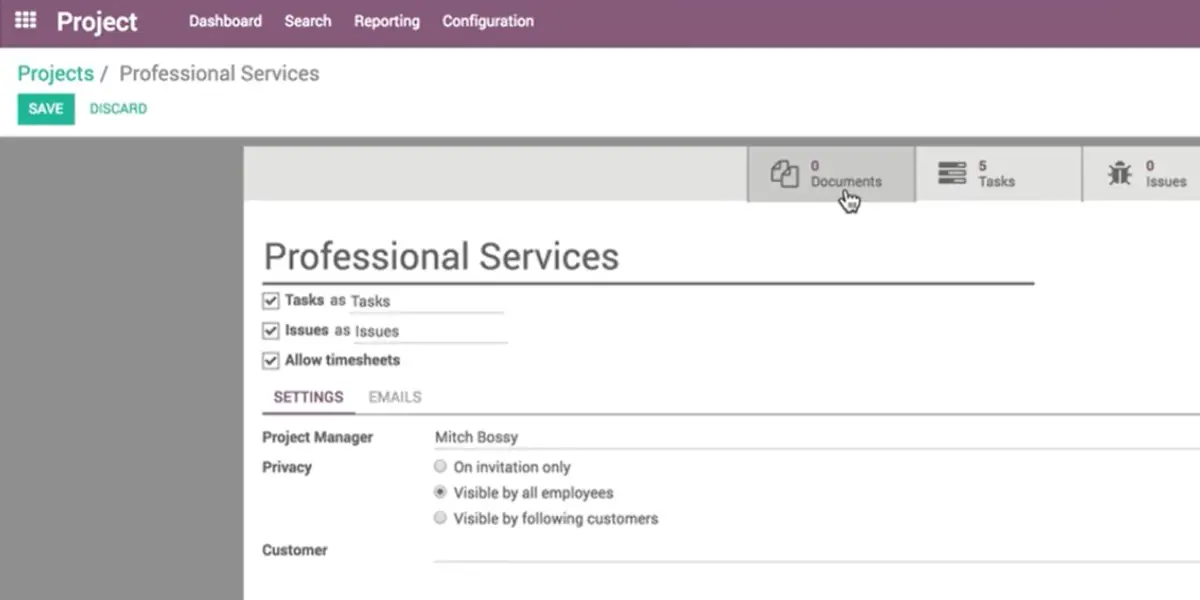
7. Services
- Project
- Timesheet
- Field Service
- Help Desk
- Planning
- Appointments
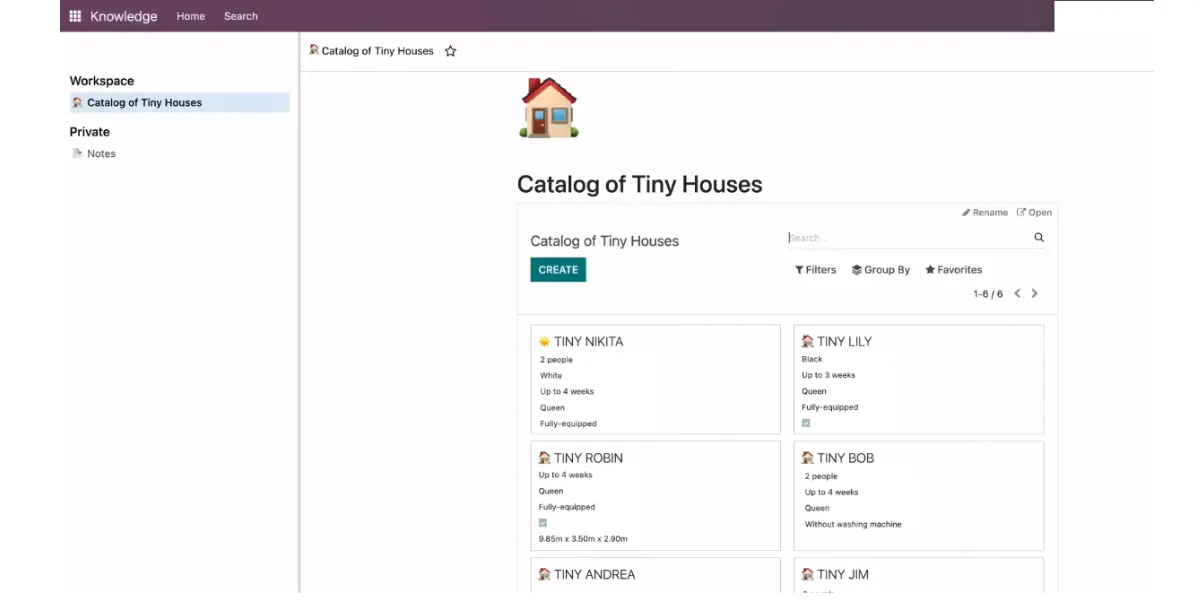
8. Productivity
- Discuss
- Approvals
- IoT
- VoIP
- Knowledge
What is new in Odoo 19
Odoo 19, released in September 2025, made AI the headline. The most notable additions:
- AI agents that learn from your own records and documents and can act inside Odoo, such as looking up or updating data on request.
- Natural-language search: an “Ask AI” box turns a plain-English question into an Odoo filter, so you do not have to build the filter by hand.
- AI field-fill and AI-drafted content, including generating website pages and email copy from a short prompt.
- Meeting transcription and summaries, and AI-assisted sorting of incoming documents.
Odoo positions version 19 as its fastest release yet. If AI features matter to you, confirm which ones are tied to Enterprise and which need a connected model, because some depend on an external AI service.
Odoo ERP Advantages
- This is a Python-based open-source enterprise management software solution that is free to download, use and distribute.
- Small business owners who have long struggled with the complexities of maintaining records, managing finances, and coordinating projects with employees offer a cost-effective alternative to expensive software systems.
- Its intuitive interface and powerful features make it easy to set up and run on your computer or mobile device in just minutes without any unique expertise.
- With a free community edition and a paid enterprise version of the software available online and through partners worldwide, It offers small-business owners the tools to grow their businesses without breaking the bank.
Odoo Limitations
- Insufficient Support: You will get support only if you are paid customer. For the community (open-source version), you will not get any help fixing bugs.
- High training fees: You need good software knowledge to operate with the community edition. This provides software training classes. But its cost is high.
- Difficult to maintain: If you choose the community edition (which is free) of Odoo, you must have to sound IT knowledge because you need to operate it fully without any support from Odoo. Otherwise, it isn’t easy to maintain and run the software.
- Confused pricing format: It provides annual and monthly subscriptions. Other than that, it offers separate charges for applications. These charges are different for different applications. That might not be very clear.
What industries does it support?
It supports industries such as
- Automobile
- Manufacturing
- Service Sector
- Trading Company
- Marketing
- Education sector
- Health Care
- Apparel
- E-Commerce
- Solar
- Real Estate
Alternatives
Top Customers
- Alta motors
- Agile
- Alpinter
- AMNESTY International
- Hyundai
- Toyota
- MARKANT
- National Equipment Corporation
- Nordika
Conclusion
Odoo is a strong choice if you want one modular platform that covers sales, accounting, inventory, manufacturing, and more, with every app included in the subscription instead of priced separately. Its all-apps-one-price model and free Community edition make it unusually accessible for small and mid-sized businesses.
The trade-offs are real, though. The free Community edition needs in-house technical skill to run and support, meaningful features are gated behind Enterprise, and pricing that varies by country makes budgeting harder. Decide first between Community and Enterprise, then pick a hosting model that matches how much you need to customize, and get a current quote for your country before you commit.
You can find more Open-source ERP software similar to Odoo.
References:
Frequently asked questions
Is Odoo free?
The Odoo Community edition is free and open source under the LGPLv3 license: you can download it, host it, and use it at no software cost. The Enterprise edition is a paid subscription. There is also a One App Free plan that lets you use a single Enterprise app for free, with unlimited users, on Odoo Online.
What is the difference between Odoo Community and Enterprise?
Community is the free, open-source core with the essential apps. Enterprise is built on top of it and adds the full accounting suite, native mobile apps, Odoo Studio, advanced manufacturing, official support, and version upgrades. Community is best for teams with technical skills who self-host; Enterprise is best for businesses that want a supported, fully featured system.
What is the latest version of Odoo?
Odoo 19, released in September 2025, is the latest major version. Odoo ships one major release a year and supports the three most recent, so versions 17, 18, and 19 are all currently supported. Odoo 19 focuses heavily on built-in AI features.
How much does Odoo cost?
Community is free. Enterprise is billed per user per month across the One App Free, Standard, and Custom plans, with hosting, support, and every app included and no per-module fees. Odoo’s list prices are set by billing country and change over time, so check odoo.com/pricing from your own location for the current rate.
Can I use custom code on Odoo Online?
No. Odoo Online (the SaaS option) does not allow custom Python code or third-party modules; you customize it through Odoo Studio only. If you need custom development, choose Odoo.sh or an on-premise deployment, which are available on the Custom plan.