
BlueSeer is a completely free, open-source ERP and EDI package built for manufacturers and small businesses. It is released under the permissive MIT license, with no license keys, trial periods, or registration required.
What separates BlueSeer from most modern ERP systems is that it is a Java desktop application, not a browser-based cloud service. You install and run it on Windows or Linux, keep data in a local SQLite file or a shared MySQL database, and, because the source is open, adjust it yourself if you have Java skills. This review covers what BlueSeer does, what it costs, its EDI strengths, and where it fits.
The below post provides details about BlueSeer ERP, including features, advantages, and implementation.
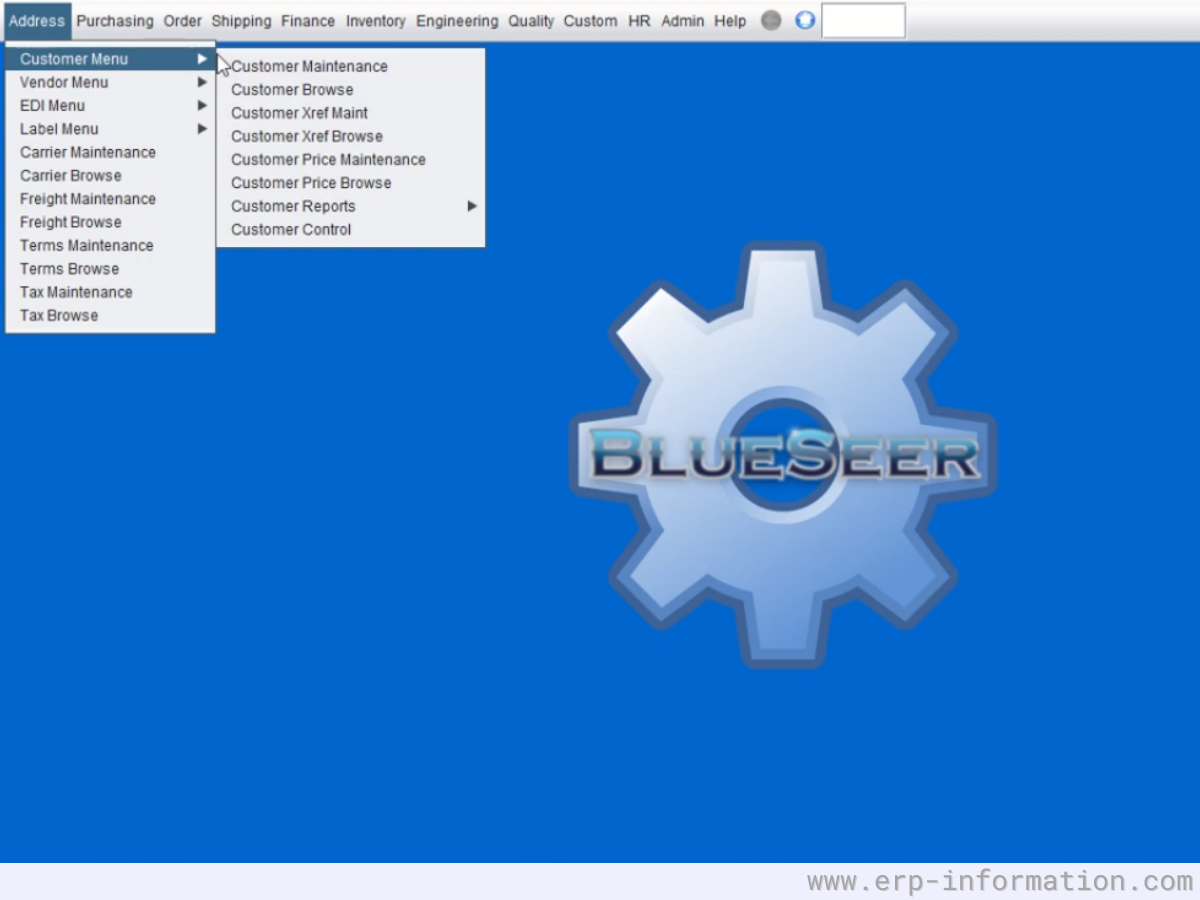
Latest version: BlueSeer 8.0, released June 2026. BlueSeer is actively developed, so check the GitHub releases page for the current build.
What is BlueSeer ERP?
BlueSeer ERP is a free, open-source package written in Java and licensed under the MIT license agreement. It can help businesses manage their business by handling things like inventory, human resources, and finances.
It is also customizable to fit the specific needs of each company. It is specially designed for small to medium-sized businesses but can also work for mid-sized companies. It is available on both Windows and Linux Desktops.
| BlueSeer at a glance | Detail |
| License | MIT, free and open source |
| Cost | $0; optional paid training, implementation, and hosting |
| Type | Java desktop application (not web or SaaS) |
| Platforms | Windows and Linux; can run on AWS, GCP, or Azure VMs |
| Database | SQLite for a single user, MySQL for multiple users |
| Standout feature | Built-in EDI mapping tool (ANSI X12, JSON, XML, flat file) |
| Languages | English, French, Spanish, German, Romanian, Turkish, Chinese, Arabic |
| Best for | Small to mid-size manufacturers and distributors that need EDI |
| Source code | github.com/BlueSeerERP/blueseer |
BlueSeer Pricing
It is entirely free, open-source ERP software. You need not pay for this software.
Implementation
It helps customers to implement the software freely. It also provides developmental services to customers to customize the software to their business needs.
Supports and Services
BlueSeer provides long-term and short-term support plans according to the level of support expected by the customer. Customers can also get training and consultation services from them.
Support may be needed because,
- The learning curve is steep, and it may take some time to get up to speed
- It is not always easy to find information or documentation on how to use the system, especially when you are online searching on your own if you are stuck.
(For more updates, you need to contact them directly).
BlueSeer ERP Features
Some of the features include:
- Accounting
- Provides Double-entry General Ledger and
- Account Payable & Account Receivable
- Production
- Helps to track the products and take the reports
- Sales and Quotes
- Handles sales orders, shipping, and distribution
- It helps to take many types of reports to do sales analysis
- Purchasing
- Provides automatic inventory adjustments
- Scanning
- Provides barcode scanning functionality
- Integrates with Zebra and other ZPLII printers
- Supports AIAG shipping label formats
- EDI(Electronic Data Integration) and API
- Standard API and EDI with functional EDI mapping tool for ANSI X12, FlatFile, JSON, and XML formats.
- Freight management
- Allows to manage customer freight orders, driver scheduling, and EDI integration
- Multilingual
- It offers the following languages: English, French, Spanish, German, Romanian, Turkish, Chinese, and Arabic.
- Scheduling
- Helps to create job tickets and does efficient planning for job schedules
- MRP
- It ingrates with purchasing, production, and shipping
- Helps to track the inventory and order requirements
- Inventory control
- Synchronized transactions between production, receiving, shipping, and miscellaneous inventory adjustments
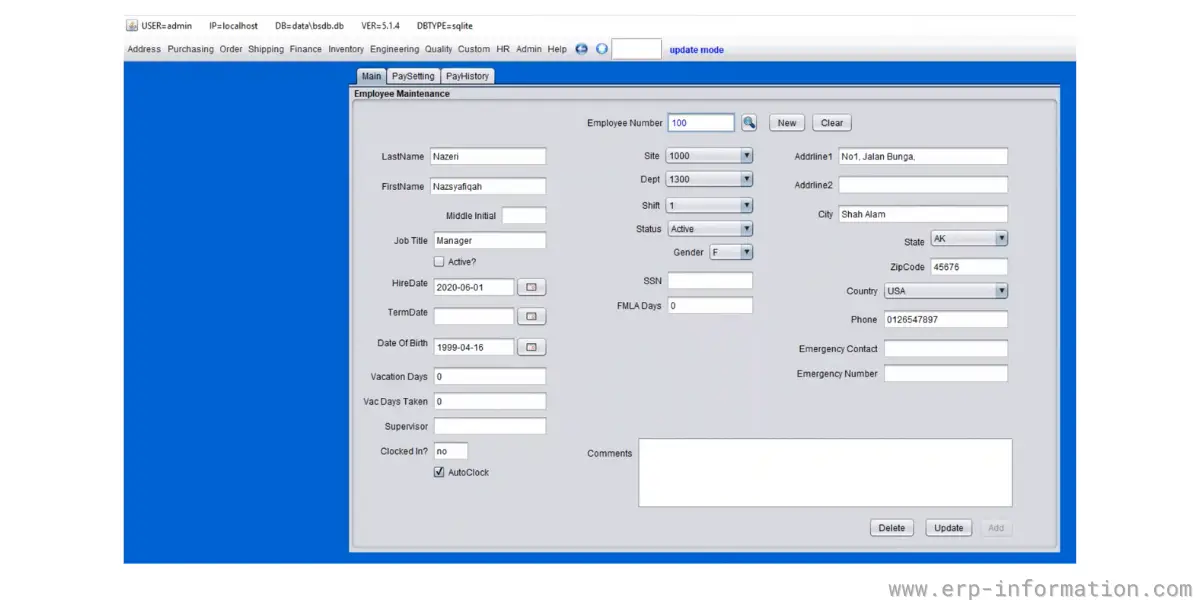
- HR (Human Resource)/PR/Time clock
- Tracks employee benefits, wages, hours, activities, training, and Department association
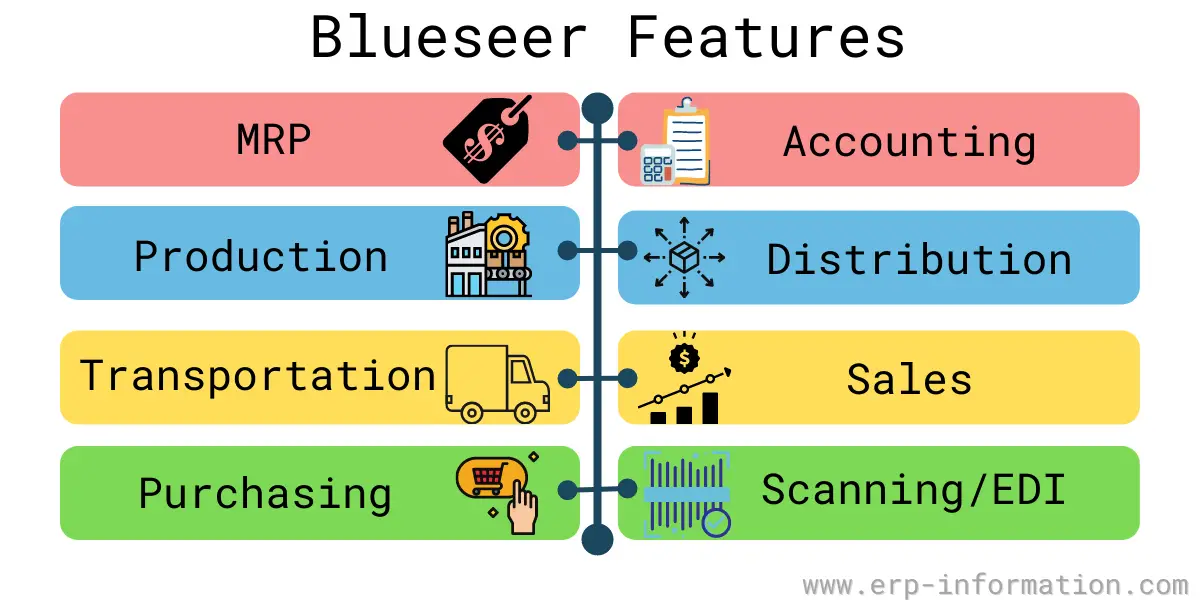
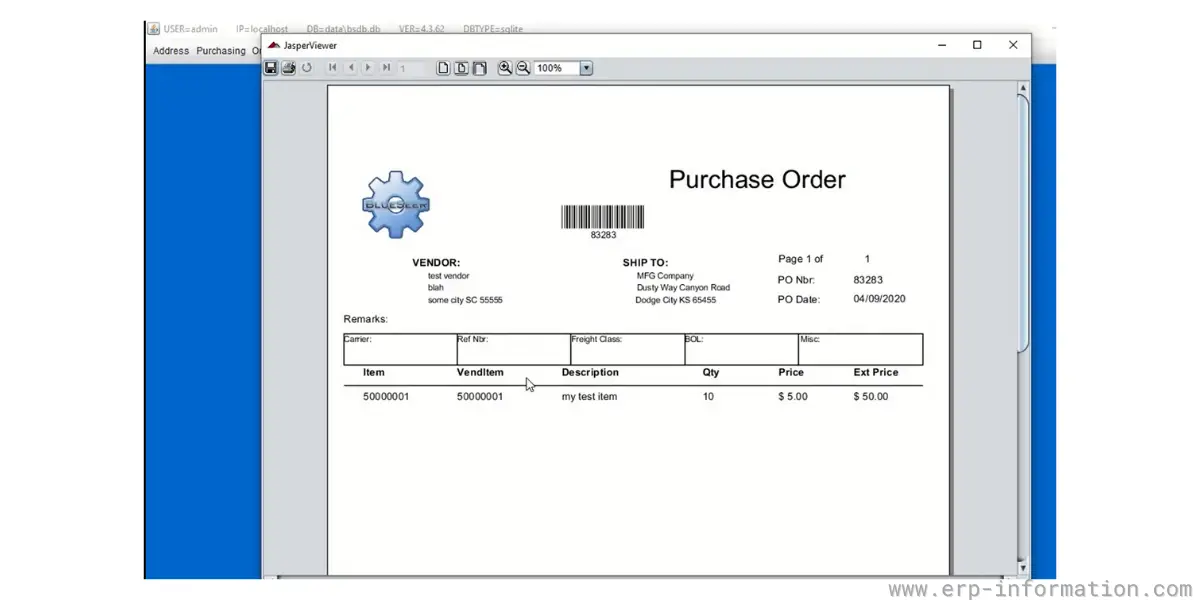
Some Screenshots of Blueseer Features
Blueseer Employee Maintenance
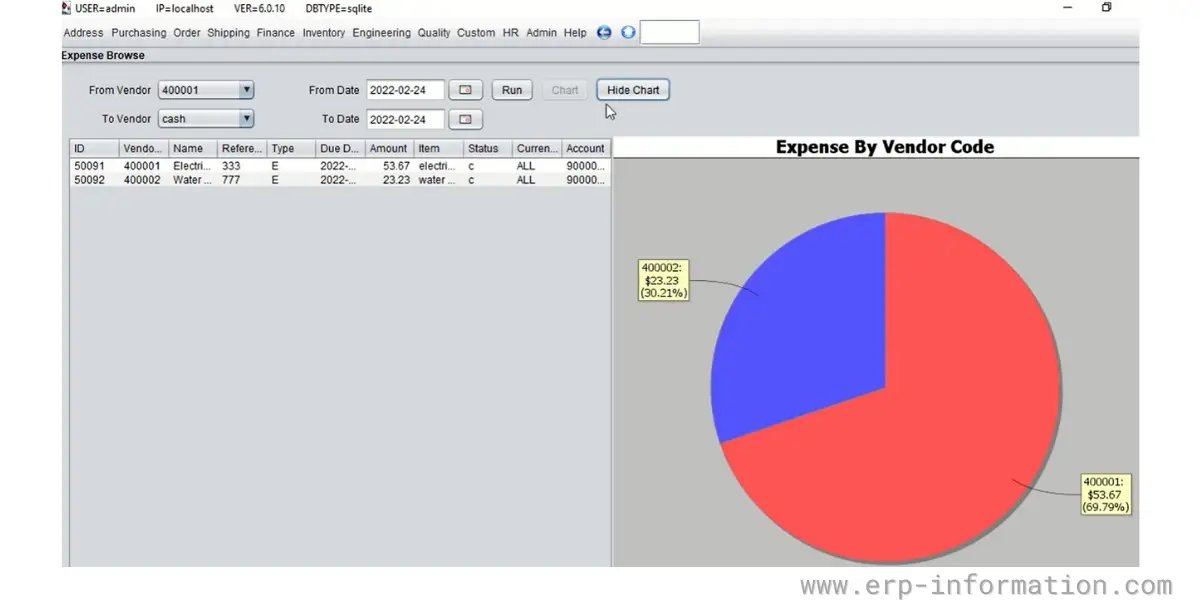
Blueseer Expense Browse
Blueseer Purchase Order
Benefits of BlueSeer
- It is a free and open-source
- It is customizable to fit your needs
- Developers created it with over 20 years of experience in the software industry who wanted to give back something they loved to do
- It is a comprehensive ERP system that handles all your business needs.
- Basic things are easy to use and learn.
If you are looking for a free and open-source ERP package for your small to medium-sized business, It is the solution for you!
How to get started with BlueSeer ERP?
Getting started is straightforward if you are comfortable with a desktop install. Download the latest build from the BlueSeer GitHub releases page or blueseer.com, install a Java runtime, then launch the application. A single user can run on the bundled SQLite database with no setup; for several users, point BlueSeer at a shared MySQL server. The project’s forum and YouTube channel walk through first-time configuration and EDI mapping.
Alternatives of BlueSeer ERP
BlueSeer ERP FAQs
Is BlueSeer ERP really free?
Yes. BlueSeer is released under the MIT license with no license keys, trial periods, or registration, and the full source code is published on GitHub. The developer offers optional paid training, implementation, and hosting, but the software itself costs nothing.
Is BlueSeer a cloud or a desktop application?
BlueSeer is a Java desktop application that you install on Windows or Linux, not a browser-based SaaS product. You can host it on a cloud virtual machine such as AWS, GCP, or Azure, but users still connect through a desktop client rather than a web page.
What database does BlueSeer use?
BlueSeer supports two database engines: SQLite for a single-user, server-less setup, and MySQL for multi-user deployments where several people share the same data.
Who is BlueSeer ERP best for?
It suits small to mid-size manufacturers and distributors that need built-in EDI without paying for a commercial ERP, along with teams that have some Java skill to customize it. Businesses that require a polished web interface or vendor-managed cloud support may prefer alternatives such as Odoo or ERPNext.
Conclusion
BlueSeer ERP is an entirely free package for small to medium-sized businesses. It can handle your business needs, including inventory management, human resources management, financial management, etc.
It is also customizable to fit the specific requirements of each user’s company.
Related links:
You can contact their Official website if you need any help or support.
If you want to build, install, and run the application, download it from the GitHub source code location.
You can find more open-source ERP software similar to BlueSeer here.
Hoping this post was helpful for you, thanks for reading!