The ERP inventory module tracks what stock you hold, where it sits and what it is worth, updating as sales, purchasing and production move goods, so the number finance reports and the number the warehouse sees are the same number. That shared count is the real difference between an ERP inventory module and a standalone stock tool.
In practice that means six jobs: recording receipts and issues, moving stock between locations, knowing where each quantity sits, tracing lots and serial numbers, counting stock, and valuing it.
This page shows how SAP, Microsoft, Oracle, NetSuite and Odoo document them, and which valuation methods your accounting rules allow. It is one of the core modules of an ERP system; our inventory management guide covers the wider discipline.
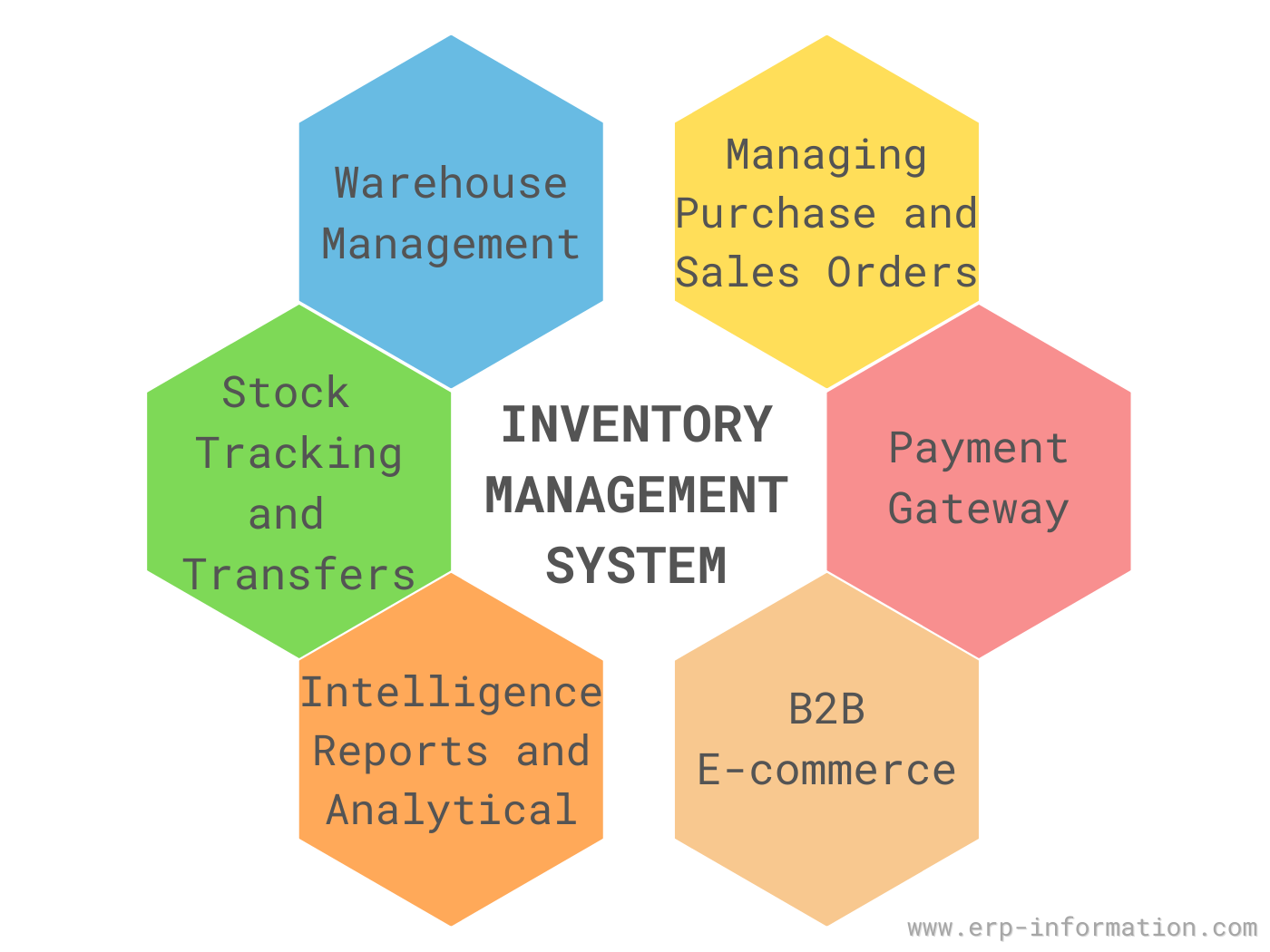
Features of ERP inventory management systems
About the video (note added 18 October 2026): it dates from 2023 and narrates an earlier version of this page. Two of its features belong to sales software, not the inventory module: it says an “ERP payment gateway enables the inventory system to buy or sell inventory items” (1:57), and it lists B2B e-commerce (2:04). The functions below are the ones the vendors document.
Every major ERP documents the same core functions, under different names. Here is what each one does and how the vendors describe it.
Receipts, issues and transfers
Every change in stock is posted as a transaction. In SAP, goods movements cover goods receipts from purchasing, goods issues for sales orders, receipts from production, internal withdrawals and stock transfers (SAP Help), and each one creates a material document that “is used by the system to update quantities and values” (SAP Help).
Transfers come in two kinds. A one-step move changes the location at once; a two-step move or a transfer order tracks the stock while it is on the road. SAP’s two-step procedure “allows you to monitor the stocks in transit” (SAP Help), and Dynamics 365 uses a transfer order when in-transit stock must be tracked (Microsoft Learn).
Locations and bins
The inventory module knows which warehouse, and usually which location, holds each quantity. Oracle models this as inventory organizations, subinventories and locators (Oracle docs); Business Central switches bins on per location (Microsoft Learn); in Odoo a location is “a specific space within a warehouse” such as a shelf or aisle (Odoo 20).
Detailed put-away and picking usually needs a warehouse management system on top, as the cloud section below explains.
Lots and serial numbers
Lot (batch) tracking follows a group of units made or received together; serial tracking follows one unit. The APICS Dictionary defines lot traceability as “The ability to identify the lot or batch number” of items, and adds that “In certain regulated industries, lot traceability may be a legislative requirement” (APICS Dictionary, 2013).
All six systems document both:
- SAP assigns serial numbers on goods receipts, issues and transfers (SAP Help).
- Business Central assigns serial, lot and package numbers on inbound and outbound documents (Microsoft Learn).
- Dynamics 365 Supply Chain Management treats serial and batch numbers as tracking dimensions (Microsoft Learn).
- Oracle assigns lot numbers at receipt and a unique serial number per unit (lots; serials).
- NetSuite tracks the quantity and cost of each lot (NetSuite).
- Odoo tracks products by lot or serial number (Odoo 20).
See our guide to lot tracking for how traceability works in practice.
Physical inventory and cycle counting
A perpetual record is only as good as its last count. The APICS Dictionary separates a perpetual record, “updated frequently or in real time”, from a periodic one counted at fixed intervals (APICS Dictionary, 2013); see our guide to the perpetual inventory system.
Even with a perpetual system, the IRS says “You must take a physical inventory at reasonable intervals and the book amount for inventory must be adjusted” to agree with it (IRS Publication 538). That count can be a single annual physical inventory or a rolling cycle count.
GAO describes cycle counting as a method where “a portion of the inventory is counted either daily, weekly, or monthly” until all of it has been counted (GAO-02-447G). SAP’s version “allows you to count fast-moving items more frequently than slow-moving items” (SAP Help) and can set the count frequency with an ABC analysis (SAP Help).
ERP Inventory Module
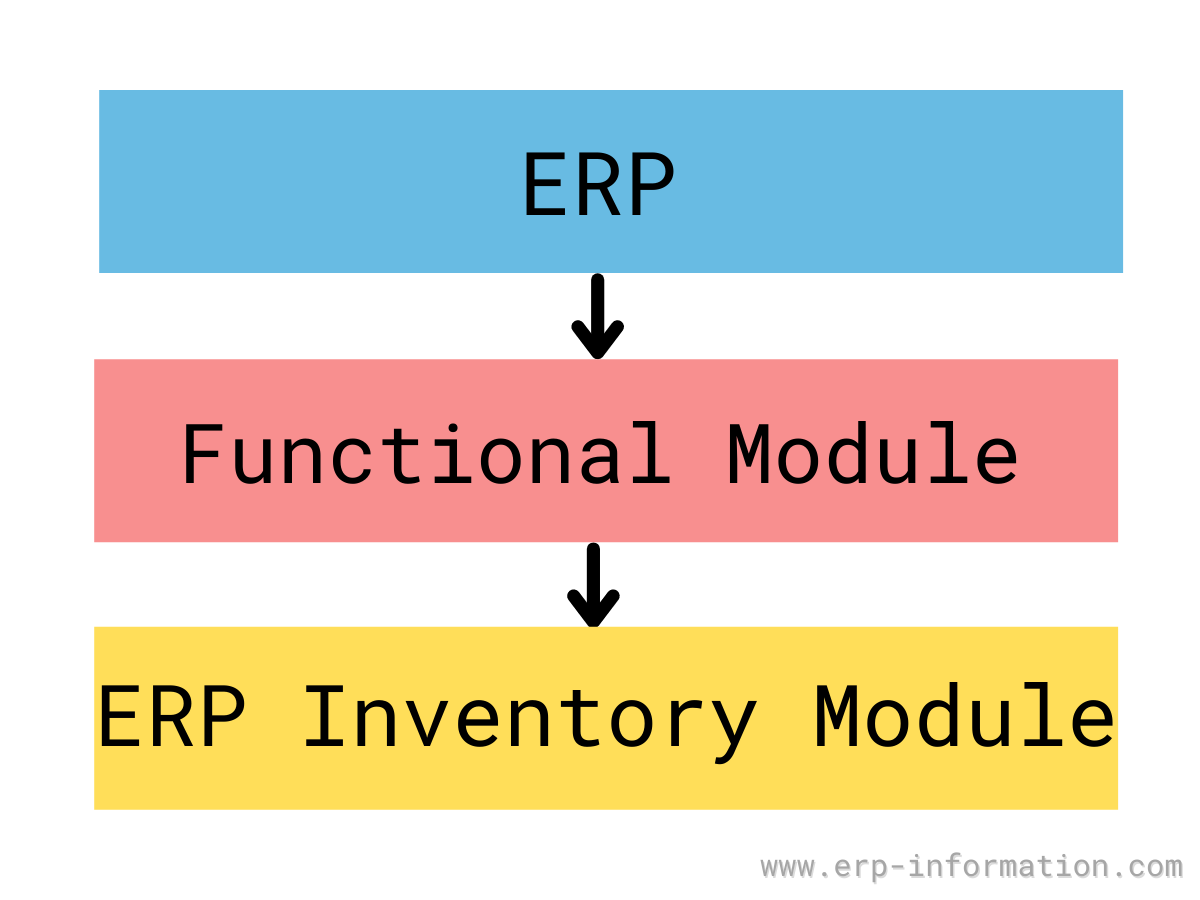
Inside the ERP, the inventory module is the shared stock ledger the other modules post to. SAP’s Inventory Management manages “material stocks on a quantity and value basis” and records every goods movement (SAP Help).
Purchasing posts goods receipts against the purchase order, sales posts goods issues, production posts receipts of what it makes, and each document updates quantity and value together (SAP Help).
Because every movement carries quantity and value together, the module answers three daily questions:
- What is on hand, reserved and on order: the stock status report.
- When to reorder: the reorder point and target inventory level.
- What the stock is worth: the valuation method, covered below.
The same on-hand and on-order figures are the starting point for supply chain planning.
| Capability | What to check | Example from vendor documentation |
|---|---|---|
| Goods movements | Receipts, issues, transfers with stock in transit | SAP one-step and two-step transfers |
| Locations | Warehouse, location and bin levels | Oracle subinventories and locators |
| Tracking | Lot, serial and package numbers | Business Central item tracking |
| Counting | Cycle counts by frequency, not only year-end | SAP cycle counting with ABC indicators |
| Valuation | Methods your accounting rules allow | See the valuation section below |
| Warehousing | Whether bin-level picking needs a separate product | SAP EWM, D365 Warehouse management |
A note for Indian readers. Older Indian feature lists, including earlier versions of this page, include excise registers and CENVAT claims. Those belong to India’s pre-GST tax regime.
Section 174 of the CGST Act repealed the Central Excise Act, except for the goods left in the Constitution’s excise entry (CGST Act, India Code), with effect from 1 July 2017 (Notification 9/2017-Central Tax). CENVAT credit already earned could be carried into the GST electronic credit ledger (CGST Act, section 140).
Excise survives for petroleum crude, diesel, petrol, natural gas and aviation turbine fuel, and tobacco can carry excise as well as GST (Constitution (101st Amendment) Act; CBIC).
What an Indian inventory module needs today is GST data:
- The HSN code on every tax invoice: 4 digits up to Rs 5 crore turnover and 6 digits above (Notification 78/2020-Central Tax).
- E-way bills, required for “movement of goods of consignment value exceeding fifty thousand rupees”, including movements “for reasons other than supply” such as transfers between your own sites (CGST Rules, rule 138).
Which inventory valuation methods does each ERP support?
The valuation method decides what the same stock is worth on the balance sheet, and most ERPs let you pick it per item or item group. These are the methods each vendor documents:
| ERP | Valuation methods | LIFO? |
|---|---|---|
| SAP S/4HANA 2025 | Standard price (S) or moving average price (V); Material Ledger mandatory | Only as a balance sheet valuation procedure |
| Dynamics 365 Supply Chain Management | FIFO, LIFO, LIFO date, weighted average, weighted average date, moving average, standard cost | Yes |
| Dynamics 365 Business Central | FIFO, LIFO, Average, Specific, Standard | Yes, with a warning |
| Oracle Fusion Cloud 26D | Standard, Actual, Perpetual Average, Periodic Average | Not among its documented methods |
| Oracle NetSuite | Average, FIFO, Group Average, LIFO, Specific, Lot Numbered, Standard | Yes, except the Australia edition |
| Odoo 20 | Standard Cost, Average Cost (AVCO), FIFO | No |
Sources: SAP price control, SAP Material Ledger, SAP balance sheet valuation, Dynamics 365 periodic models, Dynamics 365 perpetual models, Business Central, Oracle cost methods, NetSuite, NetSuite Australia, Odoo.
Whether you may use a method is a separate question, decided by your accounting standard, not your software:
| Standard | Cost formulas allowed for interchangeable stock | LIFO |
|---|---|---|
| IFRS (IAS 2) | FIFO or weighted average | Not allowed |
| India, Ind AS 2 | FIFO or weighted average | Not allowed |
| India, AS 2 | FIFO or weighted average | Not allowed |
| US GAAP | FIFO, average or LIFO | Allowed |
IAS 2 paragraph 25 permits only FIFO or weighted average (IAS 2, EU consolidated text).
The IASB removed LIFO when it revised IAS 2 in December 2003 (IAS 2 Basis for Conclusions; IFRS Foundation) because “The LIFO method treats the newest items of inventory as being sold first”, and “This is generally not a reliable representation of actual inventory flows” (IAS 2 Basis for Conclusions).
India’s Ind AS 2 has the same paragraph (ICAI) and AS 2 the same choice (ICAI). All three require specific identification for items that are not ordinarily interchangeable (IAS 2; Ind AS 2; AS 2).
In the US, LIFO remains acceptable (ARB 43), and the IRS explains why companies choose it: “In times of inflation, when prices are rising, LIFO will produce a larger cost of goods sold and a lower closing inventory” (IRS Publication 538).
The catch is the conformity rule: a company using LIFO for tax may not report income on another method to shareholders or for credit purposes (26 U.S.C. 472(c)).
Three vendor details trip people up:
- SAP offers LIFO only for balance sheet valuation, separate from the S and V price controls used for postings (SAP Help).
- Odoo‘s LIFO is a picking rule: removal strategies “only impact which product is first picked, not the valuation method” (Odoo 20).
- Business Central marks LIFO “Disallowed in many countries/regions, as it can be used to depress profit” (Microsoft Learn).
Choose before go-live. Business Central will not let you change an item’s costing method once item ledger entries exist (Microsoft Learn), and NetSuite will not let you change it after the item is saved (NetSuite). Our inventory value calculator shows how the methods differ on the same stock.
Benefits of ERP Inventory Management System
- One number for quantity and value. Because each movement updates both, the warehouse count and the balance sheet come from the same document (SAP Help).
- Valuation in more than one currency. SAP’s Material Ledger, mandatory in S/4HANA, “always offers multi-currency capability due to its integration into the general ledger” (SAP Help).
- Traceability. Lot and serial tracking show which batch went where, and “In certain regulated industries, lot traceability may be a legislative requirement” (APICS Dictionary, 2013).
- Counts that keep the record honest. GAO found that six of the eight leading sites it studied that cycle count set inventory record accuracy goals of 95 to 98 percent (GAO-02-447G).
- Costs per batch where it matters. Dynamics 365 can track cost by batch or serial number (Microsoft Learn).
Cloud-Based Inventory Management
In cloud ERP the inventory core and advanced warehouse management are often separate products or modes, which matters more than where the servers sit:
- SAP: Inventory Management works by storage location, while EWM maps the warehouse “down to storage bin level” (SAP Help) and can run embedded in S/4HANA or decentralized (SAP Help).
- Dynamics 365 Supply Chain Management: includes two warehousing solutions, the lighter Inventory management module and the Warehouse management module (Microsoft Learn), and can run in a warehouse-only mode for an external ERP (Microsoft Learn). Cycle counting there needs warehouse management processes switched on (Microsoft Learn).
- Oracle: Fusion Inventory integrates with external 3PLs and warehouse systems (Oracle docs), and Oracle Warehouse Management sits in the separate Logistics Cloud product line (Oracle).
- NetSuite: its WMS is available only with Advanced Inventory Management (NetSuite) and installs as two SuiteApps (NetSuite).
So before signing, ask which of the functions above sit in the base inventory module and which need the warehouse add-on; our Epicor inventory management review shows the same question for Epicor.
FAQs
Can an ERP Inventory Management Module handle multi-location inventory tracking?
Yes. Every major ERP holds stock by warehouse and location: Oracle uses inventory organizations, subinventories and locators, SAP manages stock by storage location, and Business Central adds bins per location. Moves between locations are posted as transfers, and a two-step transfer or transfer order shows stock while it is in transit.
How does an ERP Inventory Management Module help with inventory optimization?
Mainly by keeping the stock record accurate. Every movement updates quantity and value at once, and cycle counts correct the record without a full shutdown; SAP, for example, can count fast-moving items more often than slow movers, with an ABC analysis setting the frequency. Replenishment suggestions are only as good as that on-hand figure and the planning settings you maintain on each item.
What integration options are available for connecting an ERP Inventory Management Module with other systems?
Inside the ERP, inventory is integrated by design: purchasing posts goods receipts, sales posts goods issues, production posts receipts of what it makes, and every movement carries its value to finance. Outside it, vendors connect to warehouse systems and 3PLs: Oracle documents an integration framework for 3PLs and external warehouse systems, and Dynamics 365 can run its warehouse management for an external ERP.
How to choose an ERP inventory module
Shortlist on the four questions that are hardest to change after go-live:
- Valuation: does it offer the method your accounting standard allows (FIFO or weighted average under IFRS and Ind AS), and are you sure, given that some systems lock the method once stock is posted?
- Tracking: if you are in a regulated industry, are lot and serial tracking in the base module?
- Warehousing: do you need bin-level put-away and picking, and is that a separate product? Ask what it adds to the cost of the ERP.
- Counting: can it run cycle counts by frequency, so you are not shutting the warehouse for a year-end count?
Write the answers into your ERP requirements template so every vendor answers the same questions.
How this page was checked (18 October 2026): each vendor statement links to that vendor’s current documentation (SAP S/4HANA 2025, Dynamics 365, Business Central, Oracle Fusion Cloud 26D, NetSuite, Odoo 20). Accounting rules come from IAS 2 and its Basis for Conclusions, Ind AS 2, AS 2, ARB 43 and 26 U.S.C. 472; the India note from the CGST Act and CGST Rules.
Using Google Search? Add erp-information.com as a preferred source.