Microsoft Dynamics GP (formerly Great Plains) is an on-premises accounting and ERP system Microsoft built for small and mid-sized businesses. It has a long track record, but its future is now settled: Microsoft has closed GP to new customers and published a firm end-of-support timeline, and it points new buyers to Dynamics 365 Business Central instead. If you already run GP, it stays fully supported for several more years. If you are weighing it in 2026, the lifecycle status below matters more than any feature list.
This review covers where Dynamics GP stands in 2026: its end-of-support timeline, whether you can still buy it, pricing, modules, pros and cons, and the alternatives worth considering.
Latest version: Dynamics GP 18.8, the October 1, 2025 release, marketed as “GP 2026.” Microsoft ships three all-inclusive updates a year, in June, October, and December.
Status: Closed to new customers. Supported for existing customers through December 31, 2029, with security updates until April 30, 2031.
What is Microsoft Dynamics GP?
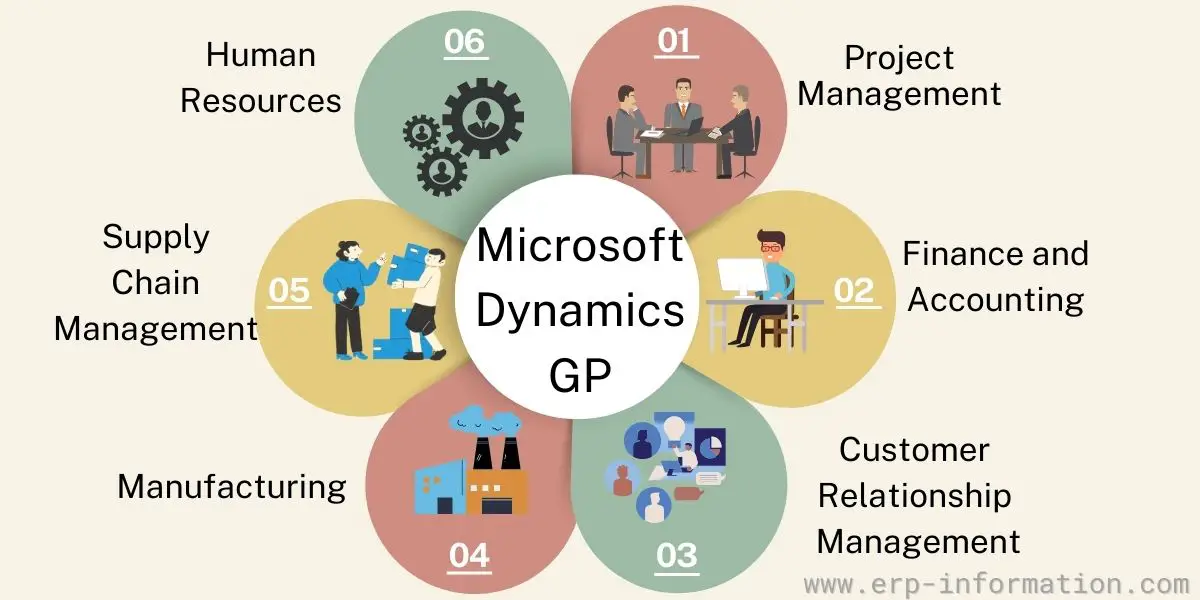
Microsoft Dynamics GP is an on-premises ERP and accounting suite built for small and medium-sized companies. It runs on your own servers (or on a partner’s hosted servers) rather than natively in the cloud, which is a core difference from Dynamics 365 Business Central.
The ERP platform has been deployed by hundreds of thousands of businesses across more than 150 countries worldwide.
It is used by many top companies, including some of the largest tech companies in the world.
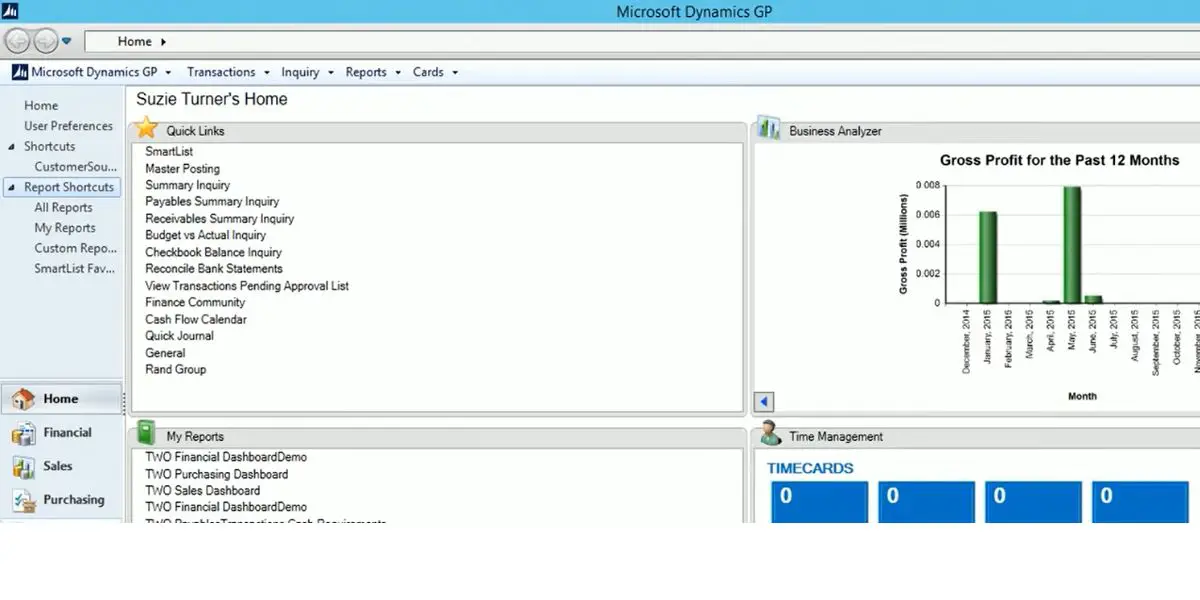
Is Microsoft Dynamics GP still supported? (2026 lifecycle status)
This is the first thing to settle before you consider Dynamics GP in 2026. Microsoft has moved GP into a planned wind-down and directs new buyers to Dynamics 365 Business Central, its cloud successor. The product is not switched off, but the dates are fixed (per Microsoft’s Dynamics GP lifecycle policy):
- April 1, 2025: no new perpetual-license customers. Microsoft stopped selling new GP perpetual licenses.
- April 1, 2026: no new subscription customers. Since this date GP is closed to all new customers; you can no longer license Dynamics GP for the first time.
- December 31, 2029: end of support. Product enhancements, regulatory and tax updates, service packs, and technical support stop. (Microsoft extended this from the originally announced September 30, 2029.)
- April 30, 2031: end of security updates. After this date GP is out of lifecycle: subscription billing ends and you can no longer add users, even on a perpetual license.
If you already use GP: nothing breaks today. Existing customers keep full support and receive the three all-inclusive updates each year, in June, October, and December, through December 31, 2029, and can add users until the 2031 cutoff. There is no need to move overnight, but the runway is finite, so it is worth starting a migration plan rather than being forced into one later.
If you are evaluating GP as a new system: you cannot license it as a new customer, and even inheriting an installation means adopting software with a fixed 2029 to 2031 end date. Microsoft’s recommended path, and the more practical one, is Dynamics 365 Business Central. Treat the pricing and features below as context for existing customers, renewals, and understanding what a migration replaces, not as a buying guide for a fresh purchase.
Microsoft Dynamics GP Pricing
Dynamics GP is usually sold through a third party. Hence, Dynamics GP cost may vary as per the vendor and the features that you have chosen. Dynamics GP provides two types of licenses: Subscription license and Perpetual license.
Note: because Microsoft closed GP to new customers (perpetual in April 2025, subscription in April 2026), these prices now apply to existing customers, renewals, and adding users, not to a first-time purchase. Figures are indicative and set by the reselling partner.
Price package for a subscription license
Subscription clients pay a monthly fee for each user. Its starter pack and extended pack vary between $140 to $240 per user per month, depending on the third party.
Price package for a perpetual license
Perpetual clients pay a one-time fee for the license ( up to 3 users). If users are more than 3, the client needs to pay for each user.
Each user’s fees are as follows.
- Full – $3000
- Limited – $600
- Self-service – $60
It is categorized users into three types
- Full – Has access to create and edit information
- Limited – Has access only to view
- Self-service – Has access to non-business tasks
| Starter Pack – $5000 | * It offers a financial module and a distribution module US and Canadian Payroll and Human Resource Module * Gives access to three users with creating and editing data access * Available in French, Canadian, Latin American, Spanish, and English languages |
| Extended Pack – $10,000 | * It gives all the features of the starter pack * Gives extended financial module * Gives extended distribution module |
| Customization Pack – $6000 | Integrates Dynamic GP with ISVs |
Human Resource and Payroll Add-on – $7000 | Provides advanced Human Resource and Payroll Module |
Microsoft Dynamics GP Implementation
You will get Microsoft Dynamics GP software through authorized vendors. They only plan, implement, and customize the software and provide support to the customer.
Historically some vendors offered a 30-day free trial for evaluation. With GP now closed to new customers, that route no longer applies. Existing customers work directly with their reselling partner for updates, add-ons, and support.
Companies can deploy the software either on-premise or cloud.
On-premise Deployment
- In this type of deployment initial setup charge is more. But customers can access data without an internet connection provided server maintenance and backups.
Cloud Deployment
- In this deployment type, initial setup costs are less and server maintenance is also unnecessary. But to access data, an internet connection is required.
Supports and Services
Microsoft Dynamics GP offers three types of support plans
- Enhancement plan
- It gives access to training modules and online materials
- Provides access to the new version, service packs, and hotfixes
- Provides Microsoft Dynamics life cycle services and license mobility
- Advantage plan
- It includes all the features of the enhancement plan
- Community forum engineers will respond to the queries
- The support team will solve six issues per year via phone or email
- Response time will be within 3 hours
- Advantage Plus plan
- It includes all the features of the advantage plan
- You will get solutions for unlimited issues
- Response time will be within 2 hours
- You will get 24/7 technical support
Microsoft Dynamics GP Modules
Microsoft Dynamics provides modules as per the pricing packages.
Available modules in the Starter package
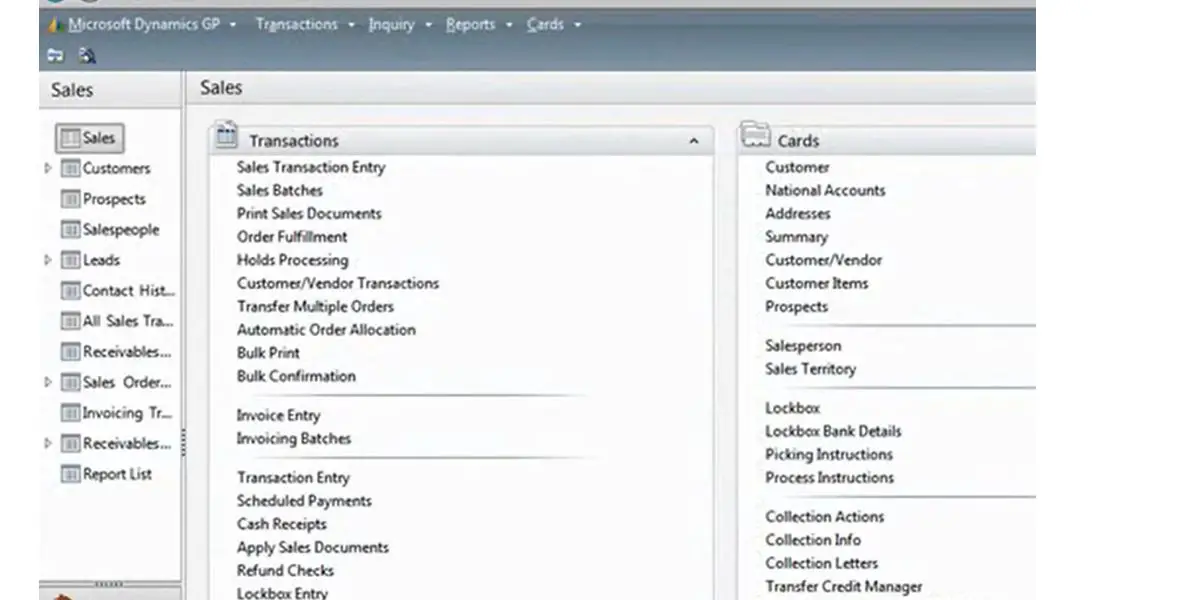
- Financial Management
- General Ledger
- Analytical accounting
- Receivable management
- Acceptable management
- Cashflow management
- Fixed asset management
- Capability to refund checks
- Business Intelligence
- Unlimited management reporter designer user and viewer user
- Analysis and advanced analysis cube library
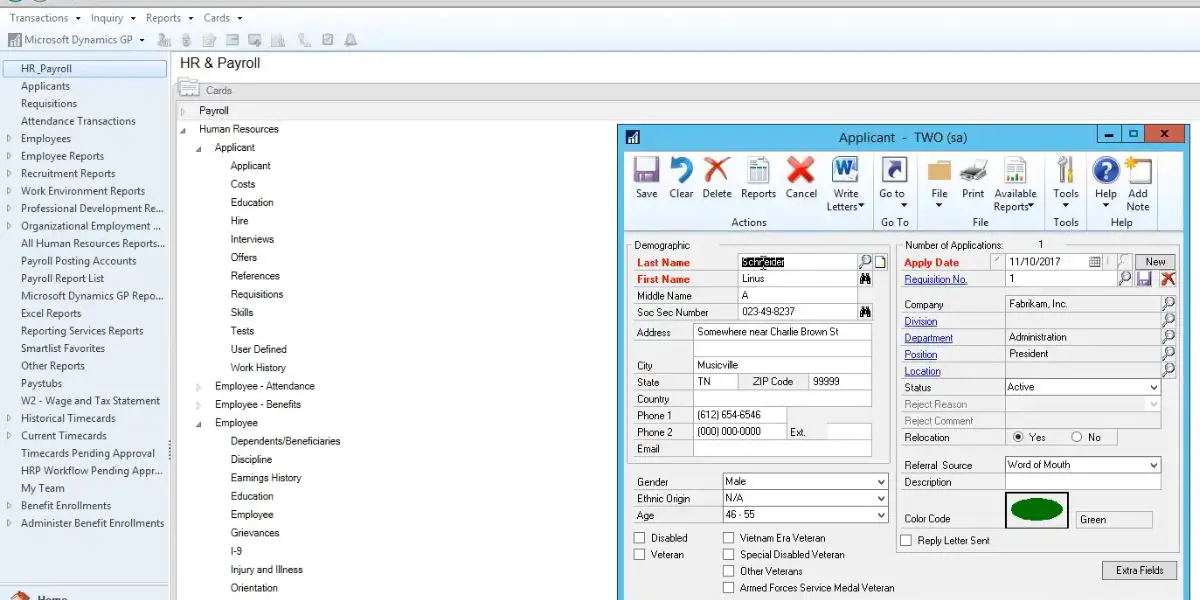
- Human Resource Management
- Human resource unlimited users
- Payroll( the US and Canada) total users
- Employee profile and pay
- Human resource time management
- Supply Chain Management
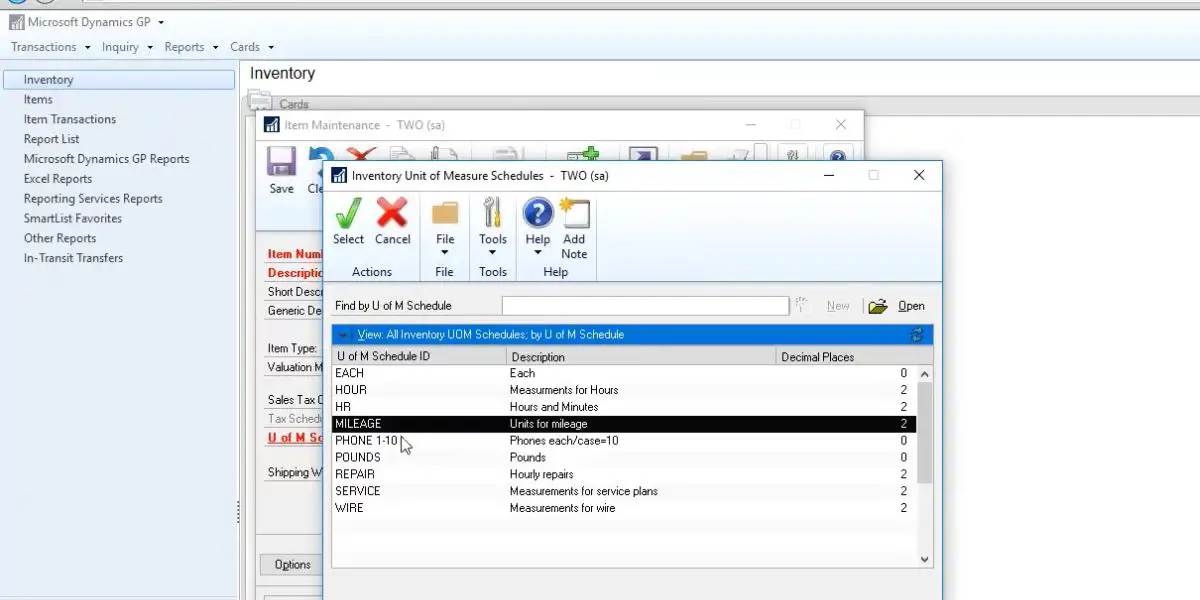
- Inventory control
- Invoicing
- BOM
- Purchase order processing
- Order management
- Sales order processing
- PO generation
- Project time and expense
Available modules in the Extended Package
- All modules of starter packages, along with that
- Business intelligence
- Unlimited Microsoft forecaster
- Supply chain management
- Advanced distribution and picking
- Available to promise
- Returns management
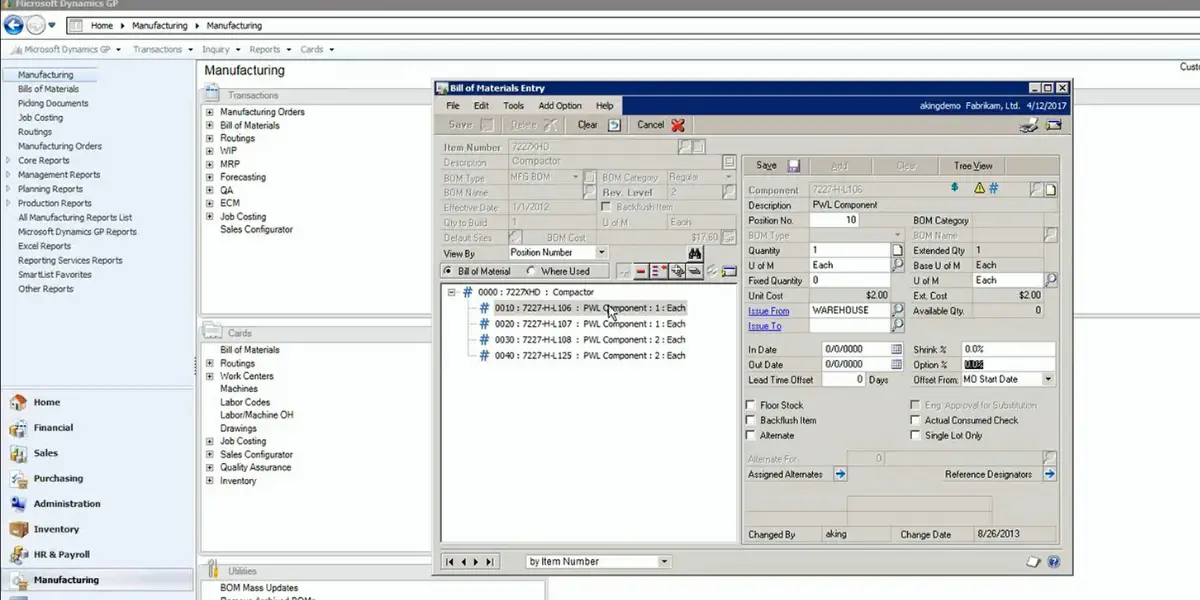
- Manufacturing
- Manufacturing BOM
- Manufacturing order processing
- Material requirements planning
- Master production schedule
- Project management
- Project accounting
- Customer relationship management
- Contract Administration
- Preventive maintenance
- Service call management
- Depot management
Available modules in the customization package
- Integration suite
- Customization suite
Available modules in HR and payroll add-on
- HR and payroll advanced
- Self-service benefits
Advantages of Microsoft Dynamics GP
Following are the Microsoft advantages for GP users.
- Boosts productivity – It offers flexible, easily implemented workflows and collaborative business intelligence.
- Helps to connect all your business processes – It allows you to have and use social software tools to develop your business. In addition, it helps to eradicate useless obstacles to productivity by connecting all business processes and keeping them streamlined.
- Exclusive Reporting – This software’s good reporting and collaborating abilities give you the necessary information to make business decisions.
- Streamlines financial management process with business – The software allows you to alter the financial management process per your business needs. That helps in the reduction of time on routine work.
- Provides real-time data – Integration of modules allows you to enter accurate data and one-time data. Hence, you get real-time data throughout the company and can enhance your decision-making.
- Reduces training time and expenses – It ingrates with familiar applications like MS Word, MS Excel, and Outlook. Hence the employees can learn to work with the software efficiently without much training.
Microsoft Dynamics GP Disadvantages
- Server maintenance costs and hardware costs of Dynamics GP are very high.
- You will not get advanced features such as data analysis and mobile accessibility.
- You will not get warehousing and budgeting functionalities.
- A compatible platform to access add-ons is not available.
What industries does it support?
It supports industries such as
- Services
- Manufacturing
- Retail
- Public Sector
- Financial Services
Alternatives for Microsoft GP
Customers
- Greenergy Fuels Limited
- Tesla. Inc
- Cox Media Group
- Kingfisher Plc.
- Wheaton Franciscan Healthcare
- Credit One Bank
- Essen BioScience
- CirclePix
- Chatham Financial
Conclusion
Dynamics GP earned its reputation as a dependable on-premises accounting and ERP system for small and mid-sized businesses, and the companies running it today can keep doing so with full support through 2029 and security patches into 2031.
But the decision has changed. GP is closed to new customers, and Microsoft is investing in Dynamics 365 Business Central as its cloud successor. If you already run GP, use the runway to plan an unhurried migration rather than a rushed one. If you are choosing an ERP in 2026, evaluate Business Central or the alternatives above instead. Adopting a system with a fixed end-of-life date rarely makes sense for a new deployment.
Click here for more ERP Vendors similar to Microsoft Dynamics GP.
References:
- Microsoft: Understand the Dynamics GP Lifecycle Policies (end-of-support and end-of-life dates)
- Microsoft: What’s new in Dynamics GP, October 2025 (version 18.8)
- Microsoft: Dynamics GP Documentation
Using Google Search? Add erp-information.com as a preferred source.